Original Industrial Spare Part
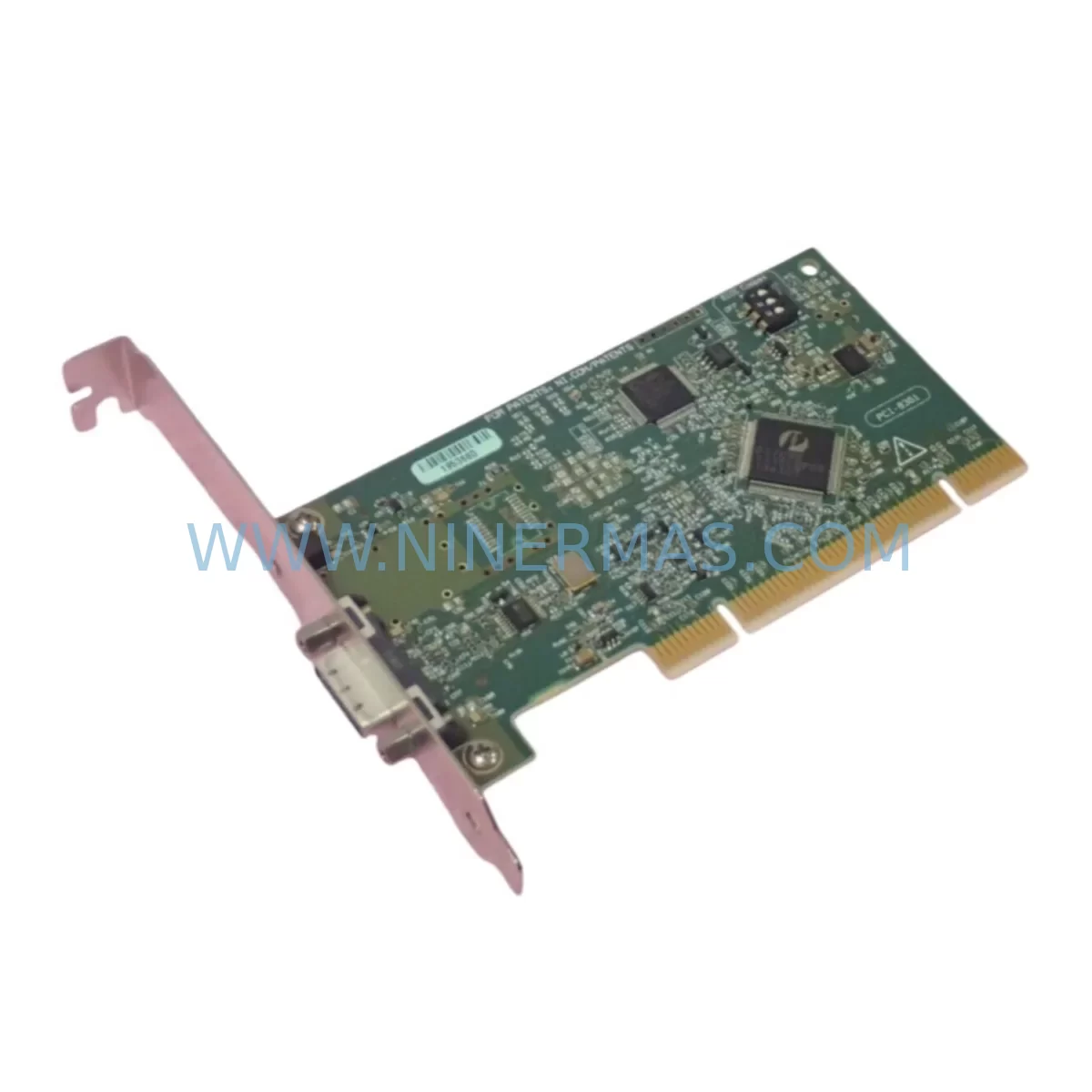
NI PCI-8361 Retrofit-Compatible PCI Host Card for Legacy MXI
Verify the part, confirm the platform family, and move straight into quotation with the right commercial details.
RFQ Ready
- SKUPCI-8361
- CategoryPLC & Industrial Automation Modules
- BrandNational Instruments
- SupportAvailability, lead time, condition, and shipping coordination
How Buyers Usually Use This Page
- Confirm the exact part number and platform family before sending the quote request.
- Use direct email when quantity, condition, and destination are already defined internally.
- Switch to the broader brand or category archive when you need alternates nearby.
Series Navigation
Move through the most common platform families behind this part.
Product RFQ
Send this part directly for quotation.
Include quantity, required condition, destination country, and target delivery timing. Current reference: NI PCI-8361 Retrofit-Compatible PCI Host Card for Legacy MXI with SKU PCI-8361.
NI PCI-8361 Retrofit-Compatible PCI Host Card for Legacy MXI Systems
The NI PCI-8361 is a PCI-based host interface card designed to connect a PC host to National Instruments MXI-Express chassis over a high-speed x1 PCI Express link. As industrial automation systems age and original NI hardware reaches end-of-life, the PCI-8361 has become a critical retrofit component for engineers tasked with modernizing legacy test and measurement platforms, upgrading aging control cabinets, and extending the operational life of NI-based PXI and VXI systems without a full platform migration.
Whether you are replacing a failed host card in a running production line, migrating from an older MXI-2 or MXI-3 topology, or consolidating multiple chassis under a single PC controller, the PCI-8361 provides a proven, low-risk upgrade path. Each unit shipped by NINERMAS undergoes functional verification and is backed by a 12-month warranty.
Upgrade Compatibility Table
| Parameter | NI PCI-8361 (This Unit) | Retrofit Notes |
|---|---|---|
| Host Interface | PCI (32-bit, 33 MHz) | Verify host PC has available PCI slot; not PCIe x1/x4/x16 |
| Chassis Link | MXI-Express (x1 PCIe to chassis) | Compatible with NI PXI-1042, PXI-1045, PXI-1033 and similar MXI-Express chassis |
| Common Replacements | NI PCI-8360, NI PCI-8331, NI MXI-3 | Confirm chassis-side interface card (e.g., NI PXI-8360) matches link type |
| Driver Compatibility | NI-MXI, NI-VISA, NI MAX | Requires NI-MXI driver ≥ 3.x; verify with NI MAX after installation |
| OS Support | Windows XP / 7 / 10 (32/64-bit) | Legacy OS environments supported; confirm driver version for Win10 |
| Installation Space | Standard PCI full-length slot | Measure available slot clearance in industrial PC or rack-mount controller |
| Communication Protocol | MXI-Express (PCIe tunneling) | No protocol conversion needed when replacing like-for-like MXI-Express cards |
| Warranty | 12-Month Warranty — functional test performed prior to shipment | |
Retrofit Planning for Existing Automation Systems
Integrating the NI PCI-8361 into an existing automation environment requires careful pre-migration planning. The most common retrofit scenario involves replacing a failed or end-of-life host card in a PC that controls a PXI chassis running data acquisition, motion control, or signal conditioning modules. Before swapping the card, engineers should document the current slot assignment in NI Measurement & Automation Explorer (NI MAX) and note the chassis resource name, since the NI PXI-8360 or NI PXI-8361 chassis-side interface card must be confirmed as MXI-Express compatible.
Power budget verification is essential. The host PC’s PCI bus must supply adequate power to the PCI-8361, and the MXI-Express cable connecting to the chassis must be inspected for damage or excessive bend radius. In systems where the NI PXI-1042Q or NI PXI-1045 chassis houses a mix of NI SCXI signal conditioning modules, NI 6600-series counter/timer cards, or NI 4461 dynamic signal acquisition modules, the chassis power supply capacity should be re-evaluated after any module addition or rearrangement.
Terminal block wiring and I/O channel mapping must be preserved during the retrofit. If the legacy system uses NI SCB-68 or NI TB-2715 terminal blocks connected to NI 6225 or NI 6259 multifunction DAQ modules seated in the PXI chassis, all wiring documentation should be captured before the host card is removed. After installing the PCI-8361 and re-establishing the MXI-Express link, each I/O channel should be verified in NI MAX and cross-checked against the original LabVIEW or TestStand program channel assignments.
For systems that also include NI GPIB-ENET/100 or NI PCI-GPIB interface cards managing legacy instrument communication, the GPIB bus topology should be validated independently of the MXI-Express link. Similarly, if the control cabinet includes a NI cRIO-9074 or NI cDAQ-9188 networked I/O chassis communicating over Ethernet, those links are unaffected by the PCI-8361 replacement and can remain operational during the host card swap, significantly reducing overall system downtime.
Backplane address configuration and module slot numbering within the PXI chassis are preserved across a host card replacement as long as the chassis-side card (NI PXI-8360) is not disturbed. This means LabVIEW VIs, TestStand sequences, and HMI screen bindings that reference chassis slot numbers will remain valid after the PCI-8361 is installed and the MXI-Express link is re-established.
Downtime Control During System Migration
Minimizing production downtime during a host card replacement is the primary concern for most retrofit projects. The NI PCI-8361 swap can typically be completed within a planned maintenance window of two to four hours when the replacement card has been pre-verified and all documentation is in place. The recommended sequence is: power down the host PC and PXI chassis simultaneously, remove the failed PCI-8361, seat the replacement card in the same PCI slot, reconnect the MXI-Express cable, and power up the chassis before the host PC to allow the chassis to enumerate correctly.
Original LabVIEW program logic and TestStand sequences stored on the host PC are unaffected by the hardware swap. The NI-MXI driver will re-detect the chassis and reassign the same resource name if the chassis-side NI PXI-8360 card and slot configuration are unchanged. HMI screens built in NI LabVIEW or third-party SCADA platforms that reference PXI chassis I/O channels by resource name will resume normal operation without modification.
For mission-critical lines where even a brief outage is costly, a parallel commissioning approach is recommended: install and configure the replacement PCI-8361 in a spare PC, verify full chassis communication and I/O channel integrity in a bench environment, then perform the final swap during a scheduled stop. This approach eliminates on-site debugging time and ensures the replacement unit is confirmed functional before the production system is touched. NINERMAS ships each PCI-8361 with a functional test report to support this workflow.
Retrofit Support FAQ
Q1: Is the NI PCI-8361 a direct drop-in replacement for the NI PCI-8360?
The PCI-8361 and PCI-8360 both use the MXI-Express interface and occupy a standard PCI slot, making the PCI-8361 functionally compatible in most retrofit scenarios. However, the PCI-8360 uses a x1 PCIe link on the chassis side while the PCI-8361 may differ in cable connector type. Confirm the chassis-side interface card model (typically NI PXI-8360 or NI PXI-8361) and MXI-Express cable specification before ordering.
Q2: What wiring or termination changes are required during installation?
The PCI-8361 connects to the PXI chassis via a dedicated MXI-Express cable — no field wiring is required at the card itself. All signal wiring at terminal blocks (e.g., NI SCB-68, NI TB-2715) connected to DAQ modules in the chassis remains unchanged. Only the MXI-Express cable between the host PC and chassis needs to be reseated.
Q3: How is compatibility verified before the unit ships?
Each NI PCI-8361 unit supplied by NINERMAS is powered on and tested for MXI-Express link establishment and PCI bus enumeration prior to shipment. A functional test report is included. The 12-month warranty covers hardware defects identified after installation. Units are available from in-stock inventory for immediate dispatch.
Q4: Can this card be used in systems running Windows 10 or later?
The NI PCI-8361 is supported under Windows XP, Windows 7, and Windows 10 (32-bit and 64-bit) with the appropriate NI-MXI driver version. For Windows 10 deployments, NI-MXI driver version 3.6 or later is recommended. Verify driver compatibility using NI MAX after installation. NINERMAS technical support can assist with driver version guidance for your specific OS environment.
| Product Series | Other series |
|---|
Catalog Continuation
More National Instruments modules in the catalog.
Use the brand lane to compare nearby part numbers, platform-adjacent modules, and other inquiry-ready listings before sending your final RFQ.
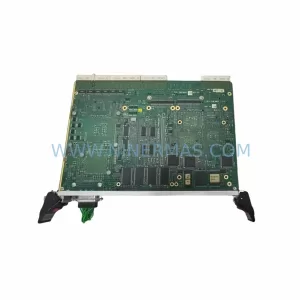
SKU: M8777/153-09-B615A2E1
NI M8777/153-09-B615A2E1 Safety-Reliable Video Capture for Critical Sites
Catalog Continuation
Alternative parts within PLC & Industrial Automation Modules.
Stay inside the same system family when you need substitutes, adjacent modules, or a broader shortlist for procurement review.

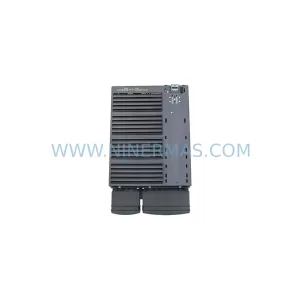
SKU: 6SL3224-0BE33-7UA0
Siemens 6SL3224-0BE33-7UA0 Service-Ready Spare Part
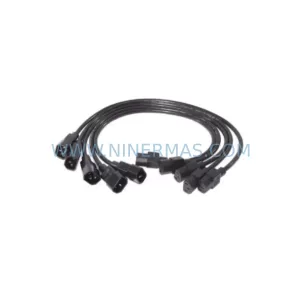
SKU: HENF331395R0001 P4LDA
ABB HENF331395R0001 Service-Ready Industrial Spare Part