Original Industrial Spare Part
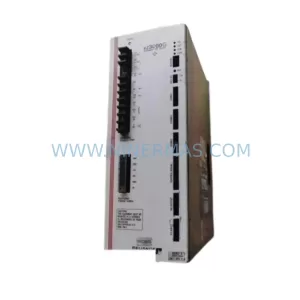
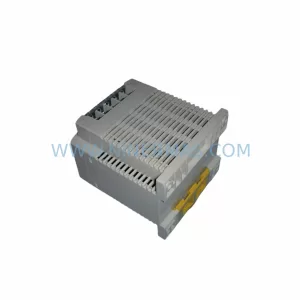
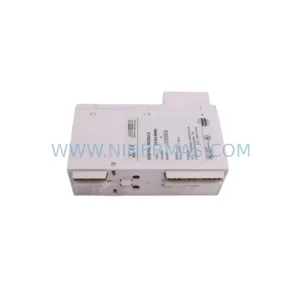
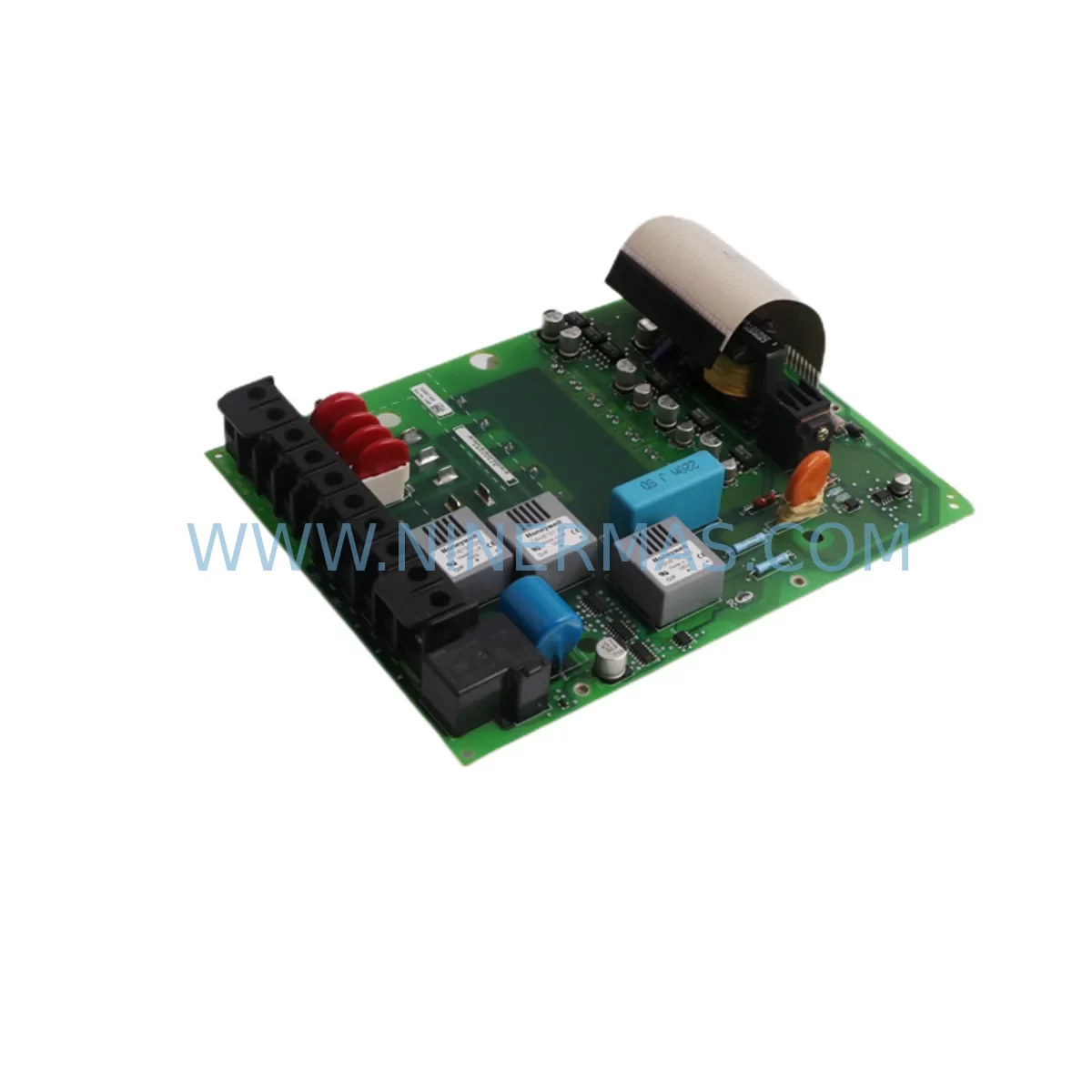
Allen-Bradley 320087-A06 Spare Part for Industrial Maintenance
Verify the part, confirm the platform family, and move straight into quotation with the right commercial details.
RFQ Ready
- SKU320087-A06
- CategoryPLC & Industrial Automation Modules
- BrandAllen-Bradley
- SupportAvailability, lead time, condition, and shipping coordination
How Buyers Usually Use This Page
- Confirm the exact part number and platform family before sending the quote request.
- Use direct email when quantity, condition, and destination are already defined internally.
- Switch to the broader brand or category archive when you need alternates nearby.
Series Navigation
Move through the most common platform families behind this part.
Product RFQ
Send this part directly for quotation.
Include quantity, required condition, destination country, and target delivery timing. Current reference: Allen-Bradley 320087-A06 Spare Part for Industrial Maintenance with SKU 320087-A06.
Allen-Bradley 320087-A06 Spare Part for Industrial Maintenance
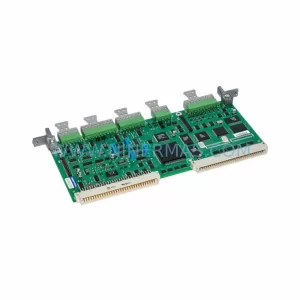
The Allen-Bradley 320087-A06 is an original drive board designed for industrial automation systems, widely deployed in PowerFlex variable frequency drive (VFD) platforms across manufacturing, process control, and material handling environments. When a drive board failure triggers an unplanned shutdown, every minute of downtime translates directly into production loss. Sourcing a verified, service-ready 320087-A06 from a reliable spare parts supplier is the fastest path to restoring normal operation and protecting your production schedule.
At NINERMAS, the 320087-A06 is stocked as a tested, inspection-passed spare part backed by a 12-month warranty. Each unit undergoes pre-shipment functional verification to confirm electrical integrity before dispatch, giving maintenance engineers and procurement teams confidence that the replacement part will perform correctly upon installation.
Whether you are managing a reactive breakdown, building a preventive maintenance inventory, or executing a scheduled annual overhaul, the 320087-A06 is a critical line item in any Allen-Bradley PowerFlex drive maintenance program. Its role in gate drive signal conditioning, power switching control, and fault protection logic makes it one of the highest-priority boards to keep on the shelf in facilities running Allen-Bradley VFD systems.
Spare Maintenance Table
| Parameter | Details |
|---|---|
| Part Number | 320087-A06 |
| Brand | Allen-Bradley (Rockwell Automation) |
| Series | PowerFlex VFD Series |
| Product Type | Drive Control / Gate Drive Board |
| Compatibility | Compatible with PowerFlex 700, PowerFlex 400, and related Allen-Bradley VFD platforms |
| Application Environment | Industrial automation, process control, HVAC, conveyor systems, pump and fan drives |
| Installation Type | Internal board replacement; requires drive power-down and ESD precautions |
| Condition | Original, tested, service-ready |
| Origin | USA (Allen-Bradley / Rockwell Automation) |
| Warranty | 12 Months |
| Pre-Shipment Testing | Functional inspection and electrical verification completed |
| Lead Time | In stock — ships within 1–3 business days |
| Long-Term Supply | Available for ongoing procurement and MRO contracts |
Maintenance Planning for Continuous Operation
Replacing the 320087-A06 drive board in a PowerFlex VFD is rarely an isolated task. Experienced maintenance engineers know that a board-level failure is often a symptom of broader stress in the drive system or the surrounding electrical cabinet. A thorough site inspection during the replacement window significantly reduces the risk of repeat failures and secondary shutdowns.
When servicing the 320087-A06, the following components and assemblies should be inspected or replaced as part of a complete maintenance cycle:
Power Supply Module: Verify the internal 24VDC and 5VDC logic power rails are within specification. A degraded power supply module delivering marginal voltage is a common root cause of drive board damage. Inspect the Allen-Bradley 20-PS series or equivalent internal power supply board for capacitor bulge, discoloration, or output ripple.
Gate Driver Output Stage: Check the IGBT gate resistors and snubber circuits on the power stage. If the 320087-A06 failed due to an overcurrent event, the IGBT module itself — such as the 20-750-2262C-1P or equivalent power module — may also require inspection or replacement.
Control Interface Board: The main control board (e.g., Allen-Bradley 20-750-ENETR or 20-750-DNET communication adapter) should be checked for firmware version compatibility after a board swap. Mismatched firmware between the new drive board and the control interface can cause fault codes or erratic behavior on startup.
I/O Terminal Block and Wiring: Inspect all analog and digital I/O terminal connections for loose wiring, corrosion, or insulation breakdown. Vibration-induced terminal loosening is a frequent contributor to intermittent drive faults that are misdiagnosed as board failures.
Relay Output Modules: Check any relay output modules wired to the drive’s fault output or run-enable circuit. A welded relay contact can prevent the drive from receiving a valid run command after the board replacement, causing unnecessary troubleshooting delays.
Communication Module: If the drive is integrated into a DeviceNet, EtherNet/IP, or Profibus network, verify the communication adapter — such as the 20-COMM-E or 20-COMM-D — is functioning correctly and that the network address and baud rate settings are preserved after the board swap.
HMI and Parameter Backup: Before removing the 320087-A06, use the connected HMI (such as a PanelView Plus terminal) or DriveExplorer software to back up all drive parameters. Parameter loss after a board replacement is a common cause of extended downtime. Restore and verify all critical parameters — acceleration/deceleration ramps, current limits, and PID setpoints — before returning the drive to service.
Fuse and Circuit Protection: Inspect the input fusing, MOV surge suppressors, and any line reactor or EMC filter installed upstream of the drive. A blown fuse or degraded MOV that is not replaced during the maintenance window leaves the new drive board exposed to the same transient conditions that caused the original failure.
Backplane and Rack Integrity: In systems where the PowerFlex drive is mounted in a multi-drive cabinet or integrated into a Rockwell Automation control rack, inspect the backplane connectors and rack power distribution for signs of arcing, contamination, or mechanical damage.
Building a structured spare parts inventory that includes the 320087-A06 alongside these associated components is the most effective strategy for minimizing mean time to repair (MTTR) and protecting production uptime in facilities with high drive utilization.
Site Replacement Workflow
Step 1 — Isolate and De-energize: Follow your site’s lockout/tagout (LOTO) procedure. Isolate the drive from the AC supply and wait a minimum of 5 minutes for the DC bus capacitors to discharge before opening the drive enclosure. Verify bus voltage with a calibrated meter before touching internal components.
Step 2 — Document and Back Up: Photograph the existing wiring and connector positions. Use DriveExplorer, DriveExecutive, or the connected HMI to export a full parameter backup. Record the existing firmware version on the control board.
Step 3 — Remove the Faulty Board: Disconnect all ribbon cables and board-to-board connectors from the 320087-A06. Note the orientation and seating depth of each connector. Remove the board mounting screws and extract the board using ESD-safe handling procedures.
Step 4 — Install the Replacement 320087-A06: Seat the new board firmly, ensuring all connectors are fully engaged. Torque mounting screws to the manufacturer’s specification. Reconnect all ribbon cables in the correct orientation.
Step 5 — Power-Up and Verify: Remove LOTO, apply power, and monitor the drive’s startup sequence. Check for fault codes on the HMI or drive display. Restore the parameter backup and verify all critical setpoints. Run the drive at low speed under no-load conditions before returning to full production.
Step 6 — Document the Repair: Record the replacement in your CMMS (Computerized Maintenance Management System), including the part number, serial number, installation date, and technician name. Update your spare parts inventory to trigger a reorder for the consumed 320087-A06.
This structured workflow reduces the risk of installation errors, protects the new board from premature failure, and ensures full system compatibility is confirmed before the drive is returned to service.
Spare Parts Support FAQ
Q1: Is the 320087-A06 compatible with all PowerFlex drive variants?
The 320087-A06 is designed for specific PowerFlex VFD models within the Allen-Bradley product family. Compatibility depends on the drive’s horsepower rating, voltage class, and firmware revision. NINERMAS technical support can verify compatibility against your drive’s nameplate data and catalog number before shipment. Contact sale@ninermas.com with your drive’s full catalog number for a compatibility confirmation.
Q2: What testing is performed before the 320087-A06 is shipped?
Every 320087-A06 unit dispatched by NINERMAS undergoes a pre-shipment functional inspection that includes visual examination for physical damage, electrical continuity verification, and component-level checks for known failure points. Units that do not pass inspection are not shipped. A 12-month warranty is provided on all units from the date of shipment.
Q3: How should the 320087-A06 be stored as a long-term spare?
Store the 320087-A06 in its original ESD-protective packaging in a dry, temperature-controlled environment (typically 0°C to 40°C, <85% relative humidity, non-condensing). Avoid storing near strong magnetic fields or in environments with high vibration. Inspect the board annually for signs of corrosion or component degradation. NINERMAS can supply replacement units on an ongoing basis to support long-term MRO inventory programs.
Q4: Can NINERMAS supply the 320087-A06 on an ongoing basis for MRO contracts?
Yes. NINERMAS maintains stock of the 320087-A06 and related Allen-Bradley PowerFlex spare parts to support both emergency single-unit orders and long-term MRO supply agreements. For facilities managing multiple drives or planning annual maintenance shutdowns, NINERMAS can provide volume pricing, reserved stock arrangements, and scheduled delivery programs. Contact our team at sale@ninermas.com or +0086 187 5021 5667 to discuss your supply requirements.
| Product Series | PowerFlex |
|---|---|
| Country of Origin | US |
Catalog Continuation
More Allen-Bradley modules in the catalog.
Use the brand lane to compare nearby part numbers, platform-adjacent modules, and other inquiry-ready listings before sending your final RFQ.
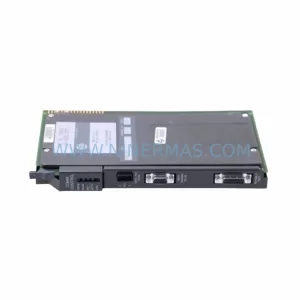
Catalog Continuation
Alternative parts within PLC & Industrial Automation Modules.
Stay inside the same system family when you need substitutes, adjacent modules, or a broader shortlist for procurement review.
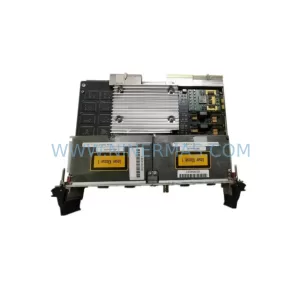
SKU: PCE-2 LIF-1 K15MB000 671-5532-02
Tektronix PCE-2 LIF-1 K15MB000 671-5532-02 Service-Ready Spare Part