Original Industrial Spare Part
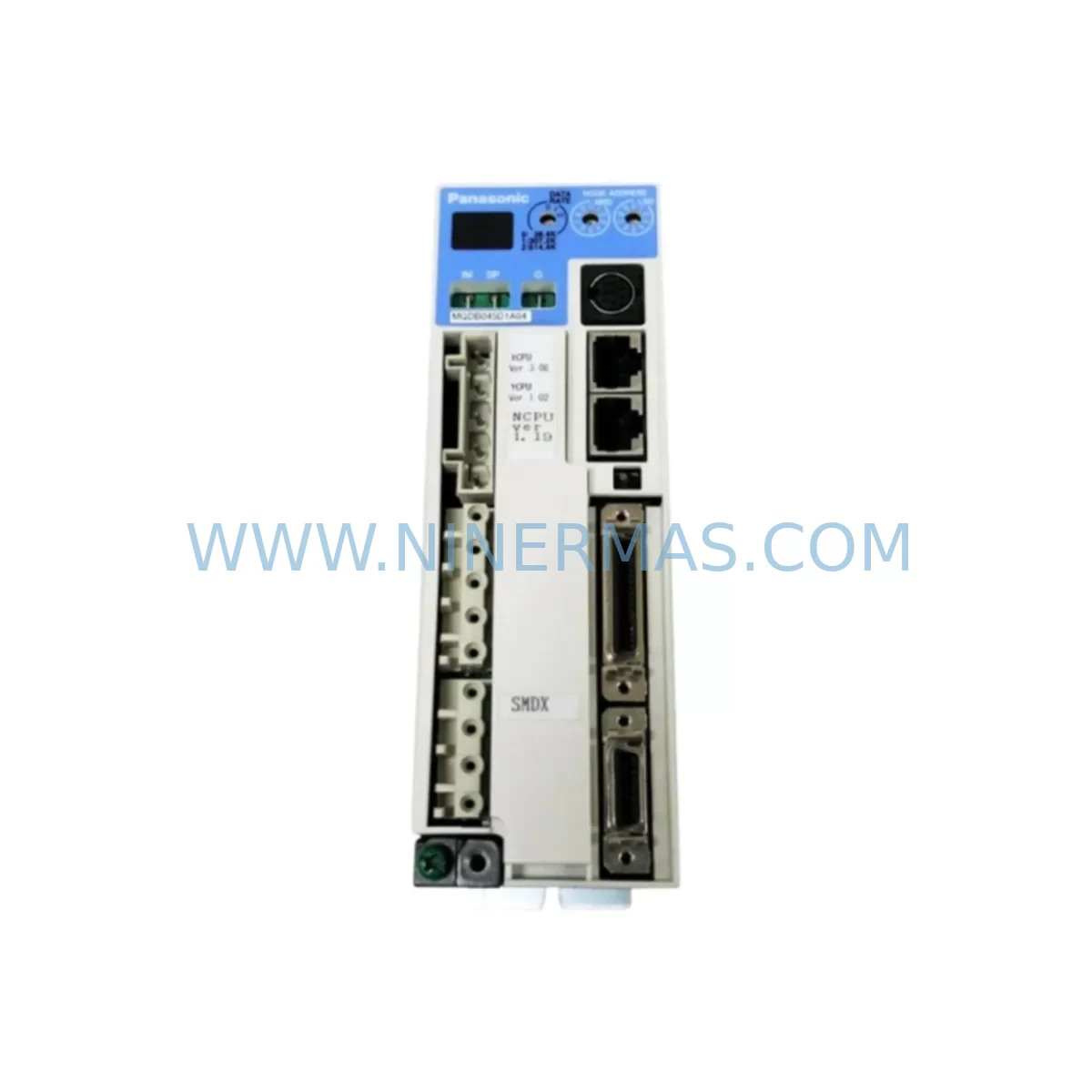
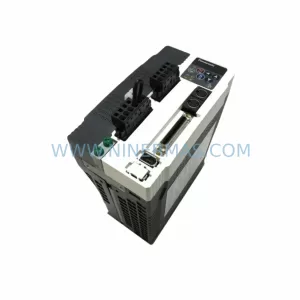
Panasonic MQDB045D1A04 Retrofit-Compatible Servo Driver for Legacy Systems
Verify the part, confirm the platform family, and move straight into quotation with the right commercial details.
RFQ Ready
- SKUMQDB045D1A04
- CategoryPLC & Industrial Automation Modules
- BrandPanasonic
- SupportAvailability, lead time, condition, and shipping coordination
How Buyers Usually Use This Page
- Confirm the exact part number and platform family before sending the quote request.
- Use direct email when quantity, condition, and destination are already defined internally.
- Switch to the broader brand or category archive when you need alternates nearby.
Series Navigation
Move through the most common platform families behind this part.
Product RFQ
Send this part directly for quotation.
Include quantity, required condition, destination country, and target delivery timing. Current reference: Panasonic MQDB045D1A04 Retrofit-Compatible Servo Driver for Legacy Systems with SKU MQDB045D1A04.
Panasonic MQDB045D1A04 Retrofit-Compatible Servo Driver for Legacy Systems
The Panasonic MQDB045D1A04 is a high-performance servo driver from the MINAS A6 series, widely deployed across precision manufacturing lines, automated assembly systems, and legacy motion control platforms. As original equipment reaches end-of-life or becomes increasingly difficult to source through standard distribution channels, the MQDB045D1A04 has become a critical retrofit and replacement component for engineers tasked with extending the operational life of existing automation infrastructure. NINERMAS maintains verified stock of this unit, fully tested and backed by a 12-month warranty, to support customers navigating planned upgrades and emergency line-down situations alike.
Upgrade Compatibility Table
| Parameter | Details |
|---|---|
| Model | MQDB045D1A04 |
| Brand / Series | Panasonic / MINAS A6 |
| Function | AC Servo Driver |
| Interface Compatibility | Compatible with MINAS A5 / A6 series servo motors and CN X5 connector pinout |
| Communication Protocol | MECHATROLINK-II / Pulse Train / Analog Speed-Torque |
| Installation Requirement | Standard DIN rail or panel mount; verify cabinet depth ≥ 150 mm |
| Power Supply | Single-phase / Three-phase 200–240 VAC; confirm existing transformer capacity before swap |
| Replacement Recommendation | Direct replacement for discontinued MQDB045D1A03 and earlier A5-series equivalents |
| Commissioning Note | Re-upload axis parameters via PANATERM software; verify encoder feedback signal integrity |
| Warranty | 12 Months — NINERMAS Company Limited |
Retrofit Planning for Existing Automation Systems
Successful integration of the MQDB045D1A04 into a legacy control cabinet begins well before the physical swap. Engineers should start by auditing the existing power distribution rail to confirm that the incoming supply voltage and phase configuration match the driver’s rated input. In many older installations, the cabinet was originally designed around a predecessor unit such as the MQDB045D1A03 or an equivalent MINAS A5-series driver, and the wiring harness may use a slightly different CN X5 terminal arrangement. Carefully compare the original wiring diagram against the MQDB045D1A04 terminal layout before reconnecting motor power leads, brake control lines, and encoder feedback cables.
Where the host controller communicates over MECHATROLINK-II, verify that the network node address set on the MQDB045D1A04 matches the address previously assigned to the outgoing unit. If the upstream controller is a Panasonic FP-series PLC or a third-party motion controller using pulse-train command output, confirm the command pulse type (CW/CCW or PULS/DIR) and electronic gear ratio settings are restored from the original parameter backup. Failure to replicate these settings is one of the most common causes of axis runaway or positioning error during first power-on after a driver replacement.
Backplane and rack space should also be assessed early in the planning phase. The MQDB045D1A04 shares the same mounting footprint as most MINAS A6 family members, but adjacent components — including the Panasonic MDDHT5540 or MDDLT45SF servo drivers installed on neighboring axes — may have heat dissipation requirements that affect minimum clearance spacing. If the cabinet also houses a Panasonic AFP0RC32T or similar compact PLC handling I/O coordination, ensure that the I/O expansion modules and their 24 VDC power supply (such as the AFP0RE32T I/O unit) are not sharing a rail segment that could be affected by inrush current during driver initialization.
For systems that include an HMI panel — commonly a Panasonic GT series or a third-party touch panel mapped to axis status registers — the screen layout and alarm display logic should be reviewed after the driver swap. Some HMI projects reference driver-specific fault codes that differ between firmware revisions. Updating the HMI project file to reflect the MQDB045D1A04’s fault code table prevents misleading alarm messages during post-retrofit commissioning. Similarly, if a programming cable such as the Panasonic USB-COM232-PLUS2 is used to connect a laptop to the driver for parameter upload via PANATERM, confirm that the cable driver version is compatible with the target PC operating system before arriving on site.
Signal isolation is another area that deserves attention in older installations. Analog speed reference signals routed from a legacy DCS or distributed I/O node may carry ground loop noise that was previously masked by the outgoing driver’s input filter characteristics. Installing a DIN-rail signal isolator on the analog command input of the MQDB045D1A04 is a low-cost precaution that can prevent erratic speed control behavior in electrically noisy environments. Likewise, if the system uses a safety relay module for STO (Safe Torque Off) functionality, verify that the STO input wiring meets the MQDB045D1A04’s minimum pulse width and voltage level requirements.
Downtime Control During System Migration
Minimizing production downtime during a servo driver replacement requires a structured pre-outage preparation process. Before the scheduled maintenance window, retrieve a full parameter backup from the outgoing MQDB045D1A03 or equivalent unit using PANATERM. Save the parameter file with a clearly labeled version stamp and store a copy off-site or in a cloud backup location. This file becomes the baseline for restoring axis behavior on the MQDB045D1A04 and eliminates the need for manual parameter re-entry under time pressure.
During the outage, follow a defined sequence: isolate and lock out the cabinet power, photograph the existing wiring before disconnecting any terminals, remove the outgoing driver, install the MQDB045D1A04, reconnect all terminals in reverse order of removal, and perform a continuity check before re-energizing. Once power is restored, upload the saved parameter file, perform a low-speed jog test to verify encoder direction and feedback polarity, then gradually increase speed to confirm stable closed-loop operation. Document the commissioning results — including any parameter deviations from the original backup — in the site maintenance log.
For critical production lines where even a brief unplanned stoppage carries significant cost, NINERMAS recommends holding a pre-tested spare MQDB045D1A04 on-site as a hot standby. Our pre-shipment testing protocol includes a full load cycle verification and parameter integrity check, so the unit arrives ready for immediate installation. Combined with the 12-month warranty coverage, this approach gives maintenance teams the confidence to execute rapid driver swaps without extended diagnostic delays.
Retrofit Support FAQ
Q1: Is the MQDB045D1A04 a direct drop-in replacement for the MQDB045D1A03?
A: In most applications, yes. The MQDB045D1A04 shares the same mounting dimensions, CN X5 connector pinout, and MINAS A6 parameter structure as the MQDB045D1A03. However, you should re-upload your saved parameter file after installation and verify the electronic gear ratio and command pulse settings before running the axis at full speed. Minor firmware differences between revisions may affect default filter and notch settings.
Q2: What commissioning steps are required after installing the MQDB045D1A04?
A: Connect the driver to your PC via a compatible USB-to-serial programming cable and launch PANATERM. Load the parameter backup from the outgoing unit, write the parameters to the new driver, and perform a low-speed jog test to confirm encoder feedback direction. Check the alarm history display for any initialization faults, verify the STO input wiring if applicable, and run a full-speed positioning cycle before returning the axis to automatic production mode.
Q3: Does NINERMAS test units before shipment, and what does the warranty cover?
A: Yes. Every MQDB045D1A04 unit shipped by NINERMAS undergoes a pre-shipment functional test including power-on verification, I/O signal check, and communication interface validation. The 12-month warranty covers manufacturing defects and functional failures under normal operating conditions. It does not cover damage resulting from incorrect wiring, overvoltage events, or installation in environments outside the rated temperature and humidity range.
Q4: Can the MQDB045D1A04 be used with servo motors from the MINAS A5 series?
A: The MQDB045D1A04 is optimized for MINAS A6 series servo motors. Compatibility with MINAS A5 motors depends on the specific motor model and encoder type. In general, A6-series drivers can operate A5-series motors with incremental encoders, but full absolute encoder functionality requires an A6-compatible motor. Contact NINERMAS with your motor nameplate details for a compatibility assessment before ordering.
| Product Series | Legacy |
|---|
Catalog Continuation
More Panasonic modules in the catalog.
Use the brand lane to compare nearby part numbers, platform-adjacent modules, and other inquiry-ready listings before sending your final RFQ.
Catalog Continuation
Alternative parts within PLC & Industrial Automation Modules.
Stay inside the same system family when you need substitutes, adjacent modules, or a broader shortlist for procurement review.
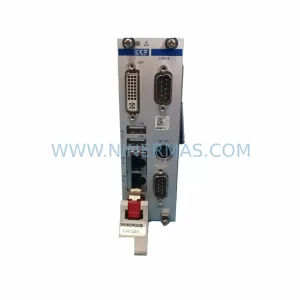
SKU: CCD-98R.CALYPSO CCD-98R.CALYPS0
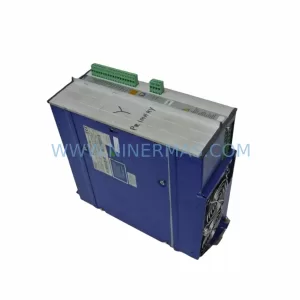
Berger Lahr CCD-98R.CALYPSO Service-Ready Spare Part
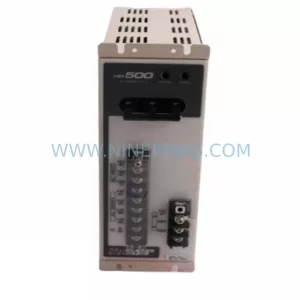
SKU: AM3043-0E00-0000 716-069688-793 3520782 DRIVE 4003 AT
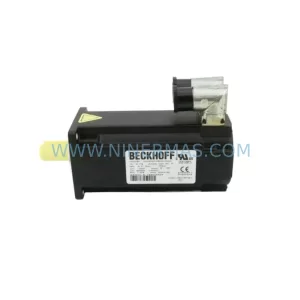
Beckhoff AM3043-0E00-0000 Spare Part for Industrial Maintenance