Original Industrial Spare Part
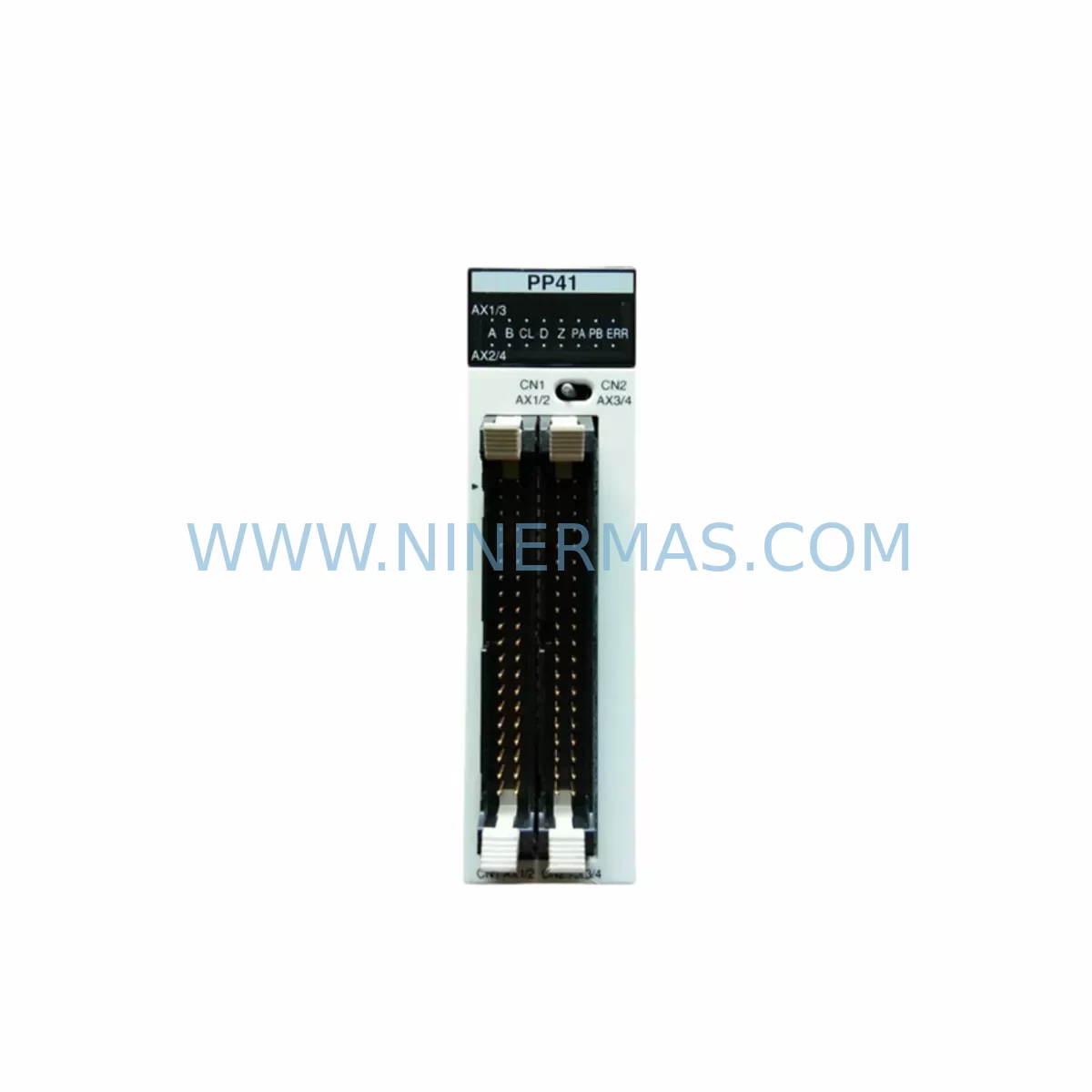
Panasonic FP2-PP41 Service-Ready Spare Part for Industrial Maintenance
Verify the part, confirm the platform family, and move straight into quotation with the right commercial details.
RFQ Ready
- SKUFP2-PP41
- CategoryPLC & Industrial Automation Modules
- BrandPanasonic
- SupportAvailability, lead time, condition, and shipping coordination
How Buyers Usually Use This Page
- Confirm the exact part number and platform family before sending the quote request.
- Use direct email when quantity, condition, and destination are already defined internally.
- Switch to the broader brand or category archive when you need alternates nearby.
Series Navigation
Move through the most common platform families behind this part.
Product RFQ
Send this part directly for quotation.
Include quantity, required condition, destination country, and target delivery timing. Current reference: Panasonic FP2-PP41 Service-Ready Spare Part for Industrial Maintenance with SKU FP2-PP41.
Panasonic FP2-PP41 Service-Ready Spare Part for Industrial Maintenance
The Panasonic FP2-PP41 is a high-performance pulse output positioning module designed for the FP2 programmable logic controller series. In industrial maintenance environments — from automotive assembly lines to packaging machinery and process control panels — the FP2-PP41 plays a critical role in coordinating multi-axis motion sequences, managing pulse train outputs, and maintaining precise positional feedback loops. When this module fails or degrades, the result is immediate production stoppage, misaligned actuators, and costly unplanned downtime. Sourcing a verified, pre-tested replacement unit is the fastest path to restoring full system operation.
At NINERMAS, every FP2-PP41 unit is subject to pre-shipment functional verification, including pulse output integrity checks, I/O response testing, and backplane communication validation against the FP2 rack architecture. Units are dispatched with full documentation and covered by a 12-month warranty from the date of delivery, supporting both emergency replacement and planned annual maintenance cycles.
Spare Maintenance Table
| Parameter | Specification |
|---|---|
| Part Number / SKU | FP2-PP41 |
| Brand | Panasonic Industrial Devices |
| Series | FP2 PLC Series |
| Module Type | Pulse Output Positioning Module |
| Controlled Axes | Up to 4 axes (pulse train output) |
| Output Type | Open collector / line driver pulse output |
| Max Output Frequency | 500 kHz (per axis) |
| Supply Voltage | 5 VDC (via FP2 backplane) |
| Compatible Backplane | FP2 series expansion backplane (e.g. FP2-BP08, FP2-BP16) |
| Compatible CPU Units | FP2 CPU (e.g. AFP2431, AFP2432, AFP2434) |
| Operating Temperature | 0°C to 55°C |
| Humidity | 10% to 95% RH (non-condensing) |
| Mounting | FP2 rack slot insertion |
| Origin | Japan |
| Warranty | 12 months from delivery date |
| Pre-Shipment Testing | Functional pulse output and backplane communication verified |
| Condition | Original spare / tested stock |
| Long-Term Supply | Available via NINERMAS stock commitment program |
Maintenance Planning for Continuous Operation
When replacing the FP2-PP41 positioning module during a scheduled or emergency maintenance event, maintenance engineers should treat the intervention as an opportunity to audit the broader FP2 control cabinet. The FP2-PP41 interfaces directly with the FP2 backplane — units such as the FP2-BP08 or FP2-BP16 expansion backplanes should be inspected for slot contact corrosion, mechanical damage, and secure module seating. A degraded backplane connector can cause intermittent communication faults that mimic a failed positioning module, leading to misdiagnosis and repeat downtime.
The FP2 CPU unit — typically an AFP2431 or AFP2434 — should be checked for firmware version compatibility with the replacement FP2-PP41. Mismatched firmware can result in positioning parameter loss or axis initialization errors after module swap. Confirm that the CPU program memory and positioning table data are backed up before removal.
Power supply integrity is equally critical. The FP2-PSA2 or equivalent FP2 series power supply module should be load-tested to confirm stable 5 VDC and 24 VDC rail output under full rack load. A marginal power supply that was previously borderline may fail to support the newly installed module under peak pulse output demand. Inspect the power supply’s capacitor condition and output ripple if the unit has been in service for more than five years.
On the field wiring side, the servo driver or stepper driver receiving pulse commands from the FP2-PP41 — such as a Panasonic MINAS A5 or compatible third-party servo amplifier — should be verified for correct differential input termination and cable shielding continuity. Pulse signal degradation due to poor shielding or excessive cable length is a common root cause of positioning errors that are incorrectly attributed to the PLC module itself.
I/O modules adjacent to the FP2-PP41 in the rack — including FP2-X32 digital input modules and FP2-Y32T transistor output modules — should be inspected for blown output channels or stuck input bits that could interfere with the motion interlock logic. Terminal blocks and wiring ferrules on the I/O terminal base should be re-torqued to manufacturer specification during any module replacement activity.
If the FP2 system includes a FP2-ET1 Ethernet communication module or an FP2-CCL CC-Link interface module, verify that the network configuration and node addressing remain intact after the rack intervention. Communication module parameters are sometimes disrupted by power cycling during module replacement if battery-backed memory is not functioning correctly.
For facilities maintaining a spare parts inventory, procurement engineers should consider holding at minimum one FP2-PP41 unit per production line alongside matched spares for the FP2 CPU, power supply, and primary I/O modules. NINERMAS supports long-term supply agreements with fixed lead times, enabling procurement teams to plan annual replenishment without exposure to spot-market price volatility or counterfeit risk.
Site Replacement Workflow
Step 1 — Preparation: Back up the FP2 CPU program, positioning table parameters, and I/O configuration using Panasonic FPWIN Pro or equivalent programming software. Confirm the replacement FP2-PP41 part number and firmware compatibility before proceeding.
Step 2 — Safe Isolation: De-energize the control panel following site LOTO (Lockout/Tagout) procedures. Discharge any residual voltage on the 24 VDC field wiring before touching module connectors. Verify zero-energy state with a calibrated multimeter.
Step 3 — Module Removal: Release the FP2-PP41 from the backplane slot by pressing the module release lever and sliding the unit out along the guide rails. Inspect the backplane connector pins for damage or contamination before inserting the replacement unit.
Step 4 — Replacement Installation: Insert the new FP2-PP41 firmly into the designated backplane slot until the locking tab engages. Do not force the module — misalignment will damage the backplane connector. Reconnect all field wiring to the module terminal base, verifying wire labeling against the as-built wiring diagram.
Step 5 — Power-Up and Verification: Restore power to the panel and observe the FP2-PP41 status LEDs. A solid RUN indicator confirms successful backplane communication. Reload positioning parameters from backup if required, then execute a low-speed test cycle on each controlled axis to verify pulse output accuracy and servo response before returning the line to full production speed.
Step 6 — Documentation: Record the replacement date, unit serial number, and test results in the site maintenance log. Update the spare parts inventory register to trigger replenishment of the consumed FP2-PP41 unit.
Spare Parts Support FAQ
Q1: Is the FP2-PP41 supplied by NINERMAS an original Panasonic component?
Yes. All FP2-PP41 units are sourced as original Panasonic industrial spare parts. Each unit undergoes pre-shipment functional testing covering pulse output performance and backplane communication integrity. A 12-month warranty is provided from the date of delivery, covering manufacturing defects and functional failures under normal operating conditions.
Q2: How do I confirm compatibility between the FP2-PP41 and my existing FP2 CPU?
Compatibility is determined by the FP2 CPU model and firmware version. The FP2-PP41 is compatible with the standard FP2 rack architecture and all major FP2 CPU variants including the AFP2431, AFP2432, and AFP2434. If you are unsure of your system configuration, provide your CPU model number and current firmware version to our technical team at sale@ninermas.com for confirmation before ordering.
Q3: What is the typical lead time and can NINERMAS support long-term supply commitments?
In-stock units are dispatched within 2–3 business days of order confirmation. For facilities requiring guaranteed availability across multiple maintenance cycles, NINERMAS offers long-term supply agreements with fixed pricing and reserved stock allocation. This eliminates procurement risk for end-of-life or allocation-constrained Panasonic FP2 series components.
Q4: What should I do if the replacement FP2-PP41 does not resolve the positioning fault?
If positioning errors persist after module replacement, the fault is likely located in the servo driver, field wiring, or backplane rather than the module itself. Check the pulse output cable shielding, servo amplifier input termination, and FP2 backplane slot contacts. Contact our technical support team with your error code and system configuration details — we can assist with fault isolation to identify whether additional components such as the FP2 power supply or CPU require attention.
| Product Series | Other series |
|---|
Catalog Continuation
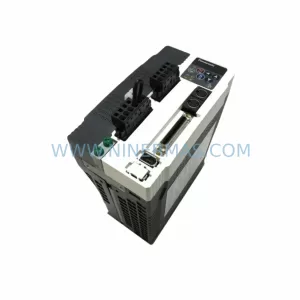
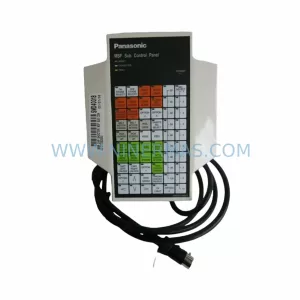
More Panasonic modules in the catalog.
Use the brand lane to compare nearby part numbers, platform-adjacent modules, and other inquiry-ready listings before sending your final RFQ.
Catalog Continuation
Alternative parts within PLC & Industrial Automation Modules.
Stay inside the same system family when you need substitutes, adjacent modules, or a broader shortlist for procurement review.
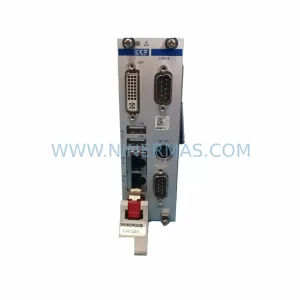
SKU: CCD-98R.CALYPSO CCD-98R.CALYPS0
Berger Lahr CCD-98R.CALYPSO Service-Ready Spare Part
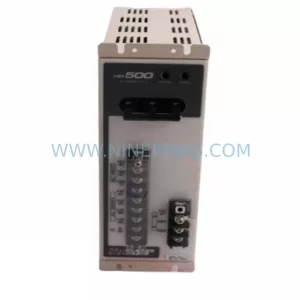
SKU: AM3043-0E00-0000 716-069688-793 3520782 DRIVE 4003 AT
Beckhoff AM3043-0E00-0000 Spare Part for Industrial Maintenance