Original Industrial Spare Part
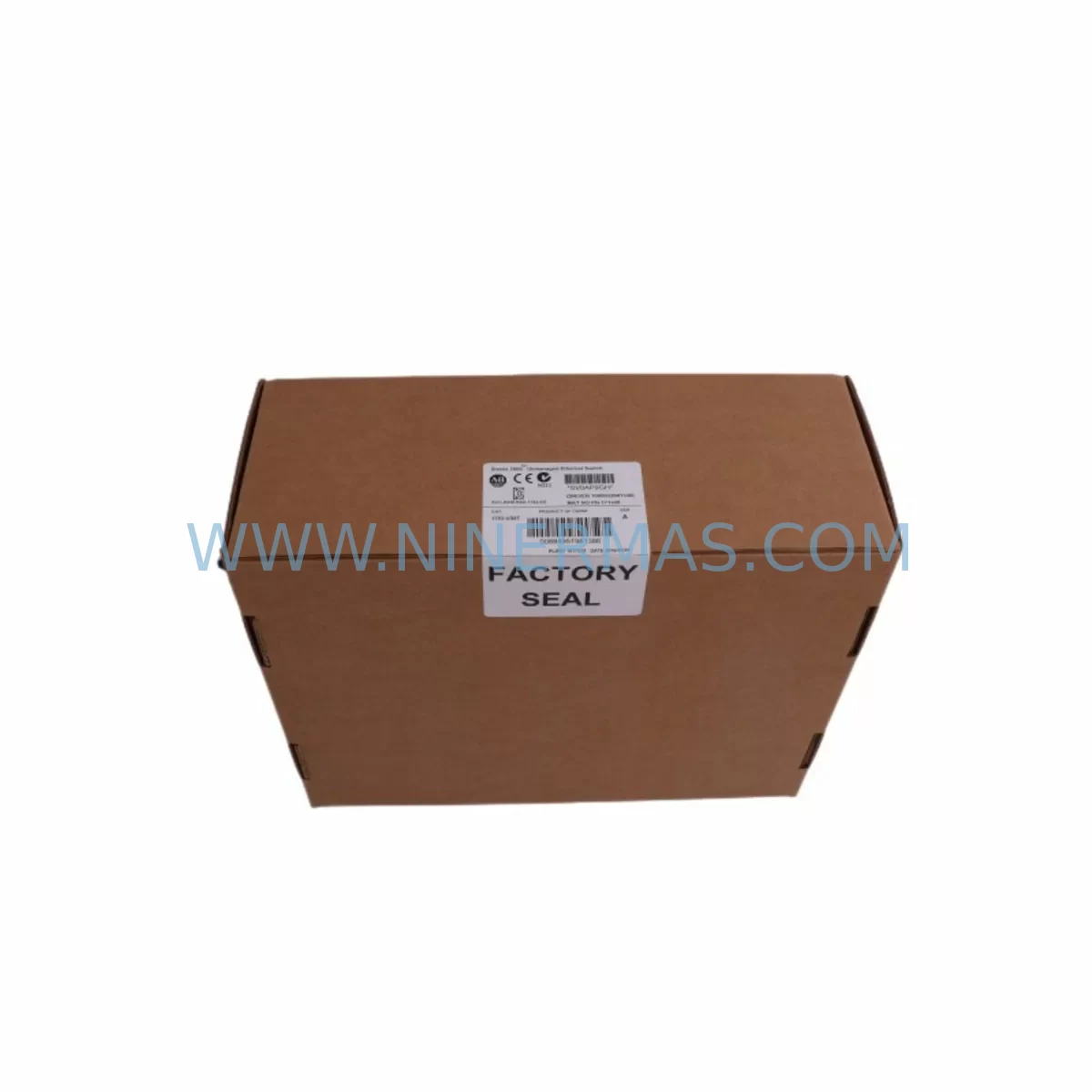
Allen-Bradley 1783-US8T Stratix 2000 Retrofit Managed Switch
Verify the part, confirm the platform family, and move straight into quotation with the right commercial details.
RFQ Ready
- SKU1783-US8T
- CategoryPLC & Industrial Automation Modules
- BrandAllen-Bradley
- SupportAvailability, lead time, condition, and shipping coordination
How Buyers Usually Use This Page
- Confirm the exact part number and platform family before sending the quote request.
- Use direct email when quantity, condition, and destination are already defined internally.
- Switch to the broader brand or category archive when you need alternates nearby.
Series Navigation
Move through the most common platform families behind this part.
Product RFQ
Send this part directly for quotation.
Include quantity, required condition, destination country, and target delivery timing. Current reference: Allen-Bradley 1783-US8T Stratix 2000 Retrofit Managed Switch with SKU 1783-US8T.
Allen-Bradley 1783-US8T Stratix 2000 Retrofit Managed Switch: Legacy System Compatible Upgrade
The Allen-Bradley 1783-US8T is an 8-port unmanaged EtherNet/IP-compatible switch from the Stratix 2000 series, designed for seamless integration into existing industrial automation networks. As legacy Ethernet infrastructure ages and original equipment reaches end-of-life, the 1783-US8T serves as a reliable retrofit solution for control cabinets, machine-level networks, and distributed I/O architectures built on Rockwell Automation platforms. Whether you are replacing a failed unit on a running production line or planning a phased modernization of your plant-floor network, the 1783-US8T delivers the port density, DIN-rail form factor, and EtherNet/IP protocol compatibility required to maintain operational continuity without reprogramming your existing ControlLogix or CompactLogix controller.
In retrofit scenarios, engineers frequently encounter the challenge of matching the physical and electrical footprint of the original switch. The 1783-US8T maintains the same DIN-rail mounting standard and 24 VDC power input as earlier Stratix 2000 variants, which significantly reduces the scope of cabinet rework. Before installation, technicians should verify the available 24 VDC supply capacity on the existing power rail — particularly in cabinets that also power a 1769-L33ER CompactLogix controller, 1734 POINT I/O adapters, or a PanelView Plus 7 HMI terminal. Shared power buses in legacy cabinets are often operating near their rated output, and adding or replacing a switch without a load audit can introduce intermittent faults that are difficult to trace during commissioning.
Terminal wiring for the 1783-US8T power connector follows a standard two-terminal 24 VDC arrangement. When replacing an older unmanaged switch — such as a Hirschmann or early-generation Stratix unit — technicians should document the existing cable labeling and port assignments before removal. In EtherNet/IP linear or ring topologies, each port connection corresponds to a specific device address and network segment. Disrupting port assignments without prior documentation can cause address conflicts with 1756-EN2T EtherNet/IP communication modules or 1783-ETAP Ethernet Tap devices already registered in the Logix Designer project.
Upgrade Compatibility Table
| Parameter | 1783-US8T (This Unit) | Retrofit Notes |
|---|---|---|
| Port Count | 8 × RJ45 10/100 Mbps | Verify existing cable count before removal of legacy switch |
| Power Supply | 24 VDC (18–30 VDC range) | Confirm cabinet PSU capacity; check load with 1606-XLP power supplies |
| Mounting | DIN Rail (35 mm) | Direct replacement for standard DIN-rail mounted legacy switches |
| Protocol Compatibility | EtherNet/IP, TCP/IP | Compatible with ControlLogix, CompactLogix, and FLEX I/O EtherNet/IP adapters |
| Management | Unmanaged | No IP configuration required; plug-and-play replacement in flat network topologies |
| Installation Space | Compact DIN-rail body | Measure available rail space; confirm clearance from adjacent 1492 terminal blocks |
| Communication Link | Auto-negotiation, Auto-MDIX | Compatible with straight-through and crossover patch cables from legacy installations |
| Replacement Recommendation | Direct drop-in for Stratix 2000 family | Verify firmware compatibility if connected to a managed Stratix 5700 uplink |
| Commissioning Focus | Port mapping, power-on sequence | Restore device connections in original port order; verify I/O module heartbeat in Studio 5000 |
| Warranty | 12-Month Warranty | Covered from date of shipment; includes functional testing certificate |
Retrofit Planning for Existing Automation Systems
Successful integration of the 1783-US8T into a legacy automation system requires a structured pre-installation review. In most plant environments, the switch sits at the device-level network layer, connecting field devices such as 1734-AENT POINT I/O EtherNet/IP adapters, 1769-L24ER-QB1B CompactLogix controllers, PowerFlex 525 variable frequency drives, and Kinetix 5500 servo drives. Each of these devices holds a static IP address registered in the Logix Designer project. Before powering down the existing switch, engineers should export the current network topology from RSLinx Classic or FactoryTalk Linx and confirm that all device IP addresses are documented.
In cabinets where the legacy switch also supports a PanelView Plus 6 or PanelView Plus 7 HMI terminal, the HMI communication path must be verified after switch replacement. HMI screens that use EtherNet/IP tag browsing will re-establish their connection automatically once the 1783-US8T is powered and the network is restored, but screens with hardcoded IP references in display objects may require a brief online edit in FactoryTalk View Studio to confirm path integrity. This step is often overlooked during rapid replacement scenarios and can result in operator alarm screens failing to update — a critical issue in process control environments.
For systems that include a 1783-BMS10CGP Stratix 5700 managed switch as the network backbone, the 1783-US8T connects as a downstream unmanaged segment switch. In this architecture, VLAN segmentation and QoS policies configured on the Stratix 5700 are preserved, and the 1783-US8T operates transparently within the defined network structure. No additional configuration is required on the 1783-US8T itself, which simplifies the retrofit process considerably. Technicians should confirm that the uplink port on the Stratix 5700 connected to the 1783-US8T segment is set to auto-negotiation to avoid duplex mismatch errors after replacement.
Where the retrofit involves expanding I/O capacity alongside the switch replacement, engineers often install additional 1734 POINT I/O modules or 1769 Compact I/O expansion modules in the same cabinet. In these cases, the 1783-US8T’s 8-port capacity provides sufficient connections for the expanded device count without requiring an upgrade to a larger managed switch. If the expanded system includes a new 1756-L85E ControlLogix controller or a 1756-EN3TR dual-port EtherNet/IP module for Device Level Ring (DLR) topology, the network architecture should be reviewed to determine whether the unmanaged 1783-US8T remains appropriate or whether a managed Stratix 5700 or Stratix 5400 switch is required for the upgraded topology.
Programming cable access during retrofit is another consideration. If the cabinet includes a 1761-CBL-PM02 MicroLogix programming cable connection or a 1747-UIC USB-to-DH485 interface for legacy SLC 500 systems being migrated to EtherNet/IP, these legacy communication paths should be maintained in parallel during the transition period to allow program backup and comparison before the legacy controller is decommissioned.
Downtime Control During System Migration
Minimizing production downtime during a switch replacement or network retrofit is a primary concern for maintenance teams. The 1783-US8T supports a hot-swap replacement strategy in unmanaged network segments: because the switch requires no IP configuration or software setup, the replacement unit can be pre-staged, labeled, and tested on a bench network before the scheduled maintenance window begins. During the window, the sequence is straightforward — power down the cabinet section, remove the failed or obsolete switch, mount the 1783-US8T on the DIN rail, reconnect cables in documented port order, restore 24 VDC power, and verify device heartbeats in Studio 5000 Logix Designer before releasing the line.
To protect existing program logic during the migration, the controller program should be uploaded and saved to a local engineering workstation using Studio 5000 or RSLogix 5000 before any hardware changes are made. If the system uses a 1756-L71 ControlLogix controller with a 1784-CF128 CompactFlash card, the program image on the card should also be verified as current. This ensures that in the event of an unexpected power interruption during the retrofit, the controller can be restored to its last known good state without requiring a full recommission from the SCADA or DCS level.
For production lines where even a brief network interruption is unacceptable, a parallel network approach can be used: the 1783-US8T is connected in parallel with the existing switch, devices are migrated port by port, and the legacy switch is removed only after all devices have been confirmed online on the new unit. This approach requires temporary use of additional patch cables and a structured migration checklist, but it reduces the risk of extended downtime caused by unexpected wiring or compatibility issues discovered during the replacement.
All units supplied by NINERMAS are functionally tested prior to shipment. Each 1783-US8T is verified for port-to-port connectivity, power input range, and EtherNet/IP frame forwarding before dispatch. A functional test certificate is included with each shipment, and the 12-month warranty covers any defects in materials or workmanship from the date of delivery. In-stock units are available for same-day or next-day dispatch, supporting urgent replacement requirements on critical production lines.
Retrofit Support FAQ
Q: Is the 1783-US8T a direct replacement for other Stratix 2000 unmanaged switches?
A: Yes. The 1783-US8T is part of the Stratix 2000 family and shares the same DIN-rail form factor, 24 VDC power input, and EtherNet/IP compatibility as other Stratix 2000 variants. It can replace failed or end-of-life unmanaged switches in the same cabinet position without modifications to the mounting rail or power wiring, provided the port count requirement does not exceed 8 ports.
Q: Do I need to reconfigure my ControlLogix or CompactLogix program after replacing the switch?
A: No program changes are required when replacing an unmanaged switch with the 1783-US8T. The switch operates transparently at Layer 2 and does not hold an IP address or appear as a node in the Logix Designer I/O tree. Device IP addresses, module paths, and controller tags remain unchanged. After replacement, verify that all I/O modules and drives re-establish their EtherNet/IP connections within the controller’s RPI (Requested Packet Interval) timeout period.
Q: What should I check regarding wiring and terminal connections before installation?
A: Confirm the 24 VDC supply polarity and verify that the power terminal block in the cabinet can accept the 1783-US8T’s connector pitch. Document all existing RJ45 port assignments before removing the legacy switch, and use labeled patch cables to ensure devices are reconnected to the correct ports. If the cabinet uses 1492-J terminal blocks for structured wiring, confirm that cable lengths are sufficient to reach the new switch position if the DIN-rail location changes.
Q: What warranty and stock availability does NINERMAS provide for the 1783-US8T?
A: NINERMAS maintains in-stock inventory of the 1783-US8T to support urgent replacement requirements. All units carry a 12-month warranty from the date of shipment and are functionally tested before dispatch. A test certificate is included with each unit. For volume orders or scheduled retrofit projects, contact our sales team to confirm lead times and reserve stock allocation.
| Product Series | Stratix |
|---|---|
| Country of Origin | US |
Catalog Continuation
More Allen-Bradley modules in the catalog.
Use the brand lane to compare nearby part numbers, platform-adjacent modules, and other inquiry-ready listings before sending your final RFQ.




Catalog Continuation
Alternative parts within PLC & Industrial Automation Modules.
Stay inside the same system family when you need substitutes, adjacent modules, or a broader shortlist for procurement review.


SKU: 00-176-037 00-176-037 00-262-652 00-262-652 00-178-888 00-178-888
KUKA 00-176-037 Retrofit Reducer Module for Legacy Systems

SKU: 6SE7027-2TD84-6HF3
SIEMENS 6SE7027-2TD84-6HF3 Service-Ready Spare Part