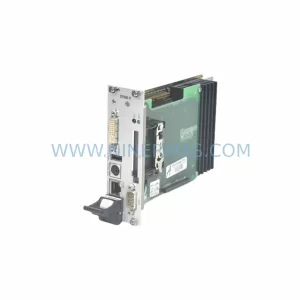
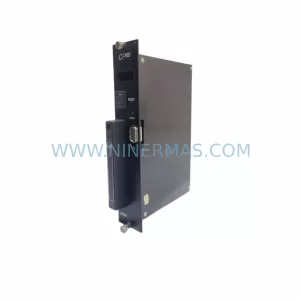
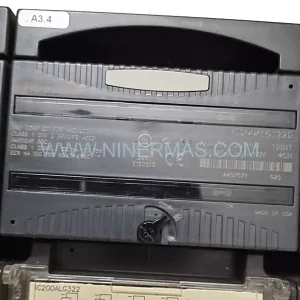
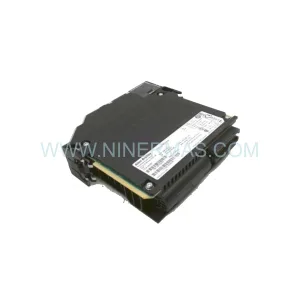
Original Industrial Spare Part
Allen-Bradley 1783-MS08T Service-Ready Spare Part
Verify the part, confirm the platform family, and move straight into quotation with the right commercial details.
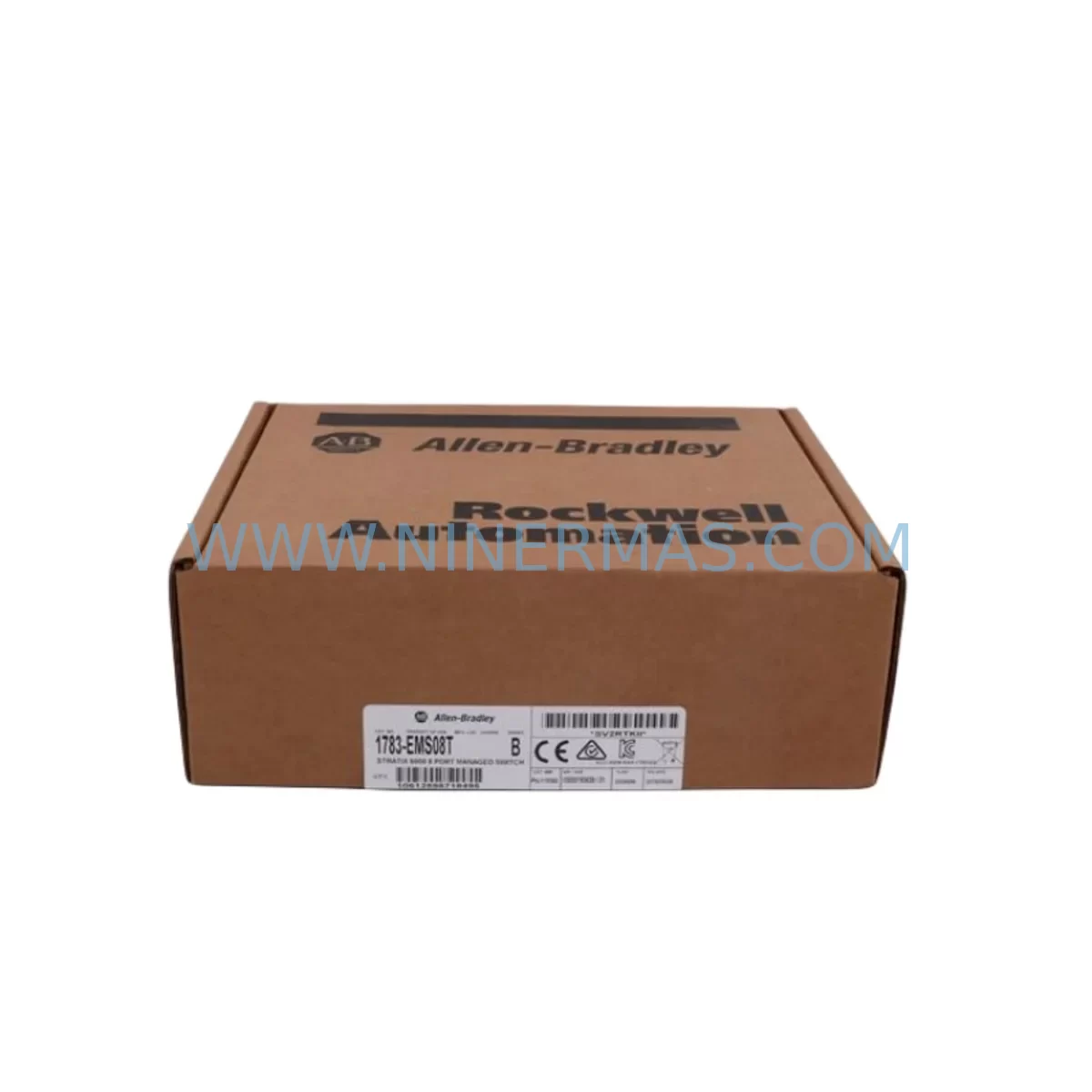
RFQ Ready
- SKU1783-MS08T
- CategoryPLC & Industrial Automation Modules
- BrandAllen-Bradley
- SupportAvailability, lead time, condition, and shipping coordination
How Buyers Usually Use This Page
- Confirm the exact part number and platform family before sending the quote request.
- Use direct email when quantity, condition, and destination are already defined internally.
- Switch to the broader brand or category archive when you need alternates nearby.
Series Navigation
Move through the most common platform families behind this part.
Product RFQ
Send this part directly for quotation.
Include quantity, required condition, destination country, and target delivery timing. Current reference: Allen-Bradley 1783-MS08T Service-Ready Spare Part with SKU 1783-MS08T.
Allen-Bradley 1783-MS08T Service-Ready Spare Part: Spare Part Replacement & Downtime Risk Control
The Allen-Bradley 1783-MS08T is an 8-port managed Ethernet switch from the Stratix 6000 series, purpose-built for industrial automation environments where network reliability is mission-critical. As a service-ready original spare part, the 1783-MS08T is stocked and tested to support rapid field replacement, emergency maintenance, and planned annual overhauls across manufacturing plants, process control facilities, and discrete automation lines.
Industrial Ethernet infrastructure is the backbone of modern PLC and DCS communication. When a managed switch such as the 1783-MS08T fails or degrades, the downstream impact is immediate: loss of I/O communication, HMI disconnection, controller faults, and unplanned production stoppages. Maintaining a verified spare unit on-site or in a regional warehouse is the most effective strategy to reduce mean time to repair (MTTR) and protect production continuity.
NINERMAS supplies the 1783-MS08T as an original Allen-Bradley component, sourced through established industrial distribution channels. Each unit undergoes pre-shipment functional verification to confirm port integrity, management interface responsiveness, and power input compliance before dispatch. A 12-month warranty is included with every shipment, covering manufacturing defects and component failure under normal operating conditions.
Spare Maintenance Table
| Parameter | Specification |
|---|---|
| Part Number / SKU | 1783-MS08T |
| Brand | Allen-Bradley (Rockwell Automation) |
| Series | Stratix 6000 |
| Product Type | Managed Industrial Ethernet Switch |
| Number of Ports | 8 × 10/100BASE-TX (RJ45) |
| Management | Web-based, SNMP, EtherNet/IP managed |
| Power Input | 24 VDC nominal (18–30 VDC range) |
| Power Consumption | ≤ 7 W typical |
| Operating Temperature | 0 °C to +60 °C |
| Mounting | DIN rail |
| Protection Rating | IP20 |
| Certifications | UL, CE, cUL, EtherNet/IP conformant |
| Compatibility | Stratix 6000 series; Allen-Bradley ControlLogix, CompactLogix, MicroLogix PLC families; Rockwell Automation DCS environments |
| Application Environment | Control panels, machine cells, process skids, DIN rail enclosures |
| Maintenance Recommendation | Inspect port LEDs and power LED quarterly; verify firmware version annually; replace proactively at first sign of intermittent link loss |
| Warranty | 12 Months — covers manufacturing defects and component failure under normal operating conditions |
| Pre-Shipment Test | Port continuity, power-on self-test, management interface verification |
| Origin | United States |
Maintenance Planning for Continuous Operation
Replacing the 1783-MS08T in a live control cabinet requires a structured approach to avoid cascading faults. Maintenance engineers should treat a switch replacement as a network topology event, not merely a hardware swap. Before removing the 1783-MS08T, document all port assignments, VLAN configurations, and QoS settings stored in the device’s management interface. If the unit is unresponsive, retrieve the last known configuration from your backup archive or from the Logix Designer project file associated with the connected ControlLogix or CompactLogix controller.
During the replacement window, inspect the 24 VDC power supply feeding the switch — commonly a 1606-XLP or equivalent Allen-Bradley power supply module — for output voltage stability and ripple. A degraded power supply is a frequent root cause of intermittent switch faults and should be tested or replaced concurrently. Check the terminal block connections on the power input wiring for oxidation or loose crimps, as poor contact resistance at the 24 VDC feed can cause the switch to reset under load.
Verify the integrity of all Cat5e or Cat6 patch cables connected to the 1783-MS08T. Industrial environments subject cables to vibration, thermal cycling, and chemical exposure; cable degradation is a common but overlooked contributor to network instability. Replace any cables showing jacket damage or connector wear during the same maintenance window.
If the 1783-MS08T is part of a ring topology using Device Level Ring (DLR) or a linear daisy-chain connecting multiple I/O modules — such as 1734 POINT I/O adapters, 1756 ControlLogix I/O modules, or 1769 CompactLogix I/O — confirm that the ring supervisor role is correctly reassigned after the switch is restored. Failure to verify DLR supervisor assignment can result in a split-ring fault that isolates downstream I/O nodes.
For cabinets that also house communication modules such as the 1756-EN2T or 1756-EN3TR EtherNet/IP bridge modules, confirm that the IP address table and ARP cache on the replacement switch are correctly populated before returning the system to automatic mode. In systems with Panelview Plus HMI terminals connected through the same switch, verify that the HMI communication path is restored and that alarm history is intact before releasing the line.
Procurement engineers should maintain a minimum of one 1783-MS08T spare per control room or machine cell cluster. For facilities operating legacy Stratix 6000 infrastructure across multiple production lines, a pooled spare strategy — holding two to three units centrally with documented lead times from secondary suppliers — provides the best balance between inventory carrying cost and downtime risk. Given the end-of-life trajectory of legacy managed switch platforms, securing long-term supply agreements with verified distributors is strongly recommended to avoid sourcing gaps during future maintenance cycles.
Additional components that should be reviewed and stocked alongside the 1783-MS08T include: 24 VDC DIN rail power supplies (1606-XLP series), EtherNet/IP communication modules (1756-EN2T, 1756-EN3TR), POINT I/O EtherNet/IP adapters (1734-AENT), signal isolators for analog I/O loops, 24 VDC fuse holders and blade fuses for panel protection circuits, terminal blocks and ferrule crimps for power wiring, and spare Cat6 industrial patch cables rated for the operating temperature range of the installation.
Site Replacement Workflow
Step 1 — Pre-Replacement Preparation: Back up the 1783-MS08T configuration via the web management interface or Studio 5000 / RSLogix 5000 project archive. Record all port-to-device mappings, IP address assignments, VLAN IDs, and QoS priority settings. Notify the operations team of the planned network interruption window.
Step 2 — Power Isolation: De-energize the 24 VDC feed to the switch using the dedicated circuit breaker or fuse in the control panel. Do not rely on disconnecting the power terminal alone — confirm zero voltage at the switch power input terminals with a calibrated multimeter before proceeding.
Step 3 — Cable Labeling and Disconnection: Label each RJ45 port connection with the device name and IP address before unplugging. This step is critical in dense cabinets where port positions are not immediately obvious. Photograph the wiring layout as a secondary reference.
Step 4 — DIN Rail Removal and Replacement: Release the DIN rail clip on the 1783-MS08T and slide the unit off the rail. Mount the replacement unit on the same DIN rail position. Reconnect the 24 VDC power wiring to the correct polarity terminals — reverse polarity will damage the unit and void the warranty.
Step 5 — Configuration Restore: Power on the replacement 1783-MS08T and restore the saved configuration via the web interface or by uploading the configuration file. Verify that all port LEDs indicate correct link status before reconnecting downstream devices.
Step 6 — System Verification: From the PLC programming terminal, confirm that all I/O modules, HMI terminals, and communication modules are online and communicating correctly. Check the controller’s I/O tree in Studio 5000 for any faulted modules. Clear any communication faults and verify that the production process resumes normally before closing the maintenance work order.
This workflow is compatible with both hot-standby and single-path network architectures and is applicable to ControlLogix, CompactLogix, and MicroLogix controller families connected through the Stratix 6000 platform.
Spare Parts Support FAQ
Q1: Is the 1783-MS08T still available as a new original spare part?
Yes. NINERMAS maintains stock of original Allen-Bradley 1783-MS08T units sourced through verified industrial distribution channels. While Rockwell Automation has transitioned newer facilities to the Stratix 5700 and Stratix 2000 platforms, the 1783-MS08T remains in active demand for legacy system maintenance. We support long-term supply for facilities committed to extending the operational life of existing Stratix 6000 infrastructure.
Q2: How is the unit tested before shipment?
Every 1783-MS08T dispatched by NINERMAS undergoes a pre-shipment functional test covering power-on self-test completion, all-port link integrity verification, and management interface accessibility. Units that do not pass all test criteria are quarantined and not shipped. A test record is available upon request for quality-controlled procurement processes.
Q3: What does the 12-month warranty cover?
The 12-month warranty covers manufacturing defects and component failure under normal operating conditions as defined by the Allen-Bradley 1783-MS08T product specification. It does not cover damage resulting from incorrect installation, reverse polarity connection, overvoltage, physical impact, or operation outside the specified temperature range. Warranty claims are processed through NINERMAS directly; contact sale@ninermas.com with the order reference and a description of the fault.
Q4: Can the 1783-MS08T replace other Stratix 6000 variants in the same cabinet?
The 1783-MS08T is the 8-port unmanaged-to-managed variant of the Stratix 6000 family. It is not a direct drop-in replacement for fiber-uplink variants or PoE-capable models within the same series. Compatibility must be verified against the existing network topology, port count requirements, and management feature set before substitution. NINERMAS technical support can assist with compatibility verification prior to purchase — contact sale@ninermas.com or call +0086 187 5021 5667.
| Product Series | Stratix |
|---|---|
| Country of Origin | US |
Catalog Continuation
More Allen-Bradley modules in the catalog.
Use the brand lane to compare nearby part numbers, platform-adjacent modules, and other inquiry-ready listings before sending your final RFQ.

Catalog Continuation
Alternative parts within PLC & Industrial Automation Modules.
Stay inside the same system family when you need substitutes, adjacent modules, or a broader shortlist for procurement review.