Original Industrial Spare Part
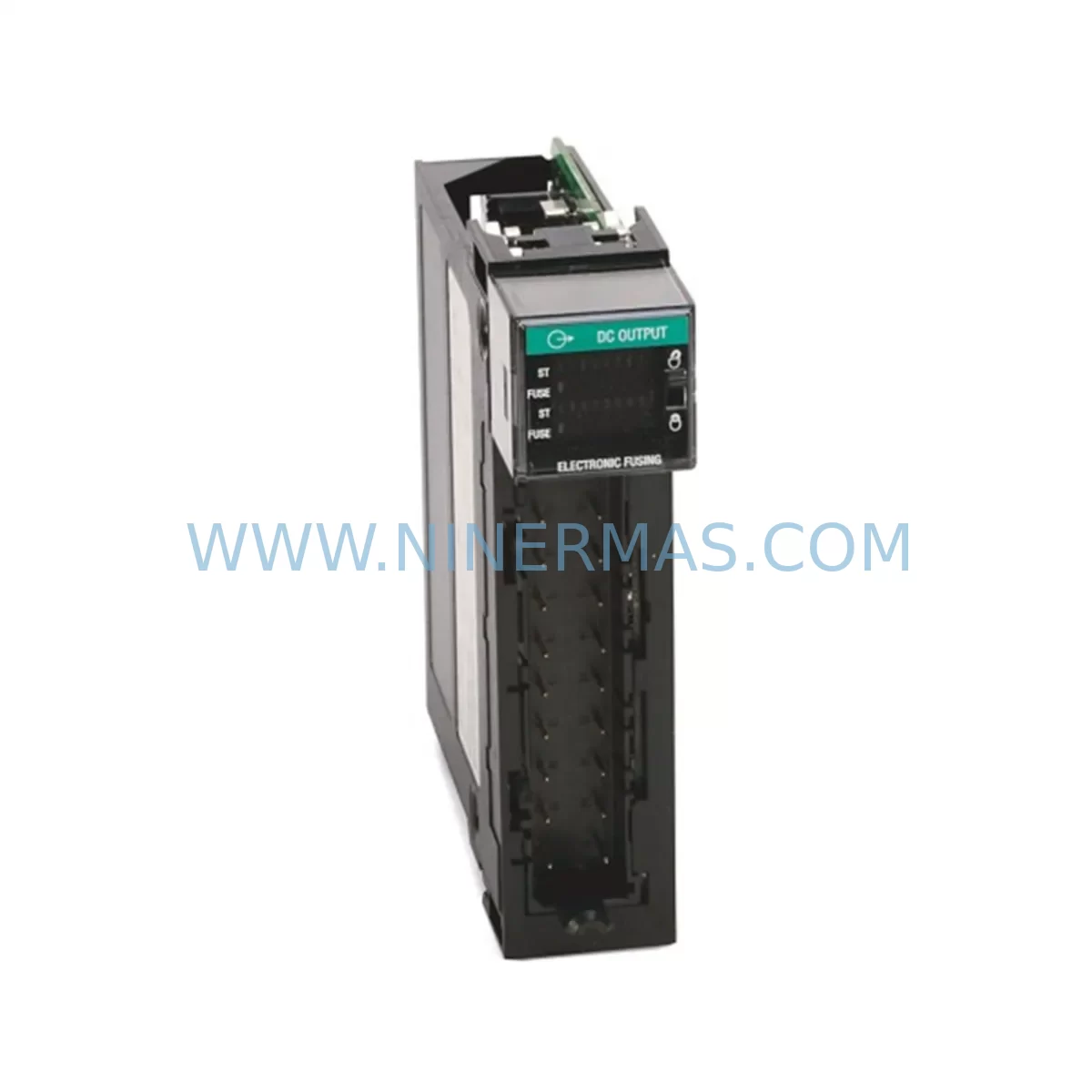
Allen-Bradley 1756-OV16E Spare Part for ControlLogix
Verify the part, confirm the platform family, and move straight into quotation with the right commercial details.
RFQ Ready
- SKU1756-OV16E
- CategoryPLC & Industrial Automation Modules
- BrandAllen-Bradley
- SupportAvailability, lead time, condition, and shipping coordination
How Buyers Usually Use This Page
- Confirm the exact part number and platform family before sending the quote request.
- Use direct email when quantity, condition, and destination are already defined internally.
- Switch to the broader brand or category archive when you need alternates nearby.
Series Navigation
Move through the most common platform families behind this part.
Product RFQ
Send this part directly for quotation.
Include quantity, required condition, destination country, and target delivery timing. Current reference: Allen-Bradley 1756-OV16E Spare Part for ControlLogix with SKU 1756-OV16E.
Allen-Bradley 1756-OV16E Spare Part for ControlLogix – Rapid Replacement & Downtime Risk Control
Spare Maintenance Table
| Parameter | Specification |
|---|---|
| SKU / Part Number | 1756-OV16E |
| Brand | Allen-Bradley (Rockwell Automation) |
| Series | ControlLogix 1756 |
| Module Type | 16-Point DC Digital Output Module (Electronic Fused) |
| Output Voltage Range | 10–28.8V DC |
| Output Current per Point | 1A (max) |
| Total Module Current | 8A (max) |
| Electronic Fusing | Yes – per output point, auto-reset |
| Backplane Current (5V) | 120 mA |
| Isolation | Group isolated, 250V AC continuous |
| Operating Temperature | 0°C to 60°C (32°F to 140°F) |
| Relative Humidity | 5–95% non-condensing |
| Compatibility | ControlLogix 1756 chassis, all 1756 series controllers |
| Installation | Hot-swappable in 1756 chassis |
| Certifications | UL, CE, CSA, RCM |
| Warranty | 12 Months – tested before shipment |
Maintenance Planning for Continuous Operation
For maintenance engineers managing ControlLogix-based control systems, the Allen-Bradley 1756-OV16E is a critical spare that directly governs the reliability of discrete output control loops — from solenoid valve actuation and motor starter commands to safety relay coil energization and indicator lamp circuits. When this module fails or degrades, the downstream impact can cascade across an entire production cell, triggering unplanned shutdowns that are both costly and difficult to diagnose under time pressure.
A well-structured spare parts strategy for the 1756-OV16E should extend beyond the module itself. During any scheduled replacement or annual inspection, maintenance teams are strongly advised to simultaneously inspect the 1756-PA75 or 1756-PB75 power supply module, which feeds the chassis backplane. A degraded power supply is one of the most common root causes of intermittent output faults that are incorrectly attributed to the output module. Alongside this, the 1756-A7 or 1756-A13 chassis backplane should be checked for slot connector wear, especially in high-vibration environments such as steel mills or mining conveyor systems.
On the field wiring side, the 1756-TBCH or 1756-TBS6H removable terminal blocks connected to the 1756-OV16E should be inspected for loose terminations, oxidized contacts, and insulation degradation — particularly in humid or chemically aggressive environments. Corroded terminals are a leading cause of intermittent output signal loss that can mimic module failure. In parallel, the 24V DC field power supply feeding the output load circuits should be verified for voltage stability; a sagging field supply can cause electronic fuses within the 1756-OV16E to trip spuriously under inductive load switching.
For systems where the 1756-OV16E drives relay coil circuits, it is good practice to inspect the associated industrial relay modules or relay terminal blocks (such as Phoenix Contact or Weidmuller relay bases) for contact wear and coil resistance drift. Relay coils that have increased in resistance over time draw higher inrush current, which stresses the output transistors of the module. Similarly, any signal isolators or loop-powered barriers in the output circuit should be tested for proper isolation resistance and output linearity.
From a communications and controller perspective, the 1756-EN2T or 1756-EN2TR EtherNet/IP communication module in the same chassis should be confirmed as fully operational before and after a module swap, since a controller communication fault during hot-swap can cause the replacement module to initialize incorrectly. The 1756-L7x or 1756-L8x ControlLogix controller firmware version should also be verified for compatibility with the replacement 1756-OV16E, as certain firmware revisions affect electronic fuse behavior and diagnostic reporting.
For procurement engineers, maintaining a minimum stock of one to two 1756-OV16E modules per critical production line is a recognized best practice in industries with high mean-time-to-repair (MTTR) sensitivity. NINERMAS maintains long-term inventory of the 1756-OV16E and can support both emergency single-unit orders and bulk procurement for annual maintenance budgets. All units are tested prior to shipment and covered by a 12-month warranty.
Site Replacement Workflow
Replacing the 1756-OV16E in a live ControlLogix system follows a structured workflow designed to minimize downtime and eliminate configuration errors. The 1756 platform supports hot-swap capability, meaning the module can be physically replaced without powering down the chassis — a significant advantage in continuous process environments such as water treatment, chemical dosing, or food and beverage filling lines.
Step 1 – Pre-Replacement Verification: Before removing the faulty module, use RSLogix 5000 or Studio 5000 Logix Designer to confirm the module’s I/O tree status and identify which output tags are currently faulted. Export the module configuration profile for reference. Verify that the replacement 1756-OV16E carries the same catalog number and series letter to ensure full firmware and configuration compatibility.
Step 2 – Field Circuit Isolation: Where process safety permits, de-energize the field load circuits connected to the module’s terminal block. This protects both the replacement module and connected field devices from inrush transients during insertion. If the process cannot be interrupted, coordinate with the control room to place affected output tags in manual override or safe-state hold.
Step 3 – Module Swap: Remove the terminal block from the existing module (the 1756-TBCH is designed for tool-free removal), then unlatch and extract the faulty module from the chassis slot. Insert the replacement 1756-OV16E and re-attach the terminal block. The controller will automatically download the stored module configuration and the module will enter run mode within seconds.
Step 4 – Post-Replacement Functional Test: Verify all 16 output points by forcing each tag ON/OFF through the controller’s I/O forcing function. Confirm that field devices respond correctly and that no electronic fuse trips are reported. Clear any latched faults in the controller I/O tree and restore any manual overrides applied during the swap.
This workflow is applicable to legacy system life extension scenarios where the 1756-OV16E is replacing an older 1756-OV16 (non-electronically fused) variant. The upgrade to the electronically fused version improves field wiring protection and reduces the risk of output transistor damage from short-circuit events — a common failure mode in aging control cabinets with deteriorating field wiring insulation.
Spare Parts Support FAQ
Q1: Is the 1756-OV16E still available as a new spare part, or only as refurbished stock?
NINERMAS supplies the 1756-OV16E as new, surplus-new, and factory-refurbished units depending on availability. All units — regardless of condition grade — undergo full functional testing prior to shipment and are covered by a 12-month warranty. Condition grade is clearly stated on the quotation and invoice. For critical applications, we recommend specifying new or surplus-new stock at the time of inquiry.
Q2: How do I confirm compatibility between the replacement 1756-OV16E and my existing ControlLogix system?
Compatibility is determined by three factors: chassis series (any 1756 chassis is compatible), controller firmware version (verify against Rockwell’s Product Compatibility and Download Center), and the series letter of the module. NINERMAS technical support can assist with compatibility verification if you provide your controller catalog number, firmware revision, and existing module series letter. We also recommend reviewing the 1756-OV16E installation instructions (publication 1756-IN572) for wiring and configuration requirements.
Q3: What is covered under the 12-month warranty, and what is the claim process?
The 12-month warranty covers manufacturing defects, functional failure under normal operating conditions, and DOA (dead-on-arrival) units. It does not cover damage caused by incorrect installation, overvoltage, reverse polarity, or physical impact. To initiate a warranty claim, contact NINERMAS at sale@ninermas.com with your order number, a description of the fault, and any available diagnostic data from the controller. Replacement or repair is typically processed within 5–10 business days.
Q4: Can NINERMAS support long-term or recurring procurement of the 1756-OV16E for annual maintenance budgets?
Yes. NINERMAS supports blanket purchase orders, annual supply agreements, and scheduled delivery programs for the 1756-OV16E and other ControlLogix spare parts. This is particularly valuable for facilities managing multiple production lines or operating in regions with long import lead times. Contact our sales team to discuss volume pricing, lead time commitments, and inventory reservation options.
| Product Series | ControlLogix |
|---|---|
| Country of Origin | US |
Catalog Continuation
Likely ControlLogix 1756 platform matches.
These parts are closer to the same platform family signaled by the current SKU and title, so buyers can validate continuity before sending a final RFQ.




Catalog Continuation
More Allen-Bradley modules in the catalog.
Use the brand lane to compare nearby part numbers, platform-adjacent modules, and other inquiry-ready listings before sending your final RFQ.
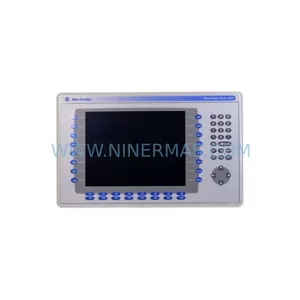
SKU: 2711P-B10C15A2/A
Allen-Bradley 2711P-B10C15A2 Service-Ready Spare Part
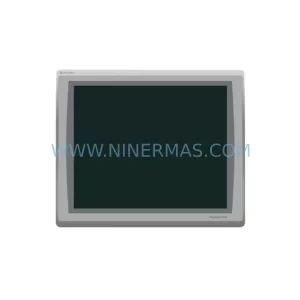
SKU: 2711P-T19C22A9P
Allen-Bradley 2711P-T19C22A9P Service-Ready Spare Part
Catalog Continuation
Alternative parts within PLC & Industrial Automation Modules.
Stay inside the same system family when you need substitutes, adjacent modules, or a broader shortlist for procurement review.


SKU: 00-176-037 00-176-037 00-262-652 00-262-652 00-178-888 00-178-888
KUKA 00-176-037 Retrofit Reducer Module for Legacy Systems

SKU: 6SE7027-2TD84-6HF3
SIEMENS 6SE7027-2TD84-6HF3 Service-Ready Spare Part