Original Industrial Spare Part
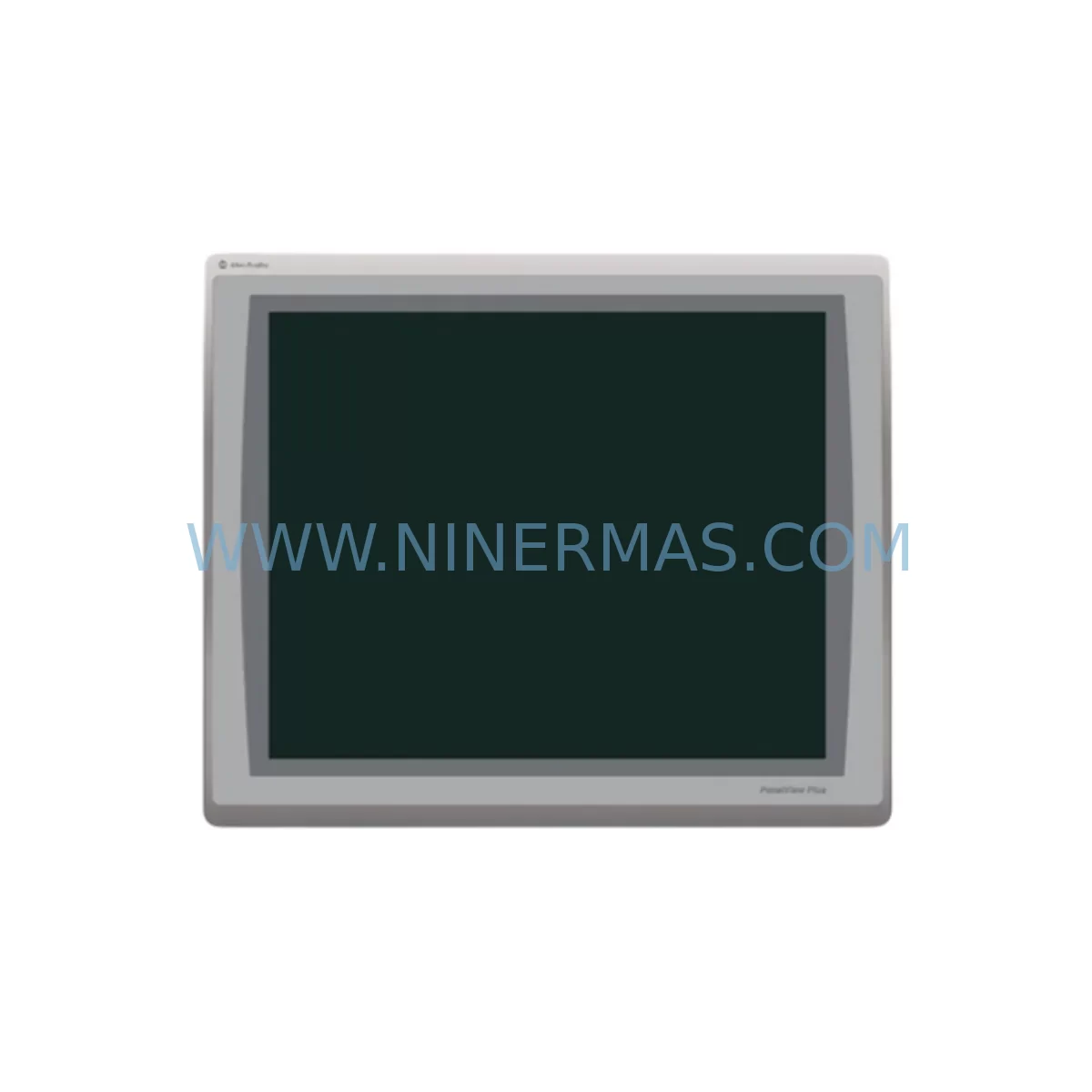
Allen-Bradley 2711P-T19C22A9P Service-Ready Spare Part
Verify the part, confirm the platform family, and move straight into quotation with the right commercial details.
RFQ Ready
- SKU2711P-T19C22A9P
- CategoryPLC & Industrial Automation Modules
- BrandAllen-Bradley
- SupportAvailability, lead time, condition, and shipping coordination
How Buyers Usually Use This Page
- Confirm the exact part number and platform family before sending the quote request.
- Use direct email when quantity, condition, and destination are already defined internally.
- Switch to the broader brand or category archive when you need alternates nearby.
Series Navigation
Move through the most common platform families behind this part.
Product RFQ
Send this part directly for quotation.
Include quantity, required condition, destination country, and target delivery timing. Current reference: Allen-Bradley 2711P-T19C22A9P Service-Ready Spare Part with SKU 2711P-T19C22A9P.
Allen-Bradley 2711P-T19C22A9P Service-Ready Spare Part for Industrial Maintenance
The Allen-Bradley 2711P-T19C22A9P is a 19-inch widescreen ruggedized operator terminal from the PanelView Plus 7 series, engineered for demanding industrial environments where uptime is non-negotiable. As a service-ready spare part, this unit is pre-tested before shipment and backed by a 12-month warranty, making it a reliable choice for maintenance engineers managing HMI replacement cycles in process control, discrete manufacturing, and critical infrastructure applications.
Unplanned HMI downtime can cascade into full production line stoppages. Stocking the 2711P-T19C22A9P as a ready-to-deploy spare eliminates the lead time risk associated with reactive procurement. Whether you are executing a scheduled annual overhaul, responding to a screen failure during a shift, or building out a regional spare parts depot, this terminal provides direct compatibility with existing PanelView Plus 7 application files, reducing re-commissioning time to a minimum.
Spare Maintenance Table
| Parameter | Specification |
|---|---|
| Part Number / SKU | 2711P-T19C22A9P |
| Brand | Allen-Bradley (Rockwell Automation) |
| Series | PanelView Plus 7 |
| Product Type | Ruggedized Operator Terminal (HMI) |
| Display Size | 19-inch Widescreen TFT LCD |
| Touch Technology | Resistive Touch + Keypad |
| Communication Ports | Dual Ethernet (EtherNet/IP), USB Host & Device |
| Operating Voltage | 24 VDC (nominal) |
| IP Rating | IP66 (front panel) |
| Operating Temperature | 0°C to 55°C |
| Compatibility | FactoryTalk View ME, Studio 5000, RSLinx Classic |
| Mounting | Panel cutout, VESA optional |
| Application Compatibility | Direct replacement for 2711P-T19C22D9P and legacy PanelView Plus 6 with application migration |
| Pre-Shipment Testing | Yes — powered-on functional verification before dispatch |
| Warranty | 12 Months from date of shipment |
| Condition | New / Surplus New |
| Origin | United States |
Maintenance Planning for Continuous Operation
When replacing the 2711P-T19C22A9P in the field, a disciplined maintenance engineer will treat the HMI swap as an opportunity to audit the surrounding control cabinet components. The terminal communicates over EtherNet/IP, so the first checkpoint is the managed Ethernet switch — models such as the Stratix 5700 or Stratix 2000 series — to confirm port configuration, VLAN assignment, and link speed are correctly set for the replacement unit’s MAC address.
The 24 VDC power supply feeding the terminal should be load-tested during the replacement window. A degraded power supply — such as an aging 1606-XLP or 1606-XLS series unit — may have been masking intermittent resets on the old terminal. Replacing the HMI without verifying the supply voltage under load is a common source of repeat failures. Similarly, the 24 VDC distribution terminal blocks and fuse holders in the panel should be inspected for oxidation or loose torque.
If the control cabinet also houses a ControlLogix or CompactLogix PLC — for example a 1756-L85E or 1769-L36ERM — verify that the FactoryTalk View ME application version on the replacement terminal matches the firmware revision expected by the controller. A mismatch in communication driver versions between RSLinx Classic and the PLC’s EtherNet/IP adapter can prevent tag browsing from completing after the swap.
For cabinets with I/O expansion, inspect the 1756-IB16 or 1734-IB8 digital input modules and any 1756-OF8 analog output modules for alarm conditions that may have been suppressed by the failed HMI. Relay output modules such as the 1756-OW16I should also be checked for contact wear if the terminal was involved in interlock or permissive logic display.
Communication modules — including 1756-EN2T EtherNet/IP bridge modules or 1756-DNB DeviceNet scanner cards — should be confirmed online and fault-free before the replacement terminal is brought into service. If the panel includes a signal isolator or loop-powered transmitter feeding analog inputs, verify 4–20 mA loop integrity with a calibrator before closing the cabinet.
Where the control system includes a remote I/O rack or distributed safety module such as a 1791DS-IB8XOBV4 GuardLink block, confirm that the safety network controller recognizes the restored HMI node and that no safety function has been placed in bypass mode during the maintenance window. Finally, if a UPS module such as the 1606-XLSRED240E is installed, verify its battery health and transfer time before returning the panel to production.
Site Replacement Workflow
Step 1 — Isolation and Backup: Before removing the failed 2711P-T19C22A9P, back up the FactoryTalk View ME application (.MER file) from the terminal’s internal storage or from the project archive on the engineering workstation. Confirm the backup is readable before proceeding.
Step 2 — Panel Cutout Verification: The 2711P-T19C22A9P uses a standard PanelView Plus 7 19-inch cutout. Measure the existing cutout dimensions and confirm gasket condition. Replace the panel gasket if compressed or cracked to maintain IP66 integrity on the new unit.
Step 3 — Wiring Transfer: Label and photograph all connector positions — 24 VDC power, Ethernet ports, USB, and any serial adapters — before disconnecting. Transfer wiring to the replacement terminal using the same port assignments. Torque power terminals to specification.
Step 4 — Application Restore: Load the backed-up .MER application file onto the replacement terminal via USB or Ethernet. Confirm the runtime version compatibility. If migrating from a PanelView Plus 6 application, use FactoryTalk View Studio’s migration wizard to convert the .MER file before loading.
Step 5 — Communication Verification: Power on the terminal and confirm EtherNet/IP communication to the target PLC. Browse tags in RSLinx Classic to verify all data connections are active. Check for any unresolved tag references or communication faults in the diagnostics screen.
Step 6 — Functional Test and Sign-Off: Cycle through all HMI screens, confirm alarm display, trend data, and operator control functions. Document the replacement in the maintenance log with the new unit’s serial number and the date of installation. Return the panel to normal operation.
Spare Parts Support FAQ
Q1: Is the 2711P-T19C22A9P a direct drop-in replacement for the 2711P-T19C22D9P?
The two part numbers share the same 19-inch PanelView Plus 7 platform and panel cutout dimensions. The suffix difference relates to the display backlight technology. The application file (.MER) is compatible across both variants without modification, and the EtherNet/IP communication configuration is identical. Physical installation is a direct swap.
Q2: What is included in the 12-month warranty and pre-shipment testing?
Every unit is powered on and functionally verified before dispatch — including display, touch input, Ethernet port link, and USB port recognition. The 12-month warranty covers manufacturing defects and component failures under normal operating conditions from the date of shipment. Warranty claims are supported with a return and replacement process; contact sale@ninermas.com to initiate.
Q3: Can you support long-term or blanket purchase orders for this spare part?
Yes. For maintenance teams managing multi-site installations or annual MRO budgets, we support scheduled release orders and reserved stock arrangements. Long-term supply agreements help lock in availability for end-of-life or allocation-constrained Rockwell Automation part numbers. Contact our team to discuss volume and lead time commitments.
Q4: How do I verify compatibility before ordering if my existing terminal has a different firmware revision?
Provide your existing terminal’s catalog number, firmware revision (visible in the terminal’s About screen), and the FactoryTalk View ME runtime version in use. Our technical team will confirm compatibility and advise on any firmware update steps required before or after installation. This pre-order compatibility check is provided at no charge.
| Product Series | 2711 |
|---|---|
| Country of Origin | US |
Catalog Continuation
More Allen-Bradley modules in the catalog.
Use the brand lane to compare nearby part numbers, platform-adjacent modules, and other inquiry-ready listings before sending your final RFQ.
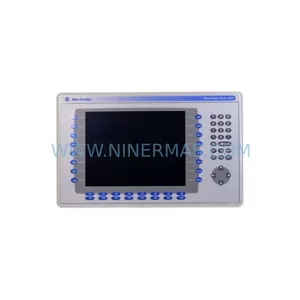
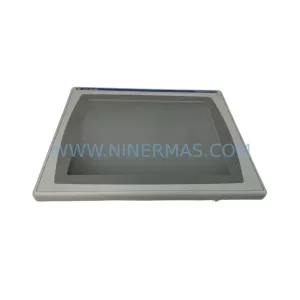
SKU: 2711P-B10C15A2/A
Allen-Bradley 2711P-B10C15A2 Service-Ready Spare Part
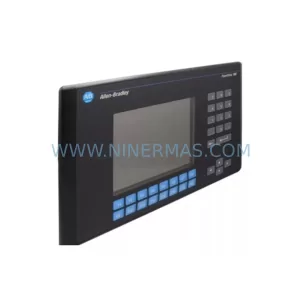
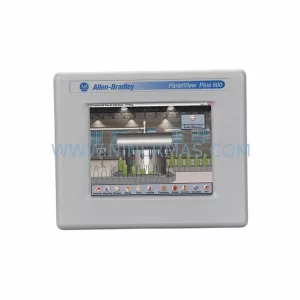
SKU: 2711P-RDT15C SER B
Allen-Bradley 2711P-RDT15C SER B Industrial Spare Part
Catalog Continuation
Alternative parts within PLC & Industrial Automation Modules.
Stay inside the same system family when you need substitutes, adjacent modules, or a broader shortlist for procurement review.
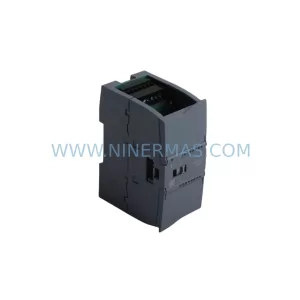
SKU: 6ES7234-4HE32-0XB0
Siemens 6ES7234-4HE32-0XB0 Service-Ready Spare Part
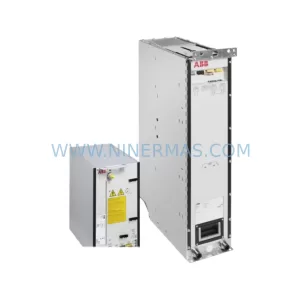
SKU: ACS880-104LC-0860A-7
ABB ACS880-104LC-0860A-7 Retrofit-Compatible Inverter
SKU: MVME2304 64-W5206C01B
Motorola MVME2304 64-W5206C01B Retrofit-Compatible Processor