
Original Industrial Spare Part
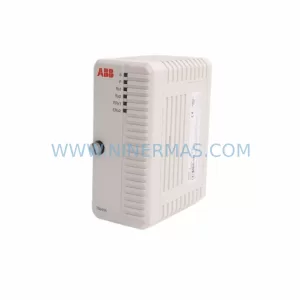
ABB YPQ201A YT204001-KA Retrofit-Compatible CPU Module
Verify the part, confirm the platform family, and move straight into quotation with the right commercial details.
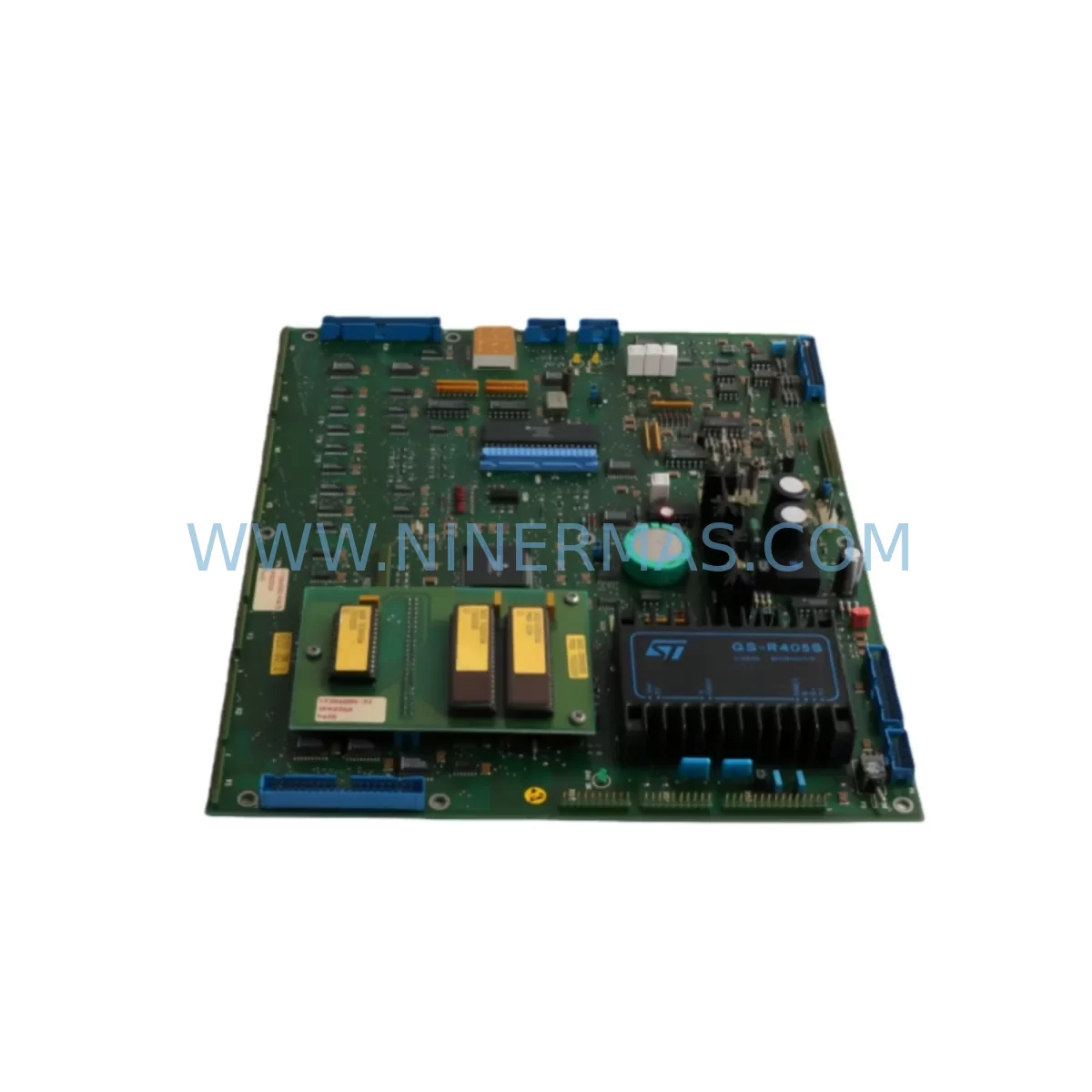
RFQ Ready
- SKUYPQ201A YT204001-KA
- CategoryPLC & Industrial Automation Modules
- BrandABB
- SupportAvailability, lead time, condition, and shipping coordination
How Buyers Usually Use This Page
- Confirm the exact part number and platform family before sending the quote request.
- Use direct email when quantity, condition, and destination are already defined internally.
- Switch to the broader brand or category archive when you need alternates nearby.
Series Navigation
Move through the most common platform families behind this part.
Product RFQ
Send this part directly for quotation.
Include quantity, required condition, destination country, and target delivery timing. Current reference: ABB YPQ201A YT204001-KA Retrofit-Compatible CPU Module with SKU YPQ201A YT204001-KA.
ABB YPQ201A YT204001-KA Retrofit-Compatible CPU Module: Legacy System Compatibility & Smooth Upgrade Path
The ABB YPQ201A YT204001-KA is a ruggedized CPU module engineered for demanding industrial environments and designed to serve as a direct retrofit replacement within ABB AC500 series control architectures. As legacy automation systems age and original spare parts reach end-of-life, the YPQ201A YT204001-KA provides a reliable, field-proven upgrade path that preserves existing program logic, minimizes downtime, and extends the operational lifespan of installed control cabinets. Whether you are managing a planned modernization project or responding to an unplanned failure of a discontinued module, this CPU delivers the processing performance and I/O compatibility required to restore and sustain production continuity.
Facilities running older ABB Advant, AC31, or early AC500 platforms frequently encounter the challenge of sourcing compatible CPU replacements when original modules are no longer manufactured. The YPQ201A YT204001-KA addresses this gap directly, offering compatibility with standard AC500 backplane interfaces and supporting the communication protocols commonly found in legacy control networks. Engineers undertaking a retrofit must verify several critical parameters before installation: available power supply capacity on the existing rack, terminal wiring assignments relative to the original module pinout, backplane slot addressing, and the version compatibility of the resident PLC program. In many cases, the existing ABB PM573 or PM583 program files can be migrated with minimal modification, provided the I/O module mapping and function block libraries are reviewed against the target firmware version.
Upgrade Compatibility Table
| Parameter | Details |
|---|---|
| Compatible Series | ABB AC500, AC500-S, AC500-XC |
| Replaces / Supersedes | YPQ201A, YT204001-KA (discontinued variants) |
| Backplane Interface | Standard AC500 S500 backplane bus |
| Communication Protocols | PROFIBUS DP, Modbus RTU/TCP, CANopen, Ethernet/IP |
| Installation Form Factor | DIN rail / rack-mount, compatible with TB521, TB541 terminal bases |
| Power Supply Requirement | 24 VDC nominal; verify existing PS501/PS502 capacity before installation |
| Programming Environment | ABB Automation Builder / CoDeSys 2.3 & 3.5 compatible |
| Retrofit Recommendation | Direct slot replacement; verify firmware version and I/O address mapping |
| Commissioning Notes | Cold-start program download required; HMI screen variable re-mapping may be needed |
| Warranty | 12 Months from date of shipment |
Retrofit Planning for Existing Automation Systems
A successful retrofit using the ABB YPQ201A YT204001-KA begins with a thorough audit of the existing control architecture. Technicians should document the current rack configuration, noting the positions of all installed I/O modules such as the DC532 digital input module and DA501 analog output module, as well as any communication modules including the CM572-DP PROFIBUS master or CM589-PNIO PROFINET adapter. The physical installation space within the control cabinet must be confirmed, as the YPQ201A YT204001-KA occupies a standard CPU slot on the TB521 or TB541 terminal base and requires adequate clearance for ventilation and cable routing.
Power budget verification is a non-negotiable step. The existing ABB PS501 or PS502 power supply module must be assessed to confirm it can support the combined load of the replacement CPU and all connected I/O modules. If the power margin is insufficient, a parallel power supply or a higher-capacity unit should be planned as part of the upgrade scope. Terminal wiring should be photographed and labeled before any module is removed, as the YPQ201A YT204001-KA uses the same terminal base connector layout as its predecessors, but individual signal assignments must be cross-referenced against the original wiring diagram to prevent mis-termination.
For systems that include an ABB CP600 or CP620 HMI panel, the operator interface screens will need to be reviewed after the CPU swap. Variable addresses and data block references may shift depending on the program version loaded onto the new module, and HMI project files should be backed up and re-linked to the updated PLC program before the system is returned to service. Communication links to SCADA systems via Modbus TCP or OPC-UA gateways should also be tested during commissioning to confirm that all data tags are resolving correctly.
Where the legacy system includes signal isolators or marshalling panels connected to third-party field devices, the retrofit plan should account for any impedance or loop-power compatibility differences. Installing a CM578-CN CANopen communication module alongside the new CPU can simplify integration with distributed I/O nodes that were previously managed through a proprietary fieldbus. Programming cables such as the TK501 USB programming cable
should be on hand during commissioning to allow direct firmware updates and program downloads without relying on network connectivity.
Downtime Control During System Migration
Minimizing production downtime during a CPU module replacement requires careful pre-staging and a disciplined cutover procedure. Before the maintenance window begins, the existing PLC program should be uploaded and archived from the current CPU using ABB Automation Builder, creating a verified backup that can be restored if the migration encounters unexpected issues. All I/O module configurations, including force tables and diagnostic settings, should be exported and documented.
During the physical swap, the replacement YPQ201A YT204001-KA should be pre-configured offline with the target firmware version and the migrated program loaded and syntax-checked before it is installed in the rack. This approach reduces the time the control system is offline to the duration of the physical module exchange and the initial cold-start sequence, typically achievable within a planned two-to-four hour maintenance window for a single-rack system. For multi-rack or redundant CPU configurations, a staged migration strategy — replacing one CPU at a time while the partner unit maintains control — can reduce the effective downtime to near zero.
Field I/O should be placed in a safe state before power is removed from the rack, and all analog output modules should be confirmed in their hold-last-value or de-energized state as appropriate for the process. After the new CPU is installed and the program is downloaded, a structured I/O checkout procedure should verify each digital and analog channel before the system is returned to automatic control. Communication links to upstream SCADA or DCS systems should be the final item confirmed before handover, ensuring that all alarm and status signals are transmitting correctly and that no spurious outputs were generated during the restart sequence.
Retrofit Support FAQ
Q1: Is the ABB YPQ201A YT204001-KA a direct drop-in replacement for the original discontinued module?
A: In most AC500 series installations, yes. The YPQ201A YT204001-KA uses the same terminal base interface and occupies the same CPU slot as the original module. However, customers should verify the firmware version compatibility with their existing I/O modules and confirm that the PLC program compiles without errors under the target Automation Builder version before committing to the swap.
Q2: What commissioning steps are required after installation?
A: After physical installation, a full program download is required. Technicians should perform an I/O force test on all digital and analog channels, verify communication link status on all connected fieldbus modules, and confirm HMI variable mapping if an operator panel is present. A structured pre-startup checklist covering power supply voltage, earthing continuity, and communication diagnostics is strongly recommended.
Q3: How is wiring compatibility handled when replacing the legacy CPU?
A: The YPQ201A YT204001-KA is designed for use with the standard ABB TB521 and TB541 terminal bases, which retain the same wiring connector layout as earlier AC500 CPU modules. In most cases, existing field wiring can remain undisturbed. Customers should cross-reference the original wiring diagram against the replacement module’s terminal assignment table to confirm signal-by-signal compatibility before energizing the system.
Q4: What does the 12-month warranty cover, and is pre-shipment testing performed?
A: Every ABB YPQ201A YT204001-KA unit supplied by NINERMAS undergoes functional testing prior to shipment, including power-on verification and communication port diagnostics. The 12-month warranty covers manufacturing defects and functional failures under normal operating conditions from the date of shipment. In-stock units are available for immediate dispatch, supporting urgent replacement requirements with short lead times.
| Product Series | AC500 |
|---|---|
| Country of Origin | SE |
Catalog Continuation
More ABB modules in the catalog.
Use the brand lane to compare nearby part numbers, platform-adjacent modules, and other inquiry-ready listings before sending your final RFQ.
SKU: IO DSQC1032 3HAC058665-001
ABB DSQC1032 3HAC058665-001 Safety-Reliable Analog I/O Module
SKU: DSAO110 57120001-AT/2
ABB DSAO110 57120001-AT/2 Retrofit-Compatible Analog Output for Legacy Systems
SKU: TB840A 3BSE037760R1
ABB TB840A 3BSE037760R1 Retrofit-Compatible Battery for AC800M
Catalog Continuation
Alternative parts within PLC & Industrial Automation Modules.
Stay inside the same system family when you need substitutes, adjacent modules, or a broader shortlist for procurement review.

SKU: OZDPROFI12MG12
Hirschmann OZDPROFI12MG12 Spare Part for Industrial Maintenance



SKU: 07025-0000-70-1-04
KONTRON 07025-0000-70-1-04 Service-Ready Spare Part



