Original Industrial Spare Part
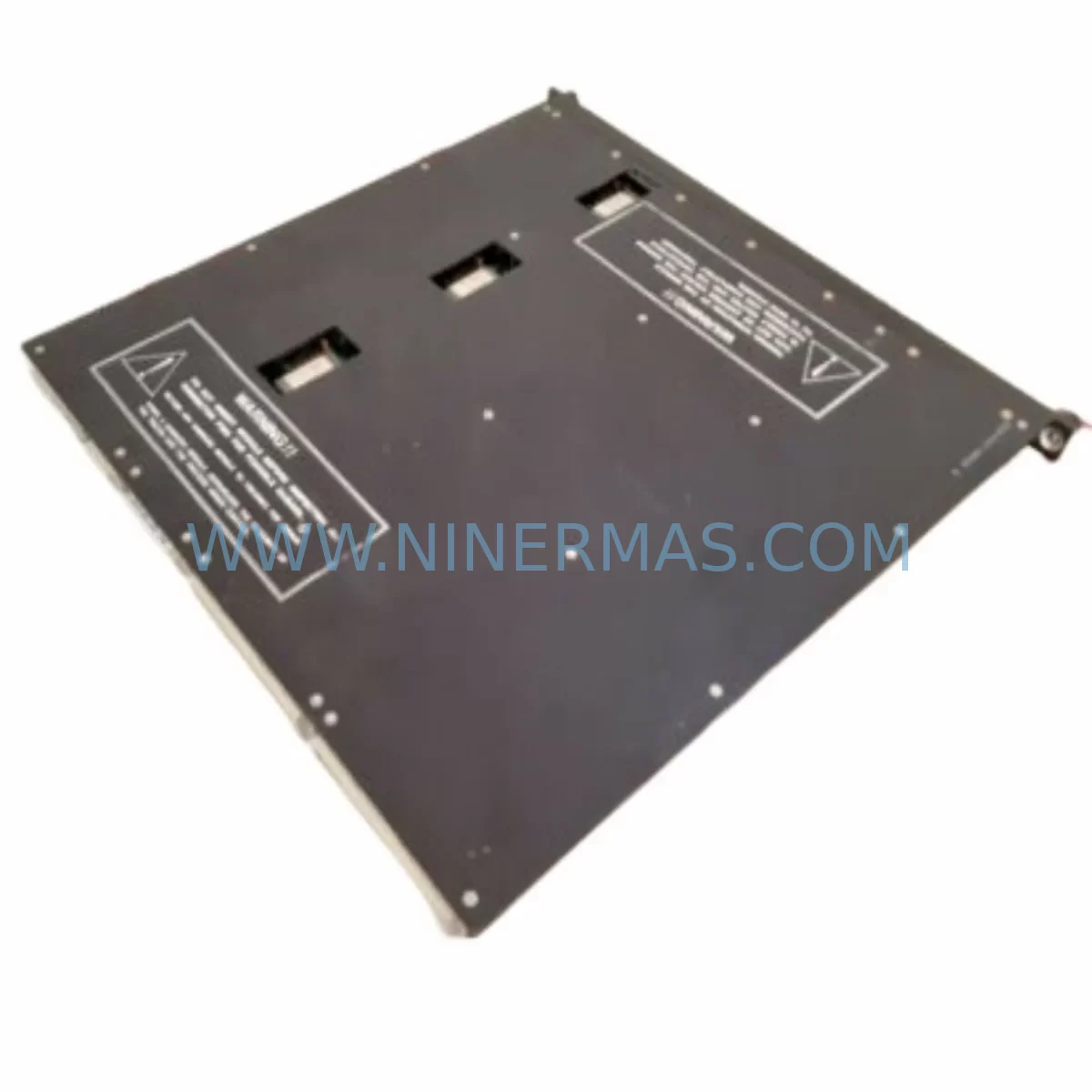
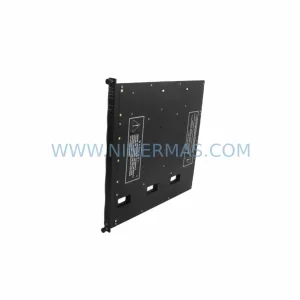
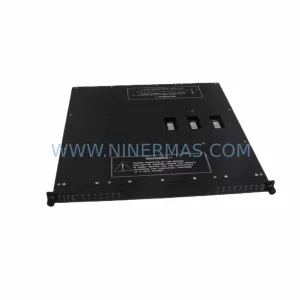
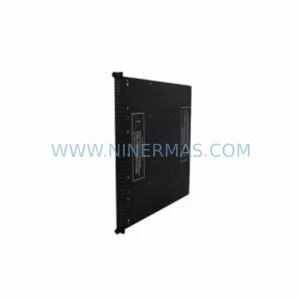
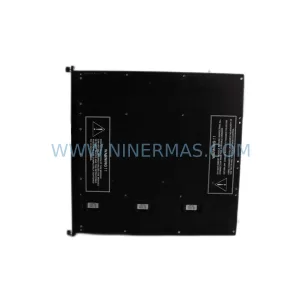
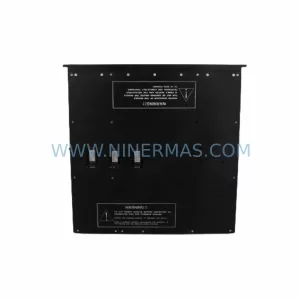
Triconex HCU3700/3703E Service-Ready Spare Part
Verify the part, confirm the platform family, and move straight into quotation with the right commercial details.
RFQ Ready
- SKUHCU3700/3703E
- CategorySIS Safety & Redundancy Systems
- BrandTRICONEX
- SupportAvailability, lead time, condition, and shipping coordination
How Buyers Usually Use This Page
- Confirm the exact part number and platform family before sending the quote request.
- Use direct email when quantity, condition, and destination are already defined internally.
- Switch to the broader brand or category archive when you need alternates nearby.
Series Navigation
Move through the most common platform families behind this part.
Product RFQ
Send this part directly for quotation.
Include quantity, required condition, destination country, and target delivery timing. Current reference: Triconex HCU3700/3703E Service-Ready Spare Part with SKU HCU3700/3703E.
Triconex HCU3700/3703E Service-Ready Spare Part: Spare Replacement & Downtime Risk Control
The Triconex HCU3700/3703E is a high-availability communication unit designed for use within the Tricon Triple Modular Redundant (TMR) safety system platform — one of the most widely deployed safety instrumented systems (SIS) in oil & gas, petrochemical, power generation, and continuous process industries. When this module fails or reaches end-of-life, the consequences extend far beyond a single card replacement: the entire safety loop integrity is at risk, and unplanned downtime in safety-critical environments carries significant operational and regulatory cost.
At NINERMAS, we stock the HCU3700/3703E as a tested, service-ready spare part, available for immediate dispatch with full 12-month warranty coverage. Whether you are responding to an active fault, building a preventive spare parts inventory, or planning an annual turnaround, this module is sourced, inspected, and shipped to meet the demands of industrial maintenance teams worldwide.
Spare Maintenance Table
| Parameter | Specification / Detail |
|---|---|
| Part Number | HCU3700 / 3703E |
| Brand | Triconex (Schneider Electric) |
| Series | Tricon TMR Safety System |
| Module Type | High-Speed Communication Unit (HCU) |
| Compatible Systems | Tricon v9, v10, v11 chassis; Tricon CX |
| Communication Interface | TriStation, Peer-to-Peer, DCS gateway |
| Operating Voltage | 24 VDC (supplied via backplane) |
| Operating Temperature | 0°C to 60°C |
| Mounting | Tricon main chassis backplane slot |
| Certification | SIL 3 rated (IEC 61508) |
| Condition | Original, tested, service-ready |
| Warranty | 12 Months — NINERMAS Standard |
| Lead Time | In stock — ships within 1–3 business days |
| Application | Emergency shutdown (ESD), fire & gas (F&G), burner management (BMS) |
Maintenance Planning for Continuous Operation
Replacing the HCU3700/3703E in a live Tricon system is rarely an isolated task. Experienced maintenance engineers know that a communication unit fault often signals broader stress on the safety controller infrastructure. Before returning the system to service, a thorough inspection of adjacent components is essential to prevent repeat failures and ensure the integrity of the entire safety loop.
Begin with the Tricon Main Processor (MP3008 or MP3100) — the HCU interfaces directly with the main processor over the backplane bus, and a degraded MP can cause intermittent HCU faults that are misdiagnosed as module failures. Verify the MP firmware version is compatible with the replacement HCU3700/3703E revision.
Next, inspect the Tricon Power Supply Module (PS6000 series). The HCU is sensitive to backplane voltage ripple; a failing or aging power supply can cause communication errors that appear as HCU faults. Measure DC rail stability under load before commissioning the new module.
The Tricon Communication Module (TCM) and Enhanced Intelligent Communication Module (EICM) should also be checked. These modules handle Modbus, OPC, and DCS gateway communications — if the HCU replacement is being performed due to a communication fault, the TCM or EICM may be the root cause or a contributing factor. Confirm all network addresses and baud rate settings are preserved after the swap.
For systems using Triconex ACM (Application Communication Module) for peer-to-peer safety communication between Tricon controllers, verify that the ACM firmware and configuration files are intact and that peer communication is re-established after the HCU is replaced.
Inspect the Tricon Digital Input (DI) and Digital Output (DO) modules — particularly the 3501E, 3601E, and 3703E I/O cards — for signs of contact wear, field wiring degradation, or blown fuses on the field termination assemblies (FTAs). A communication fault at the HCU level can sometimes be traced back to excessive I/O scan load caused by faulty field devices.
Check all field termination assemblies (FTAs) and terminal blocks associated with the affected safety loops. Loose or corroded terminations on the FTA can introduce signal noise that stresses the HCU’s communication buffers. Clean and re-torque all terminal connections as part of the replacement procedure.
If the Tricon system communicates with a DeltaV, Honeywell Experion, or ABB 800xA DCS via the HCU’s gateway interface, coordinate with the DCS team to verify that the historian and alarm management system re-establishes communication cleanly after the module swap. A missed reconnection can result in silent data loss on safety-critical process variables.
Finally, review the TriStation 1131 programming software configuration backup. Confirm that the replacement HCU3700/3703E is recognized by the TriStation project file and that no node address conflicts exist. Update the as-built documentation and spare parts register to reflect the new module serial number.
Site Replacement Workflow
Step 1 — Pre-Replacement Verification: Confirm the HCU3700/3703E part number and firmware revision against the system’s as-built documentation. Cross-reference with the Tricon chassis slot assignment. Ensure a valid TriStation project backup exists before proceeding.
Step 2 — Safety Isolation: Follow site-specific MOC (Management of Change) and LOTO procedures. In a TMR system, the HCU can often be replaced online (hot-swap capable in certain configurations), but confirm with the site safety authority before proceeding in a live environment.
Step 3 — Module Removal: Disengage the module locking mechanism, slide the HCU3700/3703E out of the backplane slot, and place it in an ESD-safe bag for return or failure analysis.
Step 4 — Replacement Installation: Insert the new HCU3700/3703E into the correct chassis slot. Verify the module seats fully on the backplane connector. Observe the module LED status indicators — a solid green RUN LED confirms successful initialization.
Step 5 — Communication Re-establishment: Using TriStation 1131, verify that the replacement module is recognized and that all peer-to-peer and DCS gateway communications are active. Check the system event log for any fault codes.
Step 6 — Functional Test & Documentation: Perform a loop check on all safety functions associated with the HCU. Update the maintenance log, spare parts register, and as-built drawings. Record the new module serial number and installation date for warranty tracking.
This workflow minimizes mean time to repair (MTTR) and ensures the Tricon system is returned to full SIL 3 integrity without introducing new failure modes.
Spare Parts Support FAQ
Q1: Is the HCU3700/3703E still available as a new original spare, or only as a refurbished unit?
NINERMAS supplies the HCU3700/3703E as an original, tested spare part. Each unit undergoes functional verification prior to shipment. We do not supply uncertified or untested refurbished modules. All units are covered by our 12-month warranty from the date of delivery.
Q2: How do I confirm compatibility between the HCU3700/3703E and my specific Tricon chassis version?
Compatibility is determined by the Tricon chassis generation (v9, v10, v11, or Tricon CX) and the TriStation firmware version. Provide your chassis model number and current firmware revision when placing your order, and our technical team will confirm compatibility before shipment. We also recommend cross-referencing the Triconex System Planning Guide for your platform.
Q3: What is NINERMAS’s lead time and shipping process for the HCU3700/3703E?
Units in stock ship within 1–3 business days via DHL Express, FedEx International Priority, or TNT, depending on destination. Each shipment includes a packing list, test report, and warranty certificate. For emergency breakdown orders, contact us directly at sale@ninermas.com or +0086 187 5021 5667 for same-day dispatch options.
Q4: Can NINERMAS support long-term supply agreements for Triconex spare parts?
Yes. NINERMAS offers long-term supply agreements (LTSAs) for Triconex Tricon series spare parts, including the HCU3700/3703E, MP3008, PS6000, TCM, EICM, and associated I/O modules. LTSAs include reserved stock allocation, priority dispatch, fixed pricing, and dedicated account management — ideal for refineries, power plants, and chemical facilities managing aging Tricon systems beyond OEM support lifecycle.
| Product Series | Tricon |
|---|---|
| Country of Origin | US |
Catalog Continuation
Likely Triconex platform matches.
These parts are closer to the same platform family signaled by the current SKU and title, so buyers can validate continuity before sending a final RFQ.
Catalog Continuation
More TRICONEX modules in the catalog.
Use the brand lane to compare nearby part numbers, platform-adjacent modules, and other inquiry-ready listings before sending your final RFQ.
Catalog Continuation
Alternative parts within SIS Safety & Redundancy Systems.
Stay inside the same system family when you need substitutes, adjacent modules, or a broader shortlist for procurement review.
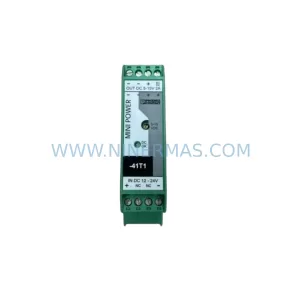
SKU: MINI-PS/12-24DC/5-15DC/2 2320018
Phoenix Contact MINI-PS/12-24DC/5-15DC/2 2320018 DC Power Supply