Original Industrial Spare Part
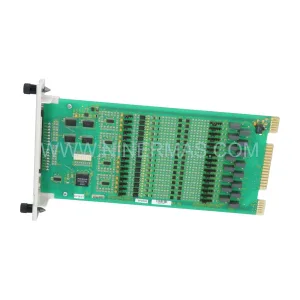
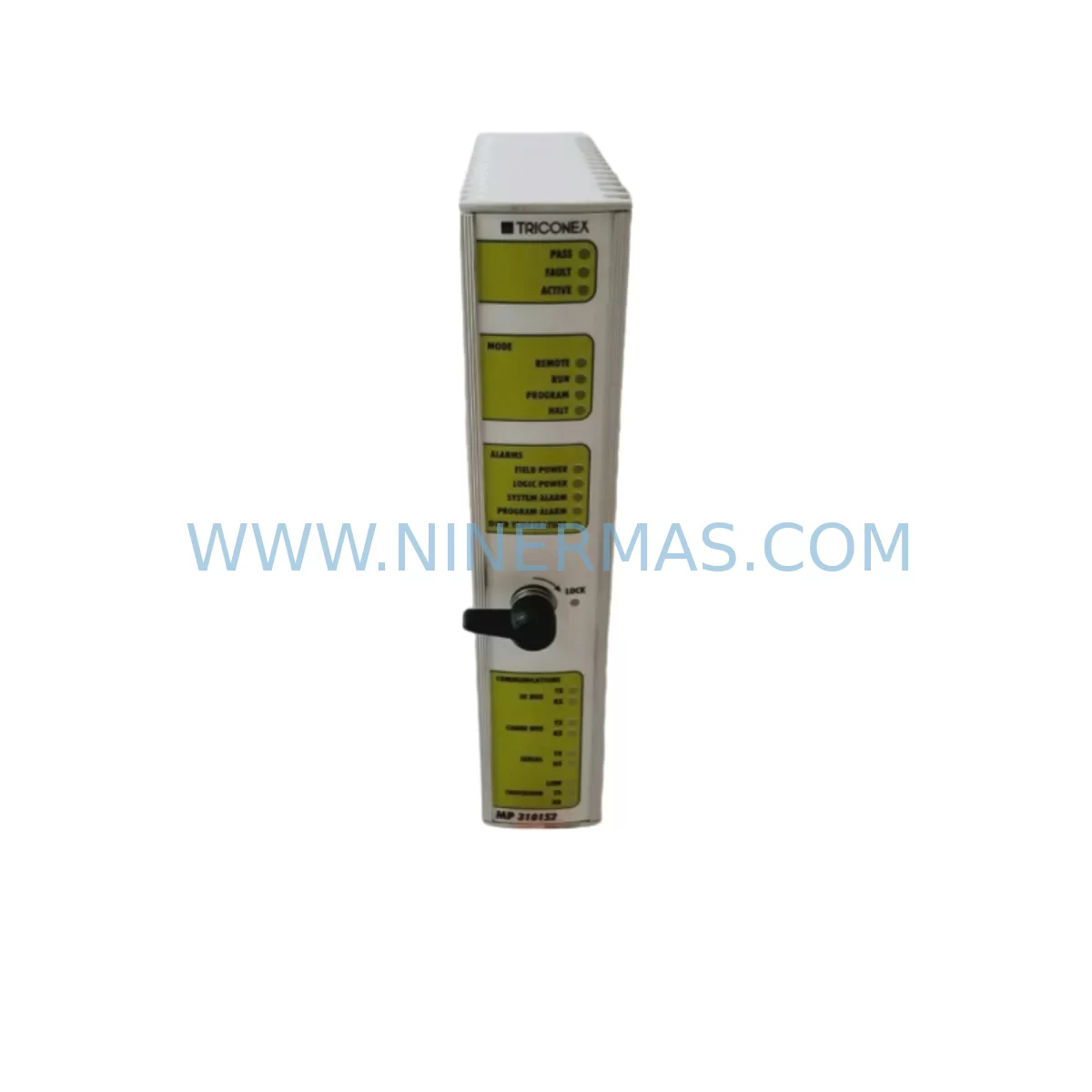
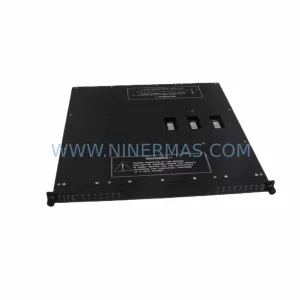
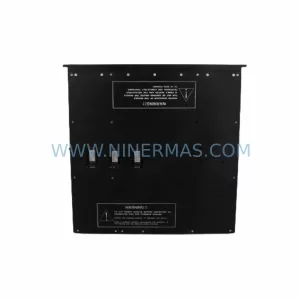
Triconex DI 3301S2 Retrofit-Compatible Digital Input Module
Verify the part, confirm the platform family, and move straight into quotation with the right commercial details.
RFQ Ready
- SKUDI 3301S2
- CategorySIS Safety & Redundancy Systems
- BrandTRICONEX
- SupportAvailability, lead time, condition, and shipping coordination
How Buyers Usually Use This Page
- Confirm the exact part number and platform family before sending the quote request.
- Use direct email when quantity, condition, and destination are already defined internally.
- Switch to the broader brand or category archive when you need alternates nearby.
Series Navigation
Move through the most common platform families behind this part.
Product RFQ
Send this part directly for quotation.
Include quantity, required condition, destination country, and target delivery timing. Current reference: Triconex DI 3301S2 Retrofit-Compatible Digital Input Module with SKU DI 3301S2.
Triconex DI 3301S2 Retrofit-Compatible Digital Input Module: Seamless Legacy System Upgrade
The Triconex DI 3301S2 is a high-reliability digital input module engineered for the Tricon Safety Programmable Logic Controller (SIL 3) platform. As aging distributed control systems and safety instrumented systems (SIS) face end-of-life challenges, the DI 3301S2 serves as a critical retrofit component for facilities seeking to extend operational continuity without undertaking a full system overhaul. Whether you are replacing a failed module in a running plant, upgrading a legacy control cabinet, or executing a phased migration from an older Triconex architecture, the DI 3301S2 provides the compatibility and reliability your process demands.
NINERMAS COMPANY LIMITED maintains verified in-stock inventory of the Triconex DI 3301S2, supported by a 12-month warranty and pre-shipment functional testing. Each unit undergoes outgoing quality inspection to confirm signal integrity, terminal continuity, and backplane communication before dispatch.
Upgrade Compatibility Table
| Parameter | Details |
|---|---|
| SKU / Part Number | DI 3301S2 |
| Brand / Manufacturer | Triconex (Schneider Electric) |
| Series | Tricon Safety System |
| Module Type | Digital Input (DI) |
| Compatible Chassis / Backplane | Tricon Main Chassis, Expansion Chassis (3700 / 3800 series backplanes) |
| Input Channels | 32 channels (TMR triple-modular redundancy) |
| Input Voltage Range | 24 VDC nominal (field-side) |
| Communication Interface | Tricon proprietary backplane bus (TriBus) |
| Replacement Compatibility | Direct replacement for DI 3301, DI 3301S; verify S2 revision with system firmware |
| Installation Requirement | Hot-swap capable in powered chassis; confirm slot addressing before insertion |
| Firmware / Software | Compatible with TriStation 1131 programming environment |
| Safety Integrity Level | SIL 3 (IEC 61511) |
| Mounting | Tricon module slot (keyed connector, tool-free extraction) |
| Warranty | 12 Months — NINERMAS COMPANY LIMITED |
| Pre-Shipment Testing | Functional test, terminal continuity, backplane communication verification |
| Origin | United States |
Retrofit Planning for Existing Automation Systems
Integrating the Triconex DI 3301S2 into an existing Tricon safety system requires careful pre-engineering to avoid unplanned shutdowns and to preserve the integrity of the safety instrumented function (SIF). The following planning considerations apply to the most common retrofit scenarios encountered in petrochemical, oil and gas, power generation, and chemical processing facilities.
Power Budget Verification: Before installing the DI 3301S2, confirm that the Tricon chassis power supply — typically a Triconex PS6201 or PS6202 redundant power supply module — has sufficient headroom to support the additional I/O load. Each digital input module draws current from the chassis backplane; exceeding the power budget can cause intermittent faults across all installed modules, including communication modules and the main processor.
Terminal Wiring and Field Termination: The DI 3301S2 uses a 50-pin field termination assembly (FTA) or equivalent terminal block. When replacing an older DI 3301 or DI 3301S revision, verify that the existing FTA wiring harness is compatible with the S2 connector pinout. In many legacy installations, field cables are labeled by channel number rather than terminal designation — cross-reference the original I/O schedule before disconnecting any wiring. Signal isolation requirements for 24 VDC discrete inputs should also be confirmed, particularly where field devices share a common return with other instrument loops.
Backplane Slot Address and Module Configuration: In the Tricon architecture, each module slot is assigned a fixed address within the chassis. When replacing the DI 3301S2, the replacement module must be inserted into the same physical slot to preserve the I/O address mapping defined in the TriStation 1131 application program. Changing the slot address without a corresponding program modification will result in a mismatch between the configured I/O map and the physical hardware, triggering a system fault. If the chassis also houses a Triconex CM 3201 or CM 3204 communication module, confirm that the communication module’s node address and baud rate settings remain unchanged after the swap.
Program Compatibility and Logic Verification: The TriStation 1131 application program references the DI 3301S2 by slot address and channel number. Before performing the physical swap, download and archive the current application program from the Triconex MP3008 or MP3007 main processor. After module replacement, perform an online comparison between the archived program and the running configuration to confirm that no logic has been altered. Pay particular attention to any cause-and-effect matrix entries that reference the affected input channels, especially in SIL-rated interlock loops.
HMI Screen and Alarm Tag Mapping: In facilities where the Tricon system interfaces with a DCS or SCADA platform — for example, via a Triconex ACM 4511 advanced communication module or a Modbus TCP gateway — verify that the HMI tag database correctly maps to the DI 3301S2 channel addresses. After module replacement, perform a point-by-point I/O check from the field device to the HMI faceplate to confirm that all digital input signals are displayed correctly and that alarm setpoints have not been inadvertently reset.
Communication Link Integrity: The Tricon system’s TriBus backplane communication links all installed modules to the main processor. After inserting the replacement DI 3301S2, monitor the system diagnostic display for any TriBus communication errors. If the system also uses a Triconex EICM 3401 enhanced intelligent communication module for peer-to-peer Tricon-to-Tricon communication, confirm that the EICM’s configuration has not been affected by the module swap.
Installation Space and Mechanical Fit: The DI 3301S2 occupies a single module slot in the Tricon chassis. Confirm that the adjacent slots are not obstructed by cable bundles or conduit runs that could prevent full insertion of the module. The module’s front-panel LED indicators should be visible after installation for ongoing diagnostic monitoring. If the control cabinet also houses a Triconex 3008 or 3006 chassis, verify that the cabinet’s internal airflow path is not blocked, as adequate cooling is essential for long-term module reliability.
Downtime Control During System Migration
Minimizing unplanned downtime is the primary concern when replacing a digital input module in a live safety system. The Triconex DI 3301S2 supports hot-swap replacement in a powered Tricon chassis, provided the system is in the correct operational state and the replacement procedure is followed precisely.
Pre-Swap Checklist: Before removing the failed or end-of-life DI 3301S2, place the affected input channels in a safe state by coordinating with the control room operator. In many SIS applications, this involves temporarily bypassing the interlock logic associated with the affected channels — a step that must be authorized through the facility’s management of change (MOC) procedure and documented in the bypass register. Confirm that the bypass is active and acknowledged in the TriStation 1131 diagnostic display before proceeding.
Module Extraction and Insertion: Use the module’s front-panel extraction handle to disengage the backplane connector. Insert the replacement DI 3301S2 firmly until the connector is fully seated and the front-panel latch engages. The Tricon main processor will automatically detect the new module and perform a self-test sequence, which typically completes within 30 seconds. Monitor the module’s LED status indicators: a steady green RUN light confirms successful initialization.
Post-Swap Verification: After the module initializes, perform a channel-by-channel I/O verification by stimulating each field device and confirming the corresponding input channel state in the TriStation 1131 online monitor. Remove the interlock bypass only after all channels have been verified. Update the maintenance record with the replacement date, module serial number, and test results. If the facility uses a computerized maintenance management system (CMMS), log the replacement against the equipment tag to support future spare parts lifecycle planning.
Spare Parts Lifecycle Strategy: Given that the Triconex Tricon platform is approaching end-of-active-production for some module variants, maintaining a strategic inventory of critical spare modules — including the DI 3301S2, as well as analog input modules such as the Triconex AI 3351S and digital output modules such as the Triconex DO 3401 — is strongly recommended. NINERMAS maintains ongoing inventory of Triconex legacy modules to support facilities that cannot yet commit to a full platform migration.
Retrofit Support FAQ
Q1: Is the Triconex DI 3301S2 a direct drop-in replacement for the DI 3301 and DI 3301S?
In most cases, yes. The DI 3301S2 is the S2 revision of the DI 3301 series and is designed to be backward-compatible with the same chassis slot, FTA wiring, and TriStation 1131 I/O configuration. However, you should verify the system firmware version and the FTA connector type before installation, as minor revision differences may apply in early Tricon chassis generations.
Q2: Can the DI 3301S2 be replaced while the Tricon system is running (hot-swap)?
Yes, the Tricon architecture supports hot-swap module replacement in TMR mode, provided the system is healthy and the affected channels are in bypass. Always follow your facility’s MOC procedure and confirm bypass status in the TriStation 1131 diagnostic display before removing the module. Post-swap I/O verification is mandatory before removing the bypass.
Q3: What pre-shipment testing does NINERMAS perform on the DI 3301S2?
Each DI 3301S2 unit supplied by NINERMAS undergoes functional testing, terminal continuity verification, and backplane communication checks prior to shipment. Units are inspected for physical condition, connector integrity, and LED functionality. A test report is available upon request. All units are covered by a 12-month warranty from the date of shipment.
Q4: What is the lead time and availability for the Triconex DI 3301S2?
NINERMAS maintains in-stock inventory of the DI 3301S2 to support urgent replacement requirements. Standard lead time for in-stock units is 3–7 business days for international shipment. For large-quantity orders or long-term supply agreements, please contact our sales team to discuss inventory reservation and pricing.
| Product Series | Tricon |
|---|---|
| Country of Origin | US |
Catalog Continuation
Likely Triconex platform matches.
These parts are closer to the same platform family signaled by the current SKU and title, so buyers can validate continuity before sending a final RFQ.
Catalog Continuation
More TRICONEX modules in the catalog.
Use the brand lane to compare nearby part numbers, platform-adjacent modules, and other inquiry-ready listings before sending your final RFQ.
Catalog Continuation
Alternative parts within SIS Safety & Redundancy Systems.
Stay inside the same system family when you need substitutes, adjacent modules, or a broader shortlist for procurement review.
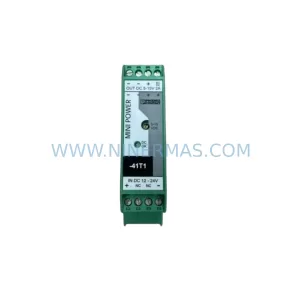
SKU: MINI-PS/12-24DC/5-15DC/2 2320018
Phoenix Contact MINI-PS/12-24DC/5-15DC/2 2320018 DC Power Supply