Original Industrial Spare Part
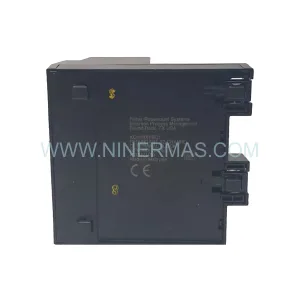
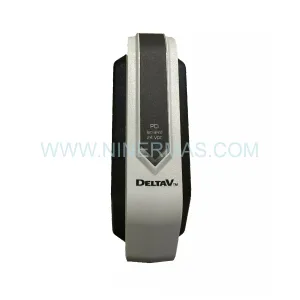
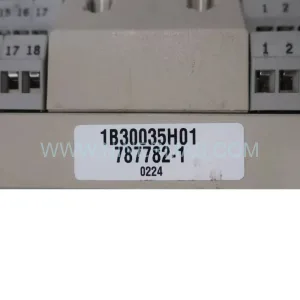
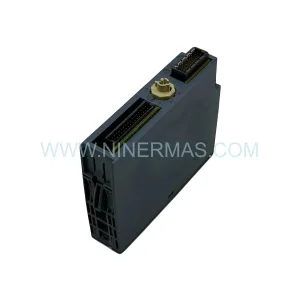
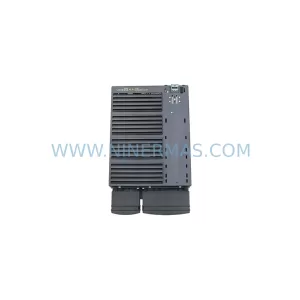
OBERG F-DMDM-PM-110E Retrofit-Compatible Power Module
Verify the part, confirm the platform family, and move straight into quotation with the right commercial details.
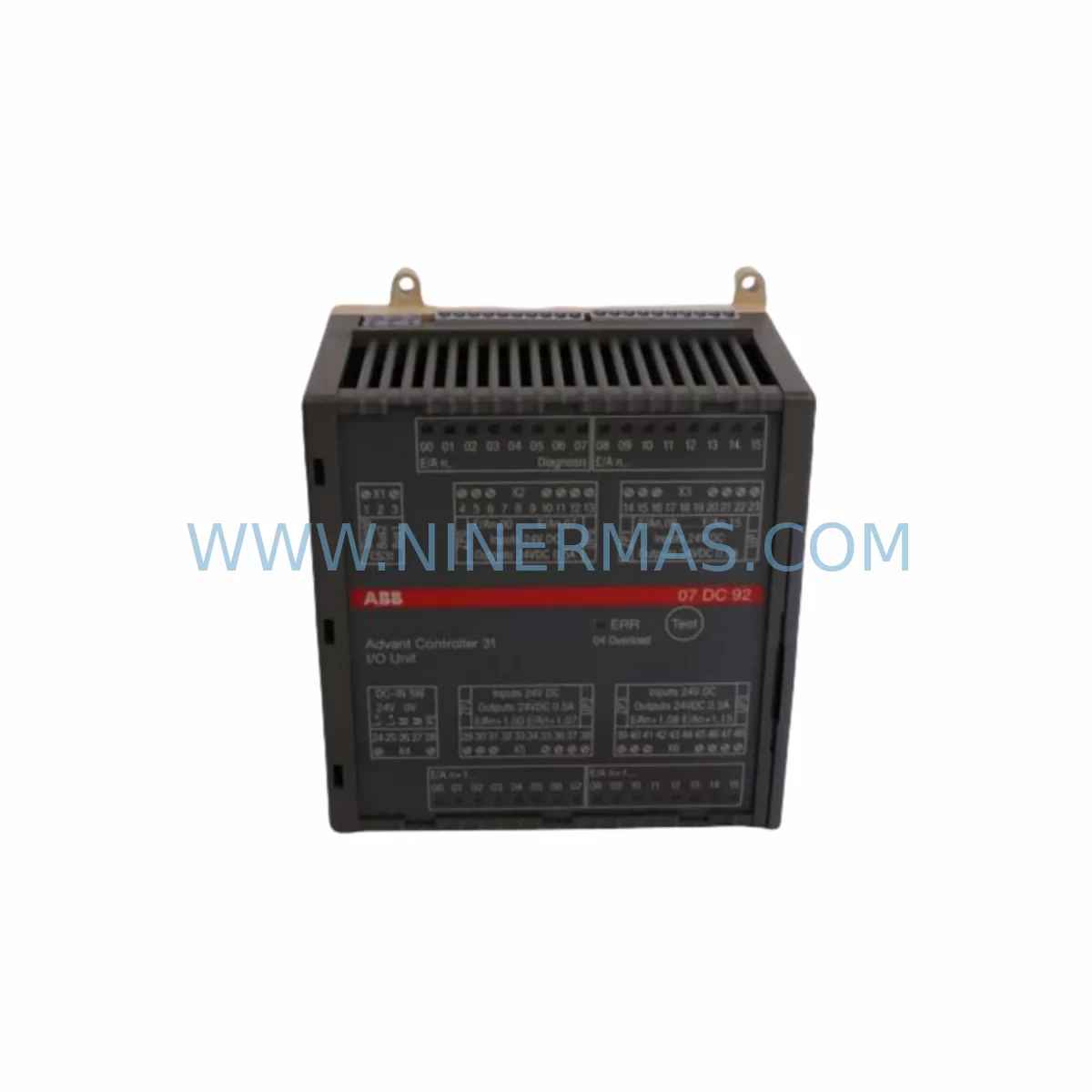
RFQ Ready
- SKUF-DMDM-PM-110E
- CategoryPLC & Industrial Automation Modules
- BrandOBERG INDUSTRIES
- SupportAvailability, lead time, condition, and shipping coordination
How Buyers Usually Use This Page
- Confirm the exact part number and platform family before sending the quote request.
- Use direct email when quantity, condition, and destination are already defined internally.
- Switch to the broader brand or category archive when you need alternates nearby.
Series Navigation
Move through the most common platform families behind this part.
Product RFQ
Send this part directly for quotation.
Include quantity, required condition, destination country, and target delivery timing. Current reference: OBERG F-DMDM-PM-110E Retrofit-Compatible Power Module with SKU F-DMDM-PM-110E.
OBERG F-DMDM-PM-110E Retrofit-Compatible Power Module for Legacy DMDM Systems
The OBERG INDUSTRIES F-DMDM-PM-110E is a retrofit-compatible power module engineered to replace and extend the operational life of legacy DMDM-series control systems. As industrial facilities face increasing pressure to maintain aging automation infrastructure without full platform migrations, the F-DMDM-PM-110E provides a proven, cost-effective path to system continuity. Designed for direct integration into existing DMDM-series backplanes, this module supports smooth power delivery across I/O racks, communication modules, and controller slots without requiring structural changes to the control cabinet.
For maintenance engineers and procurement teams managing end-of-life spare parts programs, the F-DMDM-PM-110E addresses one of the most critical failure points in legacy PLC architectures: power supply degradation. Aging power modules in DMDM-series racks are a leading cause of unplanned downtime in process industries including oil and gas, chemical processing, pulp and paper, and water treatment. The F-DMDM-PM-110E is pre-tested prior to shipment and backed by a 12-month warranty, ensuring confidence in every deployment.
All units supplied by NINERMAS COMPANY LIMITED are sourced from verified supply channels, inspected for functionality, and documented for traceability. Stock is maintained to support urgent replacement requirements with short lead times.
Upgrade Compatibility Table
| Parameter | F-DMDM-PM-110E (This Unit) | Retrofit Notes |
|---|---|---|
| Series Compatibility | OBERG DMDM Series | Direct replacement for DMDM-series power slots |
| Input Voltage | 110V AC | Confirm site supply voltage before installation |
| Backplane Interface | DMDM-series rack connector | Verify backplane slot alignment and keying |
| Installation Format | Rack-mount, slide-in module | No cabinet modification required for standard DMDM racks |
| Communication Compatibility | Passive power supply — no protocol dependency | Compatible with all DMDM-series communication modules |
| Replacement Recommendation | Direct drop-in for F-DMDM-PM-110E OEM units | Functional equivalent; confirm firmware version if applicable |
| Commissioning Focus | Power-on sequencing, load verification, alarm reset | Test under full I/O load before returning to service |
| Warranty | 12 Months | Covered from date of shipment; includes functional defects |
Retrofit Planning for Existing Automation Systems
Replacing the F-DMDM-PM-110E within an active DMDM-series control system requires careful pre-work to avoid disrupting production. Before initiating the swap, engineers should document the current rack configuration, including the slot assignments of all installed I/O modules, communication modules, and the controller module itself. In a typical DMDM-series cabinet, the power module occupies a dedicated slot at the left or right end of the backplane, supplying regulated DC voltage to adjacent modules such as digital input modules, analog output modules, and the DMDM-series CPU or controller card.
When planning the retrofit, confirm the total power draw of all installed modules. DMDM-series racks commonly host a mix of discrete I/O modules, thermocouple input modules, and high-density analog modules, each with defined current consumption. The F-DMDM-PM-110E must be verified to meet or exceed the aggregate load of the installed module set. If the existing rack has been expanded since original commissioning — for example, with additional DMDM-series communication modules supporting Modbus RTU, PROFIBUS DP, or DeviceNet — the power budget must be recalculated accordingly.
Terminal wiring to the power module should be photographed and labeled before disconnection. The 110V AC input terminals, earth ground connection, and any auxiliary output terminals must be reconnected in the correct sequence after the new module is seated. In cabinets where the DMDM-series rack shares a panel with other equipment — such as a DMDM-series HMI panel, signal isolators, or a programming cable interface — care must be taken to isolate only the affected circuit during the replacement procedure.
For systems where the DMDM-series controller is running a continuous process, consider whether a hot-standby or redundant power configuration is available. If not, coordinate the replacement during a scheduled maintenance window. Ensure that the DMDM-series program logic is backed up to a laptop or programming terminal via the appropriate programming cable before any power interruption. This protects against data loss in the event of an unexpected controller reset during the module swap.
After seating the F-DMDM-PM-110E, restore power in stages: energize the module, verify the DC bus voltage at the backplane test points, then allow the DMDM-series controller to complete its self-diagnostic cycle before re-enabling field outputs. Check that all I/O modules, including any remote I/O drops connected via the DMDM-series communication bus, have re-established their links. Confirm that HMI screens are displaying live process values and that no communication fault alarms are active before returning the system to automatic mode.
Downtime Control During System Migration
Minimizing downtime during a power module replacement in a DMDM-series system begins with preparation. The single most effective measure is to have the replacement F-DMDM-PM-110E on-site and pre-verified before scheduling the maintenance window. NINERMAS ships all units with pre-shipment functional testing documentation, allowing the maintenance team to confirm the module’s output characteristics before the system is taken offline.
During the outage window, the priority is to protect the existing program logic. The DMDM-series controller’s memory should be backed up immediately before power-down, using the manufacturer’s programming software and the appropriate programming cable. This backup preserves all ladder logic, function block diagrams, data tables, and communication configuration parameters. If the controller uses battery-backed RAM, verify the battery condition before the swap to prevent program loss during the power interruption.
Once the F-DMDM-PM-110E is installed and power is restored, the controller restart sequence should be monitored closely. In DMDM-series architectures, the controller performs a rack scan during startup, verifying the presence and status of each installed module. Any module that fails to respond — due to a loose backplane connection or a configuration mismatch — will generate a fault that must be cleared before the system enters run mode. Having the programming terminal connected during startup allows the engineer to observe the diagnostic status in real time and address any faults immediately.
Field device continuity should also be confirmed after restart. Sensors, transmitters, and actuators connected to the DMDM-series I/O modules may require re-initialization if their signal conditioning parameters were stored in volatile memory. Verify analog input scaling, PID setpoints, and interlock logic before releasing the system to operations. With proper preparation, a DMDM-series power module replacement can typically be completed within a two-to-four-hour maintenance window, keeping production impact to a minimum.
Retrofit Support FAQ
Q: Is the F-DMDM-PM-110E a direct replacement for the original OBERG DMDM-series power module?
A: Yes. The F-DMDM-PM-110E is designed as a functional equivalent to the original OEM unit, with the same backplane connector, voltage output, and form factor. It installs into the same rack slot without modification. All units are pre-tested prior to shipment to confirm output voltage and load regulation performance.
Q: What commissioning steps are required after installing the F-DMDM-PM-110E?
A: After seating the module and restoring AC input power, verify the DC bus voltage at the backplane test points, allow the DMDM-series controller to complete its startup diagnostic cycle, and confirm that all I/O modules and communication links have re-established normal status. Clear any startup faults via the programming terminal before returning the system to run mode.
Q: Can the F-DMDM-PM-110E support a DMDM-series rack that has been expanded with additional I/O or communication modules?
A: The module’s power capacity should be verified against the total current draw of all installed modules in the expanded rack. If the rack has been significantly expanded since original commissioning — for example, with additional analog modules or a PROFIBUS DP communication module — confirm that the aggregate load remains within the F-DMDM-PM-110E’s rated output. Contact NINERMAS for technical support if a load calculation is required.
Q: What does the 12-month warranty cover, and what is the stock availability?
A: The 12-month warranty covers functional defects from the date of shipment, including output voltage failure, backplane interface faults, and premature component failure under normal operating conditions. NINERMAS maintains stock of the F-DMDM-PM-110E to support urgent replacement requirements. Contact our team for current availability and lead time confirmation before placing a critical order.
| Product Series | Other series |
|---|
Catalog Continuation
Alternative parts within PLC & Industrial Automation Modules.
Stay inside the same system family when you need substitutes, adjacent modules, or a broader shortlist for procurement review.
SKU: DS200SLCCG3ACC DS215DENQG3QZZ01A
GE DS200SLCCG3ACC Mark V Service-Ready Spare Part
SKU: MPP1500D 6FC5303-1AF30-0AA0
Siemens MPP1500D 6FC5303-1AF30-0AA0 Retrofit Operator Panel
SKU: 6SL3224-0BE31-5UA0
Siemens 6SL3224-0BE31-5UA0 Service-Ready Spare Part