Original Industrial Spare Part
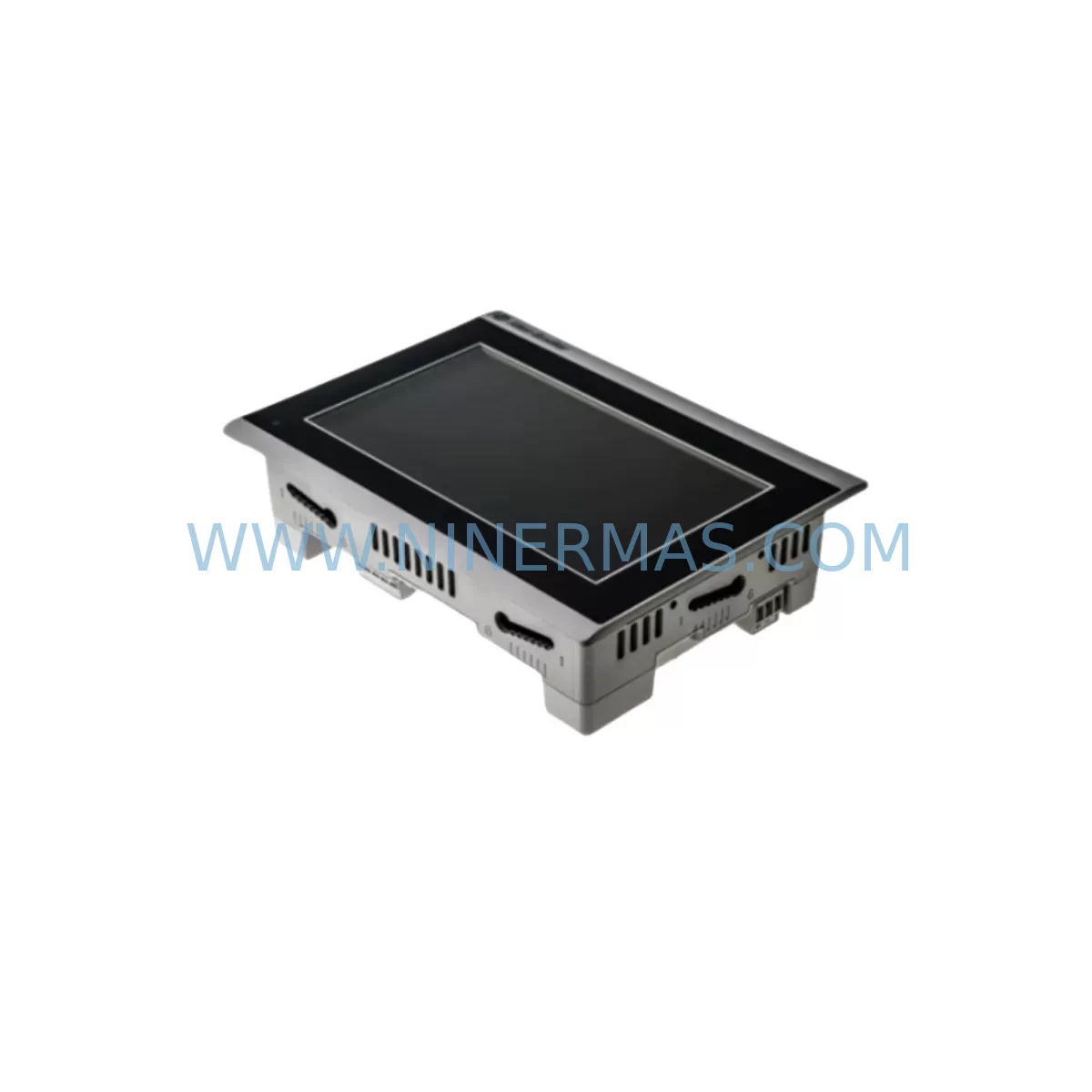
Allen-Bradley 2711R-T7T Service-Ready Spare Part for Industrial Maintenance
Verify the part, confirm the platform family, and move straight into quotation with the right commercial details.
RFQ Ready
- SKU2711R-T7T
- CategoryPLC & Industrial Automation Modules
- BrandAllen-Bradley
- SupportAvailability, lead time, condition, and shipping coordination
How Buyers Usually Use This Page
- Confirm the exact part number and platform family before sending the quote request.
- Use direct email when quantity, condition, and destination are already defined internally.
- Switch to the broader brand or category archive when you need alternates nearby.
Series Navigation
Move through the most common platform families behind this part.
Product RFQ
Send this part directly for quotation.
Include quantity, required condition, destination country, and target delivery timing. Current reference: Allen-Bradley 2711R-T7T Service-Ready Spare Part for Industrial Maintenance with SKU 2711R-T7T.
Allen-Bradley 2711R-T7T Service-Ready Spare Part for Industrial Maintenance
The Allen-Bradley 2711R-T7T is a 7-inch TFT color touch-screen operator terminal from the PanelView 800 series, designed for machine-level HMI applications in discrete manufacturing, process control, and utility automation environments. As a service-ready spare part, the 2711R-T7T supports rapid field replacement in control cabinets where operator interface continuity is critical to production uptime. Whether you are managing a scheduled annual overhaul, responding to an unplanned HMI failure, or building a strategic spare parts inventory for aging Rockwell Automation systems, the 2711R-T7T delivers the compatibility, reliability, and verified performance that maintenance engineers and procurement teams require.
Sourced as an original Allen-Bradley component, each 2711R-T7T unit undergoes pre-shipment functional testing to confirm display integrity, touch response accuracy, communication port operation, and power-on self-test completion. This verification process reduces the risk of receiving a non-functional spare during a critical production stoppage. Units are shipped with a 12-month warranty covering manufacturing defects and operational failures under normal industrial use conditions, providing procurement teams with a documented quality assurance baseline for spare parts lifecycle planning.
The PanelView 800 platform, including the 2711R-T7T, communicates natively over EtherNet/IP and supports integration with Allen-Bradley MicroLogix, CompactLogix, and ControlLogix controller families. This broad controller compatibility makes the 2711R-T7T a versatile replacement candidate across multiple machine generations within the same facility, reducing the number of unique HMI SKUs that a maintenance department must stock. For sites running mixed-generation Rockwell Automation architectures, a single 2711R-T7T spare can serve as a cross-machine backup, improving inventory efficiency and reducing capital tied up in low-turnover spare parts.
Spare Maintenance Table
| Parameter | Specification |
|---|---|
| SKU / Part Number | 2711R-T7T |
| Series | PanelView 800 |
| Brand | Allen-Bradley (Rockwell Automation) |
| Display Size | 7-inch TFT Color Touch Screen |
| Communication Protocol | EtherNet/IP |
| Compatible Controllers | MicroLogix, CompactLogix, ControlLogix |
| Supply Voltage | 24V DC Nominal |
| Operating Temperature | 0°C to 55°C (32°F to 131°F) |
| Storage Temperature | -20°C to 70°C |
| Protection Rating | IP65 (front panel) |
| Mounting | Panel cutout, rear-mount with clamps |
| Product Type | HMI Operator Terminal |
| Origin | United States |
| Condition | Original, Pre-shipment Tested |
| Warranty | 12 Months from Ship Date |
| Application Environment | Discrete Manufacturing, Process Control, Utility Automation |
| Maintenance Recommendation | Inspect display surface, clean touch panel, verify EtherNet/IP link and IP address assignment at each scheduled PM cycle |
Maintenance Planning for Continuous Operation
When replacing a 2711R-T7T in the field, a disciplined maintenance engineer will treat the HMI swap as an opportunity to inspect the broader control cabinet environment rather than simply swapping the terminal in isolation. The 24V DC power supply feeding the PanelView 800 should be load-tested and output voltage verified under operating conditions; a marginal power supply that delivers acceptable voltage at no load may cause intermittent resets or display corruption under full HMI processing load. If the cabinet uses a dedicated 24V DC rail for HMI and I/O, verify that the rail voltage is stable and that the power supply — such as an Allen-Bradley 1606-XLP or equivalent industrial DIN-rail power supply — is within its rated service life.
The EtherNet/IP network connection to the 2711R-T7T should be inspected at the patch panel, managed switch port, and cable termination points. Industrial Ethernet switches such as the Stratix 2000 or Stratix 5700 series should be checked for port error counters and link speed negotiation status. A degraded Ethernet cable or a switch port operating at half-duplex due to auto-negotiation failure can cause communication timeouts that appear as HMI faults rather than network faults, leading to misdiagnosis and unnecessary HMI replacement cycles.
I/O modules connected to the same CompactLogix or MicroLogix controller that the 2711R-T7T monitors should be inspected for channel faults, blown fuses on output modules, and loose terminal block connections. Allen-Bradley 1769 CompactLogix I/O modules, including digital input modules such as the 1769-IQ16 and digital output modules such as the 1769-OB16, are common companions in the same control cabinet and should be included in the inspection checklist. Relay output modules, including the 1769-OW16, should have their relay contact resistance checked if the system has accumulated significant switching cycles.
Communication modules such as the 1769-L30ER or 1769-L33ER CompactLogix processors should have their firmware version confirmed against the project file to ensure compatibility with the replacement 2711R-T7T application file. If the HMI application was developed in Connected Components Workbench, verify that the replacement terminal’s firmware matches the version used during application development to avoid runtime compatibility errors. Signal isolators on analog input channels feeding the controller — particularly in environments with variable-frequency drives or high-voltage switching equipment — should be inspected for drift or output saturation that could affect process variable displays on the HMI screen.
Terminal blocks and DIN-rail mounted fuse holders protecting the 24V DC control circuit should be inspected for discoloration, loose screws, and continuity. Ferrule crimps on stranded conductors entering the HMI power terminals should be re-torqued to specification. If the cabinet includes a 1492-FB fuse block or similar modular fuse assembly, verify fuse continuity and replace any fuses that show signs of thermal stress. Surge protection devices on the EtherNet/IP cable entry point should also be inspected, particularly in facilities with frequent lightning events or large motor starts on the same electrical distribution panel.
Site Replacement Workflow
Replacing a 2711R-T7T on-site follows a structured sequence that minimizes unplanned downtime and ensures system compatibility before the machine is returned to production. Begin by downloading the existing HMI application from the terminal using Connected Components Workbench if a current backup is not available in the maintenance documentation system. Verify that the backup file opens correctly and that all screen objects, tag bindings, and communication settings are intact before proceeding with the physical replacement.
Power down the control cabinet following the site lockout/tagout procedure. Remove the existing 2711R-T7T by releasing the rear-mount clamps and disconnecting the EtherNet/IP cable and 24V DC power connector. Note the IP address, subnet mask, and gateway settings from the existing terminal’s network configuration screen before powering down, as these will need to be re-entered on the replacement unit. Install the replacement 2711R-T7T into the panel cutout, secure the mounting clamps to the specified torque, and reconnect the power and network cables.
Power up the replacement terminal and configure the network settings to match the original unit. Download the HMI application file from Connected Components Workbench to the replacement terminal and verify that all screens load correctly, all tag communications are active, and all alarm configurations are functioning. Perform a functional test of all operator inputs and outputs visible on the HMI before releasing the machine to production. Document the replacement in the maintenance management system, including the serial number of the removed unit, the serial number of the installed replacement, and the date of replacement, to support warranty claims and future lifecycle planning.
For sites managing multiple machines with PanelView 800 terminals, maintaining one 2711R-T7T spare per five to ten installed units is a commonly applied inventory ratio in facilities with high production criticality. This ratio balances the cost of carrying spare inventory against the risk of extended downtime while waiting for a replacement unit to be sourced and shipped. Pre-tested, warranted spare units available from a reliable supplier reduce the effective lead time to zero for the first replacement event, which is the highest-risk scenario in any spare parts program.
Spare Parts Support FAQ
Q: Is the 2711R-T7T compatible with both MicroLogix and CompactLogix controllers?
A: Yes. The 2711R-T7T communicates over EtherNet/IP and is compatible with Allen-Bradley MicroLogix 1100 and 1400 series controllers, as well as CompactLogix and ControlLogix platforms. Compatibility is determined by the controller’s EtherNet/IP communication capability and the tag structure defined in the Connected Components Workbench application file. Always verify firmware compatibility between the HMI application version and the replacement terminal’s firmware before deployment.
Q: What pre-shipment testing is performed on each 2711R-T7T unit?
A: Each unit undergoes power-on self-test verification, display and touch-screen functional check, EtherNet/IP port communication test, and visual inspection for physical damage before shipment. Units that do not pass all test criteria are not shipped. Test records are retained and can be provided upon request for quality assurance documentation purposes.
Q: What does the 12-month warranty cover for the 2711R-T7T?
A: The 12-month warranty covers manufacturing defects and operational failures under normal industrial operating conditions from the date of shipment. It does not cover damage resulting from incorrect installation, overvoltage events, physical impact, or use outside the specified environmental ratings. Warranty claims are processed by submitting the unit serial number, purchase documentation, and a description of the failure mode. Replacement or repair is provided at no additional cost for valid warranty claims.
Q: How should the 2711R-T7T be stored as a long-term spare?
A: Store the unit in its original packaging or equivalent anti-static packaging in a climate-controlled environment between -20°C and 70°C with relative humidity below 85% non-condensing. Avoid storage in areas subject to vibration, chemical exposure, or direct sunlight. Inspect the unit annually for any signs of physical degradation and power it on at least once per year to verify operational status. Long-term storage in controlled conditions does not affect the 12-month warranty period, which begins from the date of shipment to the end customer.
| Product Series | 2711 |
|---|---|
| Country of Origin | US |
Catalog Continuation
More Allen-Bradley modules in the catalog.
Use the brand lane to compare nearby part numbers, platform-adjacent modules, and other inquiry-ready listings before sending your final RFQ.

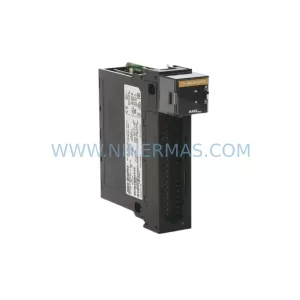
Catalog Continuation
Alternative parts within PLC & Industrial Automation Modules.
Stay inside the same system family when you need substitutes, adjacent modules, or a broader shortlist for procurement review.
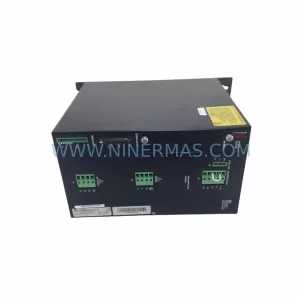
SKU: SCE906A2-002-01 SCE906A200201
Pacific Scientific SCE906A2-002-01 Retrofit Servo Amplifier
SKU: EPC500 3183062451
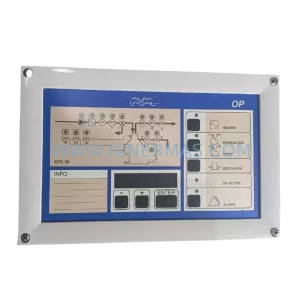
Alfa Laval EPC500 3183062451 Service-Ready Spare Part