Original Industrial Spare Part
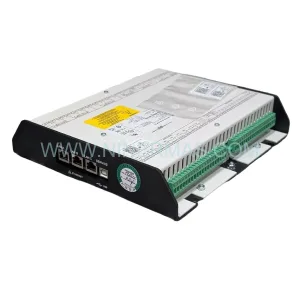
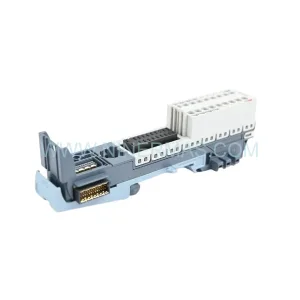
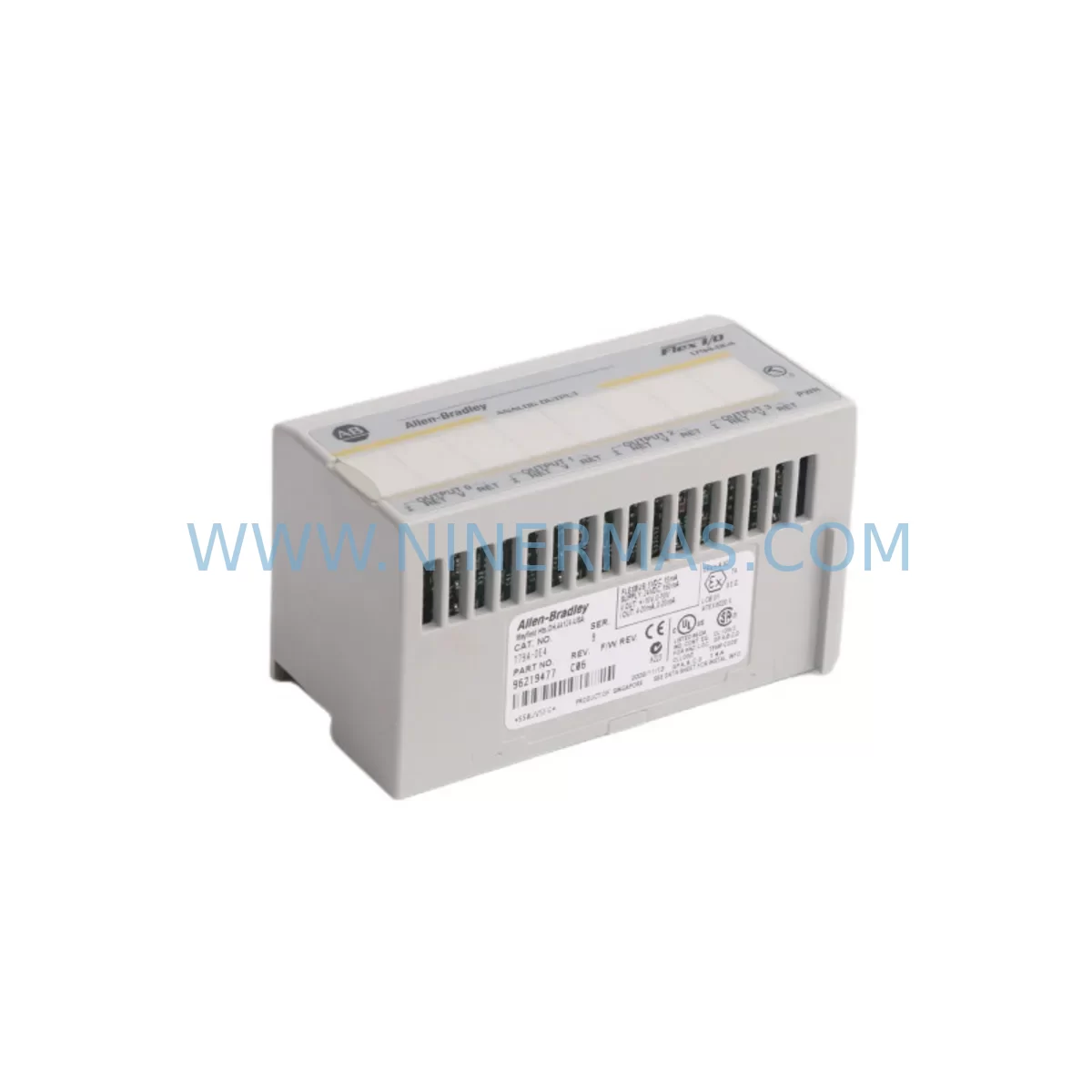
Allen-Bradley 1794-OE4 Retrofit-Compatible Analog Output
Verify the part, confirm the platform family, and move straight into quotation with the right commercial details.
RFQ Ready
- SKU1794-OE4
- CategoryPLC & Industrial Automation Modules
- BrandAllen-Bradley
- SupportAvailability, lead time, condition, and shipping coordination
How Buyers Usually Use This Page
- Confirm the exact part number and platform family before sending the quote request.
- Use direct email when quantity, condition, and destination are already defined internally.
- Switch to the broader brand or category archive when you need alternates nearby.
Series Navigation
Move through the most common platform families behind this part.
Product RFQ
Send this part directly for quotation.
Include quantity, required condition, destination country, and target delivery timing. Current reference: Allen-Bradley 1794-OE4 Retrofit-Compatible Analog Output with SKU 1794-OE4.
Allen-Bradley 1794-OE4 Retrofit-Compatible Analog Output Module: Smooth Legacy System Upgrade
The Allen-Bradley 1794-OE4 is a 4-channel analog output module from Rockwell Automation’s FLEX I/O platform, designed to deliver reliable 4–20 mA or 0–10 V DC analog signals in demanding industrial environments. As legacy control systems age and original spare parts become increasingly difficult to source, the 1794-OE4 has become a critical retrofit component for engineers tasked with modernizing aging production lines, upgrading control cabinets, and extending the operational life of existing automation infrastructure without committing to a full system overhaul.
At NINERMAS, we maintain verified inventory of the 1794-OE4 to support customers across manufacturing, oil and gas, water treatment, and process automation sectors. Every unit ships with a 12-month warranty and undergoes pre-shipment functional testing to ensure compatibility with your existing FLEX I/O backplane and control architecture.
Upgrade Compatibility Table
| Parameter | Details |
|---|---|
| Module SKU | 1794-OE4 |
| Series / Platform | Allen-Bradley FLEX I/O |
| Output Channels | 4 Analog Output Channels |
| Signal Range | 4–20 mA / 0–10 V DC (configurable) |
| Backplane Interface | FLEX I/O Adapter-compatible (1794-ADN, 1794-AENT, 1794-ACN15) |
| Communication Compatibility | DeviceNet, EtherNet/IP, ControlNet (adapter-dependent) |
| Installation Format | DIN rail / FLEX I/O terminal base (1794-TB3, 1794-TB3S) |
| Common Replacement For | Discontinued 1794-OE4 legacy stock, aging FLEX I/O analog output slots |
| Retrofit Recommendation | Direct drop-in replacement; verify terminal base wiring and adapter firmware |
| Commissioning Notes | Confirm module address, output scaling, and RSLogix/Studio 5000 tag mapping |
| Warranty | 12 Months — All units tested before shipment |
Retrofit Planning for Existing Automation Systems
When integrating the 1794-OE4 into an existing FLEX I/O rack, the first step is to audit the current backplane configuration. The FLEX I/O system uses a modular terminal base approach — each module, including the 1794-OE4, mounts onto a dedicated terminal base such as the 1794-TB3 or 1794-TB3S. Before installation, verify that the terminal base is present and undamaged, and that the wiring from the field devices (control valves, variable frequency drives, positioners) is correctly mapped to the output terminals.
The adapter module governs communication to the controller. Common adapters in legacy installations include the 1794-ADN (DeviceNet), 1794-ACN15 (ControlNet), and the more modern 1794-AENT (EtherNet/IP). If your retrofit involves migrating from DeviceNet to EtherNet/IP — a common upgrade path as DeviceNet infrastructure ages — the 1794-OE4 remains fully compatible provided the adapter is swapped accordingly. This migration often coincides with controller upgrades from older SLC 500 or PLC-5 platforms to ControlLogix or CompactLogix systems, where the FLEX I/O rack continues to serve as a distributed I/O node.
Power supply capacity is a critical verification point. The 1794-OE4 draws power from the FLEX I/O backplane bus, and the total current draw across all installed modules must not exceed the adapter’s rated backplane current. When adding the 1794-OE4 to an existing rack that already hosts modules such as the 1794-IE8 (8-channel analog input), 1794-OB16 (16-channel digital output), or 1794-IB16 (16-channel digital input), recalculate the total backplane load to confirm the power budget is not exceeded. In some cases, a supplemental 1794-PS13 power supply module may be required to support the expanded I/O configuration.
For installations involving HMI integration, verify that the analog output tags associated with the 1794-OE4 are correctly mapped in the HMI project — whether running on a PanelView Plus terminal or a SCADA system via OPC-DA or OPC-UA. Tag name changes during a controller migration can cause HMI display errors or incorrect setpoint commands to field devices, so a full tag cross-reference review is recommended before go-live. Similarly, if the system uses a 1747-L553 SLC 5/05 or a 1756-L71 ControlLogix processor, confirm that the I/O tree in RSLogix 500 or Studio 5000 correctly reflects the 1794-OE4’s slot position and output data format.
For communication protocol migration projects — particularly those moving from legacy serial RS-232/RS-485 links to EtherNet/IP — the 1794-OE4 itself requires no firmware changes, but the adapter and controller configuration must be updated. Programming cables such as the 1747-UIC or 1756-CP3 may be needed during the transition to upload revised ladder logic or function block programs to the controller before the new I/O configuration is activated.
Downtime Control During System Migration
Minimizing unplanned downtime is the primary concern in any retrofit involving the 1794-OE4. The recommended approach is to pre-configure the replacement module offline before the scheduled maintenance window. This includes verifying the module’s output channel configuration, confirming the terminal base wiring diagram against the original as-built drawings, and staging the module in the correct rack slot position.
Where possible, use the controller’s partial import or online edit capability in Studio 5000 to add or modify the 1794-OE4’s I/O tags without taking the entire program offline. For older RSLogix 500 environments, a full program download may be required — in this case, ensure a verified backup of the current program is saved to both the programming terminal and an offline archive before any changes are made.
During the cutover, maintain field device outputs in a safe, known state by using the module’s output hold or fault state configuration. The 1794-OE4 supports configurable fault state outputs, allowing the system to command a defined safe output value (e.g., 4 mA for a closed valve position) in the event of a communication fault during the migration window. This protects process continuity and reduces the risk of equipment damage or safety incidents during the transition.
After installation, perform a channel-by-channel loop check to verify that each analog output is driving the correct field device at the expected signal level. Document the as-commissioned output values and compare against the original baseline to confirm the retrofit has been completed successfully before returning the system to full production operation.
Retrofit Support FAQ
Q: Is the 1794-OE4 a direct replacement for my existing FLEX I/O analog output module?
A: Yes. The 1794-OE4 is a direct drop-in replacement for existing FLEX I/O analog output slots. It mounts on the same 1794-TB3 or 1794-TB3S terminal base and is recognized by the same adapter and controller configuration. No hardware modifications to the rack or backplane are required.
Q: What commissioning steps are required after installing the 1794-OE4?
A: After physical installation, verify the module address in the I/O tree (RSLogix 500 or Studio 5000), confirm output channel scaling matches the field device requirements, perform a loop check on all four output channels, and validate HMI tag mapping if applicable. For EtherNet/IP adapters, confirm the module appears online in the adapter’s I/O configuration before enabling outputs.
Q: Does NINERMAS test the 1794-OE4 before shipment?
A: Yes. Every 1794-OE4 unit supplied by NINERMAS undergoes functional pre-shipment testing to verify analog output accuracy across all four channels. Units are shipped with a 12-month warranty covering manufacturing defects and functional failures under normal operating conditions.
Q: What is the typical lead time and stock availability for the 1794-OE4?
A: NINERMAS maintains ready stock of the 1794-OE4 to support urgent retrofit and breakdown replacement requirements. Standard orders are processed and dispatched within 1–3 business days. Contact our team at sale@ninermas.com or +0086 187 5021 5667 for real-time stock confirmation and expedited shipping options.
| Product Series | Flex I/O |
|---|---|
| Country of Origin | US |
Catalog Continuation
More Allen-Bradley modules in the catalog.
Use the brand lane to compare nearby part numbers, platform-adjacent modules, and other inquiry-ready listings before sending your final RFQ.




Catalog Continuation
Alternative parts within PLC & Industrial Automation Modules.
Stay inside the same system family when you need substitutes, adjacent modules, or a broader shortlist for procurement review.



SKU: HDD02.2-W040N-HS12-01-FW FWA-DIAX04-ELS-05VRS-MS
Rexroth HDD02.2-W040N-HS12-01-FW Service-Ready Spare Part

SKU: I5DAE375F10010000S
Lenze I5DAE375F10010000S Service-Ready Spare Part for Industrial Maintenance