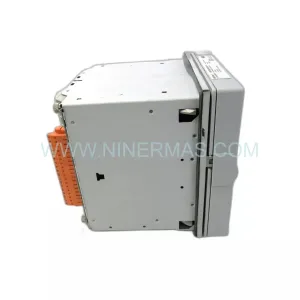
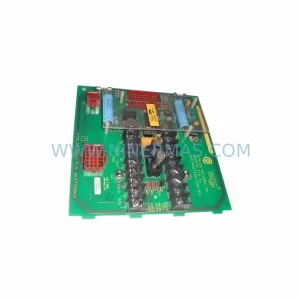
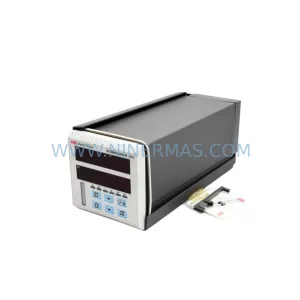
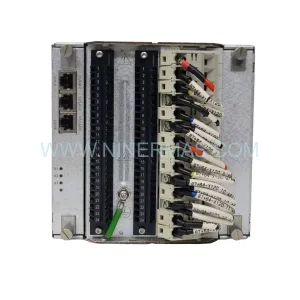
Original Industrial Spare Part
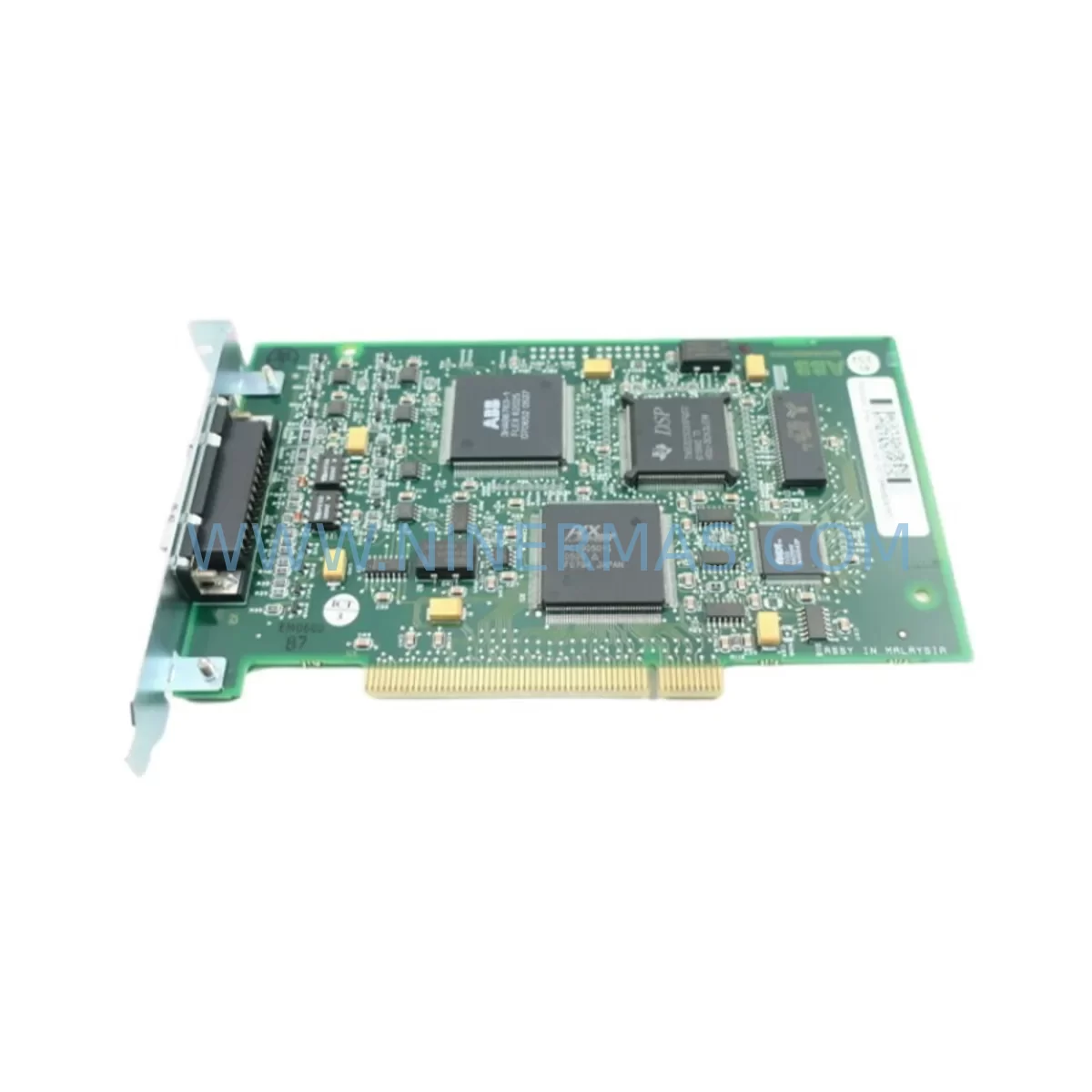
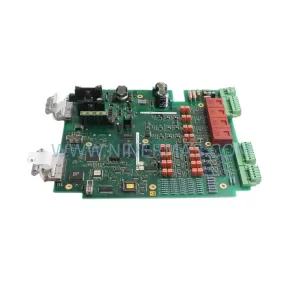
ABB DSQC503 Service-Ready Spare Part for Industrial Maintenance
Verify the part, confirm the platform family, and move straight into quotation with the right commercial details.
RFQ Ready
- SKUDSQC503
- CategoryPLC & Industrial Automation Modules
- BrandABB
- SupportAvailability, lead time, condition, and shipping coordination
How Buyers Usually Use This Page
- Confirm the exact part number and platform family before sending the quote request.
- Use direct email when quantity, condition, and destination are already defined internally.
- Switch to the broader brand or category archive when you need alternates nearby.
Series Navigation
Move through the most common platform families behind this part.
Product RFQ
Send this part directly for quotation.
Include quantity, required condition, destination country, and target delivery timing. Current reference: ABB DSQC503 Service-Ready Spare Part for Industrial Maintenance with SKU DSQC503.
ABB DSQC503 Service-Ready Spare Part for Industrial Maintenance
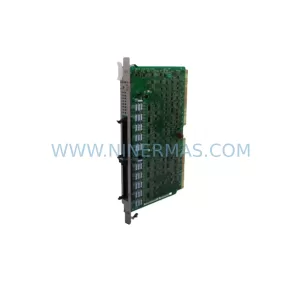
The ABB DSQC503 is a ruggedized communication module designed for use in ABB IRC5 robot controller cabinets and compatible industrial automation systems. As a critical interface component within the robot control architecture, the DSQC503 handles fieldbus and serial communication tasks that are essential for coordinated motion control, I/O signal exchange, and real-time process feedback. When this module fails or degrades, the entire production cell can be brought to a halt — making rapid, verified replacement a top priority for maintenance engineers and spare parts procurement teams alike.
At NINERMAS, we supply the ABB DSQC503 as a tested, service-ready spare part backed by a 12-month warranty. Each unit undergoes pre-shipment functional verification to ensure it meets original ABB specifications before leaving our facility. Whether you are managing a planned annual overhaul, responding to an unscheduled fault alarm, or building out a strategic spare parts inventory for a multi-robot production line, the DSQC503 is a high-priority item that should be stocked in advance to minimize downtime exposure.
Spare Maintenance Table
| Parameter | Specification / Details |
|---|---|
| Part Number / SKU | DSQC503 |
| Brand | ABB |
| Series | IRC5 / S4C+ Compatible |
| Module Type | Ruggedized Communication Module |
| Communication Interface | Fieldbus / Serial (DeviceNet / Profibus compatible variants) |
| Operating Voltage | 24 VDC (supplied via backplane) |
| Operating Temperature | 0°C to +55°C |
| Mounting | DIN rail / controller backplane slot |
| Compatibility | ABB IRC5 Single/Dual Cabinet, S4C+ Controller |
| Application Environment | Industrial automation, robotic welding, material handling, assembly lines |
| Condition | New / Refurbished-Tested (specify at order) |
| Warranty | 12 Months from date of shipment |
| Pre-Shipment Testing | Yes — functional verification performed before dispatch |
| Lead Time | In stock — ships within 1–3 business days |
| Long-Term Supply | Available — suitable for multi-unit procurement and annual maintenance contracts |
Maintenance Planning for Continuous Operation
When a DSQC503 communication module is flagged for replacement during a routine control cabinet inspection or after a fault event, experienced maintenance engineers know that the module itself is rarely the only component that requires attention. A thorough site assessment should accompany any DSQC503 swap to prevent repeat failures and ensure the restored system operates reliably through the next maintenance cycle.
Begin by inspecting the DSQC508 power distribution board and the DSQC662 main computer unit, as communication faults on the DSQC503 are sometimes symptomatic of upstream power irregularities or CPU-level handshake failures rather than a defective module in isolation. Verify that the 24 VDC backplane supply is within tolerance using a calibrated multimeter before inserting the replacement unit — voltage spikes or ripple on the rail can damage a new module within hours of installation.
Check all fieldbus cable assemblies and connector terminations at both ends of the communication chain. Degraded shielding on DeviceNet or Profibus trunk cables is a common root cause of intermittent communication errors that are incorrectly attributed to the DSQC503 itself. While the cabinet is open, inspect the DSQC652 I/O board and any associated DSQC643 analog I/O modules for signs of corrosion, loose terminal blocks, or blown fuses on the I/O supply rails.
For systems integrated with external PLCs or DCS platforms via the robot controller, confirm that the communication gateway settings and node addresses are correctly re-entered after module replacement — a common oversight that causes post-maintenance commissioning delays. If the installation includes a DSQC679 teach pendant or FlexPendant interface, verify that the HMI communication path is re-established and that no error codes persist after the new DSQC503 is seated and powered.
Procurement engineers building or refreshing a spare parts kit for an IRC5-based production line should consider stocking the DSQC503 alongside the DSQC609 power supply module, DSQC377B battery backup unit, and a set of signal isolation relays for the digital I/O interface. These components share similar service intervals and failure modes in high-cycle environments such as automotive body shops, foundry lines, and food and beverage packaging systems. Maintaining a minimum of one unit of each on the shelf eliminates the most common causes of extended unplanned downtime in robot-intensive facilities.
Site Replacement Workflow
Replacing the ABB DSQC503 on-site is a structured process that, when followed correctly, can restore full system communication in under two hours without requiring specialist ABB service personnel. The following workflow is intended for qualified maintenance engineers familiar with IRC5 cabinet architecture.
Step 1 — Fault Isolation: Confirm the fault is localized to the DSQC503 by reviewing the IRC5 event log via the FlexPendant or RobotStudio. Error codes in the 38xxx or 71xxx range typically indicate communication module faults. Cross-reference with the system I/O status screen to determine whether the fault is hard (module not detected) or soft (intermittent communication loss).
Step 2 — Safe Shutdown: Place the robot in manual mode, execute a controlled program stop, and follow the IRC5 cabinet lockout/tagout procedure. Allow the capacitor bank in the drive system to discharge fully before opening the cabinet door — typically 5 minutes after main power isolation.
Step 3 — Module Removal: Document the existing cable routing and connector positions with photographs before disconnecting any fieldbus cables from the DSQC503. Label each connector if not already marked. Remove the module from its backplane slot by releasing the retention latch and sliding it out along the guide rails.
Step 4 — Compatibility Verification: Confirm that the replacement DSQC503 unit matches the hardware revision and firmware baseline of the outgoing module. Check the label on the module housing and cross-reference with the IRC5 system software version recorded in the controller configuration file. Mismatched hardware revisions can cause boot failures or reduced functionality.
Step 5 — Installation and Commissioning: Seat the new DSQC503 firmly into the backplane slot, reconnect all fieldbus cables in the documented order, and restore power to the cabinet. Monitor the IRC5 startup sequence via the FlexPendant for any residual error codes. Run a full I/O check and a short test cycle before returning the robot to automatic production mode.
This workflow minimizes mean time to repair (MTTR) and reduces the risk of secondary faults caused by incorrect reassembly. For aging systems where the DSQC503 has been in service for more than five years, this replacement event is also an appropriate trigger for a broader control cabinet health audit to extend system service life.
Spare Parts Support FAQ
Q1: Is the DSQC503 compatible with both IRC5 Single Cabinet and Dual Cabinet configurations?
Yes. The DSQC503 is compatible with both IRC5 Single Cabinet and Dual Cabinet controller variants. It is also used in certain S4C+ installations depending on the communication option ordered. Always verify the hardware revision on the existing module label before ordering to ensure a direct drop-in replacement. If you are unsure, provide us with the controller serial number and we will confirm compatibility before shipment.
Q2: What pre-shipment testing does NINERMAS perform on the DSQC503?
Every DSQC503 unit shipped by NINERMAS undergoes a functional verification process that includes power-on testing, communication interface checks, and visual inspection for physical damage or component degradation. Units that do not pass all test criteria are not dispatched. A test report is available upon request for quality-critical procurement processes.
Q3: What does the 12-month warranty cover, and how is a warranty claim handled?
The 12-month warranty covers manufacturing defects and functional failures under normal operating conditions from the date of shipment. It does not cover damage caused by incorrect installation, overvoltage events, or physical mishandling. To initiate a warranty claim, contact our technical support team at sale@ninermas.com with the order reference, fault description, and photographs of the installed unit. We will arrange a replacement or repair within the agreed service timeline.
Q4: Can NINERMAS supply multiple DSQC503 units for a long-term maintenance contract or multi-site procurement?
Yes. NINERMAS supports bulk and scheduled procurement for maintenance contractors, OEM integrators, and plant engineering teams managing multiple robot installations. We offer volume pricing, reserved stock allocation, and flexible lead time agreements for customers with recurring spare parts requirements. Contact us at sale@ninermas.com or +0086 187 5021 5667 to discuss your supply requirements.
| Product Series | IRC5 |
|---|---|
| Country of Origin | SE |
Catalog Continuation
More ABB modules in the catalog.
Use the brand lane to compare nearby part numbers, platform-adjacent modules, and other inquiry-ready listings before sending your final RFQ.
SKU: APBU-44CE 3ABD68243262-D
ABB APBU-44CE 3ABD68243262-D Service-Ready Spare Part
SKU: DSTC454L 5751017-R
ABB DSTC454L 5751017-R Retrofit-Compatible Fiber Optic Modem
SKU: 3AXD50000031886
ABB 3AXD50000031886 Safety-Reliable Drive Control for Critical Sites
SKU: UNS2881B-P 3BHE009319R0001
ABB UNS2881B-P 3BHE009319R0001 Service-Ready Spare Part for Industrial Maintenance
Catalog Continuation
Alternative parts within PLC & Industrial Automation Modules.
Stay inside the same system family when you need substitutes, adjacent modules, or a broader shortlist for procurement review.