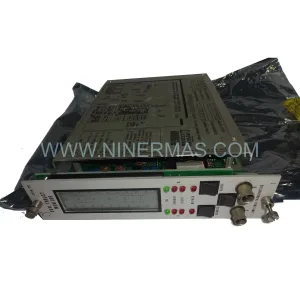
Original Industrial Spare Part
Siemens 39EAMCBN A5E00282025/05 Retrofit-Compatible Module for Legacy EAM Systems
Verify the part, confirm the platform family, and move straight into quotation with the right commercial details.
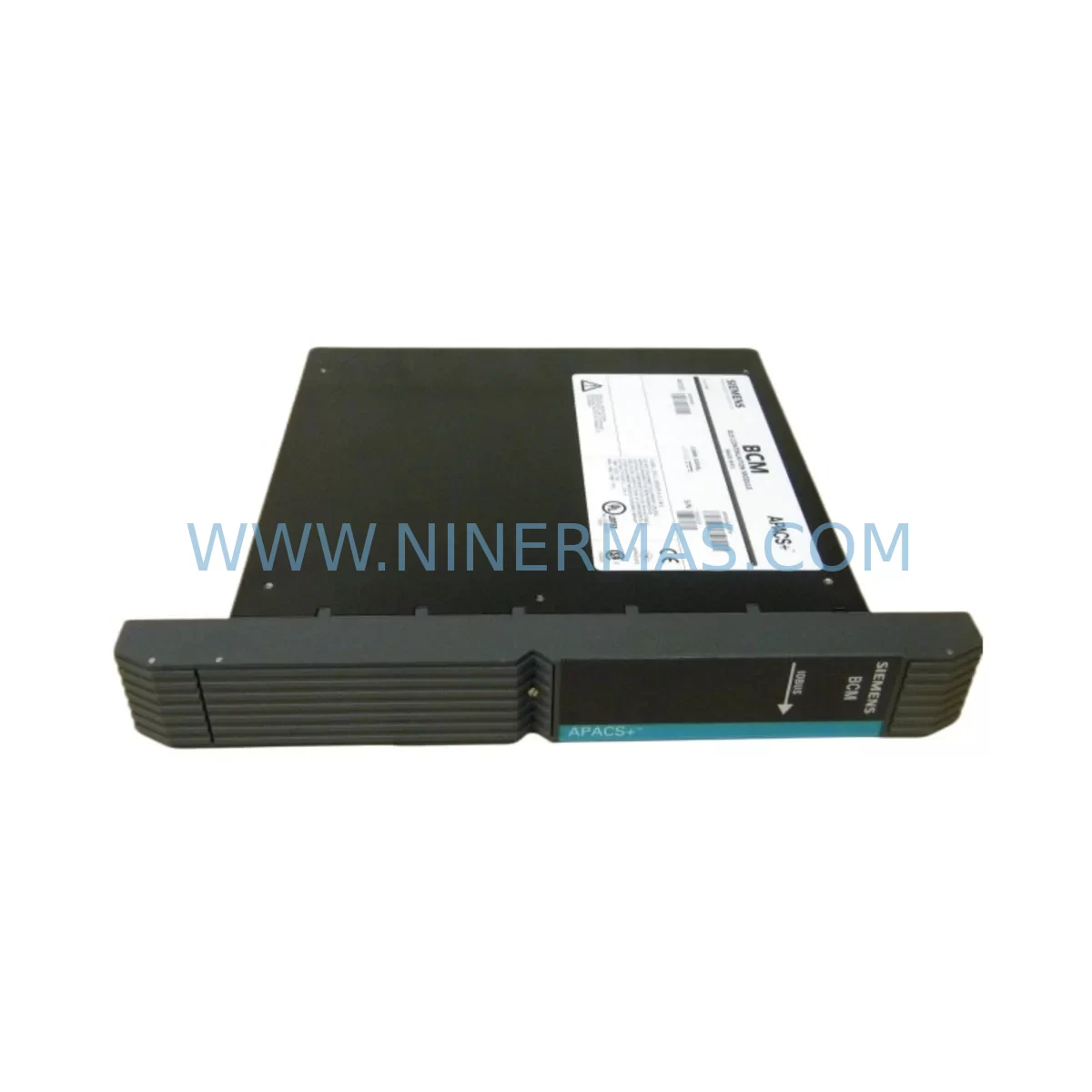
RFQ Ready
- SKU39EAMCBN A5E00282025/05
- CategoryPLC & Industrial Automation Modules
- BrandSiemens
- SupportAvailability, lead time, condition, and shipping coordination
How Buyers Usually Use This Page
- Confirm the exact part number and platform family before sending the quote request.
- Use direct email when quantity, condition, and destination are already defined internally.
- Switch to the broader brand or category archive when you need alternates nearby.
Series Navigation
Move through the most common platform families behind this part.
Product RFQ
Send this part directly for quotation.
Include quantity, required condition, destination country, and target delivery timing. Current reference: Siemens 39EAMCBN A5E00282025/05 Retrofit-Compatible Module for Legacy EAM Systems with SKU 39EAMCBN A5E00282025/05.
Siemens 39EAMCBN A5E00282025/05 Retrofit-Compatible Module for Legacy EAM Systems
The Siemens 39EAMCBN A5E00282025/05 is a retrofit-compatible industrial control module engineered to support seamless replacement and upgrade of legacy EAM series automation systems. As production lines age and original equipment manufacturers discontinue support for older control architectures, the 39EAMCBN A5E00282025/05 provides a reliable, tested, and immediately deployable solution for engineers and maintenance teams managing end-of-life PLC infrastructure.
Whether you are replacing a failed unit on an active production line, upgrading a legacy control cabinet to meet modern communication standards, or extending the operational life of an existing Siemens EAM-based system, this module delivers the compatibility and performance required to minimize downtime and protect your existing automation investment.
NINERMAS maintains verified stock of the Siemens 39EAMCBN A5E00282025/05, with each unit subject to pre-shipment functional testing and backed by a 12-month warranty.
Upgrade Compatibility Table
| Parameter | Details |
|---|---|
| Part Number | 39EAMCBN A5E00282025/05 |
| Brand / Manufacturer | Siemens |
| Series | EAM Series |
| Product Type | Industrial Control Module |
| Retrofit Application | Legacy EAM system replacement and upgrade |
| Communication Compatibility | Compatible with existing EAM series backplane and communication bus |
| Installation Requirement | Verify rack slot dimensions, backplane connector alignment, and module address configuration before installation |
| Interface / Connector | Standard EAM series backplane interface; confirm terminal wiring against original I/O layout |
| Replacement Recommendation | Direct replacement for discontinued 39EAMCBN variants; confirm firmware revision compatibility |
| Commissioning Notes | Verify module address, I/O mapping, and HMI screen tag assignments after installation |
| Warranty | 12 months from date of shipment |
| Pre-Shipment Testing | Functional test performed on every unit before dispatch |
| Stock Status | Available — contact for lead time confirmation |
Retrofit Planning for Existing Automation Systems
Integrating the Siemens 39EAMCBN A5E00282025/05 into an existing control system requires careful pre-installation planning to ensure continuity of operation and avoid configuration errors. The following considerations are critical for a successful retrofit.
Power Supply Verification: Before installing the replacement module, confirm that the existing power supply module — such as a Siemens PS307 or equivalent EAM series power supply — can support the additional load introduced by the new module. Insufficient power capacity is a common cause of post-installation instability in legacy control cabinets.
Terminal Wiring and I/O Mapping: Review the original wiring diagram against the terminal layout of the 39EAMCBN A5E00282025/05. Pay particular attention to analog and digital I/O channel assignments. If the legacy system used a Siemens SM321 or SM331 I/O expansion module in the same rack, verify that channel addresses do not conflict after the new module is seated.
Backplane and Rack Compatibility: The 39EAMCBN A5E00282025/05 is designed for EAM series rack infrastructure. Confirm that the existing rack — whether a UR1, UR2, or equivalent EAM backplane — provides the correct slot width and connector type. If the rack is nearing end-of-life, consider evaluating a full rack replacement as part of the upgrade scope.
Module Address Configuration: After physical installation, set the module address using the DIP switch or software configuration tool as required by the EAM system architecture. Incorrect address assignment will prevent the CPU — such as a Siemens CPU 315 or CPU 317 — from recognizing the module during startup diagnostics.
Program and Logic Compatibility: Retrieve and back up the existing PLC program from the CPU before beginning any hardware swap. Use STEP 7 or TIA Portal (depending on the CPU generation) to verify that the program logic references the correct module type and I/O addresses. If the original program was written for an earlier hardware revision, a logic review may be required before the new module can be commissioned.
HMI Screen and Tag Verification: If the control system includes an HMI panel — such as a Siemens TP700 Comfort or MP277 — verify that all screen tags referencing I/O points served by the 39EAMCBN A5E00282025/05 are correctly mapped. Tag mismatches can cause alarm suppression or incorrect process visualization after the module swap.
Communication Link Integrity: For systems using PROFIBUS DP or MPI communication between the CPU and remote I/O stations, confirm that the communication cable, termination resistors, and bus connector settings remain intact after the module replacement. A Siemens CP 342-5 or equivalent communication processor may be present in the same rack and should be checked for address conflicts.
Physical Space and Mounting: Measure the available slot space in the control cabinet before ordering. In dense retrofit environments, adjacent modules such as signal isolators, relay output modules, or analog input cards may limit access to the installation slot. Confirm that the module can be fully seated and that the front connector can be attached without interference.
Field Commissioning Procedure: After installation, perform a cold restart of the CPU and monitor the diagnostic buffer for any hardware fault entries. Use a programming cable — such as a Siemens PC Adapter USB or MPI/PROFIBUS adapter — to connect to the CPU and verify that the 39EAMCBN A5E00282025/05 appears correctly in the hardware configuration. Conduct a full I/O test cycle before returning the system to production.
Downtime Control During System Migration
Minimizing production downtime during a module replacement or system migration is a primary concern for any maintenance or engineering team. The following approach is recommended when deploying the Siemens 39EAMCBN A5E00282025/05 as a replacement in an active production environment.
Pre-Staging and Bench Testing: Where possible, configure and test the replacement module on a bench setup before the scheduled maintenance window. This includes setting module addresses, verifying firmware compatibility, and confirming I/O channel behavior using a test signal source. Pre-staging reduces the time required for on-site commissioning and lowers the risk of unexpected issues during the live swap.
Program Backup and Version Control: Always create a full backup of the current PLC program, hardware configuration, and HMI project before beginning any hardware change. Store the backup on a secure engineering workstation and confirm that the backup can be restored successfully. This protects the original control logic in the event that the replacement module requires a configuration adjustment.
Phased Cutover Strategy: For systems where a full shutdown is not feasible, consider a phased cutover approach. Isolate the affected I/O section, transfer control of critical outputs to a temporary bypass circuit or a Siemens ET 200S distributed I/O station, and perform the module swap while maintaining control of non-affected process areas. This approach is particularly effective in continuous process environments where a full line stop carries significant production cost.
Post-Installation Verification: After the module is installed and the system is restarted, verify all process values against known reference points before releasing the line to production. Check alarm states, confirm communication link status, and review the CPU diagnostic buffer for any residual fault entries. Document the completed replacement in the site maintenance log, including the module serial number, installation date, and commissioning engineer details.
NINERMAS provides pre-shipment functional testing on all units, including the 39EAMCBN A5E00282025/05, to reduce the risk of DOA failures and support faster on-site commissioning. Each unit ships with a test report and is covered by a 12-month warranty from the date of shipment.
Retrofit Support FAQ
Q1: Is the Siemens 39EAMCBN A5E00282025/05 a direct replacement for the original discontinued unit?
The 39EAMCBN A5E00282025/05 is designed as a retrofit-compatible replacement for legacy EAM series applications. In most cases it can be installed as a direct substitute; however, engineers should verify the hardware revision, firmware version, and I/O address configuration against the original system documentation before installation to confirm full compatibility.
Q2: What wiring changes are required when installing this module as a replacement?
In standard retrofit scenarios, the existing terminal wiring can be transferred directly to the replacement module using the original wiring diagram. If the front connector from the original module is compatible, it can be unplugged and reattached to the new unit without rewiring. Always verify terminal assignments against the module’s datasheet before energizing the system.
Q3: Has this unit been tested before shipment, and what warranty is provided?
Yes. Every Siemens 39EAMCBN A5E00282025/05 unit supplied by NINERMAS undergoes functional testing prior to dispatch. A test report is included with each shipment. All units are covered by a 12-month warranty from the date of shipment, covering manufacturing defects and functional failures under normal operating conditions.
Q4: What is the typical lead time and stock availability?
NINERMAS maintains verified inventory of the 39EAMCBN A5E00282025/05. Stock availability and lead time can be confirmed by contacting our sales team directly. For urgent retrofit requirements, expedited dispatch options are available. Contact us at sale@ninermas.com or +0086 187 5021 5667 for current availability.
| Product Series | Legacy EAM |
|---|---|
| Country of Origin | DE |
Catalog Continuation
More Siemens modules in the catalog.
Use the brand lane to compare nearby part numbers, platform-adjacent modules, and other inquiry-ready listings before sending your final RFQ.
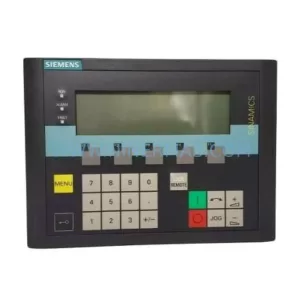
SKU: 6SE7038-6EK84-1BH0
Siemens 6SE7038-6EK84-1BH0 Retrofit Drive Control Module
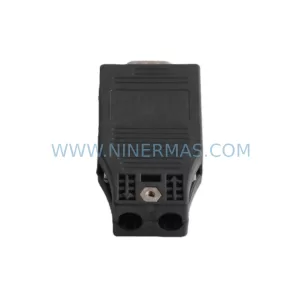
SKU: 6SL3055-0AA00-4CA5
Siemens 6SL3055-0AA00-4CA5 Retrofit-Compatible Operator Panel for Legacy Systems
Catalog Continuation
Alternative parts within PLC & Industrial Automation Modules.
Stay inside the same system family when you need substitutes, adjacent modules, or a broader shortlist for procurement review.

SKU: OZDPROFI12MG12
Hirschmann OZDPROFI12MG12 Spare Part for Industrial Maintenance



SKU: 07025-0000-70-1-04
KONTRON 07025-0000-70-1-04 Service-Ready Spare Part