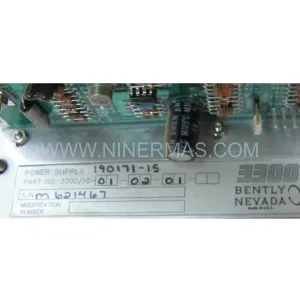
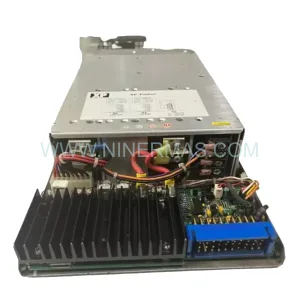
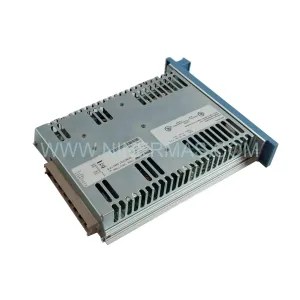
Original Industrial Spare Part
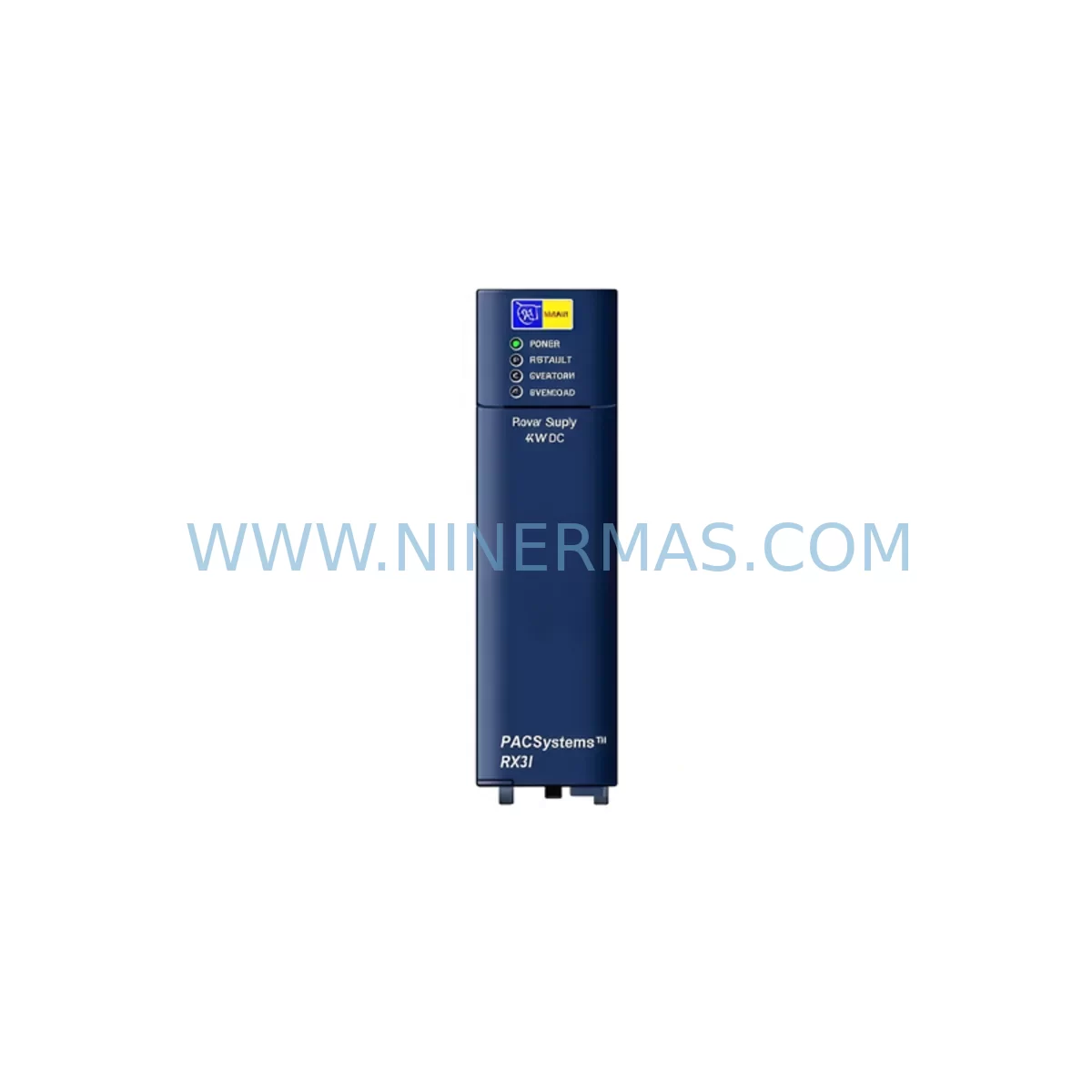
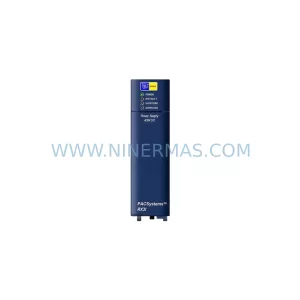
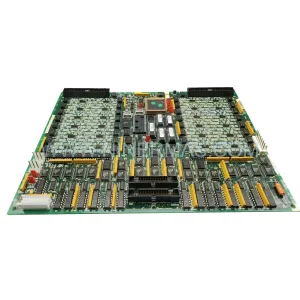
GE IC695PSD040CA Retrofit-Compatible Power Supply for Legacy Systems
Verify the part, confirm the platform family, and move straight into quotation with the right commercial details.
RFQ Ready
- SKUIC695PSD040CA
- CategoryPLC & Industrial Automation Modules
- BrandGE
- SupportAvailability, lead time, condition, and shipping coordination
How Buyers Usually Use This Page
- Confirm the exact part number and platform family before sending the quote request.
- Use direct email when quantity, condition, and destination are already defined internally.
- Switch to the broader brand or category archive when you need alternates nearby.
Series Navigation
Move through the most common platform families behind this part.
Product RFQ
Send this part directly for quotation.
Include quantity, required condition, destination country, and target delivery timing. Current reference: GE IC695PSD040CA Retrofit-Compatible Power Supply for Legacy Systems with SKU IC695PSD040CA.
GE IC695PSD040CA Retrofit-Compatible Power Supply for Legacy Systems
The GE IC695PSD040CA is a 40-watt DC power supply module designed for the GE PACSystems RX3i platform, widely deployed across process automation, discrete manufacturing, and utility control systems. As legacy GE Series 90-30 and early RX3i installations approach end-of-life, the IC695PSD040CA has become a critical retrofit component for engineers tasked with modernizing control cabinets without full system replacement. NINERMAS maintains verified stock of this module with a 12-month warranty, pre-shipment functional testing, and same-week dispatch capability to minimize unplanned downtime.
Whether you are replacing a failed IC695PSD040 (non-CA revision), upgrading from an older IC693PWR321 Series 90-30 power supply, or consolidating a mixed-generation rack, the IC695PSD040CA integrates directly into the IC695CHS012 or IC695CHS016 universal backplane without mechanical modification. Its 24 VDC input range and regulated 5 VDC / 3.3 VDC backplane output make it compatible with the full range of RX3i I/O and specialty modules currently in service.
Upgrade Compatibility Table
| Parameter | IC695PSD040CA (This Unit) | Legacy / Predecessor | Retrofit Notes |
|---|---|---|---|
| Platform | PACSystems RX3i | Series 90-30 / Early RX3i | Direct backplane fit on IC695CHS012/016 |
| Input Voltage | 18–30 VDC | IC693PWR321: 24 VDC nominal | Verify field supply tolerance before swap |
| Output Power | 40 W total | IC695PSD040: 40 W | Identical power budget; no re-engineering required |
| Backplane Interface | RX3i universal backplane | Series 90-30 backplane (incompatible) | Backplane upgrade required if migrating from 90-30 |
| Communication Compatibility | PROFINET, Ethernet/IP via CPU | Genius Bus, SNP/SNPX | Protocol migration needed for Genius-based I/O |
| Installation Footprint | Single slot, RX3i form factor | Single slot, 90-30 form factor | Confirm cabinet rail space and DIN clearance |
| Replacement Recommendation | IC695PSD040CA | IC695PSD040, IC693PWR321 | Confirm revision suffix before ordering |
| Commissioning Focus | Backplane seating, LED status check | Manual jumper configuration | No jumpers required on CA revision |
| Warranty | 12 months from shipment date — all units tested prior to dispatch | ||
Retrofit Planning for Existing Automation Systems
A successful IC695PSD040CA retrofit begins well before the module arrives on site. The first step is a full power budget audit of the target rack. Engineers should document the current draw of every installed module — including the IC695CPE305 or IC695CPE400 CPU, any IC695ETM001 Ethernet interface modules, IC695ALG608 analog input modules, and IC695MDL654 discrete output modules — to confirm that the 40-watt supply ceiling is not exceeded after the swap. Overloading the new supply is the most common cause of post-retrofit instability.
Terminal wiring is the next critical checkpoint. The IC695PSD040CA uses a removable screw-terminal connector for its DC input. Before disconnecting the old supply, photograph or document the existing wiring layout, including wire gauge, ferrule type, and torque specification. If the predecessor unit used a different connector pitch, a wiring adapter or re-termination will be required. Confirm that the field-side 24 VDC source can sustain the inrush current during module power-up, particularly in cabinets where multiple RX3i racks share a single DC bus.
For sites migrating from Series 90-30 hardware, the backplane transition is the most significant mechanical change. The IC695PSD040CA is not physically compatible with the 90-30 backplane, so a full rack replacement — typically to the IC695CHS012 12-slot or IC695CHS016 16-slot chassis — is required. During this transition, I/O module addresses must be remapped in the CPU configuration, and any IC693MDL655 or IC693ALG222 legacy I/O modules will need RX3i equivalents. Programming engineers should export the existing ladder logic from Proficy Machine Edition and validate all I/O references against the new hardware configuration before going live.
Communication protocol migration is another area requiring careful planning. Sites running Genius Bus networks via a IC693BEM331 Bus Controller will need to evaluate whether to retain the Genius segment using an RX3i-compatible IC695GCG001 Genius Communications Gateway, or to migrate field devices to PROFINET or Ethernet/IP. Either path requires updates to the CPU’s hardware configuration file and, in most cases, revisions to HMI screen tag bindings in iFIX or Cimplicity SCADA systems.
Signal isolation should also be reviewed during the retrofit. Where legacy wiring runs long cable distances or passes through electrically noisy environments, adding DIN-rail signal isolators between field devices and the new I/O modules can prevent ground loop interference that may not have been apparent with the older hardware. This is particularly relevant for analog loops connected to IC695ALG608 or similar modules.
Downtime Control During System Migration
Minimizing production interruption during a power supply retrofit requires a structured changeover plan. The recommended approach is to pre-stage the IC695PSD040CA alongside the existing rack in a bench test environment, loading the current CPU program from a backup and verifying all I/O module responses before the scheduled maintenance window. NINERMAS ships each unit with a pre-dispatch functional test report, which confirms backplane communication, output voltage regulation, and LED status behavior — reducing the risk of discovering a fault during a live changeover.
On the day of the swap, the sequence should follow a defined lockout/tagout procedure: isolate the DC supply, remove the old power module, seat the IC695PSD040CA firmly into the backplane slot, reconnect the DC input terminals, and restore power. The RX3i CPU will perform an automatic hardware configuration scan on power-up. If the replacement module matches the configured hardware profile, the CPU will transition to RUN mode without requiring a program download. If a configuration mismatch is detected — for example, if the CA revision is not yet reflected in the Proficy Machine Edition project — a brief offline configuration update and download will be needed before the system resumes normal operation.
For critical processes where even a brief interruption is unacceptable, a hot-standby architecture using a redundant CPU pair such as the IC695CPE330 with a IC695RMX128 redundancy memory exchange module can allow the power supply swap to occur on the standby unit while the primary continues to control the process. This approach requires pre-existing redundancy infrastructure but effectively reduces changeover downtime to near zero.
Throughout the migration, maintaining a live backup of the CPU program, hardware configuration, and HMI tag database is non-negotiable. NINERMAS recommends verifying the backup against the running system no more than 24 hours before the scheduled maintenance window to ensure it reflects any recent program changes.
Retrofit Support FAQ
Q1: Is the IC695PSD040CA a direct drop-in replacement for the IC695PSD040?
Yes. The CA revision shares the same electrical specifications, backplane connector, and power output as the original IC695PSD040. The primary difference is a minor PCB revision that improves thermal performance. No wiring changes or configuration updates are required when replacing IC695PSD040 with IC695PSD040CA in an existing RX3i rack.
Q2: What commissioning steps are required after installation?
After seating the module and restoring DC power, observe the PWR and OK LEDs on the module faceplate. Both should illuminate solid green within 3 seconds of power-up. If the CPU detects a hardware configuration mismatch, connect a programming laptop running Proficy Machine Edition via the IC695CBL003 programming cable or Ethernet port, update the hardware configuration to reflect the installed module revision, and perform a program download. Verify all I/O module status LEDs before releasing the system to production.
Q3: Can NINERMAS supply this module for emergency orders, and what is the lead time?
NINERMAS maintains warehouse stock of the IC695PSD040CA and can dispatch verified units within 3–5 business days for standard orders. Emergency same-week shipment is available upon request. All units are covered by a 12-month warranty from the shipment date and include a pre-dispatch functional test report. Contact our team at sale@ninermas.com or +0086 187 5021 5667 to confirm current stock availability.
Q4: What should I verify regarding wiring compatibility before installation?
Confirm that the field-side DC supply voltage falls within the 18–30 VDC input range of the IC695PSD040CA. Check the wire gauge and ferrule type against the module’s terminal specification (typically 0.2–2.5 mm² for the removable screw terminal). If the predecessor module used a different connector style, plan for re-termination during the maintenance window. Also verify that the total current draw of all installed backplane modules does not exceed the 40-watt output rating of the supply.
| Product Series | PACSystems |
|---|---|
| Country of Origin | US |
Catalog Continuation
Nearby part numbers around IC695PSD.
Use this lane when the buyer is comparing adjacent model numbers, revision-near items, or closely related spare variants within the same brand family.
Catalog Continuation
More GE modules in the catalog.
Use the brand lane to compare nearby part numbers, platform-adjacent modules, and other inquiry-ready listings before sending your final RFQ.
Catalog Continuation
Alternative parts within PLC & Industrial Automation Modules.
Stay inside the same system family when you need substitutes, adjacent modules, or a broader shortlist for procurement review.

SKU: OZDPROFI12MG12
Hirschmann OZDPROFI12MG12 Spare Part for Industrial Maintenance



SKU: 07025-0000-70-1-04
KONTRON 07025-0000-70-1-04 Service-Ready Spare Part