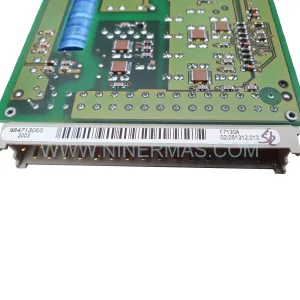
Original Industrial Spare Part
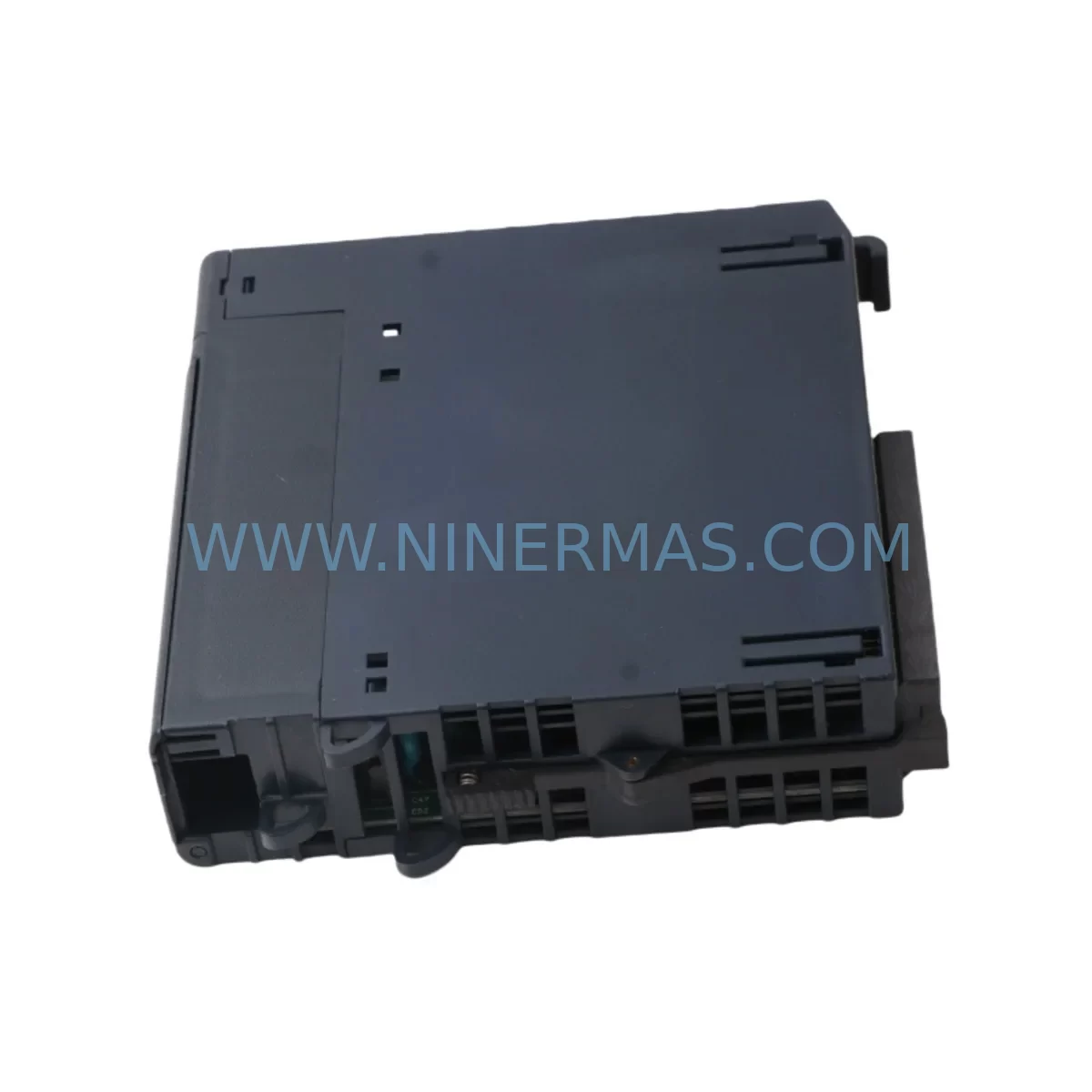
GE IC695PSD140B Service-Ready Spare Part for Industrial Maintenance
Verify the part, confirm the platform family, and move straight into quotation with the right commercial details.
RFQ Ready
- SKUIC695PSD140B
- CategoryPLC & Industrial Automation Modules
- BrandGE
- SupportAvailability, lead time, condition, and shipping coordination
How Buyers Usually Use This Page
- Confirm the exact part number and platform family before sending the quote request.
- Use direct email when quantity, condition, and destination are already defined internally.
- Switch to the broader brand or category archive when you need alternates nearby.
Series Navigation
Move through the most common platform families behind this part.
Product RFQ
Send this part directly for quotation.
Include quantity, required condition, destination country, and target delivery timing. Current reference: GE IC695PSD140B Service-Ready Spare Part for Industrial Maintenance with SKU IC695PSD140B.
GE IC695PSD140B Service-Ready Spare Part for Industrial Maintenance
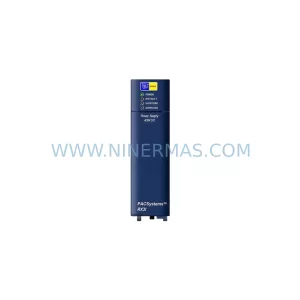
The GE IC695PSD140B is a ruggedized DC power supply module designed for the GE PACSystems RX3i platform — one of the most widely deployed PLC architectures in process automation, discrete manufacturing, and critical infrastructure. Rated for harsh industrial environments, this module delivers stable, conditioned DC power to the RX3i backplane, ensuring uninterrupted operation of CPU, I/O, and communication modules across demanding production cycles.
For maintenance engineers managing aging control systems, the IC695PSD140B represents a high-priority spare. Unplanned power supply failures are among the leading causes of unscheduled downtime in PLC-based control cabinets. Keeping a verified, tested replacement unit on the shelf — or sourcing one rapidly from a reliable distributor — is a fundamental element of any proactive maintenance strategy. NINERMAS stocks the IC695PSD140B as a service-ready spare, pre-tested before shipment and backed by a 12-month warranty.
Spare Maintenance Table
| Parameter | Specification |
|---|---|
| Part Number | IC695PSD140B |
| Brand / Series | GE Fanuc / PACSystems RX3i |
| Module Type | DC Input Power Supply Module |
| Input Voltage | 18–30 VDC (nominal 24 VDC) |
| Output Power | 40 W continuous |
| Backplane Compatibility | IC695CHS012, IC695CHS016 (RX3i Universal Backplane) |
| Operating Temperature | 0°C to 60°C (32°F to 140°F) |
| Humidity | 5–95% non-condensing |
| Mounting | Backplane slot-mount, tool-free extraction |
| Protection Rating | Ruggedized for vibration and shock per IEC 60068 |
| Certifications | UL, CE, cUL |
| Warranty | 12 Months (NINERMAS) |
| Condition | Original / Refurbished-to-OEM-spec, tested before shipment |
| Lead Time | In stock — ships within 1–3 business days |
Maintenance Planning for Continuous Operation
When replacing the IC695PSD140B in a PACSystems RX3i control cabinet, a disciplined maintenance engineer will not stop at the power supply alone. The RX3i architecture integrates tightly across multiple modules, and a power supply failure often masks or is caused by adjacent component stress. A thorough site inspection and replacement workflow should include the following associated components:
Begin with the IC695CPU310 or IC695CPU315 CPU module — verify firmware version compatibility and check for any fault logs stored in non-volatile memory that may indicate prior power anomalies. Next, inspect the IC695CHS012 or IC695CHS016 backplane for physical damage, oxidized connector pins, or signs of thermal stress, as a degraded backplane can cause intermittent power distribution faults that mimic supply failures.
Review the IC695ALG608 analog input module and IC695MDL654 discrete output module for any I/O errors logged during the fault window — power instability frequently causes I/O modules to latch fault states that require manual reset after supply restoration. If the cabinet includes a IC695ETM001 Ethernet communication module, confirm that network connectivity is restored and that the module’s MAC address and IP configuration are intact post-replacement.
On the power feed side, inspect the 24 VDC DIN-rail power supply (commonly a Phoenix Contact QUINT or Siemens SITOP unit) feeding the IC695PSD140B input. Measure input voltage under load — a sagging upstream supply is a common root cause of RX3i power module failures. Check terminal block connections (such as Phoenix Contact PT or Weidmüller WDU series) for loose crimps or corrosion, particularly in high-vibration or high-humidity environments.
If the system includes a IC695RMX128 redundancy memory exchange module or operates in a hot-standby configuration, verify that the redundancy link is re-established after the power supply swap and that both chassis report healthy status. For cabinets with IC695PBM300 PROFIBUS master modules or IC695CMM002 serial communication modules, confirm that fieldbus communication has resumed and that no slave devices have dropped off the network.
Finally, review the cabinet’s fuse and circuit breaker protection upstream of the power supply input. A blown fuse or tripped breaker that is simply reset without root-cause analysis will result in repeat failures. Document the replacement event in your CMMS with the module serial number, installation date, and pre-replacement fault codes to support future predictive maintenance scheduling.
Site Replacement Workflow
Step 1 — Isolate and de-energize: Follow your site’s lockout/tagout (LOTO) procedure. De-energize the 24 VDC feed to the RX3i chassis. If the system supports hot-swap on the power supply slot, confirm with your site safety officer before proceeding without a full shutdown.
Step 2 — Document current configuration: Before extraction, photograph the wiring connections on the IC695PSD140B terminal block. Note the input voltage polarity, earth ground connection, and any field wiring labels. Export or photograph the CPU fault log via the programming software (Proficy Machine Edition or PAC Machine Edition) for post-replacement comparison.
Step 3 — Extract the failed module: Release the module locking tab and slide the IC695PSD140B out of the backplane slot. Inspect the backplane connector for bent pins or debris. Clean with dry compressed air if necessary.
Step 4 — Install the replacement IC695PSD140B: Align the replacement module with the backplane guide rails and seat firmly until the locking tab engages. Reconnect field wiring per your documented photograph, observing correct polarity. Torque terminal screws to the manufacturer’s specification (typically 0.5–0.6 Nm).
Step 5 — Re-energize and verify: Restore the 24 VDC input feed. Observe the module’s LED status indicators — a solid green PWR LED confirms normal operation. Connect via Proficy Machine Edition and verify that the CPU has returned to RUN mode, all I/O modules are online, and no active faults are present in the fault table.
Step 6 — Update maintenance records: Log the replacement in your CMMS. Record the new module’s serial number, installation date, and the pre-failure symptom history. Schedule a follow-up inspection at 30 days to confirm stable operation under normal production load.
The IC695PSD140B is a direct form-fit-function replacement for earlier IC695PSD140 and IC695PSD140A revisions. No firmware changes or configuration updates are required when replacing within the same revision family. For cross-series compatibility (e.g., integrating into an IC694 Series 90-30 chassis), consult the GE PACSystems Compatibility Guide before installation.
Spare Parts Support FAQ
Q1: Is the IC695PSD140B compatible with all RX3i backplane configurations?
The IC695PSD140B is compatible with the IC695CHS012 (12-slot) and IC695CHS016 (16-slot) RX3i universal backplanes. It is not compatible with the older Series 90-30 (IC693) chassis. Always verify the backplane model number before ordering to ensure correct fit and power budget alignment.
Q2: What is included in the 12-month warranty and what does the pre-shipment test cover?
Every IC695PSD140B shipped by NINERMAS undergoes functional testing including input voltage range verification, output load regulation, and backplane connector integrity check. The 12-month warranty covers manufacturing defects and functional failures under normal operating conditions. It does not cover damage resulting from incorrect installation, overvoltage events, or physical mishandling on site.
Q3: Can NINERMAS support long-term or blanket purchase orders for this module?
Yes. NINERMAS supports long-term supply agreements for the IC695PSD140B and related RX3i spare parts. For facilities managing multiple RX3i systems or planning annual maintenance shutdowns, we recommend establishing a standing inventory arrangement to avoid lead-time risk on this module, which is subject to periodic OEM allocation constraints.
Q4: How do I verify authenticity and revision level of the IC695PSD140B before installation?
Inspect the module label for the full part number including revision suffix (e.g., IC695PSD140B). The revision letter is printed on the product label and also encoded in the module’s hardware identification register, readable via Proficy Machine Edition under the hardware configuration tool. NINERMAS provides documentation of the revision level with each shipment upon request.
| Product Series | Fanuc |
|---|---|
| Country of Origin | US |
Catalog Continuation
Nearby part numbers around IC695PSD.
Use this lane when the buyer is comparing adjacent model numbers, revision-near items, or closely related spare variants within the same brand family.
Catalog Continuation
More GE modules in the catalog.
Use the brand lane to compare nearby part numbers, platform-adjacent modules, and other inquiry-ready listings before sending your final RFQ.
Catalog Continuation
Alternative parts within PLC & Industrial Automation Modules.
Stay inside the same system family when you need substitutes, adjacent modules, or a broader shortlist for procurement review.
SKU: 6SE7033-7EG84-1JF0
Siemens 6SE7033-7EG84-1JF0 Retrofit Inverter for Legacy Systems
SKU: PM554-TP-ETH 1SAP120600R0071
ABB PM554-TP-ETH 1SAP120600R0071 Service-Ready Spare Part
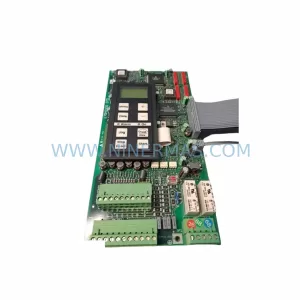
SKU: 175H3828 DT5 175H7068
Danfoss 175H3828 DT5 175H7068 Service-Ready Spare Part