
Original Industrial Spare Part
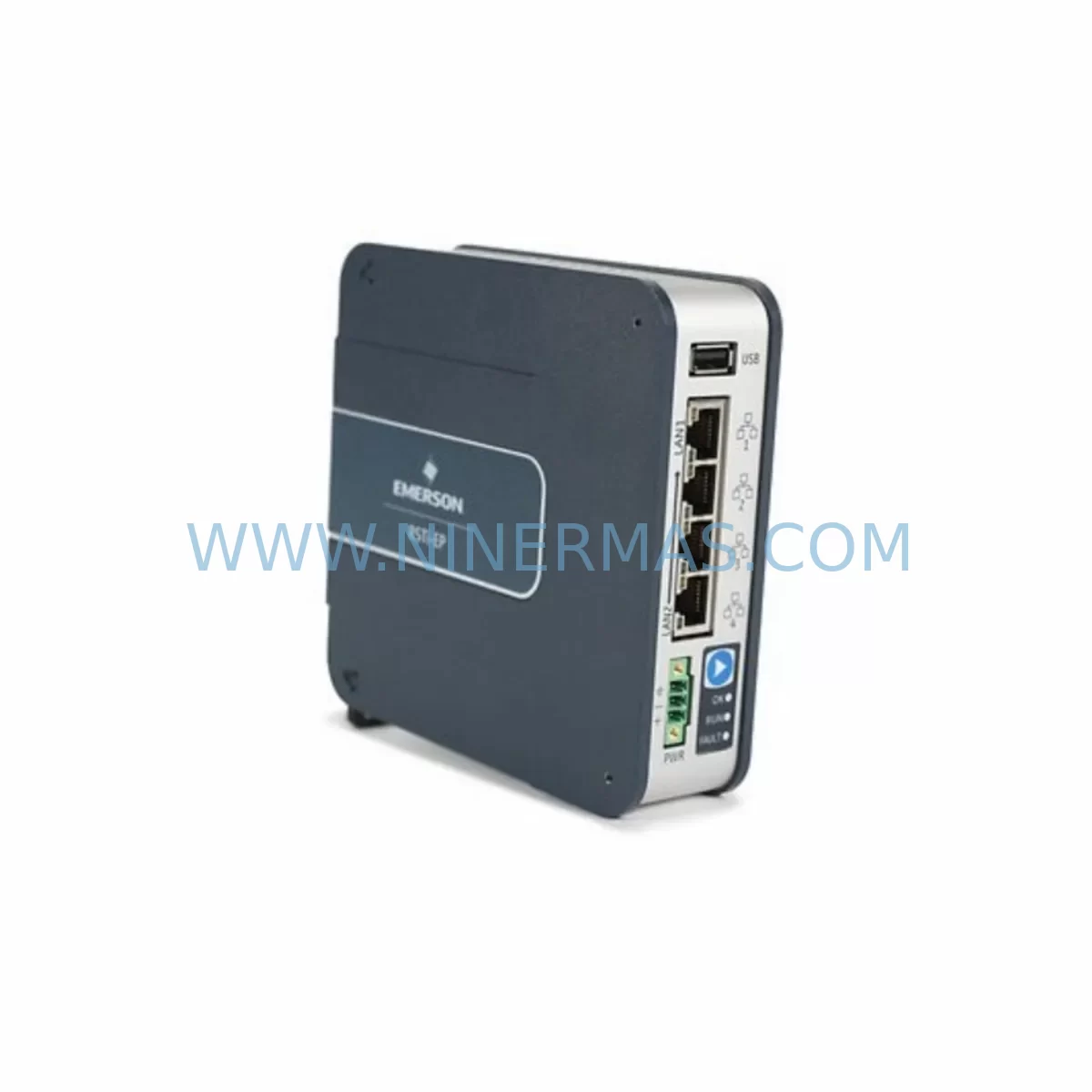
GE EPSCPE100-BETA Service-Ready Spare Part for Industrial Maintenance
Verify the part, confirm the platform family, and move straight into quotation with the right commercial details.
RFQ Ready
- SKUEPSCPE100-BETA
- CategoryPLC & Industrial Automation Modules
- BrandGE
- SupportAvailability, lead time, condition, and shipping coordination
How Buyers Usually Use This Page
- Confirm the exact part number and platform family before sending the quote request.
- Use direct email when quantity, condition, and destination are already defined internally.
- Switch to the broader brand or category archive when you need alternates nearby.
Series Navigation
Move through the most common platform families behind this part.
Product RFQ
Send this part directly for quotation.
Include quantity, required condition, destination country, and target delivery timing. Current reference: GE EPSCPE100-BETA Service-Ready Spare Part for Industrial Maintenance with SKU EPSCPE100-BETA.
GE EPSCPE100-BETA Service-Ready Spare Part for Industrial Maintenance
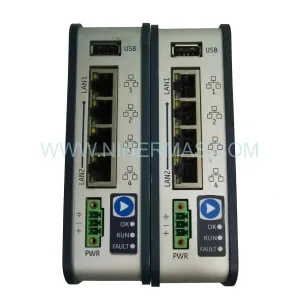
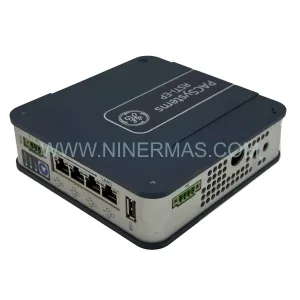
The GE EPSCPE100-BETA is a CPU module designed for the PACSystems RSTi-EP Series — a compact, high-performance programmable automation controller platform widely deployed in discrete manufacturing, process control, and infrastructure automation environments. When a CPU module fails or reaches end-of-service life, unplanned downtime can cascade across an entire production line. Sourcing a verified, service-ready EPSCPE100-BETA replacement is the fastest path to restoring system operation without compromising control architecture integrity.
This listing provides a pre-shipment tested, original-specification EPSCPE100-BETA backed by a 12-month warranty. Each unit undergoes functional verification prior to dispatch to ensure it meets GE factory performance standards. Whether you are executing an emergency swap, building a critical spare inventory, or planning an annual shutdown overhaul, this module is stocked and ready for immediate dispatch.
Spare Maintenance Table
| Parameter | Specification / Detail |
|---|---|
| Part Number | EPSCPE100-BETA |
| Brand | GE (General Electric Automation) |
| Series | PACSystems RSTi-EP |
| Module Type | CPU / Controller Module |
| Communication | Ethernet (SRTP, Modbus TCP, EtherNet/IP compatible) |
| Programming Standard | IEC 61131-3 (LD, FBD, ST, IL, SFC) |
| Backplane Compatibility | RSTi-EP Expansion Backplane (EPXBP series) |
| Power Supply Compatibility | RSTi-EP 24 VDC Power Supply modules (EPSPSU series) |
| Operating Temperature | 0°C to 55°C (standard industrial environment) |
| Mounting | DIN rail, panel mount via RSTi-EP backplane |
| Condition | Original, pre-shipment tested |
| Warranty | 12 months from date of shipment |
| Lead Time | In stock — ready for immediate dispatch |
| Application | Discrete manufacturing, process automation, infrastructure control |
| Maintenance Recommendation | Replace CPU module if firmware corruption, communication loss, or persistent fault codes are detected; verify backplane seating and power rail integrity before commissioning replacement |
Maintenance Planning for Continuous Operation
A CPU module replacement on a PACSystems RSTi-EP system is rarely an isolated event. Maintenance engineers and procurement teams should treat an EPSCPE100-BETA swap as a trigger for a broader control cabinet inspection to prevent secondary failures and reduce the risk of repeat downtime.
Before commissioning the replacement EPSCPE100-BETA, verify the condition and integrity of the following associated components:
- EPSPSU001 / EPSPSU002 Power Supply Modules — Confirm output voltage stability (24 VDC rail) and check for capacitor aging or thermal stress marks. A degraded power supply is a leading cause of CPU module failure and must be ruled out before installing a new CPU.
- EPXBP Series Backplane — Inspect backplane connector pins for oxidation, mechanical damage, or intermittent contact. A faulty backplane can corrupt a new CPU module within hours of commissioning.
- EPSDIO Series Digital I/O Modules — Check for blown output channels or input signal drift. I/O module faults can generate false diagnostics that mask the true root cause of a CPU fault.
- EPSAIO Series Analog I/O Modules — Verify signal calibration and shielding integrity, particularly in environments with high electromagnetic interference from variable frequency drives or servo amplifiers.
- EPSCMM001 Communication Module — Confirm Ethernet link status, IP configuration, and SRTP session integrity after CPU replacement. Communication module firmware should match the CPU firmware revision.
- Terminal Blocks and Field Wiring — Inspect screw torque on I/O terminal blocks. Loose connections cause intermittent faults that are frequently misdiagnosed as CPU or module failures.
- Signal Isolators and Surge Protectors — In field environments with long cable runs, signal isolators on analog inputs and surge protection on digital inputs protect the new CPU module from transient damage.
- 24 VDC Fuses and Circuit Breakers — Replace any fuses that show signs of thermal discoloration. Verify that circuit breaker trip ratings are appropriate for the RSTi-EP system load profile.
- HMI Communication Link — After CPU replacement, re-establish the HMI (e.g., GE QuickPanel or third-party panel) communication link and verify that all screen tags and alarm setpoints are correctly mapped.
- Proficy Machine Edition Project Backup — Confirm that the latest validated PLC program backup is available before powering up the replacement CPU. Restoring an outdated program version is a common commissioning error that extends downtime unnecessarily.
Building a structured spare parts kit around the EPSCPE100-BETA — including at minimum one spare power supply module, one spare I/O module of each type in use, and a set of terminal block connectors — is the most cost-effective strategy for reducing mean time to repair (MTTR) on RSTi-EP-based systems.
Site Replacement Workflow
Replacing the EPSCPE100-BETA in a live industrial environment requires a structured approach to minimize downtime and avoid configuration errors:
- Program Backup — Before powering down, upload and verify the current PLC program from the existing CPU using Proficy Machine Edition. Store the backup on an isolated engineering laptop and a secure network share.
- Safe Shutdown — Place the system in a controlled stop state. Notify operators and interlock any downstream equipment that depends on the controller output. Follow site-specific lockout/tagout (LOTO) procedures.
- Module Removal — Power down the RSTi-EP backplane. Remove the EPSCPE100-BETA by releasing the module locking tab and sliding it clear of the backplane connector. Inspect the backplane connector for damage before installing the replacement.
- Replacement Installation — Seat the new EPSCPE100-BETA firmly into the backplane slot. Confirm the locking tab engages. Restore power and observe the module status LEDs for normal startup sequence.
- Program Download and Verification — Download the validated program backup to the new CPU. Perform a full I/O force test to confirm all field devices respond correctly before returning the system to automatic mode.
- Communication Re-establishment — Verify Ethernet connectivity, SRTP sessions, and HMI tag mapping. Confirm that any remote I/O drops or communication modules have re-established their links to the new CPU.
- Return to Service — Document the replacement event, including the old module serial number, fault history, and new module installation date. Update the site maintenance log and spare parts inventory record.
This workflow is applicable whether the EPSCPE100-BETA is replacing a failed unit on an emergency basis or being installed as part of a planned annual shutdown. The same procedure applies when upgrading from an older GE RSTi or VersaMax CPU to the RSTi-EP platform, where the EPSCPE100-BETA provides a significant improvement in processing speed, memory capacity, and communication capability.
Spare Parts Support FAQ
Q1: Is the EPSCPE100-BETA a direct drop-in replacement for older GE RSTi CPU modules?
The EPSCPE100-BETA is designed for the PACSystems RSTi-EP backplane architecture and is not mechanically interchangeable with earlier GE RSTi (IC200 series) or VersaMax CPU modules. However, GE Proficy Machine Edition supports program migration from legacy platforms, allowing the EPSCPE100-BETA to serve as a functional upgrade replacement with appropriate engineering effort. Confirm backplane compatibility before ordering.
Q2: What pre-shipment testing is performed on each EPSCPE100-BETA unit?
Each unit is powered up and subjected to a functional verification test covering CPU boot sequence, communication port activity, and memory integrity checks. Units that do not pass all test criteria are not dispatched. A 12-month warranty covers any defects in materials or workmanship from the date of shipment.
Q3: Can you guarantee long-term supply of the EPSCPE100-BETA for multi-year maintenance contracts?
We maintain stock of the EPSCPE100-BETA and actively source additional inventory to support customers with multi-year maintenance agreements and annual shutdown schedules. For volume procurement or long-term supply commitments, contact our sales team to discuss reserved stock arrangements and lead time guarantees.
Q4: How should the EPSCPE100-BETA be stored as a cold spare?
Store the module in its original anti-static packaging in a dry, temperature-controlled environment (10°C to 40°C, relative humidity below 85% non-condensing). Avoid storage near strong magnetic fields or in environments with high particulate contamination. Inspect the module annually and rotate stock to ensure the oldest unit is deployed first.
| Product Series | PACSystems |
|---|---|
| Country of Origin | US |
Catalog Continuation
Nearby part numbers around EPSCPE10.
Use this lane when the buyer is comparing adjacent model numbers, revision-near items, or closely related spare variants within the same brand family.
Catalog Continuation
More GE modules in the catalog.
Use the brand lane to compare nearby part numbers, platform-adjacent modules, and other inquiry-ready listings before sending your final RFQ.
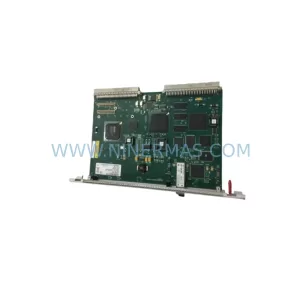
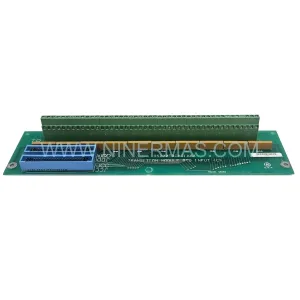
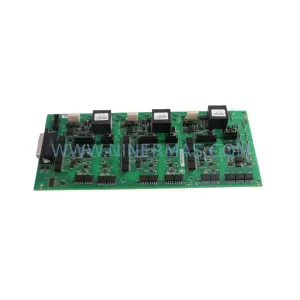
SKU: Bridge Interface Mark VI
GE IS210AEDBH4AGD Safety-Reliable Bridge Interface for Critical Control
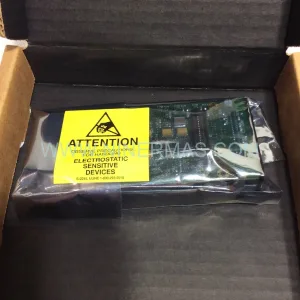
SKU: DS200ADMAH1AA
GE DS200ADMAH1AA | Industrial Safety & Performance Component
Catalog Continuation
Alternative parts within PLC & Industrial Automation Modules.
Stay inside the same system family when you need substitutes, adjacent modules, or a broader shortlist for procurement review.



SKU: HDD02.2-W040N-HS12-01-FW FWA-DIAX04-ELS-05VRS-MS
Rexroth HDD02.2-W040N-HS12-01-FW Service-Ready Spare Part

SKU: I5DAE375F10010000S
Lenze I5DAE375F10010000S Service-Ready Spare Part for Industrial Maintenance



