Original Industrial Spare Part
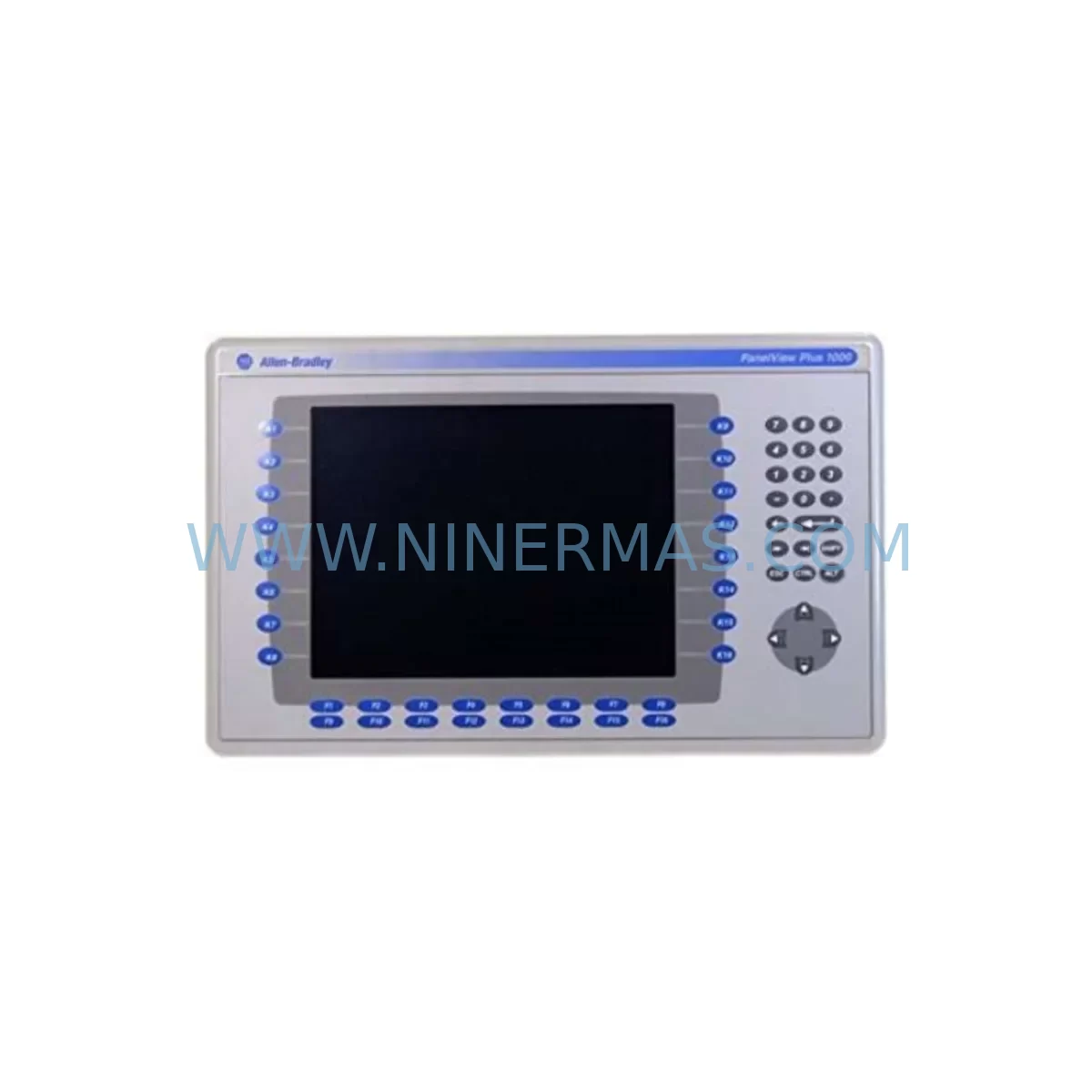
Allen-Bradley 2711P-B10C15A2 Service-Ready Spare Part
Verify the part, confirm the platform family, and move straight into quotation with the right commercial details.
RFQ Ready
- SKU2711P-B10C15A2/A
- CategoryPLC & Industrial Automation Modules
- BrandAllen-Bradley
- SupportAvailability, lead time, condition, and shipping coordination
How Buyers Usually Use This Page
- Confirm the exact part number and platform family before sending the quote request.
- Use direct email when quantity, condition, and destination are already defined internally.
- Switch to the broader brand or category archive when you need alternates nearby.
Series Navigation
Move through the most common platform families behind this part.
Product RFQ
Send this part directly for quotation.
Include quantity, required condition, destination country, and target delivery timing. Current reference: Allen-Bradley 2711P-B10C15A2 Service-Ready Spare Part with SKU 2711P-B10C15A2/A.
Allen-Bradley 2711P-B10C15A2 Service-Ready Spare Part: Minimizing Downtime Risk in Industrial HMI Replacement
The Allen-Bradley 2711P-B10C15A2 is a 10.4-inch color touch screen HMI terminal from the PanelView Plus series, manufactured by Rockwell Automation. Designed for demanding industrial environments, this unit serves as the primary operator interface in a wide range of manufacturing, process control, and machine automation applications. When this terminal fails or reaches end-of-life, production lines can halt within minutes — making a verified, service-ready spare part an essential component of any maintenance strategy.
At NINERMAS, every 2711P-B10C15A2 unit is sourced from authorized channels, pre-shipment tested, and backed by a 12-month warranty. Our inventory is maintained specifically to support maintenance engineers and procurement teams who cannot afford extended lead times or unverified substitutes. Whether you are managing a scheduled annual overhaul or responding to an unplanned HMI failure, this spare part is ready for immediate dispatch.
Spare Maintenance Table
| Parameter | Specification |
|---|---|
| Part Number / SKU | 2711P-B10C15A2 |
| Brand / Manufacturer | Allen-Bradley (Rockwell Automation) |
| Series | PanelView Plus |
| Display Size | 10.4 inch Color TFT LCD |
| Touch Technology | Resistive Touch Screen |
| Input Voltage | 24V DC (nominal) |
| Communication Ports | Ethernet (RJ-45), RS-232, USB |
| Operating Temperature | 0°C to 55°C (32°F to 131°F) |
| Protection Rating | NEMA 4/4X, 12, 13 (front panel) |
| Compatibility | ControlLogix, CompactLogix, MicroLogix, SLC 500, PLC-5 via EtherNet/IP or DH+ |
| Installation | Panel cutout mount; standard 2711P series footprint |
| Maintenance Recommendation | Replace every 7–10 years or upon display degradation, touch failure, or communication fault |
| Warranty | 12 Months — covers manufacturing defects, functional failure under normal operating conditions |
| Condition | Original, service-ready; pre-shipment tested |
| Origin | United States |
Maintenance Planning for Continuous Operation
Replacing the 2711P-B10C15A2 is rarely an isolated task. In a well-maintained control cabinet, the HMI terminal is one node in a broader electrical and communication ecosystem. Maintenance engineers should treat an HMI replacement as an opportunity to audit adjacent components and reduce the risk of cascading failures.
Begin with the 24V DC power supply feeding the HMI. Units such as the 1606-XLP95E or equivalent Rockwell power supply modules should be inspected for output voltage stability, ripple, and thermal performance. A degraded power supply is a common root cause of intermittent HMI faults that are misdiagnosed as terminal failures.
Next, verify the EtherNet/IP communication path. The 1783-ETAP (EtherNet/IP tap) and 1756-EN2T (ControlLogix EtherNet/IP communication module) are frequently found in the same control architecture as the 2711P-B10C15A2. Confirm that network topology, IP addressing, and CIP connection limits are within specification before commissioning the replacement HMI.
If the system uses a ControlLogix chassis, inspect the 1756-PA75 power supply module and the 1756-L72 or 1756-L73 controller for firmware compatibility with the replacement terminal’s runtime version. Mismatched firmware between the PLC and HMI application can cause tag binding failures or communication timeouts after replacement.
For systems with analog I/O, the 1756-IF16 analog input module and 1756-OF8 analog output module should be checked for calibration drift and channel integrity. HMI replacement is an ideal time to verify that all process values displayed on the new terminal match field instrument readings.
Inspect all terminal blocks and wiring harnesses connected to the HMI’s I/O and communication ports. Corroded or loose connections on the RS-232 port or USB interface can cause communication faults that appear as HMI hardware failures. Replace any suspect terminal blocks or cable assemblies during the same maintenance window.
If the installation includes a 2711P-RDT10C remote display terminal or a 2711P-RP8A replacement logic module, verify that these components are also within their service life. The logic module in particular stores the HMI application and configuration — a failed logic module will prevent the replacement terminal from loading the correct runtime.
Finally, review the signal isolation on any 4–20mA or thermocouple inputs routed through the HMI. Signal isolators and barriers in the same circuit should be tested for leakage and isolation resistance. Replacing the HMI without addressing signal integrity issues will result in recurring display anomalies on the new unit.
Site Replacement Workflow
The 2711P-B10C15A2 is a direct form-fit-function replacement for earlier PanelView Plus units sharing the same 10.4-inch footprint and communication profile. The following workflow is recommended to minimize downtime and ensure system compatibility:
Step 1 — Pre-replacement verification: Confirm the replacement unit’s catalog number, firmware version, and communication configuration match the existing installation. Download and archive the current HMI application from the existing terminal using FactoryTalk View Studio before powering down.
Step 2 — Power isolation: Isolate the 24V DC supply to the HMI panel. Verify zero energy state with a calibrated multimeter before disconnecting any cables.
Step 3 — Physical swap: Remove the failed terminal from the panel cutout. The 2711P-B10C15A2 uses the standard PanelView Plus mounting hardware — retain existing gaskets and hardware if in serviceable condition. Install the replacement unit and reconnect all communication and power cables.
Step 4 — Application restore: Load the archived HMI application onto the replacement terminal via USB or Ethernet. Verify all tag connections, alarm configurations, and screen navigation before returning to production.
Step 5 — Functional test: Perform a full I/O check, communication link test, and operator interface walkthrough. Confirm that all process values, alarms, and control functions operate correctly before releasing the line.
This workflow applies equally to planned maintenance replacements and emergency breakdown recovery. Maintaining a pre-configured spare — with the application pre-loaded — can reduce replacement time from hours to under 30 minutes.
Spare Parts Support FAQ
Q1: Is the 2711P-B10C15A2 still available as a new original part, or is it end-of-life?
The 2711P-B10C15A2 is a mature product in the PanelView Plus series. While Rockwell Automation may have transitioned newer HMI platforms, NINERMAS maintains verified original stock sourced from authorized distribution channels. All units are pre-shipment tested and supplied with a 12-month warranty. Contact our team to confirm current stock availability and lead time.
Q2: How do I verify compatibility between the 2711P-B10C15A2 and my existing PLC or control system?
Compatibility depends on the communication protocol (EtherNet/IP, DH+, or RS-232), the PLC platform (ControlLogix, CompactLogix, MicroLogix, SLC 500, or PLC-5), and the FactoryTalk View ME runtime version installed on the terminal. Provide your existing system’s catalog numbers and firmware versions to our technical team, and we will confirm compatibility before shipment.
Q3: What does the 12-month warranty cover, and what is the claims process?
The 12-month warranty covers manufacturing defects and functional failures under normal operating conditions. It does not cover damage resulting from incorrect installation, overvoltage, or physical impact. To initiate a warranty claim, contact sale@ninermas.com with the order number, fault description, and photographic evidence. Our team will arrange return logistics and replacement or repair within the warranty period.
Q4: Can NINERMAS support long-term supply agreements for the 2711P-B10C15A2 and related PanelView Plus components?
Yes. NINERMAS offers reserved inventory agreements for maintenance teams and procurement engineers who require guaranteed stock availability over 12–36 month horizons. This is particularly valuable for facilities operating legacy Rockwell systems where standard distribution channels no longer carry sufficient stock. Contact our procurement team to discuss volume pricing, lead time commitments, and consignment options.
| Product Series | 2711 |
|---|---|
| Country of Origin | US |
Catalog Continuation
More Allen-Bradley modules in the catalog.
Use the brand lane to compare nearby part numbers, platform-adjacent modules, and other inquiry-ready listings before sending your final RFQ.
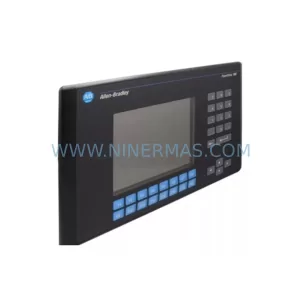
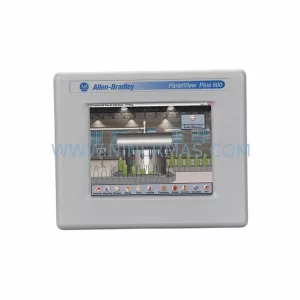
SKU: 2711P-T19C22A9P
Allen-Bradley 2711P-T19C22A9P Service-Ready Spare Part
SKU: 2711P-RDT15C SER B
Allen-Bradley 2711P-RDT15C SER B Industrial Spare Part
Catalog Continuation
Alternative parts within PLC & Industrial Automation Modules.
Stay inside the same system family when you need substitutes, adjacent modules, or a broader shortlist for procurement review.
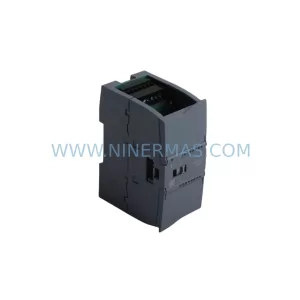
SKU: 6ES7234-4HE32-0XB0
Siemens 6ES7234-4HE32-0XB0 Service-Ready Spare Part
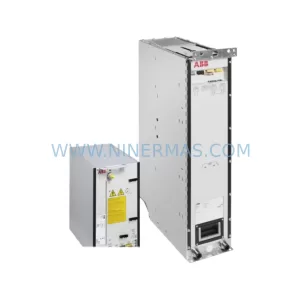
SKU: ACS880-104LC-0860A-7
ABB ACS880-104LC-0860A-7 Retrofit-Compatible Inverter
SKU: MVME2304 64-W5206C01B
Motorola MVME2304 64-W5206C01B Retrofit-Compatible Processor