
Original Industrial Spare Part
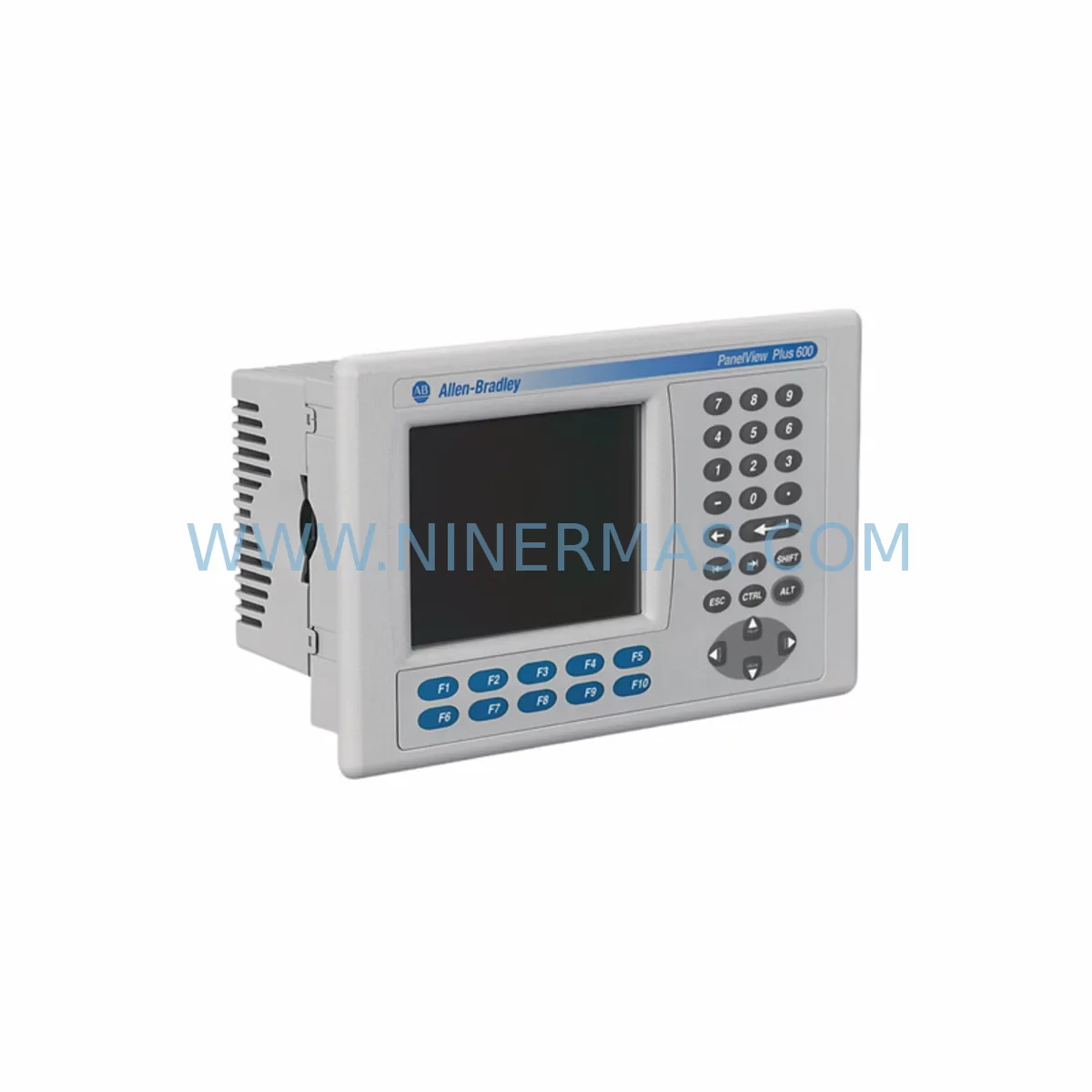
Allen-Bradley 2711P-B4C20A Retrofit-Compatible HMI for Legacy Systems
Verify the part, confirm the platform family, and move straight into quotation with the right commercial details.
RFQ Ready
- SKU2711P-B4C20A
- CategoryPLC & Industrial Automation Modules
- BrandAllen-Bradley
- SupportAvailability, lead time, condition, and shipping coordination
How Buyers Usually Use This Page
- Confirm the exact part number and platform family before sending the quote request.
- Use direct email when quantity, condition, and destination are already defined internally.
- Switch to the broader brand or category archive when you need alternates nearby.
Series Navigation
Move through the most common platform families behind this part.
Product RFQ
Send this part directly for quotation.
Include quantity, required condition, destination country, and target delivery timing. Current reference: Allen-Bradley 2711P-B4C20A Retrofit-Compatible HMI for Legacy Systems with SKU 2711P-B4C20A.
Allen-Bradley 2711P-B4C20A Retrofit-Compatible HMI for Legacy Systems
The Allen-Bradley 2711P-B4C20A is a 4-inch color touchscreen operator terminal from the PanelView Plus 6 series, purpose-built for industrial environments where legacy HMI panels are reaching end-of-life or have been discontinued. As automation engineers and maintenance teams face increasing pressure to modernize aging control systems without triggering full-line shutdowns, the 2711P-B4C20A offers a proven, retrofit-compatible path that preserves existing program logic, minimizes downtime, and extends the operational life of installed control infrastructure.
Whether you are replacing a failed PanelView 550, PanelView 600, or an earlier PanelView Plus 700 terminal, the 2711P-B4C20A integrates directly into existing control cabinet layouts with minimal mechanical modification. Its compact 4-inch form factor fits standard panel cutouts used across a wide range of legacy enclosures, and its support for EtherNet/IP, DH-485, and DF1 communication protocols ensures compatibility with the majority of Allen-Bradley PLC platforms still in active service, including the MicroLogix 1100, MicroLogix 1400, CompactLogix L-series, and SLC 500 family controllers.
Upgrade Compatibility Table
| Parameter | Legacy Unit (e.g. PanelView 550/600) | 2711P-B4C20A (PanelView Plus 6) |
|---|---|---|
| Display Size | 5.5″ / 6″ STN | 4″ Color TFT Touchscreen |
| Communication Ports | DH-485, RS-232 DF1 | EtherNet/IP, DH-485, RS-232 DF1 |
| Power Supply | 24V DC | 24V DC (compatible) |
| Panel Cutout | Varies by model | Standard cutout; adapter plate may be required |
| Programming Software | PanelBuilder 32 | FactoryTalk View ME (v6.0+) |
| Application Migration | PanelBuilder .PBA files | Conversion via FactoryTalk View ME Studio |
| Backplane / Rack | N/A (standalone) | Standalone; no backplane required |
| Module Address Config | DIP switch / software | Software-configured via RSLinx Classic |
| HMI Screen Migration | Manual redraw required | Partial import via conversion tool |
| Warranty | Expired / EOL | 12-Month Warranty (NINERMAS) |
Retrofit Planning for Existing Automation Systems
A successful retrofit begins well before the replacement unit arrives on-site. When planning a 2711P-B4C20A installation into an existing control cabinet, engineers must first audit the available panel space and confirm that the cutout dimensions align with the new terminal’s bezel requirements. In many legacy installations, the original PanelView 550 or PanelView 600 occupied a larger cutout, and a stainless steel adapter plate will be needed to achieve a clean, IP65-rated seal.
Power supply verification is the next critical step. The 2711P-B4C20A operates on 24V DC, and the existing 1606-XLP power supply or equivalent unit in the control cabinet must be confirmed to deliver sufficient current capacity — typically a minimum of 1.5A dedicated to the HMI terminal. If the cabinet’s power budget is already near capacity due to additional I/O modules, a supplementary 1606-XLP60E or similar DIN-rail power supply should be added before commissioning.
Terminal wiring must be carefully mapped before disconnecting the legacy panel. The RS-232 DF1 or DH-485 cable connecting the old PanelView to the MicroLogix 1400 or SLC 5/05 processor should be labeled and photographed. The 2711P-B4C20A uses a standard 9-pin D-sub serial connector for DF1 communication and an RJ-45 port for EtherNet/IP, so in many cases the existing cable can be reused with a simple adapter, or replaced with a 1761-CBL-PM02 or 1761-CBL-HM02 cable depending on the target controller’s port type.
For sites migrating from serial DH-485 to EtherNet/IP, a 1761-NET-ENI serial-to-Ethernet interface module or a 1763-L16BWA MicroLogix 1100 with onboard Ethernet may already be present in the panel. If not, this migration step should be scoped into the retrofit project, as it significantly improves remote monitoring capability and future-proofs the communication architecture. The 2711P-B4C20A’s dual-port EtherNet/IP switch eliminates the need for an external network switch in single-drop topologies, simplifying cabinet wiring.
Application migration from PanelBuilder 32 to FactoryTalk View ME Studio requires careful attention to tag database mapping. All existing tags referencing SLC 500 or MicroLogix data files must be re-mapped to the correct controller addresses in the new FactoryTalk View ME project. Alarm configurations, trend displays, and recipe data tables should be validated screen by screen before the new terminal is powered on in the field. Where the original application used numeric display objects linked to N7 integer files or F8 float files, these mappings must be confirmed against the current PLC program to avoid display errors during initial startup.
I/O expansion modules such as the 1762-IQ16 digital input module or 1762-OW16 relay output module connected to the MicroLogix rack should not require any reconfiguration, as the HMI replacement does not affect the PLC’s I/O scan or program execution. However, if the retrofit also involves upgrading the controller from a SLC 5/03 to a CompactLogix L24ER, the I/O module addressing and program logic will require a full conversion using Studio 5000 Logix Designer, and the HMI tag database must be rebuilt accordingly.
Downtime Control During System Migration
Minimizing production downtime during an HMI retrofit requires a structured pre-commissioning approach. Before the scheduled maintenance window, the replacement 2711P-B4C20A should be fully configured, loaded with the converted FactoryTalk View ME application, and bench-tested against a spare controller or simulator. All communication parameters — IP address, slot number, processor file path, and driver configuration in RSLinx Classic — should be confirmed and saved to the terminal before it is transported to the production floor.
During the cutover window, the sequence should follow a defined order: isolate the HMI power circuit, disconnect the legacy PanelView, install the 2711P-B4C20A using the pre-fitted adapter plate, reconnect the communication cable, restore power, and verify the startup screen within the first two minutes. If the terminal fails to establish communication with the controller, the most common causes are an incorrect node address on the DH-485 network, a mismatched baud rate setting, or an IP address conflict on the EtherNet/IP segment. These issues can typically be resolved within 10–15 minutes using a laptop running RSLinx Classic and FactoryTalk View ME Studio.
The original PLC program running on the MicroLogix 1400 or CompactLogix processor is not affected by the HMI swap and continues executing throughout the replacement process, provided the controller is not placed in Program mode. This means that field devices — including motor starters, solenoid valves, and analog transmitters wired to the existing 1762-IF4 or 1762-OF4 I/O modules — remain under automatic control during the HMI changeover, protecting process continuity and eliminating the need for manual override procedures in most applications.
Post-installation, a full functional test of all HMI screens, alarm acknowledgment sequences, and operator setpoint entry functions should be completed before returning the line to production. Any discrepancies between the displayed values and the actual PLC data should be traced to the tag database and corrected in FactoryTalk View ME Studio before the next shift begins. NINERMAS provides 12-month warranty coverage on all supplied units, and pre-shipment functional testing is performed on every 2711P-B4C20A to confirm display integrity, communication port operation, and touchscreen calibration prior to dispatch.
Retrofit Support FAQ
Q1: Is the 2711P-B4C20A a direct drop-in replacement for the PanelView 550 or PanelView 600?
The 2711P-B4C20A is functionally compatible as a replacement for PanelView 550 and PanelView 600 terminals in terms of communication protocols and controller compatibility. However, the physical panel cutout dimensions differ, and an adapter plate is typically required for a clean mechanical installation. The application must also be converted from PanelBuilder 32 format to FactoryTalk View ME before loading onto the new terminal.
Q2: What communication cables are needed to connect the 2711P-B4C20A to a MicroLogix 1400 via DF1?
For RS-232 DF1 full-duplex communication, the 1761-CBL-PM02 cable is the standard choice for connecting the 2711P-B4C20A’s serial port to the MicroLogix 1400’s Channel 0 port. For DH-485 networks, the 1761-CBL-HM02 or AIC+ 1761-NET-AIC interface module is used. Cable selection depends on the controller’s communication port type and the network topology already in place.
Q3: Does NINERMAS perform pre-shipment testing on the 2711P-B4C20A?
Yes. Every unit supplied by NINERMAS undergoes functional testing prior to shipment, including display verification, touchscreen calibration, communication port checks, and power-on self-test confirmation. Units are shipped with a 12-month warranty covering manufacturing defects and operational failures under normal industrial use conditions.
Q4: What is the typical lead time and stock availability for the 2711P-B4C20A?
NINERMAS maintains inventory of the 2711P-B4C20A to support urgent retrofit and breakdown replacement requirements. Standard orders are processed and dispatched within 1–3 business days. For large-quantity or project-based procurement, please contact our sales team directly to confirm availability and arrange priority allocation from stock.
| Product Series | 2711 |
|---|---|
| Country of Origin | US |
Catalog Continuation
More Allen-Bradley modules in the catalog.
Use the brand lane to compare nearby part numbers, platform-adjacent modules, and other inquiry-ready listings before sending your final RFQ.

Catalog Continuation
Alternative parts within PLC & Industrial Automation Modules.
Stay inside the same system family when you need substitutes, adjacent modules, or a broader shortlist for procurement review.
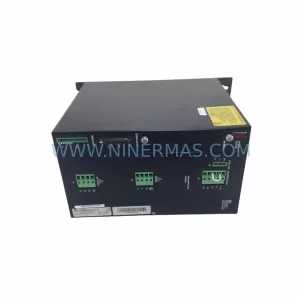
SKU: SCE906A2-002-01 SCE906A200201
Pacific Scientific SCE906A2-002-01 Retrofit Servo Amplifier
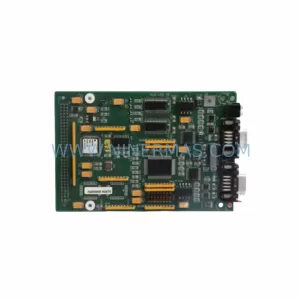
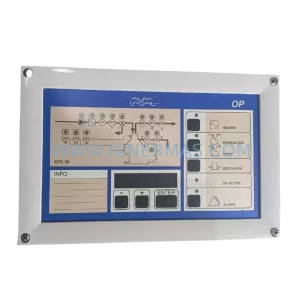
SKU: EPC500 3183062451
Alfa Laval EPC500 3183062451 Service-Ready Spare Part



