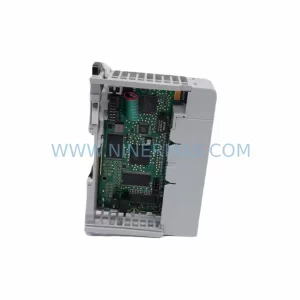
Original Industrial Spare Part
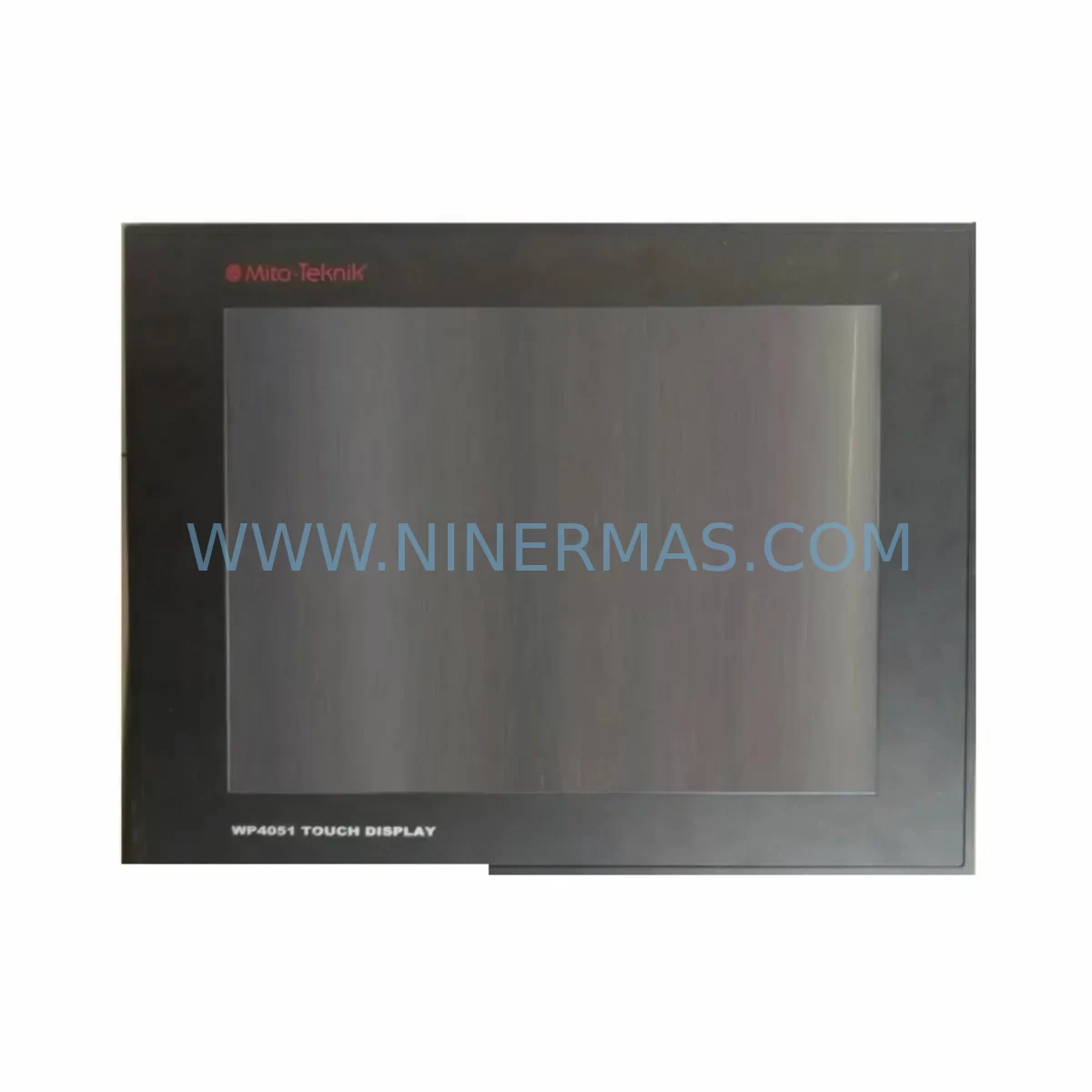
MITA WP4051 Service-Ready Spare Part for Industrial Maintenance
Verify the part, confirm the platform family, and move straight into quotation with the right commercial details.
RFQ Ready
- SKUWP4051
- CategoryPLC & Industrial Automation Modules
- BrandMITA
- SupportAvailability, lead time, condition, and shipping coordination
How Buyers Usually Use This Page
- Confirm the exact part number and platform family before sending the quote request.
- Use direct email when quantity, condition, and destination are already defined internally.
- Switch to the broader brand or category archive when you need alternates nearby.
Series Navigation
Move through the most common platform families behind this part.
Product RFQ
Send this part directly for quotation.
Include quantity, required condition, destination country, and target delivery timing. Current reference: MITA WP4051 Service-Ready Spare Part for Industrial Maintenance with SKU WP4051.
MITA WP4051 Service-Ready Spare Part for Industrial Maintenance
The MITA WP4051 is an original HMI touch screen module designed for the MITA WP Series operator panels, widely deployed across discrete manufacturing, process control, and machine automation environments. As legacy WP Series installations age beyond their original design lifecycle, sourcing a verified, service-ready WP4051 replacement becomes a critical priority for maintenance engineers managing unplanned downtime risk. NINERMAS supplies the WP4051 as a tested, original spare part backed by a 12-month warranty, with rapid dispatch to minimize production interruption.
The WP4051 serves as the primary human-machine interface in control cabinets where operators monitor process variables, acknowledge alarms, and issue commands to connected PLCs or DCS controllers. A failed or degraded touch screen at this node can halt an entire production line. Stocking a verified WP4051 spare eliminates the lead-time risk associated with emergency procurement and ensures that your maintenance team can execute a same-shift replacement without waiting for international sourcing cycles.
For procurement engineers, the WP4051 represents a low-volume, high-criticality SKU — the type of component that rarely fails but causes maximum disruption when it does. Establishing a minimum stock level of one unit per active WP Series installation is a recognized best practice in industrial spare parts management, particularly for end-of-life or discontinued HMI platforms where OEM availability is no longer guaranteed.
Spare Maintenance Table
| Parameter | Specification / Detail |
|---|---|
| Part Number / SKU | WP4051 |
| Brand | MITA |
| Series | WP Series HMI |
| Product Type | HMI Touch Screen Module |
| Application | Operator panel interface for PLC/DCS-connected control systems |
| Compatibility | MITA WP Series operator panels; verify backplane connector and firmware revision before installation |
| Installation Environment | Industrial control cabinet; panel-mount; IP-rated enclosure recommended |
| Power Supply | Refer to WP Series system documentation for supply voltage and current draw |
| Communication Interface | Serial / proprietary WP Series backplane bus (confirm with system wiring diagram) |
| Origin | Japan (inferred from MITA brand origin; confirm with shipment documentation) |
| Condition | Original spare part — new or equivalent-to-new, tested before shipment |
| Warranty | 12 Months from date of shipment |
| Maintenance Recommendation | Inspect touch surface for delamination or dead zones during quarterly cabinet inspections; replace proactively at first sign of input lag or display artifacts |
| Lead Time | Contact NINERMAS for current stock availability and dispatch schedule |
Maintenance Planning for Continuous Operation
A WP4051 replacement rarely occurs in isolation. When a maintenance engineer opens the control cabinet to swap the HMI touch screen, it is best practice to conduct a concurrent inspection of all interdependent components to avoid repeat call-outs. Begin with the 24VDC panel power supply feeding the WP Series rack — verify output voltage stability and check for capacitor bulge or thermal discoloration that signals impending failure. Inspect the power supply module within the WP Series backplane, as an unstable rail voltage is a common root cause of HMI display corruption that is misdiagnosed as a touch screen fault.
Check all terminal blocks and wiring harnesses connected to the WP4051 backplane connector. Loose or corroded terminals in the signal and power wiring are a frequent source of intermittent HMI faults in high-vibration environments. While the cabinet is open, inspect the communication cable linking the HMI to the host PLC — whether RS-232, RS-485, or a proprietary WP Series serial link — for insulation cracking, connector pin corrosion, or excessive bend radius near the cable entry point.
If the WP Series panel is connected to a MITA PLC or remote I/O module, verify that the I/O status LEDs are functioning correctly and that no input or output channels have failed silently. A degraded I/O module can generate spurious alarms that operators attempt to clear through the HMI, accelerating touch surface wear. Similarly, inspect any relay output modules in the same cabinet for contact wear or coil resistance drift, particularly on high-cycle outputs controlling motors, solenoids, or heating elements.
For systems using signal isolators or signal conditioners between field sensors and the PLC input cards, verify isolation resistance and check for ground loop indicators. A compromised isolator can introduce noise into analog input channels, causing erratic process variable displays on the WP4051 screen that lead operators to suspect HMI failure when the root cause is upstream. Also inspect fuse holders and circuit protection devices in the panel — blown or degraded fuses on the HMI supply circuit are a simple but often overlooked cause of WP4051 power-on failures.
If the installation includes a communication gateway or protocol converter bridging the WP Series HMI to a DCS or SCADA system, confirm that the gateway firmware is current and that the communication watchdog is functioning. Finally, review the condition of the cabinet backplane or DIN rail mounting hardware — a warped or corroded backplane can cause intermittent connector contact issues that manifest as random HMI resets, and addressing this during the WP4051 swap prevents a repeat failure within the warranty period.
Site Replacement Workflow
Before removing the WP4051, document the existing HMI configuration by capturing screenshots or exporting the project file from the connected engineering workstation if the WP Series supports offline backup. This step is critical for legacy systems where the original project files may no longer exist on the engineering PC. Confirm that the replacement WP4051 carries the same hardware revision and firmware baseline as the unit being removed — MITA WP Series panels can have revision-dependent firmware compatibility that affects communication with the host PLC.
Power down the cabinet following your site lockout/tagout procedure. Disconnect the backplane connector and any external wiring from the WP4051, labeling each connection before removal. Install the replacement WP4051, reconnect all wiring in reverse order, and restore power. Perform a full functional test covering touch input accuracy across all screen zones, alarm acknowledgement, setpoint entry, and PLC communication status before returning the system to production. Log the replacement in your maintenance management system with the serial number of the removed unit and the new WP4051, and set a calendar reminder for the 12-month warranty expiry to schedule a follow-up inspection.
For sites managing multiple WP Series installations, consider standardizing on a single WP4051 spare that can serve as a rotating pool unit across machines, reducing total inventory cost while maintaining coverage. NINERMAS can support long-term supply agreements for the WP4051 and associated WP Series components, ensuring continuity of supply even as the product approaches or passes its OEM end-of-life date.
Spare Parts Support FAQ
Q1: Is the WP4051 still available as a new original spare part, or is it a refurbished unit?
NINERMAS supplies the WP4051 as an original spare part — new or equivalent-to-new condition sourced through authorized industrial distribution channels. Each unit undergoes functional testing before shipment. If only refurbished stock is available for a specific order, this will be disclosed prior to invoicing. The 12-month warranty applies to all units shipped.
Q2: How do I confirm compatibility between the WP4051 and my existing WP Series panel installation?
Provide your existing panel model number, hardware revision, and firmware version when placing your inquiry. NINERMAS technical support will cross-reference these against the WP4051 specification to confirm compatibility before shipment. For sites where the original documentation is unavailable, sharing a photograph of the existing unit’s nameplate and backplane connector is usually sufficient for compatibility verification.
Q3: What is the typical lead time, and can NINERMAS support emergency same-day dispatch?
Lead time depends on current stock availability. In-stock units are typically dispatched within 1–2 business days. For emergency breakdown situations, contact NINERMAS directly at sale@ninermas.com or +0086 187 5021 5667 to discuss expedited dispatch options. Maintaining a site stock of at least one WP4051 unit is the most reliable way to eliminate lead-time risk entirely.
Q4: What does the 12-month warranty cover, and what is the claims process?
The 12-month warranty covers manufacturing defects and functional failures under normal operating conditions. It does not cover damage resulting from incorrect installation, overvoltage events, or physical impact. To initiate a warranty claim, contact NINERMAS with the original invoice number, a description of the failure mode, and photographs of the unit. NINERMAS will arrange return shipping and either repair or replace the unit at no additional cost within the warranty period.
| Product Series | Other series |
|---|
Catalog Continuation
Alternative parts within PLC & Industrial Automation Modules.
Stay inside the same system family when you need substitutes, adjacent modules, or a broader shortlist for procurement review.
SKU: 16-167627-00 8122 410 05002, 4022.470.78191 8122 410 55702 16-273491-00
Novellus 16-167627-00 Service-Ready Industrial Spare Part
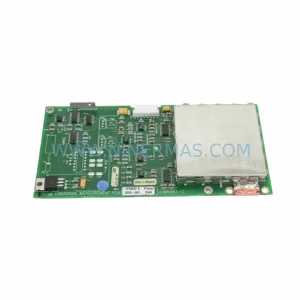
SKU: 2305451-C DT2000 0626 P2, OLE36-10632-02
Advanced Energy 2305451-C Service-Ready Industrial Spare Part