Original Industrial Spare Part
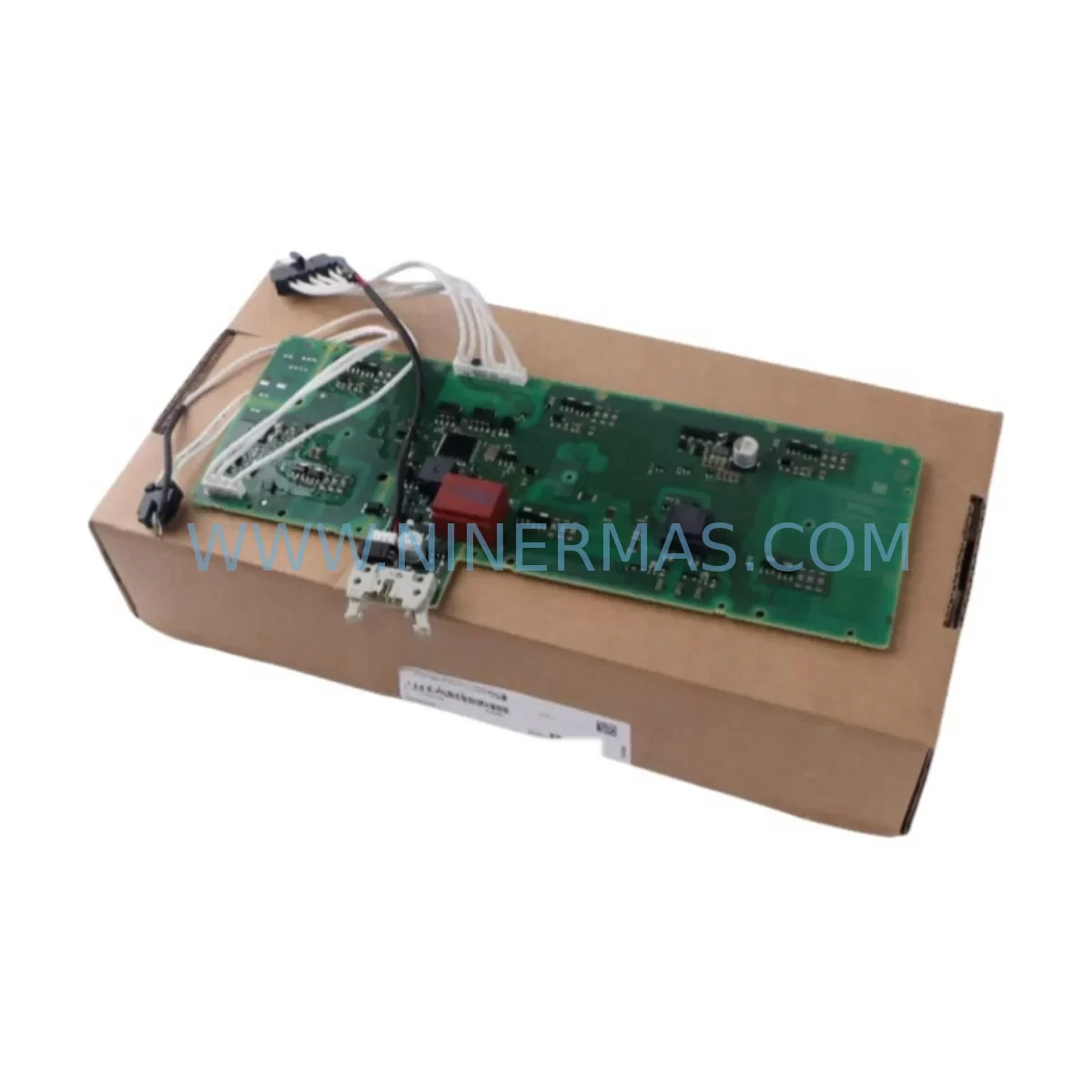
Siemens A5E03894526 Retrofit-Compatible Power Module for Legacy Systems
Verify the part, confirm the platform family, and move straight into quotation with the right commercial details.
RFQ Ready
- SKUA5E03894526
- CategoryPLC & Industrial Automation Modules
- BrandSiemens
- SupportAvailability, lead time, condition, and shipping coordination
How Buyers Usually Use This Page
- Confirm the exact part number and platform family before sending the quote request.
- Use direct email when quantity, condition, and destination are already defined internally.
- Switch to the broader brand or category archive when you need alternates nearby.
Series Navigation
Move through the most common platform families behind this part.
Product RFQ
Send this part directly for quotation.
Include quantity, required condition, destination country, and target delivery timing. Current reference: Siemens A5E03894526 Retrofit-Compatible Power Module for Legacy Systems with SKU A5E03894526.
Siemens A5E03894526 Retrofit-Compatible Power Module for Legacy Systems
The Siemens A5E03894526 is a retrofit-compatible power module designed as a direct replacement and upgrade solution for legacy SINAMICS G120 and S120 drive systems. As industrial automation lines age and original Siemens PM240 and PM340 power modules reach end-of-life or become discontinued, the A5E03894526 provides a reliable, field-proven migration path that minimises engineering risk, reduces downtime, and extends the operational life of existing control cabinets. NINERMAS maintains verified stock of this module with a 12-month warranty and pre-shipment functional testing on every unit.
Whether you are managing a brownfield retrofit, replacing a failed drive in a critical production line, or executing a planned upgrade from an obsolete SINAMICS platform, the A5E03894526 is engineered to integrate into existing backplane and cabinet architectures with minimal modification. Its compatibility with the standard SINAMICS G120 Control Unit interface — including CU240E-2, CU240S, and CU250S-2 — means that existing parameter sets, motor data, and PLC communication links can often be preserved without reprogramming from scratch.
Upgrade Compatibility Table
| Parameter | Details |
|---|---|
| SKU / Part Number | A5E03894526 |
| Series Compatibility | SINAMICS G120, SINAMICS S120 |
| Replaces | PM240, PM340 (selected frame sizes) |
| Control Unit Interface | Compatible with CU240E-2, CU240S, CU250S-2 |
| Backplane / Rack Interface | Standard SINAMICS G120 module slot |
| Communication Protocol | PROFIBUS DP, PROFINET IO (via Control Unit) |
| Installation Space | Verify frame size (FSA–FSF) before ordering |
| Wiring Adaptation | Check DC bus terminal pitch and PE bonding |
| Commissioning Tool | STARTER / Startdrive (TIA Portal V14+) |
| Firmware Compatibility | Verify CU firmware version prior to installation |
| Warranty | 12 Months — NINERMAS Company Limited |
| Pre-Shipment Testing | Yes — functional test on every unit |
Retrofit Planning for Existing Automation Systems
Successful integration of the A5E03894526 into a legacy line begins well before the module arrives on site. Engineers should start by auditing the existing cabinet layout to confirm that the available installation space matches the physical frame size of the replacement module. SINAMICS G120 power modules are available in frame sizes FSA through FSF, and swapping between frame sizes requires mechanical adaptation of the mounting rail and cable routing.
Next, verify the DC bus configuration. If the existing system uses a shared DC bus topology — common in multi-axis SINAMICS S120 setups with Active Line Modules (ALM) and Motor Modules — confirm that the A5E03894526 is rated for the total regenerative load on the bus. The Braking Module (BLM) or Active Interface Module (AIM) in the cabinet may also need to be reviewed for compatibility with the replacement unit’s switching characteristics.
Terminal wiring is a critical checkpoint. The power input terminals (L1, L2, L3) and motor output terminals (U2, V2, W2) must be re-torqued to specification after installation. If the original PM240 used a Safe Torque Off (STO) wiring harness connected to the Control Unit’s digital input terminals, verify that the STO circuit is correctly re-established before energising the drive. Failure to do so will result in a fault state that prevents the drive from enabling.
On the communication side, if the system uses PROFIBUS DP with a CB15 or CBC10 communication board, or PROFINET IO via the Control Unit’s onboard port, the node address and telegram configuration stored in the CU parameter set (P0918 for PROFIBUS, P8920 for PROFINET) should be documented before the swap. After installing the A5E03894526, restore the parameter set using a STARTER project backup or a Startdrive upload from the TIA Portal. This preserves the motor data (P0300–P0350), speed limits, ramp times, and PLC process data word mapping without requiring a full recommissioning cycle.
For systems that include an OP10 or BOP-2 operator panel, confirm that the panel firmware is compatible with the replacement module’s firmware version. In some legacy G120 installations, the BOP-2 panel is used for local speed reference and fault acknowledgement; its parameter display should be verified after the swap to ensure correct unit scaling. Similarly, if the line uses a SIMATIC S7-300 or S7-400 PLC communicating via PROFIBUS, the GSD file for the drive should be checked against the installed CU firmware to avoid telegram mismatch faults.
I/O expansion cards such as the TM31 Terminal Module or TM15 Terminal Module, which provide additional analogue and digital I/O for complex process control applications, are unaffected by the power module swap but should be inspected for loose terminal connections during the retrofit window. This is also an appropriate time to replace any ageing 24 VDC SITOP power supply units feeding the control circuit, as degraded supply voltage is a common root cause of intermittent drive faults in older installations.
Downtime Control During System Migration
Minimising production downtime during a power module replacement requires a structured approach. Begin by scheduling the swap during a planned maintenance window and preparing a complete parameter backup of the existing Control Unit using STARTER or Startdrive before any hardware is disturbed. Store the backup on both a local PC and a removable memory card (MMC/SD) inserted in the CU slot, so that parameter restoration can proceed even if the engineering workstation is unavailable on site.
During the physical swap, label all power cables, STO wiring, and signal cables before disconnection. Photograph the terminal layout for reference. The A5E03894526 can typically be installed and wired within 30–60 minutes by a qualified drive engineer, provided that the replacement module is the correct frame size and the parameter backup is ready for upload.
After installation, perform a controlled first-energisation with the motor disconnected if possible, confirm that the drive powers up without fault, and then restore the parameter set. Run a motor identification routine (P1910) if the motor data has changed or if the original identification data is unavailable. Verify the STO function by triggering the STO input and confirming that the drive enters the STO state (r9773.0 = 1) before reconnecting the load. This sequence protects both the machinery and the personnel involved in the commissioning process and keeps the total controlled downtime within a predictable window.
For critical 24/7 production environments, NINERMAS recommends holding a pre-tested spare A5E03894526 on-site as a hot standby. Combined with a saved parameter backup, this reduces unplanned downtime from a potential multi-day lead-time event to a same-shift recovery.
Retrofit Support FAQ
Q1: Is the A5E03894526 a direct drop-in replacement for the PM240 and PM340?
In most cases, yes — provided the frame size, voltage rating, and current rating match the original module. Always cross-reference the full nameplate data of the installed unit against the A5E03894526 datasheet before ordering. NINERMAS technical support can assist with cross-referencing if you provide the original module’s full part number and nameplate ratings.
Q2: Can I reuse my existing STARTER parameter backup after installing the A5E03894526?
Yes. Parameter sets created for PM240 or PM340 modules in the same frame size and power class are generally compatible. After uploading the backup to the replacement CU, perform a motor data identification run (P1910 = 1) to confirm that the motor model is correctly calibrated to the new power stage. Review any fault history (r0945) after the first test run.
Q3: What is the lead time and warranty for the A5E03894526 from NINERMAS?
NINERMAS maintains verified stock of the A5E03894526 and can typically ship within 1–3 business days. Every unit undergoes pre-shipment functional testing and is covered by a 12-month warranty from the date of delivery. For urgent requirements, contact our sales team directly at sale@ninermas.com or +0086 187 5021 5667.
Q4: What should I check if the drive faults immediately after installation?
The most common causes of immediate faults after a power module swap are: (1) STO wiring not correctly re-established — check terminals EP+ and EP- on the Control Unit; (2) parameter set not uploaded — the drive may be running default parameters incompatible with the connected motor; (3) firmware mismatch between the CU and the replacement PM — use STARTER to check r0018 (firmware version) and update if necessary; (4) DC bus pre-charge fault — verify that the input supply voltage is within the rated range and that the pre-charge resistor circuit is intact.
| Product Series | SINAMICS |
|---|---|
| Country of Origin | DE |
Catalog Continuation
Nearby part numbers around A5E03894.
Use this lane when the buyer is comparing adjacent model numbers, revision-near items, or closely related spare variants within the same brand family.
SKU: A5E03894525 PM240/340
Siemens A5E03894525 Service-Ready Spare Part for Industrial Maintenance
Catalog Continuation
More Siemens modules in the catalog.
Use the brand lane to compare nearby part numbers, platform-adjacent modules, and other inquiry-ready listings before sending your final RFQ.
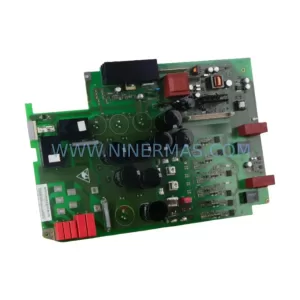
SKU: 6SE7022-6TC84-1HF3
Siemens 6SE7022-6TC84-1HF3 Service-Ready Spare Part
SKU: 6ES5355-3UA11
Siemens 6ES5355-3UA11 Spare Part for Industrial Maintenance
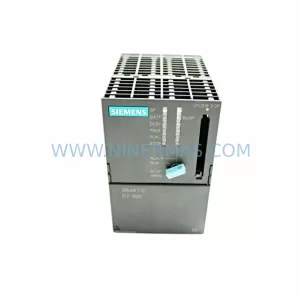
SKU: 6ES7316-2AG00-0AB0
Siemens 6ES7316-2AG00-0AB0 Safety-Reliable CPU for Critical Control
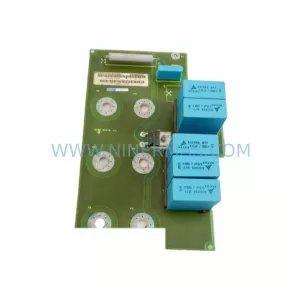
SKU: 6SE7041-2UL84-1BH0
SIEMENS 6SE7041-2UL84-1BH0 Service-Ready Spare Part
Catalog Continuation
Alternative parts within PLC & Industrial Automation Modules.
Stay inside the same system family when you need substitutes, adjacent modules, or a broader shortlist for procurement review.
SKU: 1070092392-AA/1070089906-GI1
Rexroth 1070092392-AA/1070089906-GI1 Spare Part for Industrial Maintenance
SKU: CP-9200SH/ DDCP-921311
Yaskawa DDCP-921311 Retrofit CPU Controller for Legacy Systems