Original Industrial Spare Part
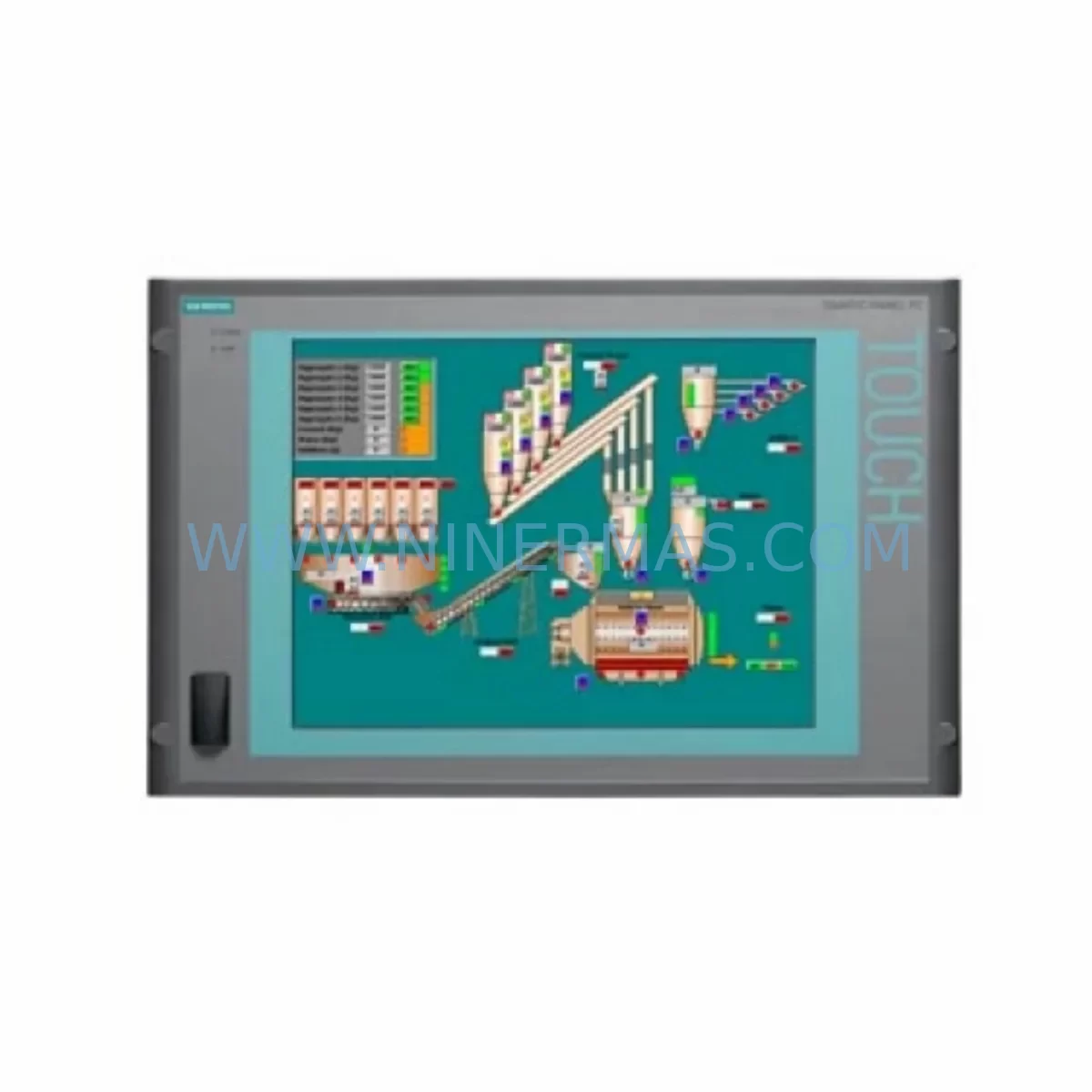
Siemens 6AV7800-0BA00-1AB0 Retrofit-Compatible Panel PC
Verify the part, confirm the platform family, and move straight into quotation with the right commercial details.
RFQ Ready
- SKU6AV7800-0BA00-1AB0
- CategoryPLC & Industrial Automation Modules
- BrandSiemens
- SupportAvailability, lead time, condition, and shipping coordination
How Buyers Usually Use This Page
- Confirm the exact part number and platform family before sending the quote request.
- Use direct email when quantity, condition, and destination are already defined internally.
- Switch to the broader brand or category archive when you need alternates nearby.
Series Navigation
Move through the most common platform families behind this part.
Product RFQ
Send this part directly for quotation.
Include quantity, required condition, destination country, and target delivery timing. Current reference: Siemens 6AV7800-0BA00-1AB0 Retrofit-Compatible Panel PC with SKU 6AV7800-0BA00-1AB0.
Siemens 6AV7800-0BA00-1AB0 Retrofit-Compatible Panel PC for Legacy System Modernization
The Siemens 6AV7800-0BA00-1AB0 is a SIMATIC Panel PC designed for demanding industrial environments where legacy visualization and control platforms must be maintained or modernized without full system replacement. As a retrofit-compatible unit, this Panel PC serves as a direct replacement for end-of-life HMI and PC-based control nodes across a wide range of automation architectures — including SIMATIC S7-300, S7-400, and early S7-1500 installations running WinCC flexible, WinCC Runtime, or Step 7 Classic programming environments.
For maintenance engineers and system integrators managing aging control cabinets, the 6AV7800-0BA00-1AB0 addresses one of the most critical pain points in industrial automation: sourcing a verified, tested replacement for a discontinued visualization node without triggering a full-line shutdown or forcing a complete PLC migration. NINERMAS maintains verified stock of this unit with full pre-shipment functional testing and a 12-month warranty on every order.
Upgrade Compatibility Table
| Parameter | 6AV7800-0BA00-1AB0 Specification | Retrofit Notes |
|---|---|---|
| Product Family | SIMATIC Panel PC 477B | Direct form-factor replacement for Panel PC 477 series |
| Communication Interfaces | MPI/PROFIBUS, Ethernet (RJ45), USB | Verify MPI/DP adapter compatibility with existing S7-300/400 racks |
| Operating System | Windows XP Embedded / Windows 7 Embedded | Confirm WinCC Runtime version compatibility before migration |
| Display Interface | Integrated TFT panel | No external monitor adapter required for standard cabinet mounting |
| Power Supply | 24 V DC | Confirm existing SITOP PSU8200 or equivalent 24 V rail capacity |
| Mounting | Panel cutout / rack mount | Verify cutout dimensions match existing cabinet door or enclosure |
| Installation Space | Standard 19″ rack or panel cutout | Measure depth clearance for rear connectors and cable routing |
| Programming Compatibility | Step 7 V5.x, WinCC V7.x | Backup existing project archive before hardware swap |
| Commissioning | Siemens ProSave / WinCC Transfer | Restore OS image and WinCC project via ProSave or USB recovery |
| Warranty | 12-Month Warranty — All units ship after full functional test | |
Retrofit Planning for Existing Automation Systems
Replacing the 6AV7800-0BA00-1AB0 in an active production environment requires a structured approach that accounts for every layer of the control architecture. The Panel PC typically sits at the SCADA or HMI layer, communicating downward to S7-300 or S7-400 PLCs via MPI or PROFIBUS DP, and in some installations via an Industrial Ethernet CP 343-1 or CP 443-1 communications processor module. Before the physical swap, engineers must export the full WinCC project archive and verify that the tag database, alarm logs, and trend configurations are intact.
On the PLC side, the existing S7-300 rack may include a CPU 315-2 DP or CPU 317-2 PN/DP alongside SM 321 digital input modules, SM 322 digital output modules, and SM 331 analog input modules. These modules communicate via the backplane bus and are unaffected by the Panel PC replacement — but their I/O addresses and symbolic names must be confirmed in the Step 7 project before the new Panel PC is commissioned, to ensure WinCC variable mappings remain valid.
Power distribution within the control cabinet must also be assessed. The 6AV7800-0BA00-1AB0 draws 24 V DC from the cabinet rail. If the existing SITOP power supply is already loaded near capacity — particularly in cabinets that also power ET 200S distributed I/O stations, IM 153-2 interface modules, or additional operator panels such as the TP 177B or MP 277 — a load calculation should be performed before installation. Adding the Panel PC without verifying available current headroom can cause intermittent resets or communication dropouts on the PROFIBUS segment.
For cabinets that include a SIMATIC NET CP 5611 or CP 5613 MPI/PROFIBUS adapter card, the 6AV7800-0BA00-1AB0 must be configured with the correct bus address and baud rate to match the existing network. PROFIBUS segment termination should be verified at both ends of the cable run, and the DP master system configuration in Step 7 HW Config must reflect the correct GSD file for all slave devices on the segment.
Where the existing installation uses a SIMATIC S7-400 with a UR2 or CR3 rack and a CPU 414-3 PN/DP or CPU 416-3 PN/DP, the Panel PC connects via Industrial Ethernet rather than MPI. In this case, the WinCC OPC DA or OPC UA channel configuration must be reviewed to confirm that the server endpoint address matches the new Panel PC’s IP assignment. Any firewall rules or VLAN segmentation on the plant network should be updated accordingly before the unit goes live.
Signal isolators and marshalling panels between field instruments and the PLC I/O modules are not affected by the Panel PC replacement, but their wiring documentation should be reviewed as part of the overall retrofit package to ensure that any alarm setpoints or scaling factors stored in the WinCC tag configuration are correctly transferred to the replacement unit.
Downtime Control During System Migration
Minimizing unplanned downtime during a Panel PC replacement is the primary concern for any plant maintenance team. The recommended approach is to prepare the replacement 6AV7800-0BA00-1AB0 fully offline before the scheduled maintenance window. This means loading the correct OS image, installing the matching WinCC Runtime version, restoring the project archive, and verifying all communication channel configurations on a bench setup — ideally connected to a test PLC or simulator — before the unit is brought to the production floor.
During the actual swap, the PLC program continues to execute independently of the Panel PC. The S7-300 or S7-400 CPU will maintain its last valid output states and continue scanning I/O while the HMI node is offline, provided the program logic does not include watchdog timers or HMI heartbeat signals that would trigger a safe-state transition. This should be confirmed in the Step 7 program before the maintenance window begins.
Physical installation of the 6AV7800-0BA00-1AB0 should follow the sequence: power down the cabinet section feeding the Panel PC, disconnect the MPI/PROFIBUS or Ethernet cable, remove the old unit, install the replacement, reconnect all cables in the correct order (power last), and restore power. The first boot should be monitored to confirm that the WinCC Runtime starts automatically, the communication channel connects to the PLC, and all process values update correctly on the operator screen.
If the plant operates 24/7 and a cold-swap window is not available, a hot-standby approach using a temporary laptop running WinCC Runtime or a portable HMI panel can maintain operator visibility during the transition. Once the replacement Panel PC is confirmed online and all alarms, trends, and control functions are verified, the temporary station can be removed. NINERMAS recommends retaining the original unit as a cold spare for a minimum of 12 months following the retrofit, even if it is non-functional, as it may contain recoverable configuration data.
Retrofit Support FAQ
Q1: Is the 6AV7800-0BA00-1AB0 a direct drop-in replacement for earlier SIMATIC Panel PC 477 variants?
A: In most cases, yes — the Panel PC 477B series shares the same panel cutout dimensions and 24 V DC power interface as earlier 477 variants. However, you should verify the rear connector layout and confirm that your existing MPI/PROFIBUS cable length and termination are compatible with the replacement unit’s port positions before finalizing the installation plan.
Q2: Can I restore my existing WinCC project to the replacement unit without a full reinstallation?
A: Yes, provided you have a valid WinCC project archive (.zip or .pdz format) created with ProSave or the WinCC backup utility. The archive should be restored to a unit running the same WinCC Runtime version. If the original unit ran WinCC V7.3 and the replacement is configured with V7.4, a project migration step is required using the WinCC Migration Tool before the archive can be opened.
Q3: What pre-shipment testing does NINERMAS perform on the 6AV7800-0BA00-1AB0?
A: Every unit undergoes a full power-on functional test covering OS boot verification, communication port integrity (Ethernet, USB, MPI/DP adapter if applicable), display output confirmation, and storage media health check. Units that pass all test criteria are sealed and shipped with a test report. The 12-month warranty covers hardware defects identified after installation under normal operating conditions.
Q4: What is the typical lead time and stock availability for the 6AV7800-0BA00-1AB0?
A: NINERMAS maintains active inventory of the 6AV7800-0BA00-1AB0 and can confirm stock availability at the time of inquiry. For urgent retrofit projects, same-day or next-business-day dispatch is available for in-stock units. For larger quantities or long-term supply agreements covering multi-site retrofit programs, contact our sales team to discuss a dedicated inventory reservation.
| Product Series | WinCC |
|---|---|
| Country of Origin | DE |
Catalog Continuation
More Siemens modules in the catalog.
Use the brand lane to compare nearby part numbers, platform-adjacent modules, and other inquiry-ready listings before sending your final RFQ.
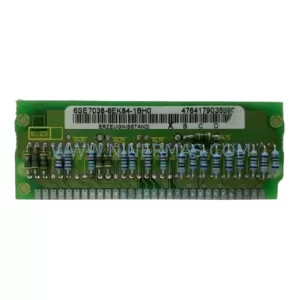
SKU: 6SE7038-6EK84-1BH0
Siemens 6SE7038-6EK84-1BH0 Retrofit Drive Control Module
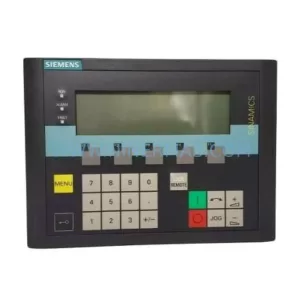
SKU: 6SL3055-0AA00-4CA5
Siemens 6SL3055-0AA00-4CA5 Retrofit-Compatible Operator Panel for Legacy Systems
Catalog Continuation
Alternative parts within PLC & Industrial Automation Modules.
Stay inside the same system family when you need substitutes, adjacent modules, or a broader shortlist for procurement review.

SKU: OZDPROFI12MG12
Hirschmann OZDPROFI12MG12 Spare Part for Industrial Maintenance



SKU: 07025-0000-70-1-04
KONTRON 07025-0000-70-1-04 Service-Ready Spare Part