Original Industrial Spare Part
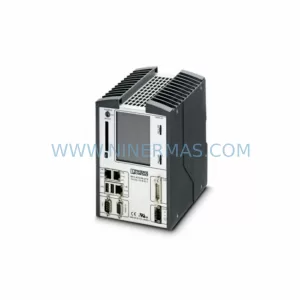
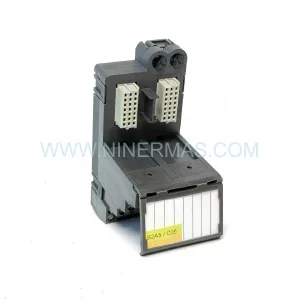
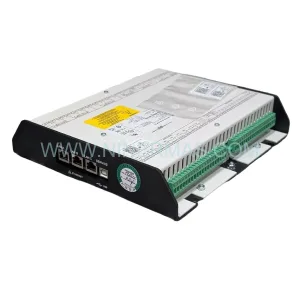
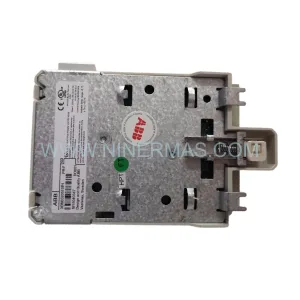
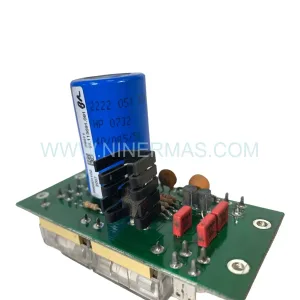
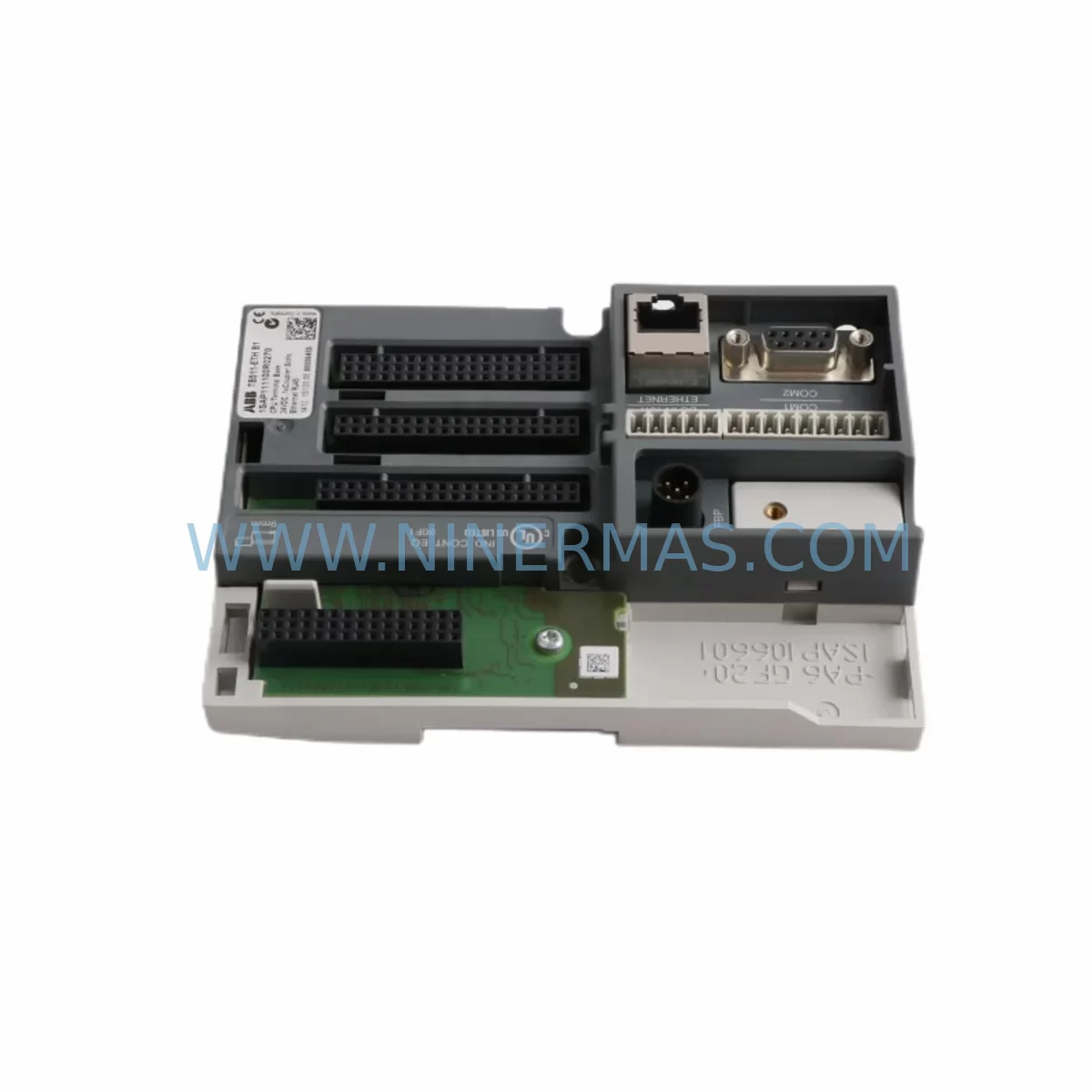
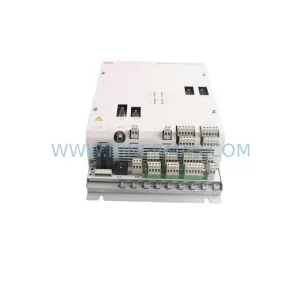
ABB TB511-ETH 1SAP111100R0270 Retrofit Ethernet Terminal
Verify the part, confirm the platform family, and move straight into quotation with the right commercial details.
RFQ Ready
- SKUTB511-ETH 1SAP111100R0270
- CategoryPLC & Industrial Automation Modules
- BrandABB
- SupportAvailability, lead time, condition, and shipping coordination
How Buyers Usually Use This Page
- Confirm the exact part number and platform family before sending the quote request.
- Use direct email when quantity, condition, and destination are already defined internally.
- Switch to the broader brand or category archive when you need alternates nearby.
Series Navigation
Move through the most common platform families behind this part.
Product RFQ
Send this part directly for quotation.
Include quantity, required condition, destination country, and target delivery timing. Current reference: ABB TB511-ETH 1SAP111100R0270 Retrofit Ethernet Terminal with SKU TB511-ETH 1SAP111100R0270.
ABB TB511-ETH 1SAP111100R0270 Retrofit Ethernet Terminal: Legacy System Compatible Upgrade
The ABB TB511-ETH (1SAP111100R0270) is a ruggedized Ethernet terminal module engineered for the ABB AC500 PLC platform, purpose-built to support retrofit projects, discontinued spare part replacement, and control cabinet modernization in demanding industrial environments. Whether you are migrating an aging automation line, restoring a legacy control system, or extending the service life of existing infrastructure, the TB511-ETH provides a reliable, drop-in-compatible solution that minimizes engineering rework and reduces total downtime.
This module serves as a direct replacement for obsolete or end-of-life Ethernet terminal units previously deployed in AC500-based control architectures. Its compatibility with the AC500 backplane and standard DIN-rail mounting means that installation teams can swap the unit without modifying the control cabinet layout or rerouting existing cable harnesses.
Upgrade Compatibility Table
| Parameter | TB511-ETH 1SAP111100R0270 | Retrofit Notes |
|---|---|---|
| Communication Protocol | Ethernet (10/100 Mbps) | Compatible with PROFINET, Modbus TCP, and EtherNet/IP overlays via AC500 CPU configuration |
| Backplane Interface | AC500 standard terminal unit slot | Direct plug-in replacement; no backplane adapter required |
| Mounting | DIN-rail, 35 mm | Fits existing cabinet rail without modification |
| Power Supply Requirement | 24 VDC via backplane | Verify existing PS501 or PS502 power module capacity before installation |
| Terminal Wiring | Spring-clamp or screw terminals (model-dependent) | Confirm terminal pitch matches existing field wiring; re-termination may be needed for legacy screw-type wiring |
| IP Rating | IP20 (module); cabinet-level protection recommended | Suitable for harsh environments when installed in rated enclosure |
| Firmware Compatibility | AC500 V2.x and V3.x firmware | Upgrade CPU firmware if running pre-V2 to ensure full feature support |
| Replacement Recommendation | Direct replacement for TB511-ETH variants | Cross-reference 1SAP111100R0270 against legacy part numbers before ordering |
| Commissioning Focus | IP address assignment, subnet configuration, gateway settings | Use Automation Builder or PS501 configuration tool for network parameter setup |
| Warranty | 12-Month Warranty — all units ship after full functional test | |
Retrofit Planning for Existing Automation Systems
Successful integration of the TB511-ETH into a legacy control system requires a structured pre-installation assessment. Before removing the existing terminal module, engineers should document the current network topology, including IP address assignments, subnet masks, and gateway configurations used by the outgoing unit. This information is critical for replicating the communication link without disrupting upstream SCADA or DCS connections.
On the hardware side, the first step is to verify that the installed ABB PS501 or PS502 power supply module can support the additional current draw introduced by the TB511-ETH. In older AC500 racks, power budgets were often calculated to the margin, and adding a new Ethernet terminal module without re-evaluating the supply capacity can cause intermittent resets or boot failures. If the power budget is insufficient, upgrading to a higher-capacity supply unit should be completed before the terminal module swap.
The backplane slot assignment must also be confirmed. In multi-rack AC500 configurations using TB5600 or TB5100 series expansion backplanes, the module address is determined by physical slot position. Changing the slot during a retrofit can shift the I/O addressing map, which will require corresponding updates in the PLC program. Where possible, install the TB511-ETH in the same slot position as the outgoing module to preserve the existing address structure and avoid program modifications.
Field wiring termination is another area requiring careful attention. The TB511-ETH uses a specific terminal pitch and wiring scheme. If the legacy installation used an older terminal unit with a different connector layout, field cables may need to be re-terminated. It is advisable to label all conductors before disconnection and to photograph the existing wiring arrangement as a reference during reinstallation. For systems that also include ABB AI523 analog input modules or DI524 digital input modules sharing the same cabinet, ensure that signal wiring to those modules is not disturbed during the Ethernet terminal replacement.
Communication protocol migration is a common challenge in retrofit projects. Many legacy AC500 installations relied on serial Modbus RTU links using CM572-DP or CM577-ETHCAT communication modules. When upgrading to Ethernet-based communication via the TB511-ETH, the PLC program must be updated to reflect the new communication function blocks, and any HMI screens connected via the old serial link — such as those running on ABB CP600 or CP400 series operator panels — must be reconfigured to use the Ethernet connection. This reconfiguration should be tested offline using a simulation environment before being deployed to the live system.
For systems that include ABB AO523 analog output modules driving field actuators, confirm that the control loop timing is not affected by the transition from serial to Ethernet communication. Ethernet-based communication introduces different latency characteristics compared to serial links, and PID loop tuning parameters may require adjustment after migration.
Where the retrofit involves expanding I/O capacity alongside the communication upgrade, consider whether additional TB5100 terminal base units or SM560-S safety modules need to be incorporated into the rack. Planning the full I/O expansion at the same time as the Ethernet terminal upgrade reduces the number of future planned shutdowns and consolidates commissioning effort into a single maintenance window.
Downtime Control During System Migration
Minimizing production downtime during a control system retrofit is a primary concern for plant engineers and maintenance managers. The TB511-ETH retrofit can be executed within a planned maintenance window when the replacement procedure is properly prepared in advance.
The recommended approach is to pre-configure the replacement TB511-ETH module on a bench setup before the scheduled shutdown. Using the ABB Automation Builder software, the network parameters — IP address, subnet mask, default gateway, and PROFINET device name if applicable — can be loaded into the module offline. This eliminates the need for on-site configuration during the maintenance window and reduces the risk of parameter entry errors under time pressure.
Before the shutdown, create a full backup of the existing PLC program using the connected programming cable or Ethernet link. Store the backup on a secure engineering workstation and verify that the backup file opens correctly in Automation Builder. This step protects the original program logic in the event that the new module requires a firmware update that resets configuration parameters.
During the physical swap, follow a structured sequence: power down the rack, remove the field wiring connectors from the outgoing terminal module, extract the module from the backplane slot, insert the pre-configured TB511-ETH, reconnect the field wiring connectors, and restore power. The spring-clamp terminal design of the TB511-ETH allows for rapid reconnection without tools, which further reduces the time the system is offline.
After power restoration, verify the Ethernet link status indicators on the TB511-ETH front panel before attempting to establish communication from the engineering workstation or SCADA system. Confirm that the PLC CPU — whether a PM573-ETH or PM591-ETH CPU module — recognizes the terminal module and that all I/O channels report correctly in the diagnostic view. Only after successful communication verification should the system be returned to automatic control mode.
For critical production lines where even a brief unplanned interruption is unacceptable, consider staging a parallel test rack with the TB511-ETH installed and the full program loaded. Running the parallel rack in shadow mode alongside the live system allows engineers to validate the new configuration without affecting production, and the final cutover can be completed in minutes rather than hours.
Retrofit Support FAQ
Q1: Is the TB511-ETH 1SAP111100R0270 a direct replacement for my existing ABB AC500 Ethernet terminal module?
A: Yes. The TB511-ETH 1SAP111100R0270 is designed as a compatible replacement for Ethernet terminal units in the AC500 platform. Before ordering, cross-reference the part number 1SAP111100R0270 against your existing module’s label to confirm the variant matches your backplane slot type and wiring configuration.
Q2: What commissioning steps are required after installing the TB511-ETH in a legacy system?
A: After physical installation, assign the correct IP address, subnet mask, and gateway using ABB Automation Builder or the onboard configuration interface. Verify that the PLC CPU recognizes the module in the hardware configuration, confirm all Ethernet link indicators are active, and test communication with the connected SCADA or HMI system before returning the line to production.
Q3: Can the TB511-ETH be used in systems that previously used serial communication modules?
A: Yes, but the PLC program must be updated to replace serial communication function blocks with Ethernet equivalents. HMI panels and SCADA connections that previously used serial links must also be reconfigured. It is strongly recommended to complete and validate all program changes in a simulation environment before deploying to the live system.
Q4: What warranty and pre-shipment testing does the TB511-ETH carry?
A: Every TB511-ETH 1SAP111100R0270 unit is functionally tested before shipment and carries a 12-month warranty covering manufacturing defects and operational failures under normal industrial use conditions. In-stock units are available for immediate dispatch to support urgent retrofit and system recovery requirements.
—
| Product Series | AC500 |
|---|---|
| Country of Origin | SE |
Catalog Continuation
More ABB modules in the catalog.
Use the brand lane to compare nearby part numbers, platform-adjacent modules, and other inquiry-ready listings before sending your final RFQ.
SKU: 3HAC041443-003 DSQC639 3HAC025097-001
ABB 3HAC041443-003 Service-Ready Spare for Industrial Maintenance
SKU: PXAA401 3BSE017233R1
ABB PXAA401 3BSE017233R1 Service-Ready Spare Part
Catalog Continuation
Alternative parts within PLC & Industrial Automation Modules.
Stay inside the same system family when you need substitutes, adjacent modules, or a broader shortlist for procurement review.