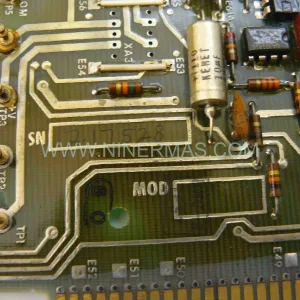
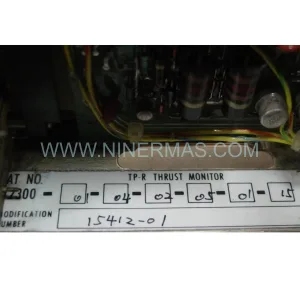
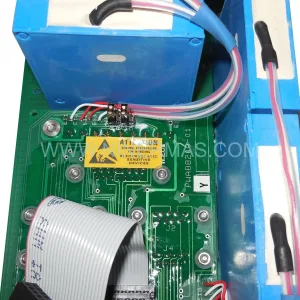
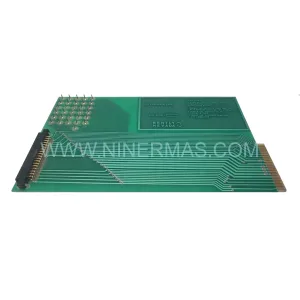
Original Industrial Spare Part
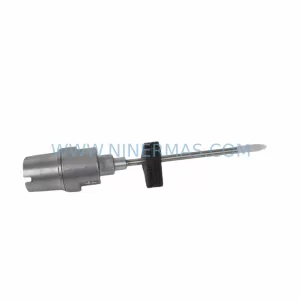
Provib Tech PT2060/53-A0 Spare Part for Industrial Maintenance
Verify the part, confirm the platform family, and move straight into quotation with the right commercial details.
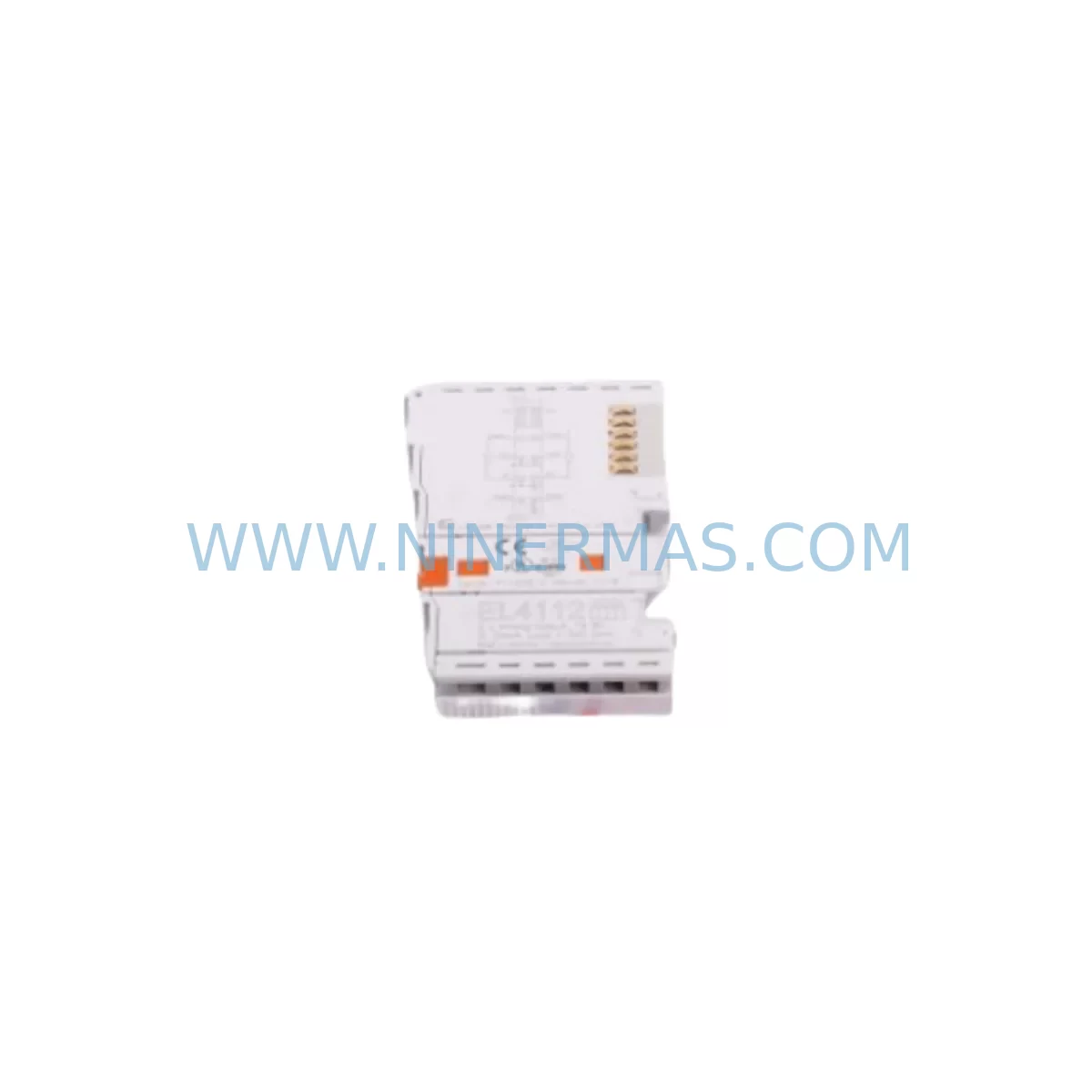
RFQ Ready
- SKUPT2060/53-A0
- CategoryTSI & Rotating Machinery Monitoring
- BrandProvib Tech
- SupportAvailability, lead time, condition, and shipping coordination
How Buyers Usually Use This Page
- Confirm the exact part number and platform family before sending the quote request.
- Use direct email when quantity, condition, and destination are already defined internally.
- Switch to the broader brand or category archive when you need alternates nearby.
Series Navigation
Move through the most common platform families behind this part.
Product RFQ
Send this part directly for quotation.
Include quantity, required condition, destination country, and target delivery timing. Current reference: Provib Tech PT2060/53-A0 Spare Part for Industrial Maintenance with SKU PT2060/53-A0.
Provib Tech PT2060/53-A0 Spare Part for Industrial Maintenance
The Provib Tech PT2060/53-A0 is a service-ready spare part designed for continuous vibration monitoring in industrial automation environments. As a direct replacement module within the PT2060 series, this unit supports rotating machinery protection, early fault detection, and predictive maintenance strategies across a wide range of industrial installations — including turbines, compressors, pumps, fans, and motor-driven production lines.
For maintenance engineers managing aging control systems, sourcing a verified original PT2060/53-A0 is critical. Counterfeit or incompatible substitutes introduce signal drift, false trips, and calibration failures that can cascade into unplanned downtime. NINERMAS supplies original Provib Tech PT2060/53-A0 units with full traceability, pre-shipment functional testing, and a 12-month warranty — ensuring your replacement is field-ready from day one.
Procurement engineers operating under long-lead-time constraints or managing end-of-life system inventories will find the PT2060/53-A0 a high-priority stocking item. Its role in continuous vibration signal acquisition makes it a single point of failure in any PT2060-based monitoring rack. Maintaining at least one cold-standby unit per monitored machine train is a widely adopted best practice in petrochemical, power generation, and heavy manufacturing facilities.
Spare Maintenance Table
| Parameter | Specification / Details |
|---|---|
| Part Number | PT2060/53-A0 |
| Brand | Provib Tech |
| Series | PT2060 |
| Module Type | Vibration Monitoring Module |
| Origin | Germany |
| Application | Rotating machinery protection, condition monitoring, predictive maintenance |
| Compatible Systems | PT2060 series vibration monitoring racks and control cabinets |
| Signal Type | Vibration / acceleration signal processing (series-standard) |
| Installation | DIN rail / rack-mount per PT2060 series mechanical standard |
| Operating Environment | Industrial control cabinet; standard IEC ambient conditions |
| Maintenance Interval | Inspect annually or upon alarm event; replace on signal degradation |
| Pre-Shipment Testing | Functional test performed before dispatch |
| Warranty | 12 Months from date of shipment |
| Supply Condition | Original, service-ready, long-term supply available |
Maintenance Planning for Continuous Operation
When replacing the PT2060/53-A0 in a live monitoring rack, a disciplined inspection of adjacent components is essential to avoid repeat failures and ensure signal integrity across the entire measurement chain. Maintenance engineers should treat this replacement as an opportunity for a broader cabinet health check.
Begin with the PT2060 series power supply module — an aging or under-spec power rail is a leading cause of premature module failure. Verify output voltage stability under load before commissioning the new PT2060/53-A0. Alongside this, inspect the signal input terminal blocks and associated shielded sensor cables connecting accelerometers or proximity probes to the monitoring rack. Corroded terminals or damaged cable shielding introduce noise that can mask real vibration events or trigger nuisance alarms.
Check the PT2060 series backplane or rack chassis for oxidized connector pins, which degrade module-to-backplane communication and power delivery. If the installation includes a PT2060 communication interface module (e.g., Modbus RTU or PROFIBUS DP variant), verify that the replacement module’s firmware revision is compatible with the existing network configuration to avoid protocol mismatches after hot-swap.
For facilities running integrated protection systems, also inspect the relay output modules wired to trip circuits — a faulty relay card can prevent the new vibration module from executing protective shutdown commands. Similarly, review the 4–20 mA analog output wiring routed to the DCS or SCADA historian; loose field terminations at the marshalling cabinet are a common source of signal loss that is often misattributed to the monitoring module itself.
Where the PT2060 system interfaces with a plant HMI or operator panel, confirm that alarm setpoints and channel assignments are correctly restored after module replacement — configuration data can be lost if the module stores parameters locally. Facilities with signal isolators between the PT2060 rack and the DCS I/O cards should also verify isolator loop integrity, as these components age independently and can introduce offset errors post-replacement.
Finally, review the fuse and circuit protection for the monitoring rack’s power feed. A blown or weakened fuse is sometimes the root cause of the original module failure and must be addressed before energizing the replacement PT2060/53-A0.
Site Replacement Workflow
Step 1 — Pre-Replacement Verification: Confirm the failed module’s part number as PT2060/53-A0 and cross-reference with the system’s as-built documentation. Verify that the replacement unit’s hardware revision is compatible with the installed PT2060 rack firmware.
Step 2 — Safe Isolation: Follow site LOTO (Lockout/Tagout) procedures. Isolate the monitoring channel at the rack level if hot-swap is not supported. Document current alarm setpoints and channel configuration before removal.
Step 3 — Physical Replacement: Remove the failed PT2060/53-A0 by releasing the rack locking mechanism. Inspect the backplane connector for damage. Seat the new module firmly and verify the locking tab engages correctly.
Step 4 — Configuration Restore: Reload channel parameters, alarm thresholds, and output scaling from the site configuration backup. If no backup exists, re-enter parameters from the original commissioning records or machine OEM documentation.
Step 5 — Functional Verification: Apply a known vibration reference signal or use the module’s built-in self-test function to confirm correct signal acquisition and alarm relay operation before returning the machine to service.
Step 6 — Documentation Update: Record the replacement in the site maintenance log, including the new module’s serial number, installation date, and next scheduled inspection interval. Update the spare parts inventory to trigger reorder of a cold-standby PT2060/53-A0.
Spare Parts Support FAQ
Q1: Is the PT2060/53-A0 still available as an original spare part?
Yes. NINERMAS maintains long-term supply of original Provib Tech PT2060/53-A0 units to support facilities operating legacy PT2060 series monitoring systems. We source directly from authorized channels and can advise on minimum stocking quantities based on your installed base.
Q2: What warranty is provided with the PT2060/53-A0?
Every PT2060/53-A0 supplied by NINERMAS carries a 12-month warranty from the date of shipment. Each unit undergoes pre-shipment functional testing to confirm operational status before dispatch.
Q3: How do I confirm compatibility before ordering?
Provide your PT2060 rack model, firmware version, and application details (sensor type, measurement range, output configuration) to our technical team at sale@ninermas.com. We will verify compatibility and advise on any hardware revision considerations before order confirmation.
Q4: Can NINERMAS support bulk or scheduled procurement for annual maintenance programs?
Yes. We support blanket purchase orders, scheduled delivery programs, and consignment stocking arrangements for facilities with recurring PT2060/53-A0 demand. Contact us to discuss a supply agreement aligned with your annual maintenance calendar.
| Product Series | Other series |
|---|
Catalog Continuation
More Provib Tech modules in the catalog.
Use the brand lane to compare nearby part numbers, platform-adjacent modules, and other inquiry-ready listings before sending your final RFQ.
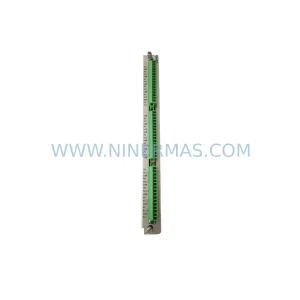
Catalog Continuation
Alternative parts within TSI & Rotating Machinery Monitoring.
Stay inside the same system family when you need substitutes, adjacent modules, or a broader shortlist for procurement review.
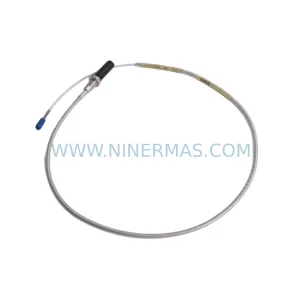
SKU: 330704-000-060-10-02-CN
Bently Nevada 330704-000-060-10-02-CN 3300 XL Probe
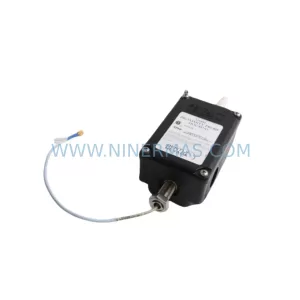
SKU: 31000-00-00-00-070-03-02
Bently Nevada 31000-00-00-00-070-03-02 Service-Ready Spare Part for Industrial Maintenance
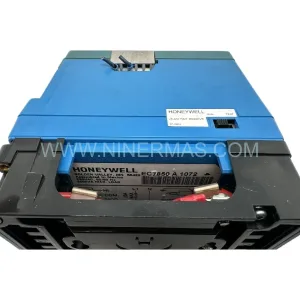
SKU: 21000-28-10-00-167-04-02
Bently Nevada 21000-28-10-00-167-04-02 Retrofit Proximity Probe