Original Industrial Spare Part
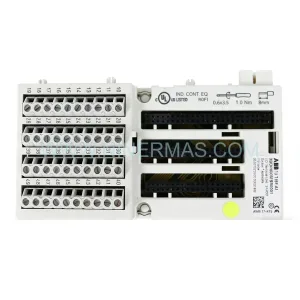
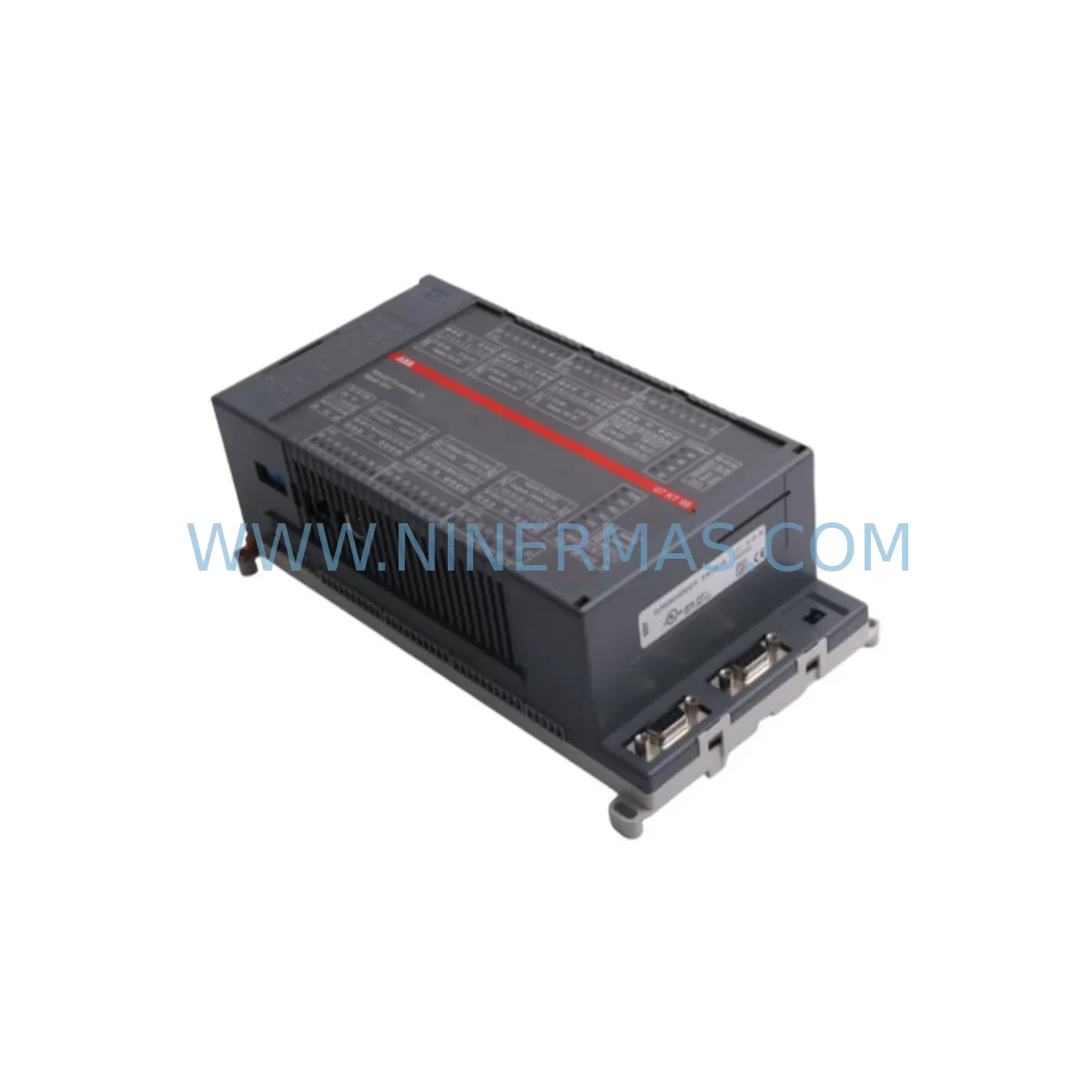
ABB 07KT98 GJR5253100R0270 Ruggedized Controller Module
Verify the part, confirm the platform family, and move straight into quotation with the right commercial details.
RFQ Ready
- SKU07KT98 GJR5253100R0270
- CategoryPLC & Industrial Automation Modules
- BrandABB
- SupportAvailability, lead time, condition, and shipping coordination
How Buyers Usually Use This Page
- Confirm the exact part number and platform family before sending the quote request.
- Use direct email when quantity, condition, and destination are already defined internally.
- Switch to the broader brand or category archive when you need alternates nearby.
Series Navigation
Move through the most common platform families behind this part.
Product RFQ
Send this part directly for quotation.
Include quantity, required condition, destination country, and target delivery timing. Current reference: ABB 07KT98 GJR5253100R0270 Ruggedized Controller Module with SKU 07KT98 GJR5253100R0270.
ABB 07KT98 GJR5253100R0270 Ruggedized Controller Module: Legacy-Compatible Retrofit for AC500 Automation Systems
The ABB 07KT98 GJR5253100R0270 is a ruggedized CPU controller module designed for the ABB AC500 PLC platform, engineered to operate reliably in harsh industrial environments including high-vibration, wide-temperature, and high-humidity applications. As a direct retrofit replacement for aging or discontinued ABB controller modules within the AC500 and S500 ecosystem, the 07KT98 enables plant engineers and system integrators to extend the operational life of existing control cabinets without requiring a full platform migration. Every unit shipped by NINERMAS undergoes pre-shipment functional testing and is covered by a 12-month warranty.
Upgrade Compatibility Table
| Parameter | Details |
|---|---|
| SKU / Part Number | 07KT98 / GJR5253100R0270 |
| Platform Compatibility | ABB AC500 PLC Series (PM5xx CPU family compatible backplane) |
| Common Legacy Replacements | 07KT97, 07KT96, 07KT95 (earlier AC500 CPU revisions) |
| Backplane / Rack Interface | AC500 standard backplane bus; compatible with TB521, TB541, TB561 terminal bases |
| Communication Ports | Ethernet (2×), RS-232/RS-485 COM port; supports PROFIBUS DP, Modbus TCP/RTU, CANopen via CM modules |
| I/O Expansion | Supports S500 I/O modules via local bus (DI, DO, AI, AO, mixed I/O) |
| Programming Environment | ABB Automation Builder / PS501 Control Builder Plus (IEC 61131-3) |
| Operating Temperature | -25°C to +70°C (ruggedized variant) |
| Installation Format | DIN rail mount via AC500 terminal base; no panel cutout modification required |
| Retrofit Complexity | Low — same footprint and backplane pinout as predecessor modules |
| Commissioning Notes | Verify firmware version compatibility; re-download application program via Automation Builder |
| Warranty | 12 months from shipment date — all units pre-shipment tested |
Retrofit Planning for Existing Automation Systems
When planning a retrofit around the ABB 07KT98 GJR5253100R0270, the scope of work typically extends well beyond swapping the CPU module itself. A successful migration requires a systematic review of every component that interfaces with the controller across the backplane, the control cabinet, and the field wiring layer.
Start with the power supply module. The AC500 platform draws regulated 24 VDC from a dedicated power supply unit — commonly the ABB CP502 or CP504 — mounted adjacent to the CPU on the terminal base. Before installing the 07KT98, confirm that the existing power supply can sustain the combined load of the CPU plus all attached S500 I/O modules. Undersized power supplies are a leading cause of intermittent faults after controller replacement.
Next, audit the S500 I/O module stack. The 07KT98 communicates with local I/O modules — such as the DC532, DC522 digital output modules and AI523, AI531 analog input modules — via the AC500 local bus. Confirm that each I/O module’s firmware and hardware revision is compatible with the 07KT98 CPU revision. In most cases, existing S500 I/O modules remain fully reusable, which significantly reduces retrofit cost and wiring rework.
For systems that rely on fieldbus communication, verify the communication module configuration. The AC500 platform supports protocol expansion via plug-in communication modules such as the CM572-DP for PROFIBUS DP or CM589-PNIO for PROFINET IO. If the legacy system used a CM module seated in the CPU’s communication slot, confirm that the same module is physically compatible with the 07KT98 and that the GSD or GSDML device description files remain valid for the connected field devices.
Terminal base selection is equally important. The 07KT98 mounts onto an AC500 terminal base — typically a TB521 or TB541 — which provides the backplane connection and field wiring terminals. If the existing terminal base is in good condition and correctly rated, it can be reused. However, if the terminal base shows signs of thermal stress or contact wear, replacement is recommended before installing the new CPU module to avoid intermittent backplane communication errors.
For systems with HMI integration, such as an ABB CP600 or CP620 operator panel connected via Ethernet or serial link, verify that the HMI project’s communication driver settings — IP address, port, and PLC variable mapping — remain consistent after the CPU swap. In most AC500 retrofit scenarios, the HMI project requires no modification provided the CPU’s Ethernet IP address is preserved or updated in the HMI configuration.
Finally, document the existing program logic and variable table from the legacy CPU before removal. Use ABB Automation Builder to upload and archive the current application program. After installing the 07KT98, re-download the archived program, verify I/O forcing is cleared, and perform a controlled cold-start sequence before returning the system to automatic operation.
Downtime Control During System Migration
Minimizing unplanned downtime is the primary concern for any control system retrofit. When replacing the ABB 07KT98 GJR5253100R0270 in a live production environment, a structured changeover plan is essential to protect both the process and the existing program logic.
Pre-outage preparation is the most effective downtime reduction strategy. Before the scheduled maintenance window, complete all preparatory steps offline: upload and verify the current application program from the legacy CPU, document all I/O module addresses and communication parameters, photograph or record all field wiring connections at the terminal base, and confirm that the replacement 07KT98 unit has been bench-tested and the correct firmware version is loaded. NINERMAS ships all units with pre-shipment functional testing completed, which eliminates the risk of receiving a non-functional module on the day of changeover.
During the outage window, follow a strict sequence: isolate the control cabinet from field power, remove the legacy CPU module from the terminal base, seat the 07KT98 onto the same terminal base without disturbing field wiring, restore control power, and download the pre-verified application program via Automation Builder. For systems with Modbus RTU or RS-485 serial links to remote I/O or drives, verify communication parameters (baud rate, parity, station address) in the CPU’s serial port configuration before going live.
For critical processes where even a brief interruption is unacceptable, consider a parallel commissioning approach: configure the 07KT98 on a bench test rack with representative I/O simulation, validate the full program cycle offline, and only perform the physical swap after the replacement unit has been confirmed fully operational. This approach is particularly valuable in applications involving safety interlocks, motor control centers, or continuous process lines where an unverified restart carries significant risk.
After the swap, monitor the first 30 minutes of operation closely. Check scan cycle time, I/O response, communication link status LEDs, and any diagnostic buffer entries in the CPU. A clean restart with no diagnostic faults confirms a successful retrofit.
Retrofit Support FAQ
Q1: Is the ABB 07KT98 GJR5253100R0270 a direct drop-in replacement for earlier AC500 CPU modules such as the 07KT97 or 07KT96?
In most cases, yes. The 07KT98 uses the same AC500 terminal base footprint and backplane bus interface as its predecessors. The primary considerations are firmware compatibility with existing S500 I/O modules and communication modules. We recommend uploading and archiving the existing program before replacement and verifying the Automation Builder project compiles cleanly against the 07KT98 CPU target before downloading.
Q2: What commissioning steps are required after installing the 07KT98 in an existing control cabinet?
After physical installation, restore 24 VDC control power and confirm the CPU enters RUN mode. Download the pre-verified application program via ABB Automation Builder. Verify all I/O module status LEDs are green, check communication link status for any connected CM modules (PROFIBUS, PROFINET, or Modbus), and confirm HMI communication is re-established. Perform a controlled I/O test cycle before releasing the system to automatic operation. Total commissioning time for a prepared retrofit is typically 30–90 minutes.
Q3: Does NINERMAS provide pre-shipment testing, and what does the 12-month warranty cover?
Yes. Every ABB 07KT98 GJR5253100R0270 unit shipped by NINERMAS undergoes functional pre-shipment testing to verify CPU operation, communication port functionality, and backplane interface integrity. The 12-month warranty covers hardware defects and functional failures under normal operating conditions from the date of shipment. Units that fail during the warranty period are replaced or repaired at no additional cost. Contact sale@ninermas.com for warranty claims or technical support.
Q4: Is inventory available for immediate shipment, and what are typical lead times?
NINERMAS maintains stock of the ABB 07KT98 GJR5253100R0270 for prompt dispatch. In-stock units are typically shipped within 1–3 business days of order confirmation. For urgent retrofit requirements or bulk orders, contact our sales team directly at sale@ninermas.com or +0086 187 5021 5667 to confirm current availability and expedited shipping options.
| Product Series | AC500 |
|---|---|
| Country of Origin | SE |
Catalog Continuation
More ABB modules in the catalog.
Use the brand lane to compare nearby part numbers, platform-adjacent modules, and other inquiry-ready listings before sending your final RFQ.
SKU: IO DSQC1032 3HAC058665-001
ABB DSQC1032 3HAC058665-001 Safety-Reliable Analog I/O Module
SKU: DSAO110 57120001-AT/2
ABB DSAO110 57120001-AT/2 Retrofit-Compatible Analog Output for Legacy Systems
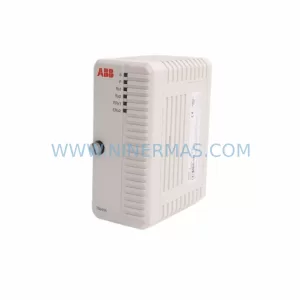
SKU: TB840A 3BSE037760R1
ABB TB840A 3BSE037760R1 Retrofit-Compatible Battery for AC800M
Catalog Continuation
Alternative parts within PLC & Industrial Automation Modules.
Stay inside the same system family when you need substitutes, adjacent modules, or a broader shortlist for procurement review.
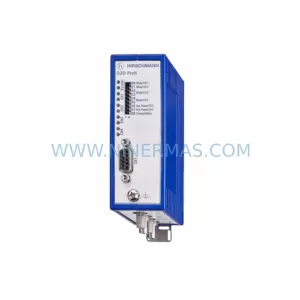
SKU: OZDPROFI12MG12
Hirschmann OZDPROFI12MG12 Spare Part for Industrial Maintenance
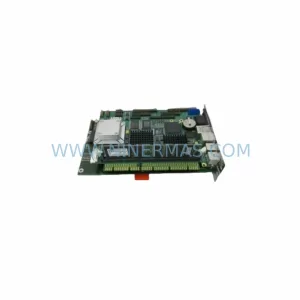
SKU: 07025-0000-70-1-04
KONTRON 07025-0000-70-1-04 Service-Ready Spare Part