
Original Industrial Spare Part
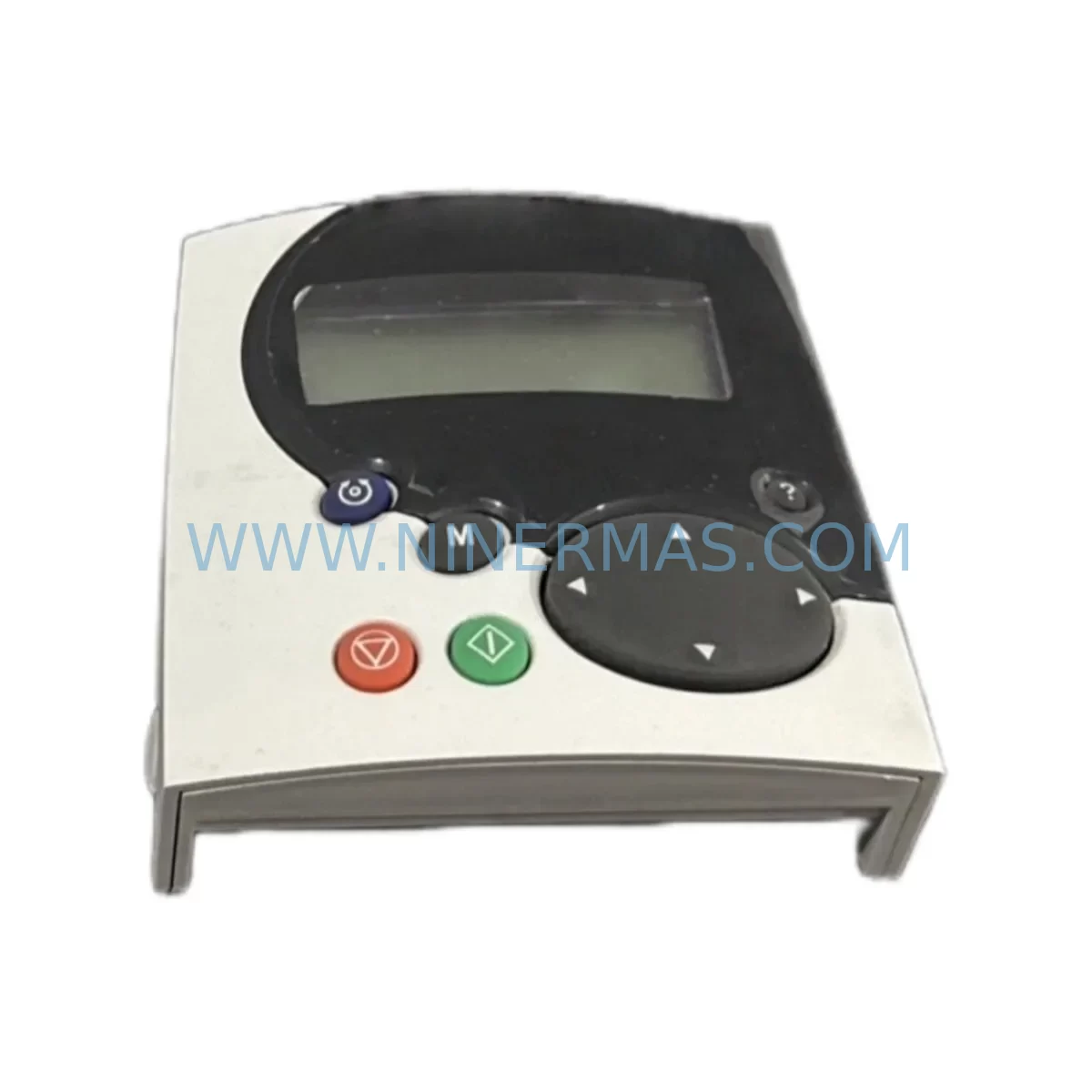
Control Techniques STDO32 Service-Ready Spare Part
Verify the part, confirm the platform family, and move straight into quotation with the right commercial details.
RFQ Ready
- SKUSTDO32
- CategoryPLC & Industrial Automation Modules
- BrandControl Techniques
- SupportAvailability, lead time, condition, and shipping coordination
How Buyers Usually Use This Page
- Confirm the exact part number and platform family before sending the quote request.
- Use direct email when quantity, condition, and destination are already defined internally.
- Switch to the broader brand or category archive when you need alternates nearby.
Series Navigation
Move through the most common platform families behind this part.
Product RFQ
Send this part directly for quotation.
Include quantity, required condition, destination country, and target delivery timing. Current reference: Control Techniques STDO32 Service-Ready Spare Part with SKU STDO32.
Control Techniques STDO32 Service-Ready Spare Part for Industrial Maintenance
The Control Techniques STDO32 is an original keypad display module designed for the SM-Keypad series, widely deployed across Unidrive SP and Commander SK variable speed drive platforms in industrial automation environments. As a critical human-machine interface component, the STDO32 enables operators to configure drive parameters, monitor real-time status, and execute fault diagnostics directly at the drive panel. When this module fails or degrades, production lines face immediate downtime risk — making a verified, service-ready spare part an essential element of any maintenance inventory strategy.
At NINERMAS, every STDO32 unit is sourced as an original Control Techniques component, inspected prior to dispatch, and shipped with a 12-month warranty. Our supply chain supports long-term procurement for MRO teams, OEM integrators, and plant maintenance engineers who require reliable access to legacy and current-generation drive accessories.
Spare Maintenance Table
| Parameter | Specification / Detail |
|---|---|
| Part Number / SKU | STDO32 |
| Brand | Control Techniques |
| Series | SM-Keypad / SM Option Module Series |
| Compatible Drives | Unidrive SP, Commander SK, Digitax ST, Mentor MP |
| Component Type | Remote Keypad Display Module |
| Interface | RJ45 / Serial communication to drive control board |
| Display | LED/LCD parameter display with navigation keys |
| Mounting | Panel-mount or door-mount via extension cable |
| Operating Temperature | 0°C to +50°C (ambient) |
| Application Environment | Industrial control cabinets, machine panels, OEM enclosures |
| Origin | United Kingdom |
| Condition | Original, New / Service-Ready |
| Pre-shipment Testing | Function verified before dispatch |
| Warranty | 12 Months |
| Lead Time | In-stock: same-day or next business day dispatch |
| Long-term Supply | Yes — ongoing MRO and OEM procurement supported |
Maintenance Planning for Continuous Operation
When a maintenance or procurement engineer identifies the STDO32 as a replacement requirement, the scope of inspection should extend beyond the keypad module itself. In most Unidrive SP and Commander SK installations, the STDO32 interfaces directly with the drive’s control board via a dedicated RJ45 port and a CT Comms Cable (CT-USB-CABLE or equivalent). A degraded or damaged communication cable is frequently the root cause of keypad display faults and should be replaced simultaneously with the STDO32 to eliminate recurring issues.
During the same maintenance window, engineers should audit the SM-I/O Plus or SM-I/O Lite option modules installed in adjacent slots of the Unidrive SP. These I/O expansion modules share the drive’s internal option bus, and a failing keypad can sometimes mask underlying I/O communication errors. Verifying the status of digital input and output channels through the drive’s parameter menu (before the keypad is swapped) provides a baseline for post-replacement confirmation testing.
Power supply integrity is equally critical. The 24VDC control power supply feeding the drive’s control terminals should be measured under load — voltage sag below 22V can cause intermittent keypad resets and parameter loss. If the installation uses an external SITOP PSU or equivalent DIN-rail 24V power supply, inspect for capacitor aging or output ripple that may not trigger an alarm but degrades keypad stability over time.
For drives installed in multi-axis control cabinets, the SM-Ethernet or SM-PROFIBUS communication option modules should be checked for firmware version compatibility after any keypad replacement, as some parameter upload/download operations via the keypad can affect fieldbus node configuration. Additionally, inspect the terminal block wiring on the drive’s control board — loose connections on analog input terminals (AI1, AI2) or digital input terminals (DI1–DI6) are a common secondary fault discovered during keypad replacement procedures.
Where the STDO32 is used in a remote panel-mount configuration, the RJ45 extension cable (up to 3 metres) should be tested for continuity and replaced if the outer jacket shows heat or abrasion damage. In high-vibration environments such as compressor rooms or press lines, cable strain relief fittings should be inspected and re-secured. Finally, if the drive is part of a coordinated motion system using a Digitax ST servo drive or a Mentor MP DC drive on the same network, confirm that the replacement keypad does not inadvertently alter shared parameter sets during the commissioning phase.
Site Replacement Workflow
Step 1 — Isolation & Safety: Isolate the drive from mains supply and allow the DC bus to discharge fully (minimum 5 minutes after power-off, or confirm DC bus voltage below 50V with a calibrated meter). Lock out / tag out per site LOTO procedure.
Step 2 — Parameter Backup: If the existing STDO32 is still partially functional, use the keypad’s parameter copy function or connect a laptop via the CT USB Comms Cable and SyPTLite / Connect software to back up all drive parameters to a file. This step is critical for multi-drive installations where parameter sets are customised per axis.
Step 3 — Module Removal: Disconnect the RJ45 cable from the existing STDO32. If panel-mounted, unscrew the four retaining screws and withdraw the module from the enclosure cutout. Note the cable routing and any ferrite cores fitted to the comms cable for EMC compliance.
Step 4 — STDO32 Installation: Insert the replacement STDO32 into the panel cutout or drive front slot. Reconnect the RJ45 cable, ensuring the locking tab clicks into place. Restore power and confirm the keypad initialises and displays the drive’s firmware version and status correctly.
Step 5 — Parameter Restore & Verification: Restore the backed-up parameter file or manually re-enter critical parameters (motor nameplate data, ramp times, PID settings, fieldbus node address). Run a no-load test cycle and verify all I/O signals, speed references, and fault relay outputs respond correctly before returning the drive to production.
Step 6 — Documentation: Record the replacement in the site maintenance log, including the new STDO32 serial number, date of installation, and technician sign-off. Update the spare parts inventory to trigger a reorder if stock falls below the minimum holding level.
Spare Parts Support FAQ
Q1: Is the STDO32 compatible with all variants of the Unidrive SP and Commander SK?
The STDO32 is designed for the SM-Keypad series and is compatible with the full Unidrive SP range (SP0201 through SP6402) and Commander SK drives that support SM option modules. For Digitax ST and Mentor MP platforms, compatibility depends on the firmware version of the host drive. NINERMAS recommends confirming the drive’s firmware revision before ordering if you are replacing a keypad on a legacy installation older than 10 years.
Q2: How does NINERMAS verify the STDO32 before shipment?
Each unit undergoes a functional check prior to dispatch, including display initialisation, keypad navigation response, and communication port continuity testing. Units that do not pass inspection are not shipped. A test report is available upon request for critical infrastructure procurement. All units are covered by a 12-month warranty from the date of delivery.
Q3: Can I order the STDO32 as part of a broader spare parts kit for my control cabinet?
Yes. NINERMAS supports bill-of-materials (BOM) procurement for MRO and planned maintenance projects. If your maintenance schedule requires the STDO32 alongside SM-I/O modules, comms cables, 24VDC power supplies, or other Control Techniques accessories, our team can consolidate the order, verify cross-compatibility, and ship as a single consignment to reduce lead time and logistics cost.
Q4: What is the long-term supply outlook for the STDO32?
Control Techniques SM-series option modules including the STDO32 remain in active supply through authorised distribution channels. NINERMAS maintains buffer stock for high-demand spare parts to support customers with multi-year maintenance contracts or large installed bases. For customers managing end-of-life drive populations, we recommend establishing a minimum holding quantity of 2–3 units per site to cover emergency replacement scenarios without incurring expedite costs.
| Product Series | Other series |
|---|
Catalog Continuation
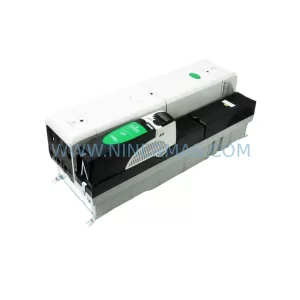
More Control Techniques modules in the catalog.
Use the brand lane to compare nearby part numbers, platform-adjacent modules, and other inquiry-ready listings before sending your final RFQ.
Catalog Continuation
Alternative parts within PLC & Industrial Automation Modules.
Stay inside the same system family when you need substitutes, adjacent modules, or a broader shortlist for procurement review.
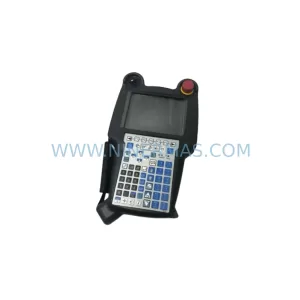
SKU: A05B-2518-C200
FANUC A05B-2518-C200 Retrofit Teach Pendant for Legacy Systems
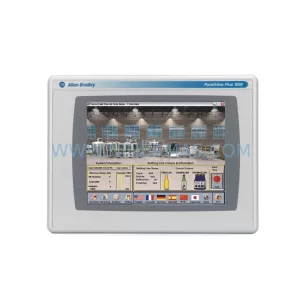
SKU: 2711PC-T10C4D8
Allen-Bradley 2711PC-T10C4D8 Retrofit-Compatible HMI Terminal



