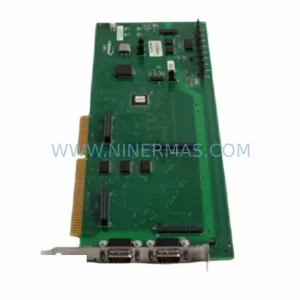
Original Industrial Spare Part
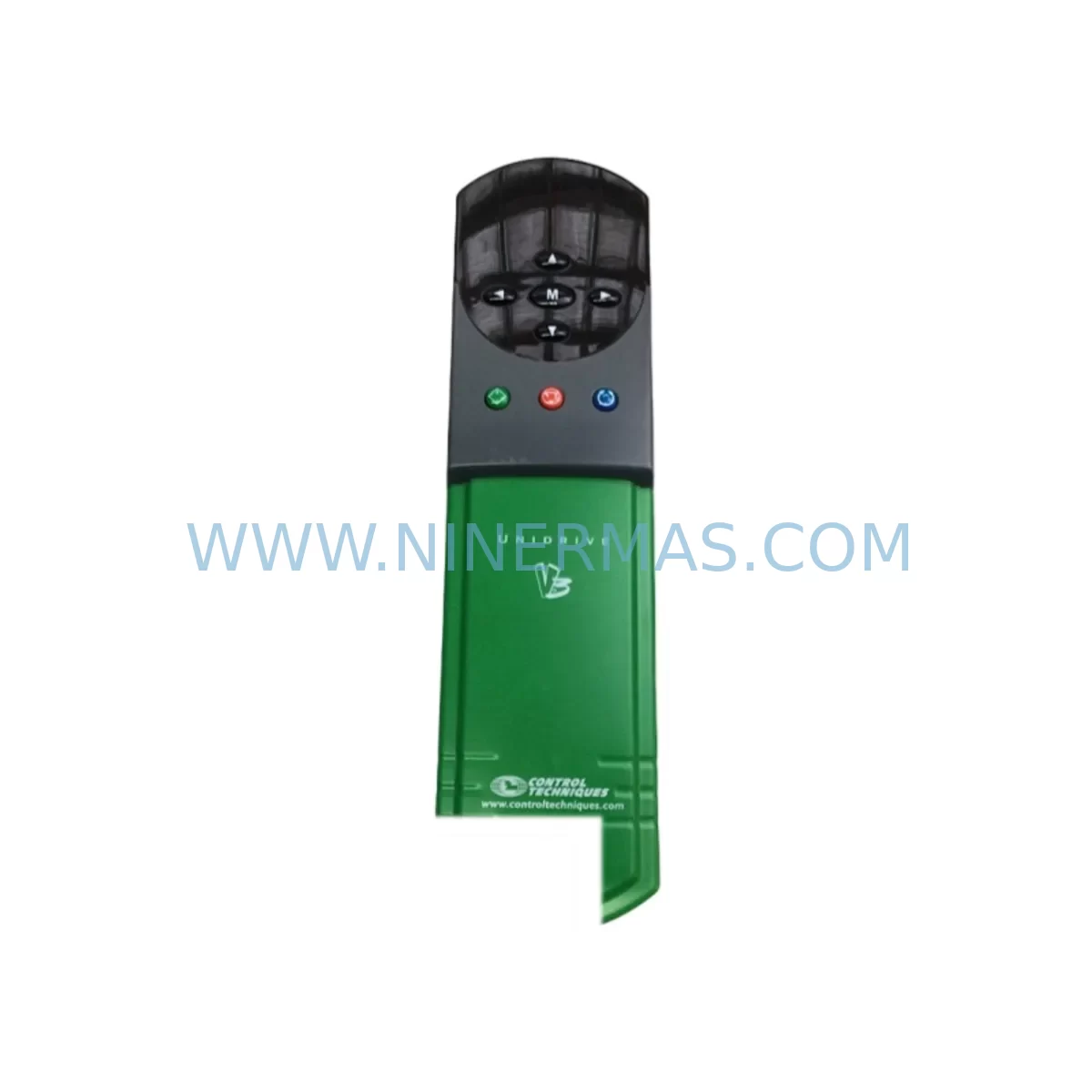
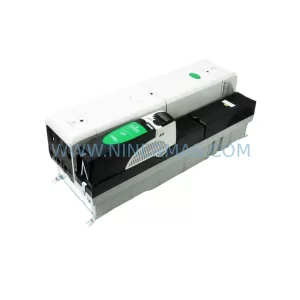
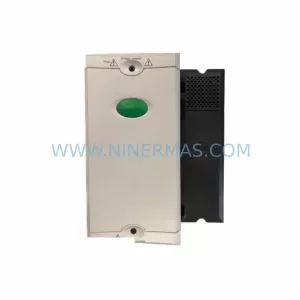
Control Techniques UNI1405 Spare Part for Industrial Maintenance
Verify the part, confirm the platform family, and move straight into quotation with the right commercial details.
RFQ Ready
- SKUUNI1405
- CategoryPLC & Industrial Automation Modules
- BrandControl Techniques
- SupportAvailability, lead time, condition, and shipping coordination
How Buyers Usually Use This Page
- Confirm the exact part number and platform family before sending the quote request.
- Use direct email when quantity, condition, and destination are already defined internally.
- Switch to the broader brand or category archive when you need alternates nearby.
Series Navigation
Move through the most common platform families behind this part.
Product RFQ
Send this part directly for quotation.
Include quantity, required condition, destination country, and target delivery timing. Current reference: Control Techniques UNI1405 Spare Part for Industrial Maintenance with SKU UNI1405.
Control Techniques UNI1405 Service-Ready Spare Part for Industrial Maintenance
The Control Techniques UNI1405 is a service-ready spare part from the Unidrive series, designed to support continuous operation in demanding industrial environments. As a ruggedized AC drive module, the UNI1405 is widely deployed in process manufacturing, material handling, pump and fan control, and general-purpose motor drive applications. When a UNI1405 unit fails or reaches end-of-service life, rapid replacement is critical to minimizing unplanned downtime and protecting production continuity.
Maintenance engineers and procurement teams managing aging Control Techniques Unidrive installations rely on verified spare parts to restore drive functionality without requiring full system redesign. The UNI1405 is a direct-fit replacement for existing Unidrive-series installations, preserving original wiring configurations, parameter settings, and motor tuning profiles. This makes it an essential item in any preventive maintenance inventory for facilities running Control Techniques variable speed drive systems.
Before replacing the UNI1405, maintenance personnel should conduct a full inspection of the surrounding electrical cabinet. This includes verifying the integrity of the 24VDC control power supply feeding the drive’s logic board, checking the condition of the input line reactor or EMC filter upstream of the drive, and confirming that the motor output terminals and cable insulation are free from degradation. The braking resistor and associated thermal protection circuit should also be tested, particularly in applications with high-inertia loads or frequent deceleration cycles.
In multi-drive panel installations, the UNI1405 often operates alongside other Unidrive-series modules such as the UNI1401, UNI1402, and UNI1404, sharing a common DC bus or coordinated control architecture. When replacing the UNI1405, it is advisable to inspect adjacent drives for signs of thermal stress, capacitor aging, or fan degradation. The Unidrive SP option module slots — commonly populated with SM-Profibus, SM-DeviceNet, or SM-Applications cards — should be checked for secure seating and firmware compatibility with the replacement unit.
Communication continuity is a key concern during UNI1405 replacement. If the drive is integrated into a PROFIBUS DP or Modbus RTU network, the replacement unit must be configured with the correct node address and baud rate before reconnection. Parameter cloning via the Unidrive SP keypad or CTSoft software tool allows engineers to transfer saved parameter sets directly to the new drive, significantly reducing commissioning time and the risk of parameter entry errors.
For facilities maintaining a structured spare parts program, the UNI1405 should be stocked alongside related consumables and wear components. These include internal cooling fans for the drive enclosure, DC bus capacitors (where field-replaceable), terminal block assemblies, and surge protection devices on the input supply. Procurement engineers should also consider maintaining a buffer stock of CT Comms cable or RJ45 programming leads used for drive configuration and diagnostics.
Every UNI1405 unit supplied by NINERMAS undergoes pre-shipment functional testing to verify output voltage balance, control logic response, and communication interface integrity. Units are shipped with protective packaging suitable for long-distance transport and are covered by a 12-month warranty from the date of delivery. Long-term supply agreements are available for facilities requiring scheduled spare parts replenishment across multiple maintenance cycles.
Spare Maintenance Table
| Parameter | Specification / Recommendation |
|---|---|
| SKU / Part Number | UNI1405 |
| Brand / Series | Control Techniques / Unidrive |
| Module Type | AC Variable Speed Drive Module |
| Typical Input Voltage | 380–480V AC, 3-phase (verify nameplate) |
| Output Power Rating | Refer to original nameplate; confirm before ordering |
| Control Interface | Analog I/O, Digital I/O, option module slots (SM series) |
| Communication Compatibility | PROFIBUS DP, Modbus RTU, DeviceNet (via SM option cards) |
| Mounting / Form Factor | Panel-mount, DIN rail or chassis mount (verify enclosure dimensions) |
| Cooling Method | Forced air (internal fan); verify fan condition before installation |
| Installation Requirement | Match terminal wiring, parameter clone from original unit |
| Replacement Compatibility | Direct replacement for UNI1405 in Unidrive-series installations |
| Pre-Shipment Testing | Functional output test, communication interface verification |
| Warranty | 12 months from date of delivery |
| Origin | United Kingdom (Control Techniques) |
| Long-Term Supply | Available — contact NINERMAS for scheduled spare parts programs |
Maintenance Planning for Continuous Operation
A structured maintenance plan for Unidrive UNI1405 installations should extend beyond the drive itself to encompass the full electrical circuit. During scheduled cabinet inspections, engineers should verify the condition of the input EMC filter and line reactor to ensure harmonic suppression remains within specification. The 24VDC SMPS (switched-mode power supply) providing logic power to the drive and associated I/O should be load-tested and replaced on a preventive schedule, as power supply degradation is a common root cause of intermittent drive faults.
Terminal blocks and wiring ferrules within the control cabinet should be inspected for loosening caused by thermal cycling. Phoenix Contact or equivalent spring-clamp terminal strips used for analog reference signals and digital I/O connections are particularly susceptible to vibration-induced loosening in high-cycle applications. Signal integrity on the 0–10V analog speed reference or 4–20mA process feedback circuits should be verified with a calibrated meter before and after drive replacement.
Where the UNI1405 interfaces with a PLC — such as a Siemens S7-300, Allen-Bradley ControlLogix, or Schneider Modicon M340 — the drive’s fieldbus node address and I/O mapping must be confirmed against the PLC program before the replacement unit is brought online. Any SM-Profibus or SM-Applications option cards removed from the original drive should be inspected for physical damage before reinstallation in the replacement unit.
For facilities with HMI panels displaying drive status, speed feedback, or fault codes, the replacement UNI1405 should be verified to transmit the correct parameter values over the communication link before the HMI is returned to operator control. Proface, Siemens TP series, or Schneider Magelis HMI screens configured for Unidrive parameter monitoring may require a brief re-commissioning step if the replacement drive firmware version differs from the original.
Recommended spare parts to stock alongside the UNI1405 include: internal drive cooling fans, braking resistors, SM option modules, RJ45 CT Comms cables, input fuses or MCBs rated for the drive’s input current, and a spare keypad or remote operator panel for parameter access during field service.
Site Replacement Workflow
Step 1 — Isolation and Safety: Isolate the drive from the main supply and allow the DC bus to fully discharge (minimum 5 minutes after power-off). Verify zero voltage at the output terminals before disconnecting motor cables.
Step 2 — Parameter Backup: If the original UNI1405 is still partially functional, use the Unidrive SP keypad or CTSoft software to save the full parameter set. Store the backup file with the equipment maintenance record.
Step 3 — Wiring Documentation: Photograph or sketch the control terminal wiring before disconnection. Pay particular attention to analog reference inputs, digital I/O assignments, relay output wiring, and any SM option card connections.
Step 4 — Mechanical Installation: Mount the replacement UNI1405 in the original enclosure position. Confirm that the enclosure provides adequate airflow clearance above and below the drive as specified in the Unidrive installation guide.
Step 5 — Parameter Restore and Commissioning: Load the saved parameter set into the replacement drive. Perform a no-load motor test to verify direction of rotation, speed reference response, and fault-free operation before reconnecting the mechanical load.
Step 6 — Communication Verification: Confirm fieldbus communication with the PLC or DCS. Verify that the HMI displays correct drive status before returning the system to automatic control.
Spare Parts Support FAQ
Q1: Is the UNI1405 a direct replacement for the original Control Techniques Unidrive unit?
Yes. The UNI1405 is a direct spare part replacement for existing Unidrive-series installations. Terminal wiring, mounting dimensions, and parameter structure are compatible with the original unit. Parameter cloning via keypad or CTSoft is recommended to minimize commissioning time.
Q2: What pre-shipment testing is performed on the UNI1405?
Each unit undergoes functional output testing, DC bus charge verification, and communication interface checks before shipment. A test report is available upon request. Units are packaged to prevent transit damage and are covered by a 12-month warranty from delivery date.
Q3: Can NINERMAS supply UNI1405 units on a long-term scheduled basis?
Yes. NINERMAS supports long-term spare parts supply agreements for facilities with ongoing maintenance requirements. Scheduled delivery programs, buffer stock arrangements, and priority allocation for critical spares are available. Contact sale@ninermas.com to discuss your requirements.
Q4: What should be checked if the replacement UNI1405 shows a fault immediately after power-on?
Verify that the input supply voltage is within the drive’s rated range and that all control terminal wiring matches the original configuration. Check that the motor cable is correctly connected and that no earth fault or short circuit is present on the output. Confirm that the parameter set has been correctly restored and that any SM option cards are firmly seated. If the fault persists, contact NINERMAS technical support with the fault code displayed on the keypad.
| Product Series | Other series |
|---|
Catalog Continuation
More Control Techniques modules in the catalog.
Use the brand lane to compare nearby part numbers, platform-adjacent modules, and other inquiry-ready listings before sending your final RFQ.
Catalog Continuation
Alternative parts within PLC & Industrial Automation Modules.
Stay inside the same system family when you need substitutes, adjacent modules, or a broader shortlist for procurement review.
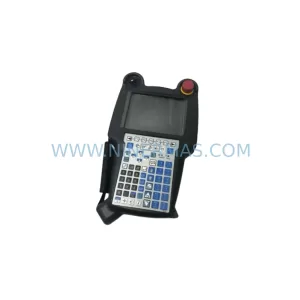
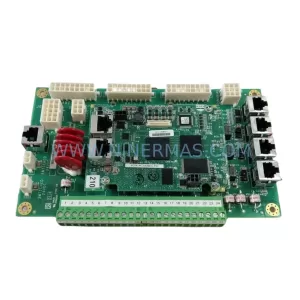
SKU: A05B-2518-C200
FANUC A05B-2518-C200 Retrofit Teach Pendant for Legacy Systems
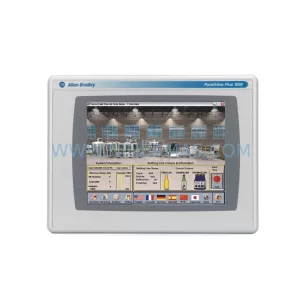
SKU: 2711PC-T10C4D8
Allen-Bradley 2711PC-T10C4D8 Retrofit-Compatible HMI Terminal