Original Industrial Spare Part
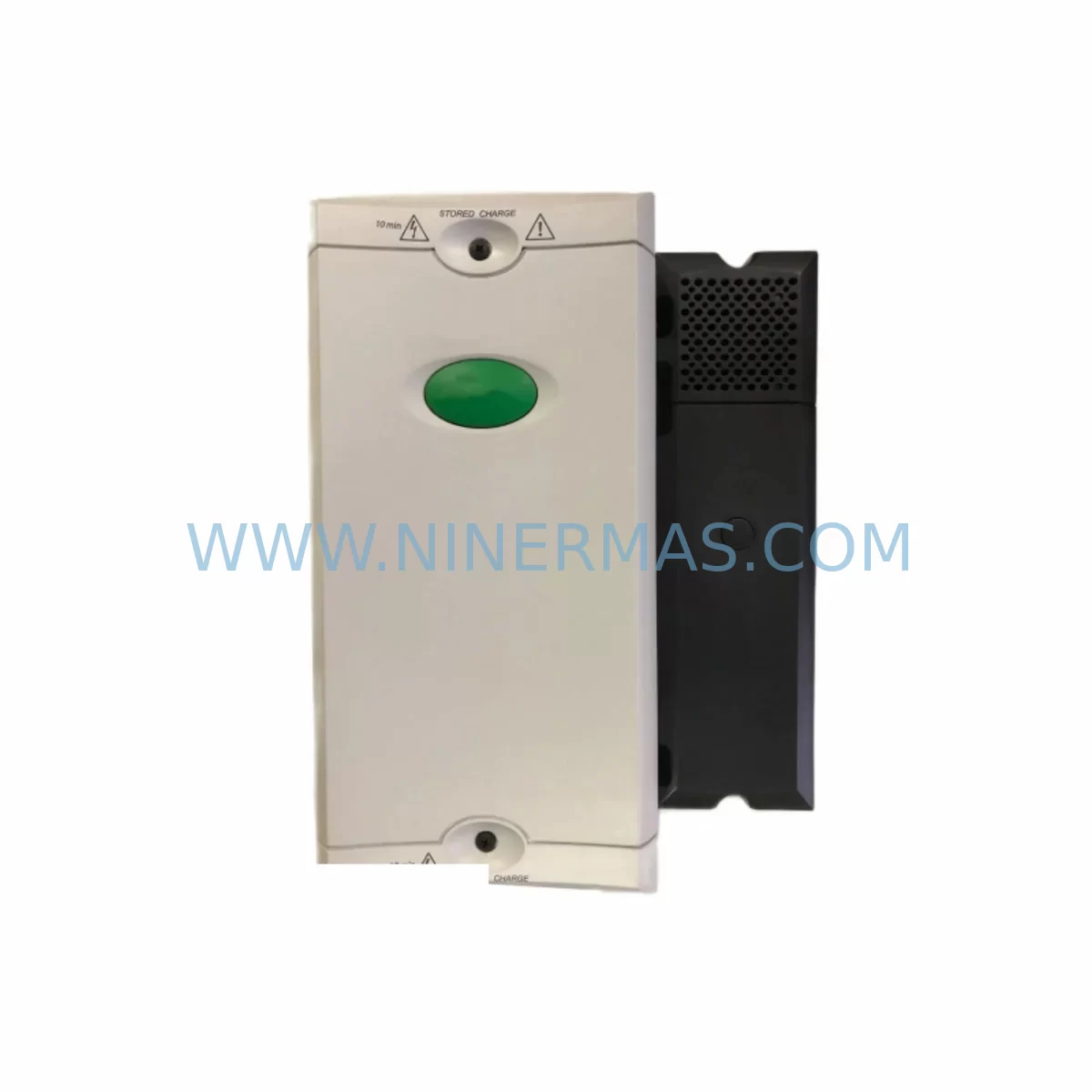
Control Techniques SPMC2402 Retrofit AC Drive for Legacy Systems
Verify the part, confirm the platform family, and move straight into quotation with the right commercial details.
RFQ Ready
- SKUSPMC2402
- CategoryPLC & Industrial Automation Modules
- BrandControl Techniques
- SupportAvailability, lead time, condition, and shipping coordination
How Buyers Usually Use This Page
- Confirm the exact part number and platform family before sending the quote request.
- Use direct email when quantity, condition, and destination are already defined internally.
- Switch to the broader brand or category archive when you need alternates nearby.
Series Navigation
Move through the most common platform families behind this part.
Product RFQ
Send this part directly for quotation.
Include quantity, required condition, destination country, and target delivery timing. Current reference: Control Techniques SPMC2402 Retrofit AC Drive for Legacy Systems with SKU SPMC2402.
Control Techniques SPMC2402 Retrofit AC Drive for Legacy Systems
The Control Techniques SPMC2402 is a high-performance AC drive module from the Unidrive SP series, engineered to deliver precise motor control in demanding industrial environments. As legacy automation systems reach end-of-life and original spare parts become increasingly difficult to source, the SPMC2402 has emerged as a critical retrofit-compatible replacement for aging drive platforms across manufacturing, process control, and material handling applications. Whether you are upgrading a control cabinet, migrating from an obsolete drive platform, or restoring a production line after an unexpected failure, the SPMC2402 provides a reliable, tested, and warranty-backed solution that minimises downtime and protects your existing automation investment.
Designed for seamless integration into existing Unidrive SP rack and panel installations, the SPMC2402 supports a wide range of motor types and control modes, including open-loop vector, closed-loop vector, and servo control. Its modular architecture allows engineers to retain existing wiring configurations, terminal layouts, and communication links during the replacement process, significantly reducing the engineering effort required for a successful retrofit. The drive is compatible with standard 24 VDC control power supplies and accepts both single-ended and differential encoder feedback signals, making it straightforward to connect to existing motor feedback devices without additional signal conditioning hardware.
Upgrade Compatibility Table
| Parameter | SPMC2402 Specification | Retrofit Notes |
|---|---|---|
| Drive Series | Unidrive SP / SPM | Direct replacement within SP platform |
| Power Rating | 2.2 kW / 3 HP (400 V class) | Verify motor nameplate before substitution |
| Control Modes | Open-loop, Closed-loop Vector, Servo | Retain existing parameter set where possible |
| Encoder Interface | 15-pin D-sub, differential TTL/HTL | Check encoder supply voltage compatibility |
| Communication | RS-485 native; SM module slot for Profibus/EtherNet | Confirm fieldbus protocol with PLC/SCADA |
| Mounting | Panel mount / bookcase rack | Verify DIN rail or back-panel clearance |
| Control Terminal | 48-way removable terminal block | Map legacy wiring to new terminal layout |
| Installation Dimensions | Standard SP frame size C | Confirm cabinet depth and ventilation space |
| Firmware Compatibility | SP parameter set v01.xx and above | Upload saved parameter file before commissioning |
| Warranty | 12 Months | Covered from date of shipment; tested before dispatch |
Retrofit Planning for Existing Automation Systems
A successful SPMC2402 retrofit begins well before the replacement unit arrives on site. Engineers should start by documenting the existing drive’s parameter set using the Control Techniques CT Soft or Unisoft programming software, saving the full parameter file to a laptop or USB drive. This backup ensures that motor tuning data, ramp rates, speed references, and I/O assignments can be restored to the new drive without requiring a full recommissioning from scratch. If the original drive is still partially functional, connect via the RS-485 port and export the parameter file before powering down the panel.
Terminal wiring is one of the most time-sensitive tasks during a drive swap. The SPMC2402 uses a 48-way removable terminal block that is physically compatible with earlier Unidrive SP variants such as the SPMC2401 and SPMC2403, allowing the existing wiring loom to be transferred directly in most cases. However, engineers should verify the assignment of analog inputs, digital inputs, relay outputs, and the 24 V user supply against the original wiring diagram before re-energising the panel. Where the legacy installation used an SM-I/O Plus or SM-I/O 32 expansion module for additional digital I/O, these modules can typically be re-seated into the option slots of the SPMC2402 without modification, preserving the existing I/O map and avoiding PLC program changes.
Communication continuity is equally important. If the original system used an SM-Profibus DP module for integration with a Siemens S7 or similar PLC, the same module can be transferred to the replacement drive, retaining the existing GSD file configuration and node address. For sites migrating from legacy serial protocols to modern Ethernet-based fieldbus, the SM-EtherNet or SM-EtherNet/IP module can be fitted into the SPMC2402 option slot, enabling a protocol migration without changes to the main control program. Confirm the IP address, subnet mask, and gateway settings with the site network administrator before going live.
Encoder feedback wiring should be verified carefully. The SPMC2402 accepts signals from the SM-Universal Encoder Plus module, which supports a broad range of encoder types including incremental TTL, HTL, SinCos, and EnDat absolute encoders. If the existing motor uses a legacy resolver or SSI encoder, the SM-Universal Encoder Plus provides the necessary signal conversion, eliminating the need to replace the motor feedback device. Check the encoder supply voltage — 5 V or 15 V — and confirm that the cable screen is terminated correctly at the drive end to prevent noise-induced faults during high-speed operation.
For applications where the SPMC2402 is integrated into a larger Unidrive SP system with an SM-Applications or SM-Solutions Plus module handling onboard PLC logic, the application program stored in the module’s non-volatile memory is retained independently of the drive firmware. This means the application module can be removed from the failed drive and re-inserted into the replacement SPMC2402 without re-programming, provided the firmware versions are compatible. Verify the module firmware revision using CT Soft before transfer to avoid parameter mismatch errors on startup.
Power supply capacity is a frequently overlooked aspect of drive retrofits. Confirm that the existing 24 VDC control power supply — often a Phoenix Contact or Siemens SITOP unit mounted in the same cabinet — can support the inrush current of the replacement drive during initialisation. If the cabinet also houses a Unidrive SP1406 or similar larger drive sharing the same DC bus, verify that the total bus capacitance and pre-charge circuit ratings remain within specification after the module swap.
Downtime Control During System Migration
Minimising production downtime during a drive replacement requires careful pre-planning and a structured commissioning sequence. Before the scheduled maintenance window, prepare a complete replacement kit that includes the SPMC2402 unit, a pre-loaded parameter file, a wiring diagram marked up with terminal assignments, and any option modules to be transferred. Conduct a pre-installation bench test where possible — power the replacement drive from a temporary supply, load the saved parameter file, and verify that the drive initialises without fault codes before transporting it to the production floor.
During the physical swap, work methodically through the terminal block, transferring one section of wiring at a time and cross-referencing against the marked-up diagram. Use the removable terminal block feature to pre-wire the replacement drive on the bench, then plug the entire block into the installed unit in a single operation. This approach reduces the time the panel is de-energised and minimises the risk of wiring errors under time pressure.
After re-energisation, perform a no-load motor run at reduced speed before returning the drive to automatic control. Verify encoder feedback signals, check analog input scaling, and confirm that all digital I/O states match the expected values in the PLC. If the system uses an HMI panel — such as a Control Techniques Keypad or a third-party SCADA display — confirm that drive status words and fault codes are being received correctly over the communication link before handing the line back to production. Document the commissioning results and retain the parameter backup file for future reference.
Retrofit Support FAQ
Q: Is the SPMC2402 a direct drop-in replacement for other Unidrive SP frame C drives?
A: In most cases, yes. The SPMC2402 shares the same physical frame, terminal layout, and option slot configuration as other Unidrive SP frame C variants including the SPMC2401 and SPMC2403. Parameter files saved from a compatible drive can be loaded directly, though motor tuning parameters should be verified after installation. Contact our technical team to confirm compatibility for your specific application.
Q: What testing is performed before shipment?
A: Every SPMC2402 unit is powered up and functionally tested before dispatch. We verify drive initialisation, control terminal response, and communication port operation. Units are shipped with a test report and are covered by a 12-month warranty from the date of shipment.
Q: Can I transfer my existing SM option modules to the replacement drive?
A: Yes. SM series option modules including SM-Profibus DP, SM-EtherNet, SM-I/O Plus, SM-Universal Encoder Plus, SM-Applications, and SM-Solutions Plus are designed to be field-transferable between compatible Unidrive SP drives. Verify firmware compatibility using CT Soft before transfer to ensure stable operation.
Q: What is the lead time and stock availability?
A: We maintain stock of the SPMC2402 for immediate dispatch to support emergency breakdown and planned retrofit projects. Standard lead time for in-stock units is 1–3 business days. For bulk orders or long-term supply agreements, contact us to discuss inventory reservation and scheduled delivery options.
| Product Series | Legacy |
|---|
Catalog Continuation
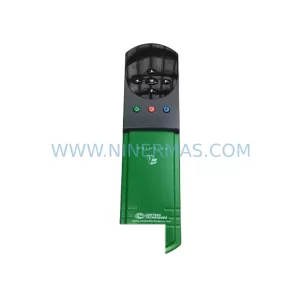
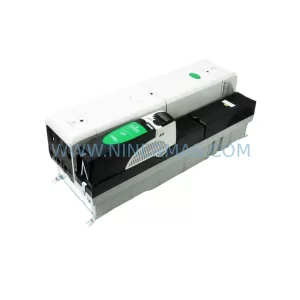
More Control Techniques modules in the catalog.
Use the brand lane to compare nearby part numbers, platform-adjacent modules, and other inquiry-ready listings before sending your final RFQ.
Catalog Continuation
Alternative parts within PLC & Industrial Automation Modules.
Stay inside the same system family when you need substitutes, adjacent modules, or a broader shortlist for procurement review.
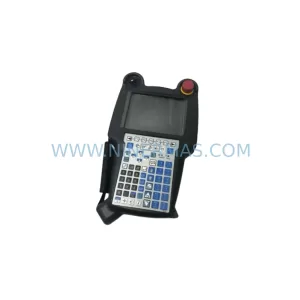
SKU: A05B-2518-C200
FANUC A05B-2518-C200 Retrofit Teach Pendant for Legacy Systems
SKU: 2711PC-T10C4D8
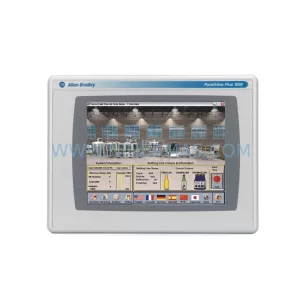
Allen-Bradley 2711PC-T10C4D8 Retrofit-Compatible HMI Terminal