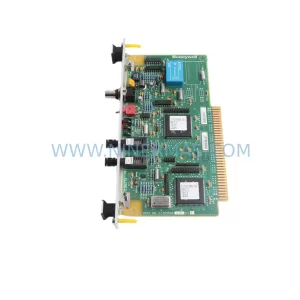
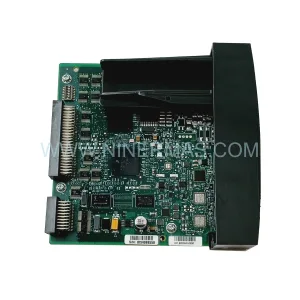
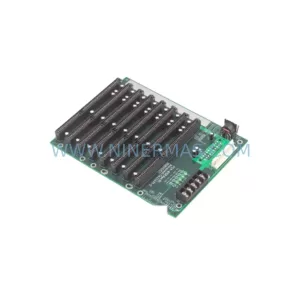
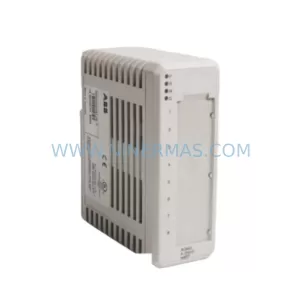
Original Industrial Spare Part
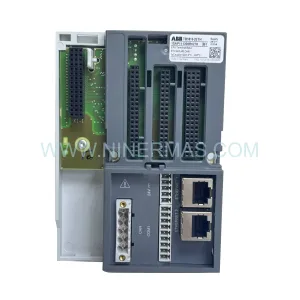
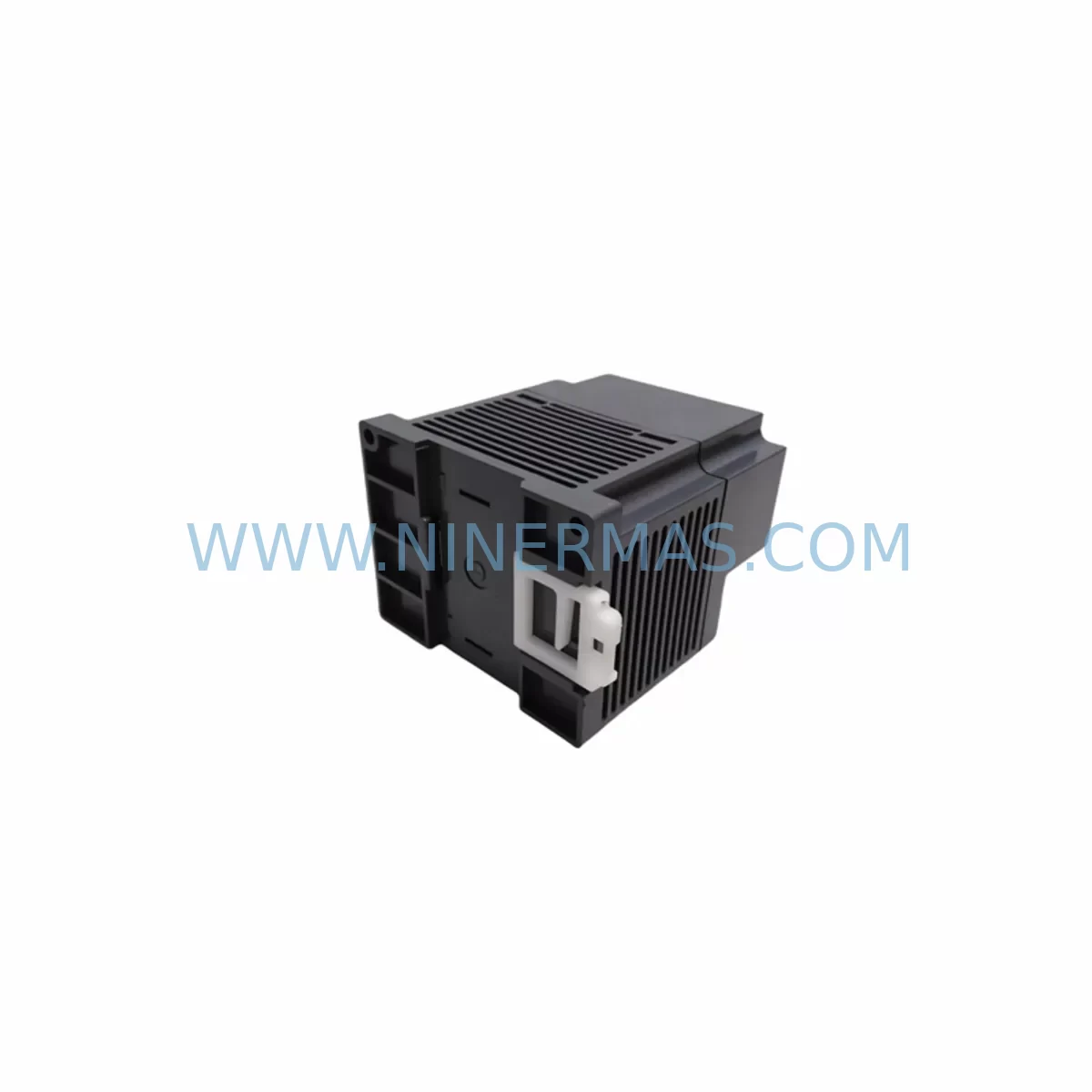
Mitsubishi CL1PAD1 Service-Ready Spare Part for Industrial Maintenance
Verify the part, confirm the platform family, and move straight into quotation with the right commercial details.
RFQ Ready
- SKUCL1PAD1
- CategoryDCS Distributed Control Systems
- BrandMitsubishi Electric
- SupportAvailability, lead time, condition, and shipping coordination
How Buyers Usually Use This Page
- Confirm the exact part number and platform family before sending the quote request.
- Use direct email when quantity, condition, and destination are already defined internally.
- Switch to the broader brand or category archive when you need alternates nearby.
Series Navigation
Move through the most common platform families behind this part.
Product RFQ
Send this part directly for quotation.
Include quantity, required condition, destination country, and target delivery timing. Current reference: Mitsubishi CL1PAD1 Service-Ready Spare Part for Industrial Maintenance with SKU CL1PAD1.
Mitsubishi CL1PAD1 Service-Ready Spare Part for Industrial Maintenance
The Mitsubishi Electric CL1PAD1 is a CC-Link IE Field Network adapter module designed for the MELSEC-L Series programmable logic controller platform. As a service-ready spare part, the CL1PAD1 enables maintenance engineers to restore CC-Link IE Field Network connectivity on MELSEC-L CPU systems with minimal downtime. Whether you are managing a scheduled annual overhaul, responding to an unplanned network fault, or building a strategic spare parts inventory for a long-running production line, the CL1PAD1 is a critical component that should be stocked alongside your primary MELSEC-L control cabinet assets.
Industrial facilities operating MELSEC-L Series controllers in discrete manufacturing, process automation, material handling, and automotive assembly lines depend on reliable CC-Link IE Field Network communication to coordinate I/O devices, remote stations, and distributed field instruments. A failed or degraded CL1PAD1 adapter module can interrupt the entire network segment, causing cascading production stoppages that are costly to diagnose and recover from without a pre-tested replacement unit on hand.
NINERMAS supplies the CL1PAD1 as a pre-shipment tested, original spare part backed by a 12-month warranty. Each unit undergoes functional verification prior to dispatch to ensure it meets Mitsubishi Electric’s original performance specifications. Our long-term supply program ensures continued availability of the CL1PAD1 even as the MELSEC-L platform matures into its extended lifecycle phase, giving procurement engineers confidence in multi-year stocking commitments.
Spare Maintenance Table
| Parameter | Specification / Detail |
|---|---|
| Part Number / SKU | CL1PAD1 |
| Brand | Mitsubishi Electric |
| Series | MELSEC-L Series |
| Module Type | CC-Link IE Field Network Adapter Module |
| Network Protocol | CC-Link IE Field Network (1 Gbps Ethernet-based) |
| Compatible CPU | MELSEC-L Series CPU modules (L02CPU, L06CPU, L26CPU, L26CPU-BT, etc.) |
| Mounting | MELSEC-L Series base unit / extension base |
| Power Supply | Supplied via backplane from MELSEC-L power supply module (e.g., L61P, L62P) |
| Operating Temperature | 0°C to 55°C |
| Storage Temperature | -25°C to 75°C |
| Relative Humidity | 5% to 95% RH (non-condensing) |
| Application Environment | Industrial control panels, DCS/PLC cabinets, factory automation, process control |
| Compatibility | CC-Link IE Field Network master/local stations; compatible with GX Works2 / GX Works3 engineering software |
| Installation | Slide-and-lock onto MELSEC-L base unit; no tools required for module insertion |
| Maintenance Recommendation | Inspect connector pins and network ports during annual overhaul; replace if communication errors or CRC faults are logged |
| Pre-Shipment Testing | Yes — functional verification performed before dispatch |
| Warranty | 12 Months from date of shipment |
| Supply Program | Long-term availability; suitable for multi-year stocking commitments |
| Origin | Japan |
Maintenance Planning for Continuous Operation
When a maintenance or procurement engineer plans a replacement of the CL1PAD1 adapter module, it is essential to treat the intervention as an opportunity for a broader control cabinet inspection. The CL1PAD1 interfaces directly with the MELSEC-L backplane, drawing power from the installed power supply module. Before or during a CL1PAD1 swap, engineers should verify the condition of the L61P or L62P power supply module — checking output voltage stability, capacitor age, and any logged power fault events. A degraded power supply can cause intermittent communication faults that are misdiagnosed as adapter module failures.
The CC-Link IE Field Network cabling connected to the CL1PAD1 should also be inspected. Industrial Ethernet cables in high-vibration or high-temperature environments are prone to connector fatigue and insulation degradation. Replacing the CC-Link IE Field Network cables and RJ45 connectors at the same time as the adapter module eliminates a common source of recurring network faults after a module replacement.
On the I/O side, the MELSEC-L system typically integrates L60AD analog input modules and L60DA analog output modules for process signal acquisition and control output. These modules should be checked for channel drift and calibration status during the same maintenance window. Similarly, L60XD1 or LX40C6 digital input modules and LY10R2 relay output modules in the same cabinet should be inspected for contact wear and terminal tightness.
For systems using CC-Link IE Field Network to communicate with remote I/O stations or distributed field devices, the NZ2GF2B1-16D remote I/O module and associated terminal blocks should be included in the inspection checklist. Loose terminal connections at remote stations are a frequent cause of intermittent I/O faults that appear as network communication errors at the CL1PAD1 level.
If the MELSEC-L system includes a QJ71E71-100 Ethernet communication module or an L60RJ71EN71 built-in Ethernet port for SCADA or HMI connectivity, these interfaces should be verified for firmware currency and network configuration integrity during the same maintenance cycle. HMI panels connected to the system — such as Mitsubishi GOT2000 series terminals — should also be checked for communication parameter alignment after any network module replacement.
Fuse and circuit protection components within the control cabinet, including miniature circuit breakers (MCBs) and surge protection devices (SPDs) on the 24VDC supply rail, should be tested for correct trip characteristics. Signal isolators on analog loops connecting field transmitters to the MELSEC-L analog input modules should be verified for loop integrity and isolation resistance. A comprehensive spare parts kit for a MELSEC-L control cabinet should include the CL1PAD1, at least one power supply module, a set of I/O modules covering the installed types, network cables, and terminal block spares — ensuring that any single-point failure can be resolved within one maintenance shift.
Site Replacement Workflow
Step 1 — Pre-Replacement Verification: Before removing the existing CL1PAD1, use GX Works2 or GX Works3 to capture the current network configuration, station numbers, and any active error codes. Export the project file as a backup. Confirm that the replacement CL1PAD1 unit matches the original part number exactly — do not substitute with adapter modules from other MELSEC series (e.g., MELSEC-Q or MELSEC-iQ-R) as they are not mechanically or electrically compatible with the MELSEC-L base unit.
Step 2 — Safe Isolation: Follow your site’s lockout/tagout (LOTO) procedure. Power down the MELSEC-L system via the main isolator. Allow the power supply module capacitors to discharge for at least 30 seconds before handling any modules.
Step 3 — Module Removal and Inspection: Slide the CL1PAD1 out of the base unit slot. Inspect the backplane connector for bent pins, corrosion, or contamination. Clean the slot with dry compressed air if necessary. Inspect the removed module for visible damage — this information is useful for root cause analysis and warranty claims.
Step 4 — Replacement Installation: Insert the new CL1PAD1 into the correct slot position as defined in the original system configuration. Ensure the module is fully seated and the locking tab is engaged. Reconnect the CC-Link IE Field Network cables to the correct ports.
Step 5 — Power-Up and Verification: Restore power and observe the module LED indicators. The CL1PAD1 should display normal RUN and LINK status LEDs within the network initialization period. Use GX Works2/3 to verify that all CC-Link IE Field Network stations are communicating correctly and that no error codes are active. Perform a short functional test of the connected I/O devices before returning the system to production.
Step 6 — Documentation: Record the replacement in your maintenance management system (CMMS), including the date, replaced part number, new unit serial number, and post-replacement test results. Update your spare parts inventory to trigger a replenishment order for the consumed CL1PAD1 unit.
Spare Parts Support FAQ
Q1: Is the CL1PAD1 supplied by NINERMAS an original Mitsubishi Electric component?
Yes. NINERMAS supplies original CL1PAD1 units sourced through established industrial distribution channels. Each unit is pre-shipment tested and backed by a 12-month warranty from the date of shipment. We do not supply counterfeit, refurbished-without-disclosure, or third-party compatible substitutes.
Q2: How many CL1PAD1 units should I stock for a facility running multiple MELSEC-L systems?
As a general guideline, facilities with three or more MELSEC-L controllers on CC-Link IE Field Network should maintain at least one CL1PAD1 as a hot spare. For critical production lines where unplanned downtime carries high financial impact, a ratio of one spare per five installed units is recommended. NINERMAS offers long-term supply agreements to support multi-year stocking programs at fixed lead times.
Q3: Can the CL1PAD1 be used as a direct replacement for older MELSEC-L CC-Link IE adapter modules without reconfiguration?
The CL1PAD1 is designed as a direct slot-compatible replacement for the same module type within the MELSEC-L platform. In most cases, the replacement requires only physical installation and a power cycle — the network configuration stored in the CPU is retained. However, if the original module had a different firmware version or if the system uses specific network parameter settings, a brief verification using GX Works2/3 is recommended to confirm all station parameters are correctly applied after replacement.
Q4: What is covered under the 12-month warranty, and what is the process for a warranty claim?
The 12-month warranty covers manufacturing defects and functional failures under normal operating conditions. It does not cover damage caused by incorrect installation, overvoltage events, physical impact, or operation outside the specified environmental range. To initiate a warranty claim, contact NINERMAS at sale@ninermas.com with your order reference, the unit’s serial number, and a description of the observed fault. Our technical team will assess the claim and arrange for a replacement or repair as appropriate.
| Product Series | MELSEC |
|---|---|
| Country of Origin | JP |
Catalog Continuation
More Mitsubishi Electric modules in the catalog.
Use the brand lane to compare nearby part numbers, platform-adjacent modules, and other inquiry-ready listings before sending your final RFQ.
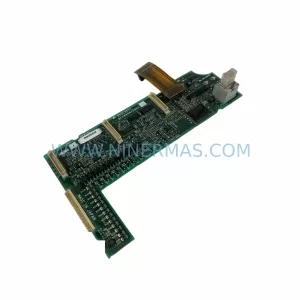
SKU: A50CA55C BC186A433G53
Mitsubishi A50CA55C BC186A433G53 Spare Part for Maintenance
SKU: MELSEC RD77MS16 D 0140-76929 GAS N2, 40 SLM UFC-1660
Mitsubishi RD77MS16 Safety-Reliable Motion for Critical Sites
Catalog Continuation
Alternative parts within DCS Distributed Control Systems.
Stay inside the same system family when you need substitutes, adjacent modules, or a broader shortlist for procurement review.