
Original Industrial Spare Part
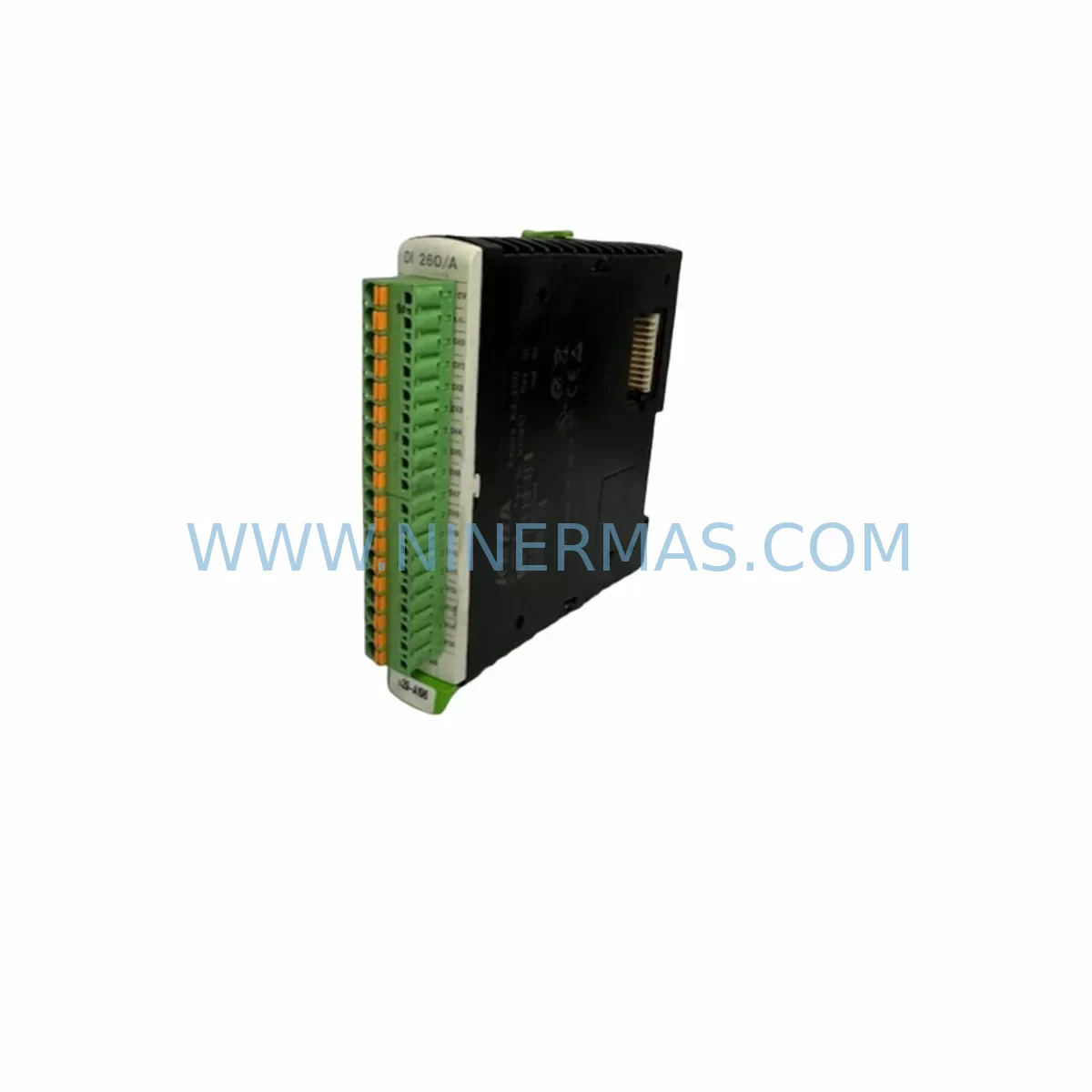
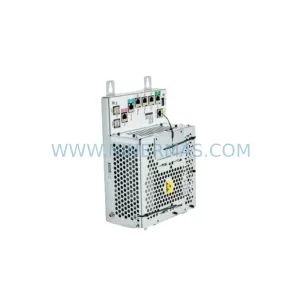
KEBA DI260/A Retrofit-Compatible Digital Input Card
Verify the part, confirm the platform family, and move straight into quotation with the right commercial details.
RFQ Ready
- SKUDI260/A
- CategoryPLC & Industrial Automation Modules
- BrandKEBA
- SupportAvailability, lead time, condition, and shipping coordination
How Buyers Usually Use This Page
- Confirm the exact part number and platform family before sending the quote request.
- Use direct email when quantity, condition, and destination are already defined internally.
- Switch to the broader brand or category archive when you need alternates nearby.
Series Navigation
Move through the most common platform families behind this part.
Product RFQ
Send this part directly for quotation.
Include quantity, required condition, destination country, and target delivery timing. Current reference: KEBA DI260/A Retrofit-Compatible Digital Input Card with SKU DI260/A.
KEBA DI260/A Retrofit-Compatible Digital Input Card for Legacy Systems
The KEBA DI260/A is a digital input card designed for use within the KEBA CP series modular control platform. As legacy KEBA automation systems approach end-of-life, the DI260/A remains a critical spare part for manufacturers seeking to extend the operational lifespan of existing production lines without committing to a full platform migration. Whether you are managing a retrofit project, replacing a failed module in a running system, or building a strategic spare parts inventory, the KEBA DI260/A provides a verified, compatible solution backed by a 12-month warranty from NINERMAS.
Industrial facilities running KEBA-based control architectures — particularly those built around the CP065, CP066, or CP260 controller families — frequently encounter the challenge of sourcing discontinued input modules. The DI260/A addresses this directly, offering a form-fit-function replacement that preserves existing terminal wiring, backplane slot assignments, and I/O address mapping without requiring PLC program modifications.
Upgrade Compatibility Table
| Parameter | KEBA DI260/A | Retrofit Notes |
|---|---|---|
| Module Type | Digital Input Card | Direct slot replacement in KEBA CP backplane |
| Input Channels | 16 x 24VDC Digital Inputs | Verify channel count matches legacy wiring schedule |
| Backplane Interface | KEBA CP Series Backplane Bus | Compatible with CP065, CP066, CP260 racks |
| Terminal Wiring | Screw-type terminal block | Existing field wiring reusable; confirm terminal pitch |
| Module Addressing | Hardware address via backplane slot | No re-addressing required for same-slot replacement |
| Communication | Internal backplane bus | No external protocol configuration needed |
| Installation Space | Standard KEBA CP module width | Confirm rack slot availability before ordering |
| Power Consumption | 24VDC via backplane | Verify PSU capacity with total rack load |
| Commissioning | Plug-and-play in same slot | Perform I/O force test after installation |
| Warranty | 12-Month Warranty — NINERMAS COMPANY LIMITED | |
Retrofit Planning for Existing Automation Systems
Replacing the KEBA DI260/A within an operational control cabinet requires a structured approach to avoid unplanned downtime and protect the integrity of the existing automation program. The following planning steps reflect best practices for KEBA CP series retrofit projects.
Power Supply Verification: Before inserting the replacement DI260/A, confirm that the rack’s power supply module — typically a KEBA PS260 or equivalent CP-series PSU — has sufficient headroom to support the additional input card load. Overloaded power supplies are a common cause of intermittent faults after module replacement.
Backplane and Rack Inspection: Inspect the KEBA CP backplane for bent connector pins or oxidation on the bus interface. If the rack is a KEBA RM260 or similar multi-slot chassis, verify that the target slot is mechanically sound before seating the DI260/A. Damaged backplane connectors can cause false input signals or communication errors that are difficult to diagnose after the fact.
Terminal Wiring and Field Signal Confirmation: The DI260/A uses a screw-type terminal block compatible with the original wiring harness. Before disconnecting field wiring, photograph or document the existing terminal layout. After reconnection, use a multimeter or the PLC’s online diagnostic view to verify that each of the 16 input channels reads the correct signal state from field devices such as proximity sensors, limit switches, and push-button stations.
Module Address and I/O Mapping: In KEBA CP series systems, module addressing is determined by physical slot position on the backplane. Replacing the DI260/A in the same slot preserves the original I/O address map, meaning no changes to the PLC program — whether written in KEBA’s proprietary IEC 61131-3 environment or a compatible programming tool — are required. If the module is being relocated to a different slot due to rack damage, update the I/O configuration in the controller project and perform a full program download after verifying the new address assignment.
HMI Screen and SCADA Validation: After the DI260/A is installed and the controller is restarted, validate that all HMI screens referencing the affected input signals display correctly. Systems using a KEBA CP065 or CP066 controller connected to a panel HMI via serial or Ethernet link should be checked for alarm suppression states that may have been triggered during the module swap. Clear any latched alarms and confirm normal signal flow before returning the line to production.
Communication Link Integrity: If the control system includes a KEBA communication module such as a PROFIBUS DP interface card or an Ethernet CP module, verify that the network link remains stable after the DI260/A replacement. Backplane disturbances during hot-swap attempts can occasionally reset communication modules; a controlled power cycle of the rack resolves this in most cases.
Related Components in the Retrofit Path: A complete DI260/A retrofit often involves reviewing adjacent modules in the same rack. Engineers frequently source the KEBA DO260/A digital output card, KEBA AI260 analog input module, KEBA AO260 analog output card, and KEBA CP260 controller module as part of the same spare parts order to minimize future downtime risk. Signal isolators and terminal multipliers installed between the DI260/A and field devices should also be inspected for wear, particularly in high-vibration environments. Programming cables used to connect a laptop to the KEBA CP controller for online diagnostics and program backup should be verified as functional before the maintenance window begins.
Downtime Control During System Migration
Minimizing production downtime during a KEBA DI260/A replacement requires advance preparation and a disciplined execution sequence. The following approach is recommended for facilities where the affected control system cannot be taken offline for extended periods.
Pre-Maintenance Backup: Before any hardware is touched, create a full backup of the PLC program from the KEBA CP controller using the appropriate programming software. Store the backup on a local engineering laptop and a network share. This ensures that if the controller loses its program during the power cycle — a rare but possible event in older systems — recovery time is measured in minutes rather than hours.
Controlled Power-Down Sequence: Follow the KEBA CP system’s recommended shutdown procedure. Disable outputs before removing power to prevent uncontrolled actuator movement. If the system controls conveyor drives, robotic arms, or hydraulic actuators, coordinate with the production team to ensure all moving parts are in a safe parked position before the rack is de-energized.
Rapid Module Exchange: The DI260/A is a plug-in module secured by a front-panel latch. Physical replacement takes under five minutes for a trained technician. The majority of the maintenance window should be allocated to pre- and post-installation verification, not the swap itself.
Post-Installation Verification Sequence: Power up the rack, confirm the controller enters RUN mode, verify all 16 input channels on the DI260/A report correct states, check HMI alarm pages, and confirm communication links are active. Only after all checks pass should production be resumed. Document the replacement in the site’s maintenance log, including the module serial number, installation date, and technician name, to support future warranty claims and lifecycle tracking.
Inventory Strategy: To further reduce future downtime risk, NINERMAS recommends holding at least one spare KEBA DI260/A on-site for critical production lines. Our team can support long-term spare parts programs with committed stock, scheduled delivery, and multi-year supply agreements tailored to your maintenance cycle.
Retrofit Support FAQ
Q: Is the KEBA DI260/A a direct replacement for the original module in my CP series rack?
A: Yes. The DI260/A is a form-fit-function replacement for the original KEBA digital input card used in CP series racks. It installs in the same backplane slot, uses the same terminal wiring, and requires no PLC program changes when installed in the original slot position.
Q: What commissioning steps are required after installing the DI260/A?
A: After installation, power up the rack and confirm the controller enters RUN mode. Perform an I/O force test on each of the 16 input channels to verify correct signal reading. Check HMI screens for any latched alarms triggered during the swap and confirm all field devices report expected states before resuming production.
Q: Does NINERMAS test the DI260/A before shipment?
A: Yes. All KEBA modules supplied by NINERMAS undergo functional verification prior to dispatch. Each unit is shipped with a test record and is covered by a 12-month warranty against manufacturing defects and functional failure under normal operating conditions.
Q: What is the lead time and stock availability for the KEBA DI260/A?
A: NINERMAS maintains stock of the KEBA DI260/A for immediate dispatch. Standard lead time for in-stock units is 3–7 business days depending on destination. For urgent requirements or bulk orders, contact our team directly at sale@ninermas.com or +0086 187 5021 5667 to confirm availability and arrange expedited shipping.
| Product Series | Other series |
|---|
Catalog Continuation
More KEBA modules in the catalog.
Use the brand lane to compare nearby part numbers, platform-adjacent modules, and other inquiry-ready listings before sending your final RFQ.
SKU: CP263/X DM272/A DM272/A MM240/A
KEBA CP263/X DM272/A MM240/A Service-Ready Spare Part
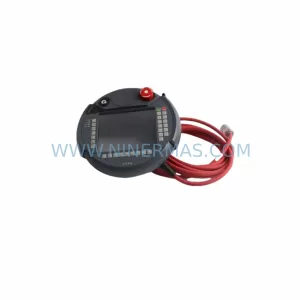
SKU: KETOP T50 R01 VX/69908/14
KEBA KETOP T50 R01 VX/69908/14 Service-Ready Spare Part
Catalog Continuation
Alternative parts within PLC & Industrial Automation Modules.
Stay inside the same system family when you need substitutes, adjacent modules, or a broader shortlist for procurement review.
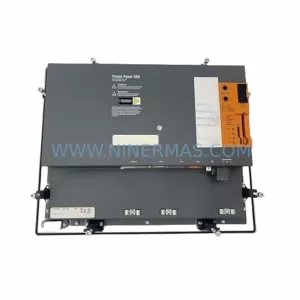
SKU: 5PP520.1043-00
B&R 5PP520.1043-00 Retrofit Power Panel for Legacy Systems
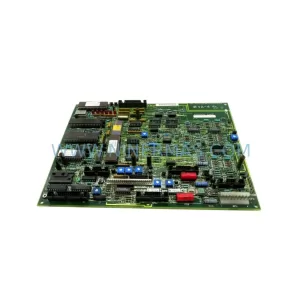
SKU: 531X133PRUALG1
GE 531X133PRUALG1 Retrofit-Compatible Process Interface Board
SKU: IRB7600 3HAC17484-1 3HAC062339-006 IRB6620 3HAC025007-001 DSQC1018 3HAC050363-001 DSQC1000 3HAC042766-001
ABB 3HAC17484-1 Service-Ready Spare for Industrial Maintenance



