Original Industrial Spare Part
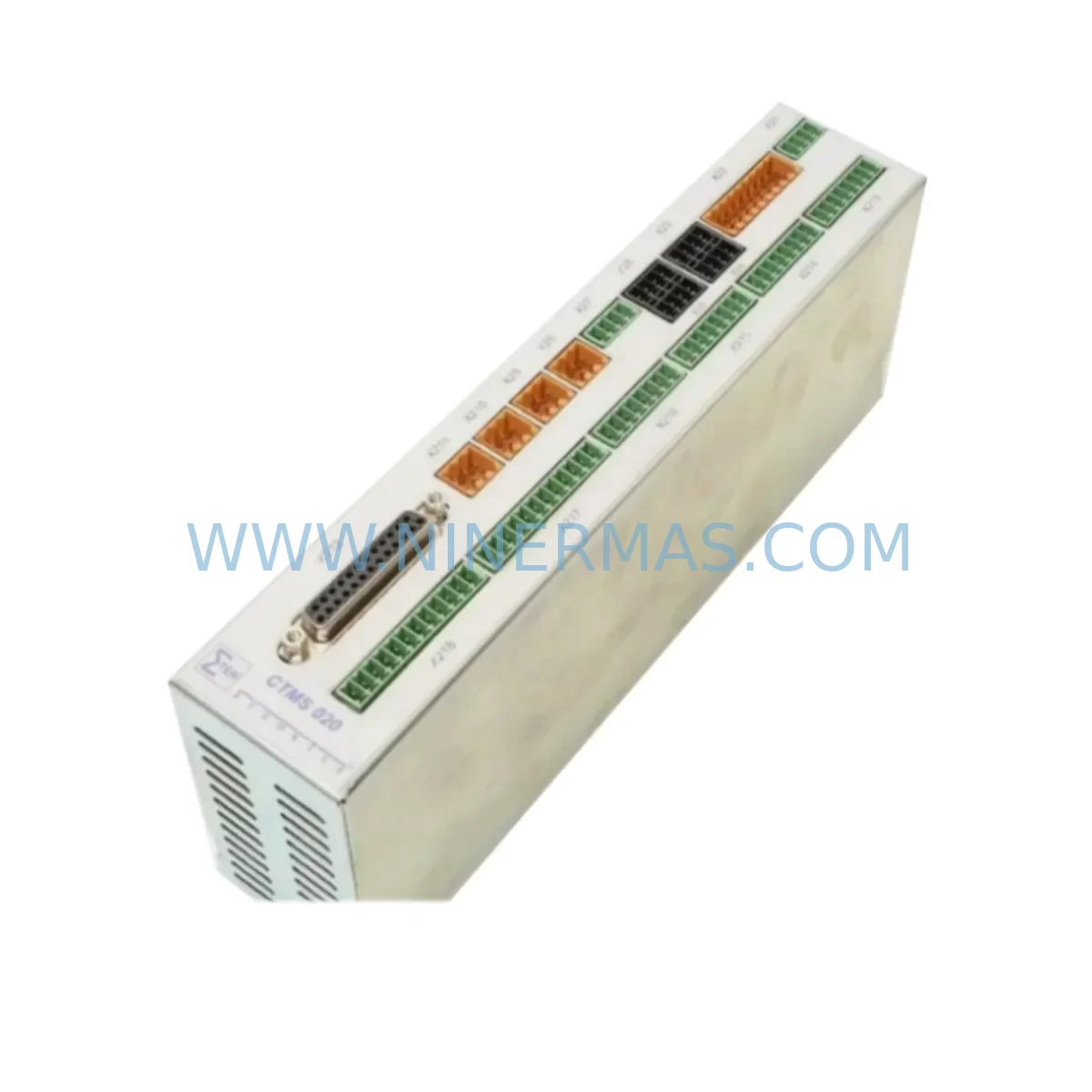
SIGMATEK CTMS020 Retrofit-Compatible Servo Drive for Legacy
Verify the part, confirm the platform family, and move straight into quotation with the right commercial details.
RFQ Ready
- SKUCTMS020
- CategoryPLC & Industrial Automation Modules
- BrandSIGMATEK
- SupportAvailability, lead time, condition, and shipping coordination
How Buyers Usually Use This Page
- Confirm the exact part number and platform family before sending the quote request.
- Use direct email when quantity, condition, and destination are already defined internally.
- Switch to the broader brand or category archive when you need alternates nearby.
Series Navigation
Move through the most common platform families behind this part.
Product RFQ
Send this part directly for quotation.
Include quantity, required condition, destination country, and target delivery timing. Current reference: SIGMATEK CTMS020 Retrofit-Compatible Servo Drive for Legacy with SKU CTMS020.
SIGMATEK CTMS020 Retrofit-Compatible Servo Drive for Legacy Systems
The SIGMATEK CTMS020 is a ruggedized servo drive module engineered for demanding industrial environments and widely deployed in motion control architectures built on the SIGMATEK DIAS (Distributed Industrial Automation System) platform. As legacy servo drive modules reach end-of-life or become increasingly difficult to source, the CTMS020 has emerged as a critical retrofit and replacement component for maintenance engineers managing aging production lines, packaging machinery, CNC systems, and multi-axis motion platforms.
For facilities running older SIGMATEK-based control cabinets, replacing a failed or obsolete servo drive is rarely a simple swap. Engineers must verify bus compatibility with the DIAS backplane, confirm the slot addressing scheme, validate DC bus voltage levels, and ensure the replacement module’s firmware revision aligns with the existing LASAL motion control software project. The CTMS020 addresses these concerns directly — it is designed to integrate into existing SIGMATEK rack architectures without requiring a full system redesign, making it the preferred choice for retrofit projects where minimizing downtime and preserving existing program logic are the primary objectives.
Upgrade Compatibility Table
| Parameter | Details |
|---|---|
| SKU / Part Number | CTMS020 |
| Brand / Manufacturer | SIGMATEK |
| Series | DIAS (Distributed Industrial Automation System) |
| Module Type | Servo Drive Module |
| Backplane Interface | SIGMATEK DIAS Bus |
| Axis Support | Single-axis servo control |
| Communication Protocol | DIAS internal bus; EtherCAT-compatible platform |
| Programming Environment | LASAL (SIGMATEK proprietary) |
| Installation Format | DIN rail / rack-mount, DIAS module slot |
| Operating Environment | Industrial; ruggedized for harsh conditions |
| Retrofit Compatibility | Drop-in replacement for equivalent CTMS-series modules |
| Commissioning Requirement | LASAL project parameter re-mapping; axis re-tuning recommended |
| Country of Origin | Austria |
| Warranty | 12-Month Warranty — tested and verified before shipment |
Retrofit Planning for Existing Automation Systems
A successful CTMS020 retrofit begins well before the module arrives on site. Maintenance and automation engineers should conduct a thorough pre-replacement audit of the control cabinet to identify all components that interact with the servo drive and may require reconfiguration or simultaneous replacement.
Start with the DIAS power supply module — confirm that the existing PSU can sustain the inrush current demand of the CTMS020 during motor acceleration phases. Aging SIGMATEK power supply units in long-running systems may exhibit voltage droop under load, which can trigger drive faults even with a new module installed. If the PSU is original to the system, this is an ideal time to evaluate replacement alongside the servo drive.
Next, inspect the DIAS backplane and rack assembly. Verify that the module slot assigned to the CTMS020 is mechanically sound and that the bus connector pins show no signs of oxidation or mechanical wear. In multi-axis systems, the adjacent CTMS010 or CTMS040 servo drive modules should also be inspected — a failing drive in one slot can introduce bus noise that degrades performance across the entire rack.
Review the motor feedback wiring — encoder cables, resolver connections, and motor power leads must be checked for insulation integrity and correct pin-out before connecting to the replacement CTMS020. Damaged feedback cables are a common root cause of servo faults that are incorrectly attributed to the drive module itself.
For systems using SIGMATEK CP-series CPU modules or DIAS controller cards, confirm that the firmware version on the controller is compatible with the CTMS020 hardware revision. Mismatched firmware can prevent the axis from being recognized during startup. The LASAL software project should be backed up before any hardware change, and the axis parameters — including current limits, velocity profiles, and position loop gains — should be documented for re-entry after commissioning.
If the system communicates with upstream SCADA or MES platforms via PROFIBUS DP, EtherCAT, or Modbus TCP, verify that the communication module (such as a SIGMATEK DIAS fieldbus gateway) does not require reconfiguration after the drive replacement. In some architectures, the drive’s node address is embedded in the communication module’s configuration table.
Terminal block wiring at the I/O interface — including enable signals, fault reset inputs, and analog reference inputs — should be documented with photographs before disconnection. Reconnection errors at the I/O terminal strip are among the most common causes of extended commissioning time during retrofit projects. Where applicable, signal isolators between the drive’s analog inputs and the control system should be tested to confirm they are passing clean reference signals.
Finally, if the system includes a SIGMATEK HMI panel (such as a DIAS-compatible touch panel or operator terminal), verify that the HMI screen associated with the affected axis displays correct status after the replacement. Drive status bits, fault codes, and position feedback values displayed on the HMI are mapped through the LASAL project and may require re-validation after the module swap.
Downtime Control During System Migration
For production environments where unplanned downtime carries significant financial consequences, a structured replacement workflow is essential. The CTMS020 retrofit process should be planned during a scheduled maintenance window, with all replacement components — including the module itself, spare encoder cables, and terminal block labels — staged and verified before the line is taken offline.
Begin by exporting the complete LASAL project from the DIAS CPU module and storing it on an offline backup medium. This protects the existing motion program logic in the event of an unexpected controller fault during the replacement process. Do not rely solely on the controller’s internal flash memory as the sole backup.
With the cabinet de-energized and locked out, remove the failed CTMS020 and install the replacement module in the same slot position. Reconnect all motor power, feedback, and I/O wiring according to the documented terminal layout. Power up the system in a controlled sequence — PSU first, then controller, then drives — and monitor the DIAS bus status indicators on each module before enabling any axes.
Use the LASAL commissioning tools to verify that the replacement axis is recognized, parameters are correctly loaded, and the motor responds correctly to jog commands before returning the line to automatic mode. This step-by-step approach ensures that any residual wiring or configuration issues are identified in a controlled state rather than during production startup.
NINERMAS ships the CTMS020 fully tested and function-verified, with a 12-month warranty covering manufacturing defects and operational failures under normal industrial use conditions. Each unit undergoes pre-shipment inspection to confirm module integrity, bus interface functionality, and physical condition — reducing the risk of receiving a non-functional replacement and extending unplanned downtime.
Retrofit Support FAQ
Q1: Is the CTMS020 a direct drop-in replacement for other CTMS-series servo drive modules?
The CTMS020 is designed for the SIGMATEK DIAS platform and is physically and electrically compatible with the CTMS-series slot format. However, axis parameter sets, current ratings, and firmware compatibility should be verified against the specific module being replaced. NINERMAS can assist with compatibility confirmation prior to order.
Q2: What testing is performed before the CTMS020 is shipped?
Every CTMS020 unit supplied by NINERMAS undergoes a pre-shipment functional test covering bus interface integrity, power stage verification, and physical inspection. A 12-month warranty is included with each unit, covering defects under normal operating conditions.
Q3: Can NINERMAS supply the CTMS020 for long-term maintenance contracts or blanket purchase orders?
Yes. NINERMAS maintains stock of SIGMATEK DIAS-series modules including the CTMS020 to support ongoing maintenance programs, annual overhaul schedules, and emergency replacement requirements. Long-term supply agreements and reserved inventory arrangements are available upon request.
Q4: What information should I provide to confirm compatibility before ordering?
To confirm compatibility, please provide the existing module part number, the SIGMATEK system series (DIAS generation), the LASAL software version in use, and the motor type connected to the axis. This allows NINERMAS to verify hardware revision alignment and advise on any commissioning considerations specific to your installation.
| Product Series | Other series |
|---|
Catalog Continuation
More SIGMATEK modules in the catalog.
Use the brand lane to compare nearby part numbers, platform-adjacent modules, and other inquiry-ready listings before sending your final RFQ.
SKU: DIP011 05-058-011
SIGMATEK DIP011 05-058-011 Service-Ready Spare Part
SKU: ETT1233 01-230-1233
SIGMATEK ETT1233 01-230-1233 Service-Ready Spare Part
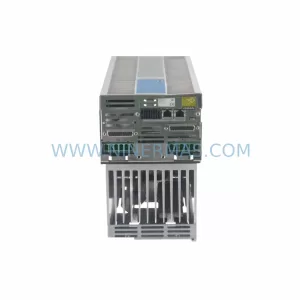
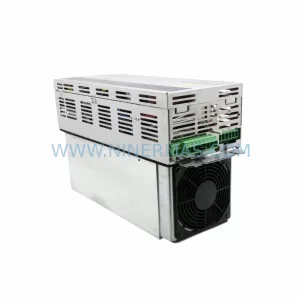
SKU: SDD120 09-501-201-2
SIGMATEK SDD120 09-501-201-2 Service-Ready Spare Part for Industrial Maintenance
Catalog Continuation
Alternative parts within PLC & Industrial Automation Modules.
Stay inside the same system family when you need substitutes, adjacent modules, or a broader shortlist for procurement review.

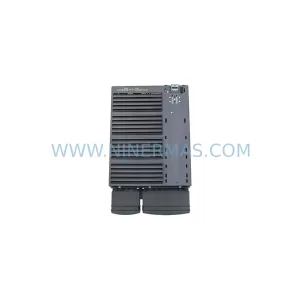
SKU: 6SL3224-0BE33-7UA0
Siemens 6SL3224-0BE33-7UA0 Service-Ready Spare Part
SKU: HENF331395R0001 P4LDA
ABB HENF331395R0001 Service-Ready Industrial Spare Part