Original Industrial Spare Part
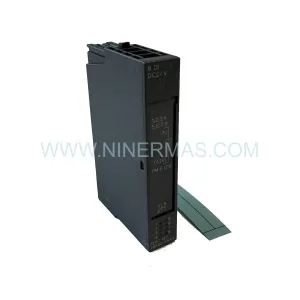
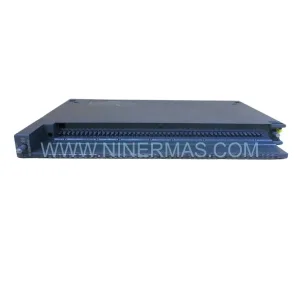
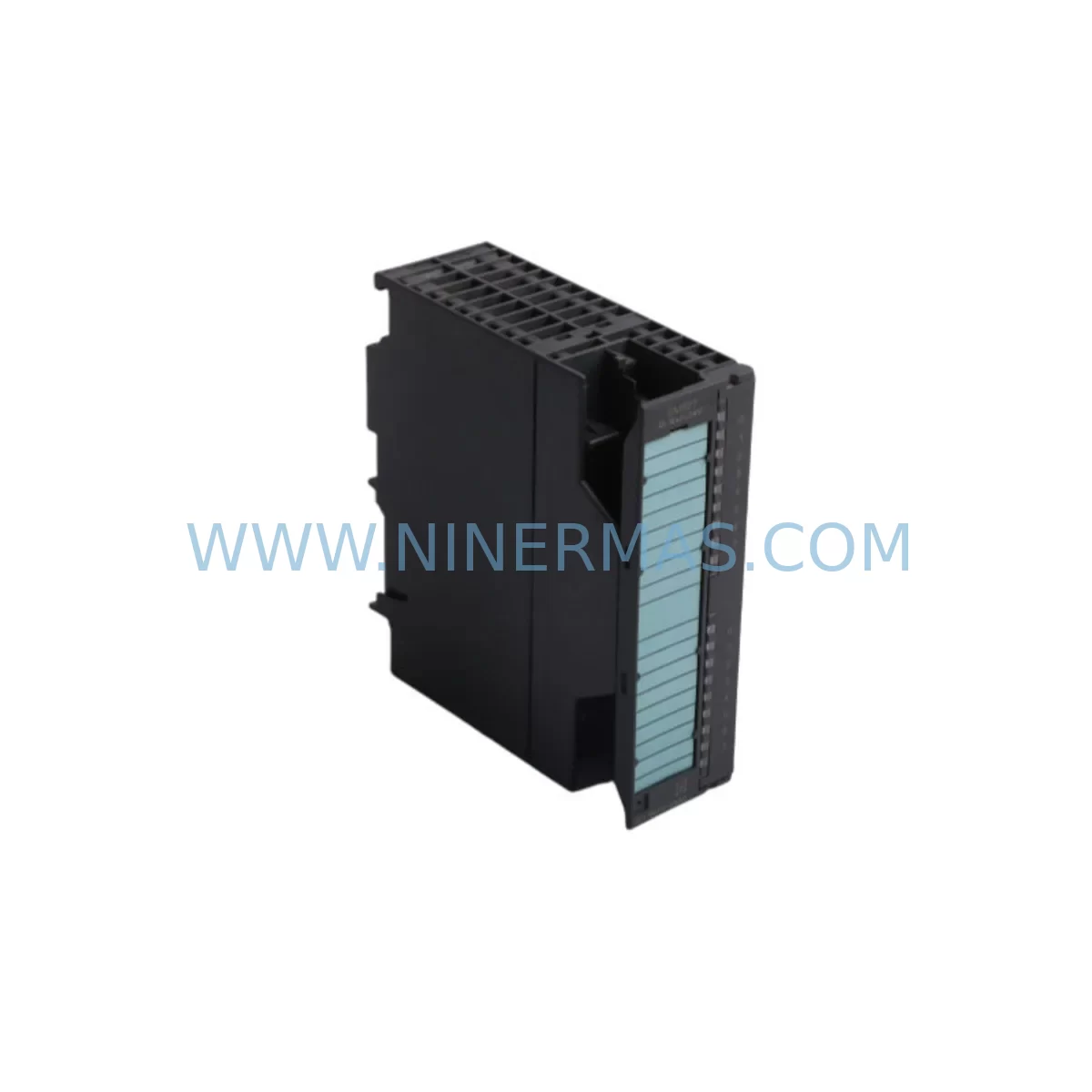
Siemens 6ES7321-1BH10-0AA0 Retrofit Digital Input Module
Verify the part, confirm the platform family, and move straight into quotation with the right commercial details.
RFQ Ready
- SKU6ES7321-1BH10-0AA0
- CategoryPLC & Industrial Automation Modules
- BrandSiemens
- SupportAvailability, lead time, condition, and shipping coordination
How Buyers Usually Use This Page
- Confirm the exact part number and platform family before sending the quote request.
- Use direct email when quantity, condition, and destination are already defined internally.
- Switch to the broader brand or category archive when you need alternates nearby.
Series Navigation
Move through the most common platform families behind this part.
Product RFQ
Send this part directly for quotation.
Include quantity, required condition, destination country, and target delivery timing. Current reference: Siemens 6ES7321-1BH10-0AA0 Retrofit Digital Input Module with SKU 6ES7321-1BH10-0AA0.
Siemens 6ES7321-1BH10-0AA0 Retrofit-Compatible Digital Input Module for Legacy S7-300 Systems
The Siemens 6ES7321-1BH10-0AA0 is a 16-channel digital input module (SM 321) designed for the SIMATIC S7-300 programmable logic controller platform. With 24 VDC input voltage and a compact single-slot form factor, this module has been widely deployed across discrete manufacturing, process automation, and utility control applications for over two decades. As Siemens progressively phases out S7-300 hardware in favour of the S7-1500 platform, plant engineers and maintenance teams face increasing pressure to source verified replacement units, plan structured retrofit migrations, and maintain production continuity without extended downtime.
NINERMAS maintains verified stock of the 6ES7321-1BH10-0AA0 to support both emergency spare-part procurement and planned system modernisation projects. Every unit is functionally tested prior to shipment and covered by a 12-month warranty, giving procurement and engineering teams the confidence to plan multi-phase retrofit programmes without compromising on quality or supply reliability.
Upgrade Compatibility Table
| Parameter | 6ES7321-1BH10-0AA0 (Legacy) | Retrofit / Upgrade Notes |
|---|---|---|
| Module Type | SM 321 Digital Input | Direct slot replacement within S7-300 rack; no rack modification required |
| Input Channels | 16 × 24 VDC | Verify field wiring polarity and cable gauge before re-termination |
| Backplane Interface | S7-300 P-bus / K-bus | Compatible with UR1, UR2, UR2-H, and CR2 racks; confirm rack generation |
| Module Address | Set by slot position | Slot address is preserved on replacement; no STEP 7 address reassignment needed |
| Communication Protocol | S7-300 internal bus | No protocol migration required for like-for-like swap; PROFIBUS DP remains unaffected |
| Power Consumption | ≤ 60 mA from backplane 5 VDC | Verify PS 307 or PS 305 power supply budget before adding modules to expanded racks |
| Installation Space | Single slot (40 mm width) | Confirm available slot count in existing rack before ordering additional I/O |
| HMI Screen Impact | Tag addresses unchanged on like-for-like swap | WinCC or TP/OP panel screens require no modification for direct replacement |
| Commissioning | Force/monitor via STEP 7 or TIA Portal | Use VAT (Variable Table) to verify all 16 channels before returning to AUTO mode |
| Warranty | 12-Month Warranty — all units functionally tested before shipment | |
Retrofit Planning for Existing Automation Systems
A successful retrofit of the 6ES7321-1BH10-0AA0 begins well before the replacement module arrives on site. Engineering teams should first audit the existing S7-300 rack configuration, documenting every occupied slot and the corresponding module order number. In a typical mid-size control cabinet, the CPU 315-2 DP or CPU 317-2 DP sits in slot 2, followed by a mix of digital and analogue I/O modules. The 6ES7321-1BH10-0AA0 commonly occupies slots 4 through 7 in multi-rack configurations where field signals from proximity sensors, limit switches, and push-button stations are concentrated.
Before removing the legacy module, engineers should export the current STEP 7 project from the programming device and archive it to a secure network location. The hardware configuration (HW Config) should be printed or saved as a PDF, capturing the exact slot assignments, module parameters, and any special diagnostic interrupt settings configured for the SM 321. This documentation becomes the reference baseline for post-replacement verification.
Terminal wiring is a critical checkpoint. The 6ES7321-1BH10-0AA0 uses a 40-pin front connector. Technicians should photograph the existing wiring layout and label each conductor before disconnection. In legacy installations, the front connector can be unplugged and transferred directly to the new module, preserving the field wiring without re-termination — a significant time saving during planned maintenance windows.
For sites running PROFIBUS DP networks, the IM 360 / IM 361 interface modules connecting expansion racks must remain powered and communicating throughout the swap. Disrupting the inter-rack bus during a hot-swap attempt on a non-redundant system will cause a CPU STOP condition. Coordinate with the control room to place the CPU in STOP mode, perform the module exchange, and execute a warm restart to restore normal operation.
In larger retrofit programmes where the S7-300 platform is being migrated to S7-1500, the 6ES7321-1BH10-0AA0 is often replaced by an ET 200MP distributed I/O station using the IM 155-5 DP ST interface module, paired with DI 16×24VDC HF input modules. This migration path requires a TIA Portal V16 or later project, a new hardware configuration, and a structured programme conversion using the STEP 7 to TIA Portal migration tool. During the transition period, the existing S7-300 rack — including the SM 321 modules, SM 322 digital output modules, SM 331 analogue input modules, and the CP 342-5 PROFIBUS communication processor — continues to operate in parallel, allowing phased cutover without full production shutdown.
Power supply capacity is a frequently overlooked constraint. When adding I/O modules to an existing rack during an upgrade, the PS 307 5A or PS 307 10A power supply must have sufficient headroom to support the additional backplane current draw. Each SM 321 module draws up to 60 mA from the 5 VDC backplane rail. If the rack is already near capacity, a second PS 307 or a distributed ET 200S station with its own power supply may be required. Signal isolators and repeaters in the field junction boxes should also be reviewed to confirm they remain compatible with the new module’s input threshold voltages.
For sites using SIMATIC HMI panels — such as the TP 177B, OP 177B, or MP 277 — connected via MPI or PROFIBUS DP, a like-for-like module replacement does not require any HMI project modification. Tag addresses and screen navigation remain intact. However, if the retrofit involves a CPU upgrade from S7-300 to S7-1500, the HMI project must be migrated using WinCC flexible or TIA Portal WinCC, and all tag connections must be re-mapped to the new CPU’s data blocks.
Programming cable access is essential during commissioning. A PC adapter USB or CP 5711 PROFIBUS adapter connected to the MPI port of the CPU allows engineers to monitor the new module’s input status in real time using the STEP 7 Variable Monitor or TIA Portal Watch Table. All 16 input channels of the 6ES7321-1BH10-0AA0 should be individually stimulated and verified against the programme logic before the system is returned to automatic operation.
Downtime Control During System Migration
Minimising unplanned downtime is the primary concern for any maintenance team managing legacy S7-300 infrastructure. For a like-for-like replacement of the 6ES7321-1BH10-0AA0, the physical swap can typically be completed within 15 to 30 minutes, provided the replacement module is on-site and the front connector wiring is pre-labelled. The CPU warm restart following the swap takes less than 60 seconds on most S7-300 configurations, and the PROFIBUS DP network re-establishes communication with all slave stations automatically.
To protect the original programme logic, engineers should never perform a memory reset (MRES) on the CPU during a module replacement unless the hardware configuration has changed. A warm restart preserves the programme in load memory and restores the process image to its last known state. If the CPU enters STOP mode due to a module fault, the diagnostic buffer (accessible via STEP 7 or TIA Portal online diagnostics) will identify the faulting slot and the specific error code, allowing targeted troubleshooting without guesswork.
For planned retrofit windows, a structured pre-shutdown checklist should include: confirming the replacement 6ES7321-1BH10-0AA0 is functionally tested and on-site; archiving the current STEP 7 project; notifying the control room and field operators; placing the CPU in STOP mode via the mode selector switch; disconnecting the front connector; installing the new module; reconnecting the front connector; performing a warm restart; and verifying all 16 input channels in the Variable Monitor before releasing the system to production.
In multi-rack systems where the SM 321 modules are distributed across UR2 expansion racks connected by IM 360 / IM 361 pairs, the replacement procedure is identical, but engineers must confirm that the expansion rack remains powered throughout the swap to avoid losing the inter-rack bus. If the site operates a redundant CPU configuration using the H-system architecture, the standby CPU can maintain control while the active CPU is taken offline for module replacement, reducing the effective production impact to near zero.
NINERMAS ships verified stock with same-day or next-day despatch for in-stock items, supporting emergency procurement scenarios where production continuity cannot wait for standard lead times. Pre-shipment functional testing and the 12-month warranty ensure that the replacement module performs to specification from the moment it is installed, eliminating the risk of receiving a faulty unit during a critical maintenance window.
Retrofit Support FAQ
Q1: Is the 6ES7321-1BH10-0AA0 a direct drop-in replacement for other SM 321 variants such as the 6ES7321-1BL00-0AA0?
The 6ES7321-1BH10-0AA0 (16 DI × 24 VDC) and the 6ES7321-1BL00-0AA0 (32 DI × 24 VDC) share the same S7-300 backplane interface but differ in channel count and front connector pin assignment. They are not interchangeable without modifying the hardware configuration in STEP 7 and re-terminating the field wiring. Always confirm the exact order number before ordering a replacement.
Q2: Can this module be used in a TIA Portal V17 project alongside S7-1500 CPUs?
The 6ES7321-1BH10-0AA0 is an S7-300 module and is not compatible with S7-1500 racks or ET 200MP stations. In a mixed migration project, the S7-300 rack continues to operate under its existing STEP 7 programme while the S7-1500 system is commissioned in parallel. Full cutover requires replacing the S7-300 I/O with ET 200MP or ET 200SP distributed I/O modules configured in TIA Portal.
Q3: What pre-shipment testing does NINERMAS perform on the 6ES7321-1BH10-0AA0?
Every unit supplied by NINERMAS undergoes functional verification on a live S7-300 test rack, confirming backplane communication, all 16 input channels, and diagnostic response before despatch. Units are shipped with anti-static packaging and are covered by a 12-month warranty from the date of delivery. Batch traceability records are maintained for quality assurance purposes.
Q4: How long does it typically take to receive a replacement unit, and is stock held locally?
NINERMAS maintains warehouse stock of high-demand S7-300 modules including the 6ES7321-1BH10-0AA0. In-stock orders placed before the daily cut-off are despatched the same business day. International shipments to Europe, Southeast Asia, and the Middle East typically arrive within 3 to 7 business days depending on the destination and selected freight service. Contact sale@ninermas.com for urgent procurement requirements or volume pricing.
| Product Series | SIMATIC |
|---|---|
| Country of Origin | DE |
Catalog Continuation
More Siemens modules in the catalog.
Use the brand lane to compare nearby part numbers, platform-adjacent modules, and other inquiry-ready listings before sending your final RFQ.
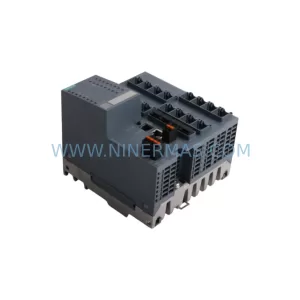
SKU: 6SE7090-0XX84-3EH0
Siemens 6SE7090-0XX84-3EH0 Safety-Reliable Drive for Critical Control
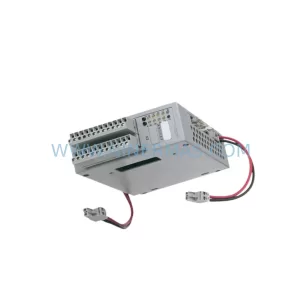
SKU: 6GK5416-4GS00-2AM2
Siemens 6GK5416-4GS00-2AM2 Industrial Ethernet Switch
Catalog Continuation
Alternative parts within PLC & Industrial Automation Modules.
Stay inside the same system family when you need substitutes, adjacent modules, or a broader shortlist for procurement review.