Original Industrial Spare Part
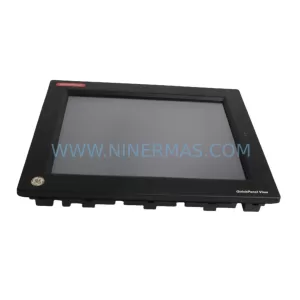
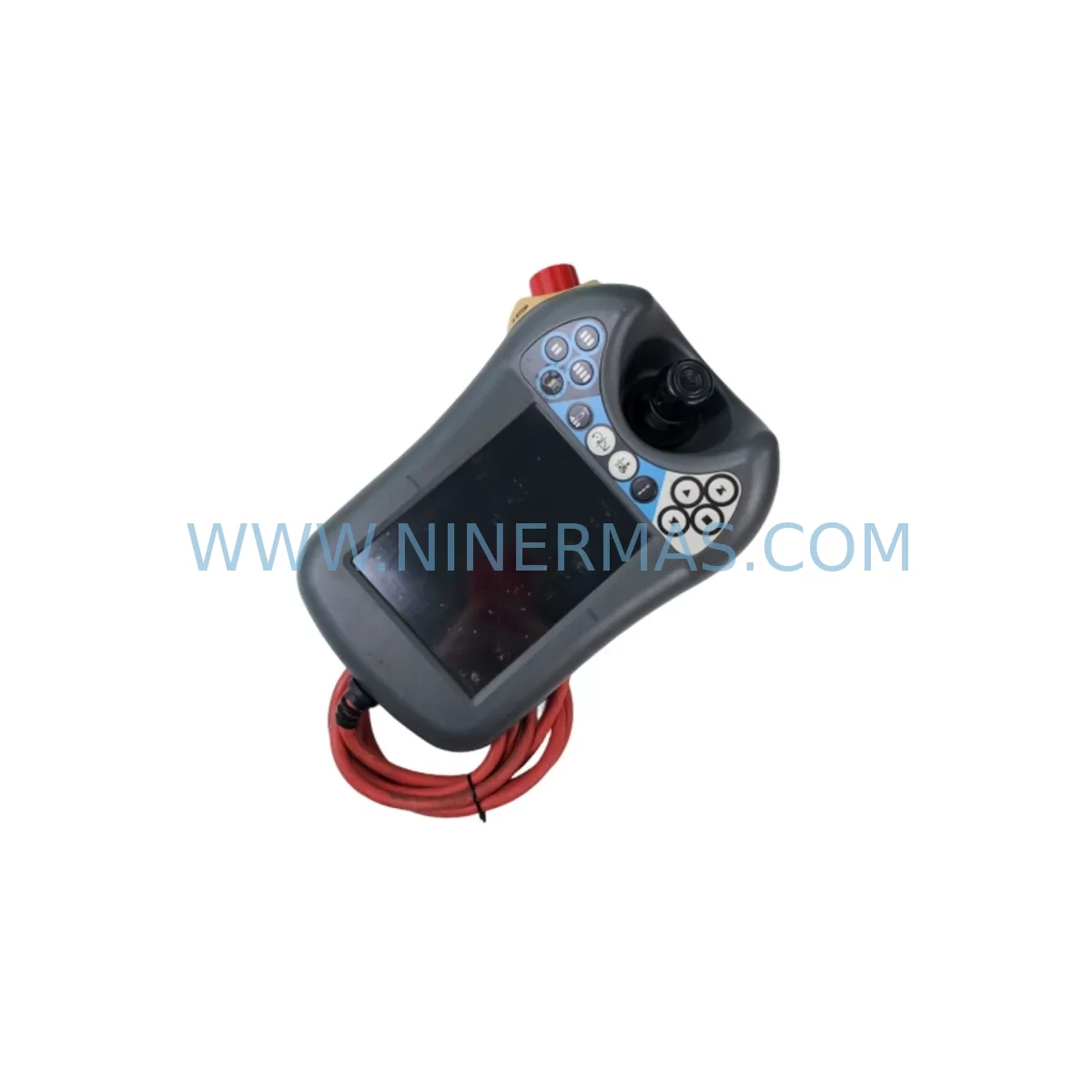
ABB DSQC6793 3HAC028357-001 Retrofit FlexPendant IRC5
Verify the part, confirm the platform family, and move straight into quotation with the right commercial details.
RFQ Ready
- SKUDSQC6793HAC028357-026 3HAC028357-001
- CategoryPLC & Industrial Automation Modules
- BrandABB
- SupportAvailability, lead time, condition, and shipping coordination
How Buyers Usually Use This Page
- Confirm the exact part number and platform family before sending the quote request.
- Use direct email when quantity, condition, and destination are already defined internally.
- Switch to the broader brand or category archive when you need alternates nearby.
Series Navigation
Move through the most common platform families behind this part.
Product RFQ
Send this part directly for quotation.
Include quantity, required condition, destination country, and target delivery timing. Current reference: ABB DSQC6793 3HAC028357-001 Retrofit FlexPendant IRC5 with SKU DSQC6793HAC028357-026 3HAC028357-001.
ABB DSQC6793 3HAC028357-001 Retrofit FlexPendant IRC5: Legacy-Compatible Upgrade for Industrial Robot Systems
The ABB DSQC6793 (part number 3HAC028357-001) is a retrofit-compatible FlexPendant designed for ABB IRC5 robot controllers deployed across automotive, metal fabrication, electronics assembly, and general industrial automation environments. As ABB progressively phases out earlier IRC5 teach pendant variants, plant engineers and maintenance teams face the critical challenge of sourcing a functionally equivalent replacement that preserves existing program logic, HMI screen layouts, and communication links without requiring a full controller overhaul.
This unit serves as a direct retrofit solution for facilities operating legacy IRC5 single-cabinet controllers, IRC5 panel-mounted controllers, and IRC5 compact controllers. Whether your production line relies on IRB 1600, IRB 2600, IRB 4600, IRB 6640, or IRB 6700 robot arms, the DSQC6793 FlexPendant integrates seamlessly into the existing teach pendant port on the IRC5 controller cabinet, maintaining full compatibility with RobotWare 5.x and RobotWare 6.x software environments.
Upgrade Compatibility Table
| Parameter | DSQC6793 (3HAC028357-001) | Legacy Pendant (DSQC679x / Earlier) |
|---|---|---|
| Interface Connector | IRC5 Standard Teach Pendant Port | IRC5 Standard Teach Pendant Port |
| Display | 7″ Color Touchscreen | 6.5″ / 7″ Color Touchscreen (model-dependent) |
| Communication Protocol | Ethernet over USB (IRC5 internal bus) | Ethernet over USB (IRC5 internal bus) |
| RobotWare Compatibility | RobotWare 5.14+ / 6.x | RobotWare 5.x (version-dependent) |
| Hot-Plug Support | Yes (with IRC5 hot-plug option) | Yes (with IRC5 hot-plug option) |
| Installation Space | Standard IRC5 cabinet door mount | Standard IRC5 cabinet door mount |
| Emergency Stop | Dual-channel E-stop integrated | Dual-channel E-stop integrated |
| Enabling Device | 3-position enabling device | 3-position enabling device |
| Retrofit Recommendation | Direct drop-in replacement | Requires RobotWare version verification |
| Commissioning Focus | RobotWare version check, HMI screen reload, E-stop loop test | — |
| Warranty | 12 Months | — |
Retrofit Planning for Existing Automation Systems
Replacing a teach pendant on an active production robot requires careful pre-planning to avoid unplanned downtime and program loss. Before installing the DSQC6793, maintenance engineers should verify the RobotWare version running on the IRC5 main computer — specifically the DSQC1000 or DSQC1018 main computer board — to confirm compatibility with the new FlexPendant firmware. In most IRC5 installations, the main computer communicates with the teach pendant via an internal Ethernet-over-USB link routed through the controller’s service port panel.
During the retrofit, it is equally important to inspect the IRC5 power distribution board (typically a DSQC662 or DSQC609 power supply unit) to confirm that the 24 VDC teach pendant supply rail is within specification. A degraded power supply can cause intermittent FlexPendant disconnections even with a brand-new unit installed. If the existing DSQC662 shows signs of capacitor aging or voltage ripple, replacing it alongside the DSQC6793 is strongly recommended to ensure system stability.
For robots integrated into a multi-robot IRC5 system using a DSQC688 DeviceNet master or PROFIBUS adapter modules such as the DSQC667, the retrofit plan must include a communication link verification step. After the new FlexPendant is connected, engineers should confirm that the fieldbus node addresses remain intact and that the RAPID program task assignments have not been disrupted. In cells using SafeMove or SafeMove2 safety modules, the safety configuration must be re-validated and re-signed after any controller hardware change.
I/O configuration is another critical checkpoint. IRC5 systems commonly use DSQC651 (digital I/O), DSQC652 (digital I/O 24 VDC), or DSQC653 (analog I/O) modules mounted on the IRC5 backplane. These modules retain their configuration in the controller’s system parameters, but engineers should perform a full I/O status check from the new FlexPendant’s I/O panel after installation to confirm all signals are reading correctly before resuming production.
For facilities that use ABB’s IRC5 with an integrated Panel Board (DSQC1032) or an operator panel extension, the HMI screen layouts stored in the FlexPendant’s ScreenMaker application may need to be reloaded from the controller’s backup. Always perform a full system backup using the FlexPendant’s backup function or RobotStudio before beginning any hardware swap. This backup captures the RAPID modules, system parameters, I/O configuration, and SafeMove data — providing a complete restore point if the retrofit encounters unexpected issues.
Where the existing installation uses a programming cable (DSQC679 service cable or standard USB-to-service port cable) for RobotStudio connectivity, confirm that the new DSQC6793 does not conflict with any active RobotStudio online session during commissioning. Disconnect RobotStudio before powering the new pendant for the first time to avoid firmware negotiation conflicts.
Downtime Control During System Migration
Minimizing production downtime during a FlexPendant replacement is achievable with a structured swap procedure. The recommended approach is to schedule the replacement during a planned maintenance window rather than responding reactively to a pendant failure. Pre-stage the DSQC6793 unit by confirming its firmware version against the target RobotWare release before the maintenance window begins — this eliminates the risk of discovering a firmware mismatch on the production floor.
The physical swap itself typically takes under 30 minutes for an experienced technician: power down the IRC5 controller to the main switch, disconnect the existing teach pendant cable from the controller cabinet’s teach pendant port, connect the DSQC6793, and restore power. The IRC5 controller will automatically detect the new FlexPendant during boot and load the stored system configuration. No re-programming of the RAPID task structure is required in a standard replacement scenario.
After power-up, the commissioning checklist should include: confirming the FlexPendant displays the correct robot model and controller serial number on the status bar; verifying that all RAPID program modules are visible and intact in the program editor; testing the 3-position enabling device and dual-channel E-stop circuit using the controller’s safety log; and running a slow-speed (25% override) dry-cycle of the existing program to confirm motion path integrity before returning to full production speed.
For facilities with strict SIL 2 or PLe safety requirements, a formal safety re-validation of the E-stop loop and enabling device circuit is mandatory after any teach pendant replacement. Document the test results and retain them as part of the machine’s technical file. NINERMAS supplies the DSQC6793 with a factory test report confirming E-stop circuit continuity and display function, reducing the on-site validation burden for your safety team.
Retrofit Support FAQ
Q1: Is the DSQC6793 (3HAC028357-001) a direct replacement for the DSQC679 and DSQC6790 teach pendants?
Yes. The DSQC6793 uses the same IRC5 teach pendant connector and communication protocol as earlier DSQC679x-series FlexPendants. In most IRC5 installations running RobotWare 5.14 or later, the replacement is plug-and-play. For systems running earlier RobotWare versions, a RobotWare upgrade to 5.14+ may be required — contact our technical team for version compatibility confirmation before ordering.
Q2: What wiring or terminal changes are required during installation?
No terminal rewiring is required. The DSQC6793 connects via the standard IRC5 teach pendant cable assembly. If the existing cable shows wear or connector damage, NINERMAS can supply a compatible replacement cable. Inspect the cable’s strain relief and connector housing before reuse to avoid intermittent connection faults after installation.
Q3: How do you verify compatibility before shipment, and what does the 12-month warranty cover?
Each DSQC6793 unit undergoes a pre-shipment functional test covering display operation, touchscreen calibration, E-stop circuit continuity, enabling device function, and USB communication link verification. The 12-month warranty covers manufacturing defects and component failures under normal operating conditions. It does not cover physical damage from improper installation or exposure to environments outside the rated IP54 protection class. Warranty claims are processed with a replacement-first policy to minimize your downtime.
Q4: What is your typical lead time and stock availability?
NINERMAS maintains stock of the DSQC6793 (3HAC028357-001) for immediate dispatch. Standard orders ship within 1–3 business days. For urgent breakdown situations, expedited shipping options are available. Contact our sales team at sale@ninermas.com or +0086 187 5021 5667 to confirm current stock levels and arrange priority dispatch.
| Product Series | IRC5 |
|---|---|
| Country of Origin | SE |
Catalog Continuation
More ABB modules in the catalog.
Use the brand lane to compare nearby part numbers, platform-adjacent modules, and other inquiry-ready listings before sending your final RFQ.
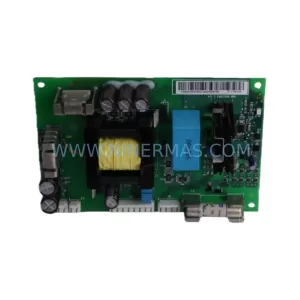
SKU: APOW-11C 3AUA0000061236
ABB APOW-11C 3AUA0000061236 Safety-Reliable Power Supply
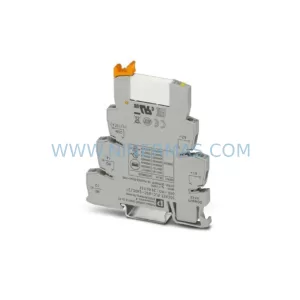
SKU: GJR2370800R0200 88FN02C-E
ABB GJR2370800R0200 Service-Ready Spare Part for Industrial Maintenance
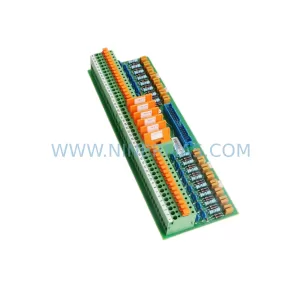
SKU: DSTA131 57120001-CV
ABB DSTA131 57120001-CV Safety-Reliable Analog I/O Module
Catalog Continuation
Alternative parts within PLC & Industrial Automation Modules.
Stay inside the same system family when you need substitutes, adjacent modules, or a broader shortlist for procurement review.