
Original Industrial Spare Part
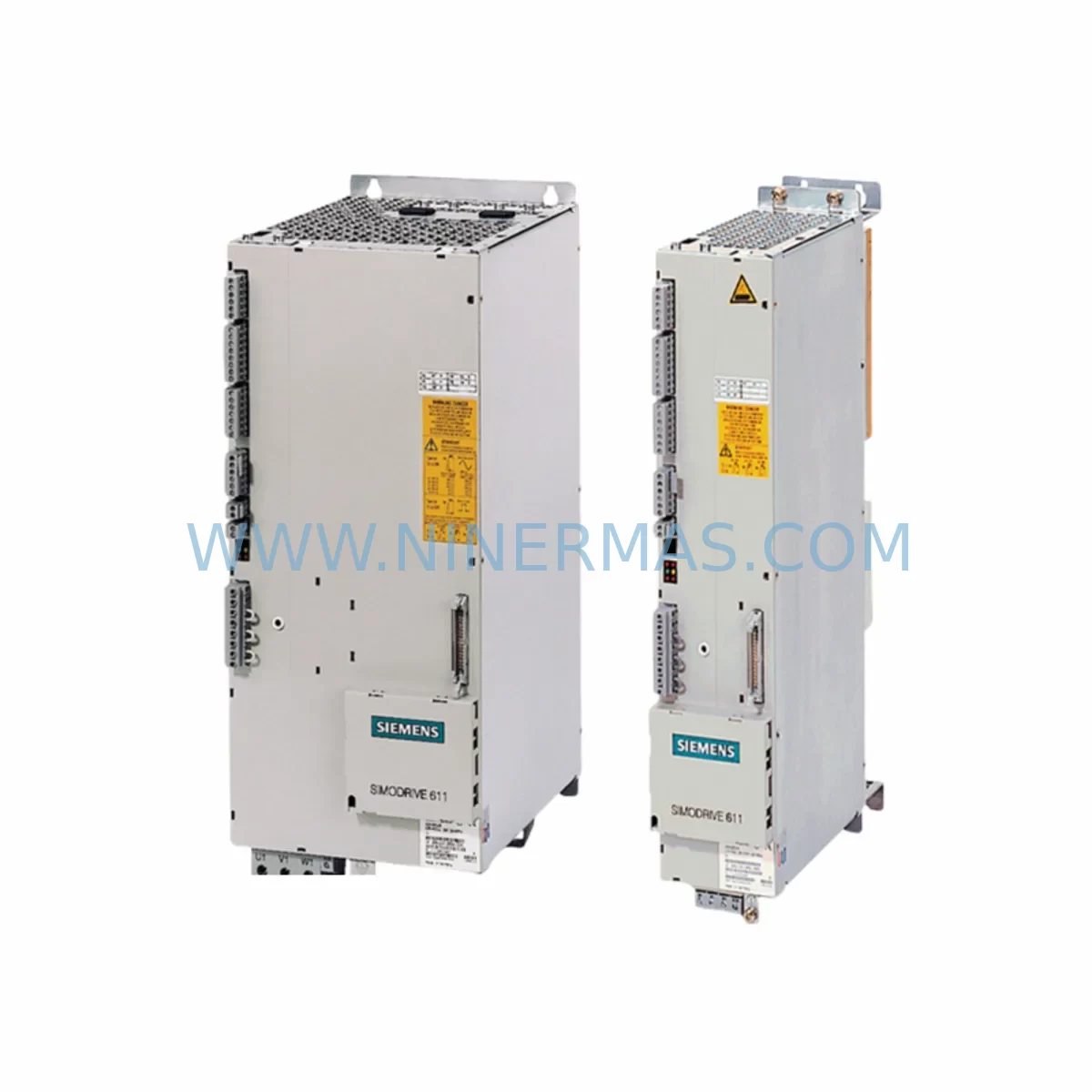
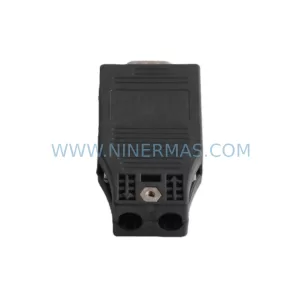
Siemens 6SN1145-1BB00-0FA0 Retrofit-Compatible Infeed Module
Verify the part, confirm the platform family, and move straight into quotation with the right commercial details.
RFQ Ready
- SKU6SN1145-1BB00-0FA0
- CategoryPLC & Industrial Automation Modules
- BrandSiemens
- SupportAvailability, lead time, condition, and shipping coordination
How Buyers Usually Use This Page
- Confirm the exact part number and platform family before sending the quote request.
- Use direct email when quantity, condition, and destination are already defined internally.
- Switch to the broader brand or category archive when you need alternates nearby.
Series Navigation
Move through the most common platform families behind this part.
Product RFQ
Send this part directly for quotation.
Include quantity, required condition, destination country, and target delivery timing. Current reference: Siemens 6SN1145-1BB00-0FA0 Retrofit-Compatible Infeed Module with SKU 6SN1145-1BB00-0FA0.
Siemens 6SN1145-1BB00-0FA0 Retrofit-Compatible Infeed Module for Legacy SIMODRIVE 611 Systems
The Siemens 6SN1145-1BB00-0FA0 is a ruggedized infeed and regenerative feedback module designed for the SIMODRIVE 611 drive system — one of Siemens’ most widely deployed servo drive platforms in CNC machining centers, transfer lines, and precision manufacturing equipment. As the SIMODRIVE 611 series reaches end-of-production status, the 6SN1145-1BB00-0FA0 has become a critical spare part for facilities managing legacy system continuity, planned retrofit projects, and unplanned drive failures on the shop floor.
This module serves as the power front-end for SIMODRIVE 611 drive groups, managing AC line infeed, DC bus regulation, and regenerative energy feedback to the supply network. Its ruggedized design makes it particularly suited for harsh industrial environments where vibration, thermal cycling, and dust ingress are ongoing concerns. For engineers planning a controlled retrofit or responding to an emergency drive failure, having a verified, pre-tested 6SN1145-1BB00-0FA0 in inventory is essential to maintaining production continuity.
Upgrade Compatibility Table
| Parameter | Details |
|---|---|
| Part Number | 6SN1145-1BB00-0FA0 |
| Series | SIMODRIVE 611 Infeed/Regenerative Module |
| Module Function | AC Line Infeed + Regenerative Feedback to Mains |
| Design Variant | Ruggedized (enhanced vibration and thermal tolerance) |
| DC Bus Interface | Compatible with SIMODRIVE 611 standard and HR drive modules |
| Backplane / Rack | SIMODRIVE 611 drive group bus bar and mounting rail |
| Communication | Internal SIMODRIVE 611 drive bus; compatible with SINUMERIK 840D/810D CNC controllers |
| Replacement Scope | Direct replacement for same-series infeed modules; verify rated current and DC bus voltage |
| Commissioning Tool | SIMODRIVE 611 startup software via SINUMERIK operator panel or external PC with RS-232/USB adapter |
| Installation Space | Standard SIMODRIVE 611 drive cabinet slot; confirm slot width and bus bar alignment before installation |
| Pre-Shipment Testing | Full functional test performed; results documented |
| Warranty | 12 Months from date of shipment |
| Origin | Germany (OEM) |
| Availability | In Stock — Ready to Ship |
Retrofit Planning for Existing Automation Systems
A successful retrofit of the 6SN1145-1BB00-0FA0 begins well before the module arrives on site. Engineers must first audit the existing SIMODRIVE 611 drive group to confirm the rated infeed current matches the replacement module’s specification. The DC bus voltage level — typically 600 VDC for standard SIMODRIVE 611 configurations — must be verified against the drive group’s total connected load, including all axis modules such as the 6SN1123-1AA00-0HA1 or 6SN1124-1AA00-0DA0 single-axis and double-axis drive modules that share the same DC bus rail.
Terminal wiring at the infeed module’s L1/L2/L3 AC input and the PE ground connection must be inspected for correct cross-section and torque values per the SIMODRIVE 611 installation manual. The DC bus bar connections linking the infeed module to adjacent drive modules — including any 6SN1162-0GA00-0AA0 bus bar adapter sets — should be cleaned and re-torqued during the replacement to prevent contact resistance issues that can cause nuisance trips after commissioning.
If the machine tool is controlled by a SINUMERIK 840D sl or SINUMERIK 810D CNC, the drive configuration data stored in the NCU or PCU must be backed up before the infeed module is swapped. The SIMODRIVE 611 drive group parameters — including the infeed module’s rated current, regenerative feedback enable bit, and monitoring thresholds — are typically stored in the drive’s non-volatile memory and may need to be re-entered or downloaded via the SINUMERIK startup tool after replacement. A 6FX2003-0AA00 RS-232 programming cable or equivalent USB adapter is recommended for direct parameter transfer during commissioning.
For machines that include a SIMODRIVE 611 monitoring module (such as the 6SN1145-1AA01-0AA0) in the drive group, the monitoring module’s fault relay outputs and ready signals must be re-verified after the infeed module replacement to confirm the drive group’s collective ready signal is correctly propagated to the PLC — typically a SIMATIC S7-300 or S7-400 series controller managing the machine’s safety interlock chain. Any ET 200S or ET 200M distributed I/O nodes connected to the drive cabinet’s terminal strips should also be checked for correct 24 VDC supply continuity, as infeed module faults can sometimes cause auxiliary power rail interruptions that affect distributed I/O availability.
Where the machine’s HMI — such as a SINUMERIK OP010 or OP012 operator panel — displays drive-group alarm codes related to the infeed module (e.g., Alarm 300500 or 300600 series), these alarms should be cleared and the drive group re-initialized using the SINUMERIK startup sequence after the replacement module is installed and powered. Confirm that the regenerative feedback contactor — if present in the cabinet — closes correctly during the drive group’s power-on sequence before releasing the machine to production.
Downtime Control During System Migration
Minimizing unplanned downtime during a SIMODRIVE 611 infeed module replacement requires a structured approach. Before de-energizing the drive cabinet, the machine’s current part program and all active tool offsets should be saved to the SINUMERIK NCU’s CompactFlash card or an external backup device. The PLC program — typically running on a SIMATIC S7-315 or S7-416 CPU — should be placed in STOP mode only after confirming that all axes are at a safe park position and all spindle drives are at rest.
The DC bus capacitors in the SIMODRIVE 611 drive group retain charge for several minutes after mains disconnection. Engineers must wait for the DC bus voltage to discharge below 50 VDC — confirmed with a calibrated multimeter at the bus bar test points — before touching any internal connections. This step is non-negotiable for personnel safety and is a mandatory hold point in any SIMODRIVE 611 maintenance procedure.
Once the replacement 6SN1145-1BB00-0FA0 is installed and all connections are verified, the drive group should be powered up in stages: first the 24 VDC auxiliary supply to confirm the monitoring module and drive electronics initialize without fault, then the main AC infeed contactor to energize the DC bus. The SINUMERIK CNC should be allowed to complete its boot sequence and perform an automatic drive group scan before any axis motion is commanded. A short no-load test run — verifying that all axes respond correctly to JOG commands and that the regenerative feedback circuit is active — should be completed before returning the machine to automatic cycle operation. This staged power-up approach typically limits total commissioning time to under two hours for a straightforward infeed module replacement, keeping production interruption to a minimum.
Retrofit Support FAQ
Q1: Is the 6SN1145-1BB00-0FA0 a direct drop-in replacement for other SIMODRIVE 611 infeed modules?
The 6SN1145-1BB00-0FA0 is a ruggedized variant within the SIMODRIVE 611 infeed module family. Before installation, confirm that the replacement module’s rated infeed current matches the original unit and that the DC bus voltage rating is compatible with your drive group configuration. In most cases, same-rated infeed modules within the 6SN1145 series are mechanically and electrically interchangeable, but always cross-reference the module’s order number suffix against the original to confirm the correct variant.
Q2: What commissioning steps are required after replacing the infeed module?
After physical installation, restore the drive group parameters using the SINUMERIK startup tool or SIMODRIVE 611 commissioning software. Verify the infeed module’s ready signal, check the DC bus voltage under no-load conditions, confirm the regenerative feedback contactor operation, and clear any residual drive alarms before running axis motion tests. Full commissioning documentation is recommended for maintenance records.
Q3: Has this unit been tested before shipment?
Yes. Every 6SN1145-1BB00-0FA0 unit supplied by NINERMAS undergoes a full pre-shipment functional test. Test results are documented and available upon request. The unit is covered by a 12-month warranty from the date of shipment, covering defects in materials and workmanship under normal operating conditions.
Q4: What is the lead time and supply availability?
This module is maintained in stock for immediate dispatch. For volume requirements or long-term supply commitments supporting extended spare parts programs, please contact our team directly to discuss inventory reservation and scheduled delivery arrangements. We support lifecycle extension programs for SIMODRIVE 611 installations with fixed lead-time commitments.
| Product Series | SIMODRIVE |
|---|---|
| Country of Origin | DE |
Catalog Continuation
More Siemens modules in the catalog.
Use the brand lane to compare nearby part numbers, platform-adjacent modules, and other inquiry-ready listings before sending your final RFQ.
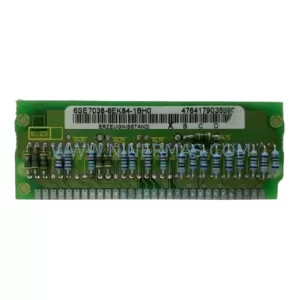
SKU: 6SE7038-6EK84-1BH0
Siemens 6SE7038-6EK84-1BH0 Retrofit Drive Control Module
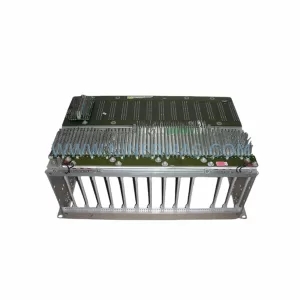
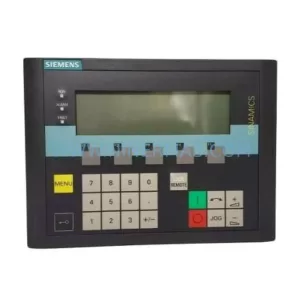
SKU: 6SL3055-0AA00-4CA5
Siemens 6SL3055-0AA00-4CA5 Retrofit-Compatible Operator Panel for Legacy Systems
Catalog Continuation
Alternative parts within PLC & Industrial Automation Modules.
Stay inside the same system family when you need substitutes, adjacent modules, or a broader shortlist for procurement review.

SKU: OZDPROFI12MG12
Hirschmann OZDPROFI12MG12 Spare Part for Industrial Maintenance



SKU: 07025-0000-70-1-04
KONTRON 07025-0000-70-1-04 Service-Ready Spare Part



