Original Industrial Spare Part
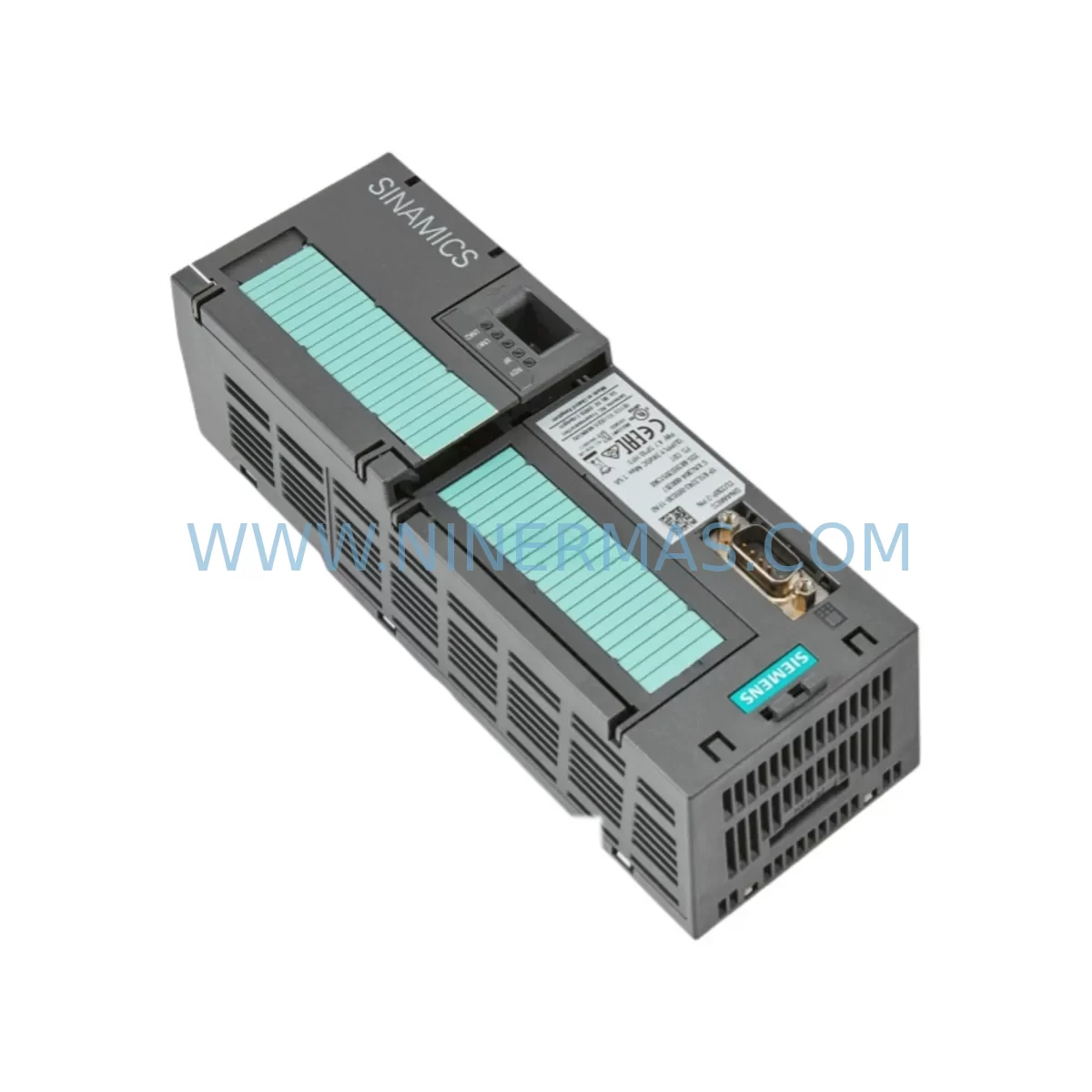
Siemens 6SL3243-0BB30-1FA0 Service-Ready Spare Part for Industrial Maintenance
Verify the part, confirm the platform family, and move straight into quotation with the right commercial details.
RFQ Ready
- SKU6SL3243-0BB30-1FA0
- CategoryPLC & Industrial Automation Modules
- BrandSiemens
- SupportAvailability, lead time, condition, and shipping coordination
How Buyers Usually Use This Page
- Confirm the exact part number and platform family before sending the quote request.
- Use direct email when quantity, condition, and destination are already defined internally.
- Switch to the broader brand or category archive when you need alternates nearby.
Series Navigation
Move through the most common platform families behind this part.
Product RFQ
Send this part directly for quotation.
Include quantity, required condition, destination country, and target delivery timing. Current reference: Siemens 6SL3243-0BB30-1FA0 Service-Ready Spare Part for Industrial Maintenance with SKU 6SL3243-0BB30-1FA0.
Siemens 6SL3243-0BB30-1FA0 Service-Ready Spare Part for Industrial Maintenance
The Siemens 6SL3243-0BB30-1FA0 is the Basic Operator Panel 2 (BOP-2) designed for the SINAMICS G120 series of modular AC drives. In industrial maintenance environments — from process plants and water treatment facilities to automotive assembly lines and material handling systems — this operator panel serves as the primary local interface for drive commissioning, parameter access, fault diagnostics, and manual speed control. When a BOP-2 fails or becomes unresponsive, the entire drive unit loses its local HMI capability, forcing technicians to rely on remote tools or halting commissioning entirely. Stocking a verified replacement unit of the 6SL3243-0BB30-1FA0 is a fundamental element of any SINAMICS G120 spare parts program.
At NINERMAS, every 6SL3243-0BB30-1FA0 unit is sourced as an original Siemens component, individually inspected, and function-tested prior to shipment. We support long-term supply agreements for maintenance teams managing aging SINAMICS G120 installations, with a 12-month warranty on all units and documented pre-shipment test records available on request.
Spare Maintenance Table
| Parameter | Specification |
|---|---|
| Part Number (SKU) | 6SL3243-0BB30-1FA0 |
| Description | BOP-2 Basic Operator Panel for SINAMICS G120 |
| Brand / Manufacturer | Siemens AG |
| Series | SINAMICS G120 |
| Compatible Control Units | CU230P-2, CU240B-2, CU240E-2, CU250S-2 (G120 series) |
| Interface / Connection | Direct plug-in to G120 Control Unit front port |
| Display | 2-line plain text LCD with backlight |
| Functions | Parameter read/write, fault acknowledgement, local setpoint, JOG mode |
| Supply Voltage | Powered via Control Unit (no external supply required) |
| Operating Temperature | -10 °C to +60 °C |
| Protection Class | IP20 (panel-mounted) |
| Origin | Germany (DE) |
| Warranty | 12 Months — NINERMAS Quality Guarantee |
| Pre-Shipment Test | Function-tested; test record available on request |
| Delivery | Express worldwide shipping; lead time confirmed at order |
| Long-Term Supply | Available for spare parts programs and scheduled maintenance contracts |
Maintenance Planning for Continuous Operation
Replacing the 6SL3243-0BB30-1FA0 BOP-2 is rarely an isolated task. In a SINAMICS G120 drive cabinet, the operator panel interfaces directly with the Control Unit, and a fault event that damages or disables the BOP-2 often warrants a broader inspection of the surrounding components. Maintenance engineers should treat a BOP-2 replacement as an opportunity to audit the full drive assembly.
Begin with the Control Unit itself — the CU240E-2 or CU230P-2 — verifying that the front port connector is undamaged and that firmware is current. Check the Power Module (e.g., PM240-2 or PM250) for any active fault codes, DC bus voltage anomalies, or thermal warnings that may have contributed to the panel failure. Inspect the 24 VDC auxiliary power supply feeding the control section; a sagging or noisy supply is a common root cause of HMI and communication faults in G120 installations.
Review the PROFIBUS or PROFINET communication module (such as the CBE20 or CB20) if the drive is integrated into a DCS or PLC network — a BOP-2 fault during a network event may indicate a broader communication disruption. Examine terminal block wiring on the Control Unit’s digital input/output terminals (DI0–DI5, DO0–DO2) for loose connections or corrosion, particularly in high-vibration or humid environments. Check analog input/output signal cables for shielding integrity and correct termination.
If the drive cabinet includes a brake relay module or external safety relay (STO circuit), verify that the Safe Torque Off wiring is intact and that no nuisance trips have been logged. Inspect input fuses and circuit breakers upstream of the Power Module for signs of thermal stress. For multi-drive panels, check the shared DC bus connections and any line reactors or EMC filters for physical damage.
Finally, if the installation uses a Siemens SIMATIC HMI panel (such as a KTP700 or TP1200) connected to the G120 via USS or PROFINET, confirm that the HMI project parameters still align with the drive’s current parameter set after any firmware or hardware change. Keeping a documented spare parts list that includes the BOP-2 (6SL3243-0BB30-1FA0), a spare Control Unit, and key signal cables ensures that your team can restore full drive operation within a single maintenance window.
Site Replacement Workflow
Step 1 — Isolate and de-energize. Follow your site LOTO procedure. Confirm that the SINAMICS G120 Power Module is fully de-energized and the DC bus has discharged (indicator LED off) before touching the Control Unit or BOP-2.
Step 2 — Document current parameters. If the existing BOP-2 is still partially functional, use it or a connected STARTER / TIA Portal session to export the current parameter set (p0010, p0100, p0304–p0311, p1082, p1120, etc.) before removal. This eliminates re-commissioning time after the swap.
Step 3 — Remove the faulty BOP-2. Press the release tab and pull the panel straight out from the Control Unit front port. Inspect the connector pins on both the panel and the Control Unit for bent contacts or contamination.
Step 4 — Install the replacement 6SL3243-0BB30-1FA0. Align and firmly seat the new BOP-2 until it clicks into place. Re-energize the Control Unit (24 VDC supply first if separate), and confirm the panel display illuminates and shows the drive status correctly.
Step 5 — Restore and verify parameters. Load the saved parameter set via BOP-2 or TIA Portal. Run a no-load JOG test to confirm correct speed reference, direction, and fault-free operation before returning the drive to production.
Step 6 — Update maintenance records. Log the replacement date, new unit serial number, and any associated findings (e.g., upstream fuse condition, communication module status) in your CMMS. Schedule the next inspection interval per your preventive maintenance plan.
Spare Parts Support FAQ
Q1: Is the 6SL3243-0BB30-1FA0 compatible with all SINAMICS G120 Control Units?
The BOP-2 is compatible with the full range of SINAMICS G120 Control Units, including the CU230P-2, CU240B-2, CU240E-2, and CU250S-2. It connects via the standard front port and does not require any adapter. Always confirm your Control Unit firmware version is at a level supported by the BOP-2 — Siemens recommends keeping firmware current for full feature compatibility.
Q2: What pre-shipment testing does NINERMAS perform on this spare part?
Every 6SL3243-0BB30-1FA0 unit shipped by NINERMAS undergoes a functional power-on test to verify display operation, button response, and connector integrity. A test record is available on request. Units are individually packaged in anti-static protection to prevent transit damage.
Q3: Can NINERMAS support long-term or scheduled supply of this part?
Yes. NINERMAS offers long-term supply agreements for maintenance teams managing SINAMICS G120 fleets. We can reserve stock, agree on scheduled delivery windows, and provide consistent pricing for annual maintenance budgets. Contact our team to discuss a spare parts program tailored to your site’s requirements.
Q4: What does the 12-month warranty cover?
The 12-month warranty covers manufacturing defects and functional failures under normal operating conditions. If a unit fails within the warranty period, NINERMAS will arrange a replacement or repair at no additional cost. The warranty period begins from the date of confirmed delivery. Damage caused by incorrect installation, overvoltage, or environmental conditions outside the specified operating range is excluded.
| Product Series | SINAMICS |
|---|---|
| Country of Origin | DE |
Catalog Continuation
More Siemens modules in the catalog.
Use the brand lane to compare nearby part numbers, platform-adjacent modules, and other inquiry-ready listings before sending your final RFQ.
SKU: 6ES7521-1BH00-0AB0
Siemens 6ES7521-1BH00-0AB0 Retrofit-Compatible DI Module for Legacy S7
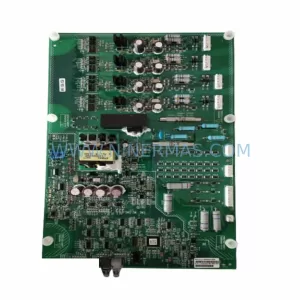
SKU: A1A10000432.02M
Siemens A1A10000432.02M Retrofit Gate Board for SIMOVERT
SKU: 6SL3120-1TE24-5AA1
Siemens 6SL3120-1TE24-5AA1 Service-Ready Spare Part for Industrial Maintenance
Catalog Continuation
Alternative parts within PLC & Industrial Automation Modules.
Stay inside the same system family when you need substitutes, adjacent modules, or a broader shortlist for procurement review.
SKU: HDS03.2-W100N-HS37-01-FW HDS
Rexroth HDS03.2-W100N-HS37-01-FW Retrofit Servo Drive Legacy
SKU: 3HAC031936-001/03 3HNA012841-001/04 3HAC044515-001/00
ABB 3HAC031936-001/03 Retrofit Controller for Legacy Systems