Original Industrial Spare Part
Siemens 6SC9830-0HA60 Retrofit Servo Drive for Legacy Systems
Verify the part, confirm the platform family, and move straight into quotation with the right commercial details.
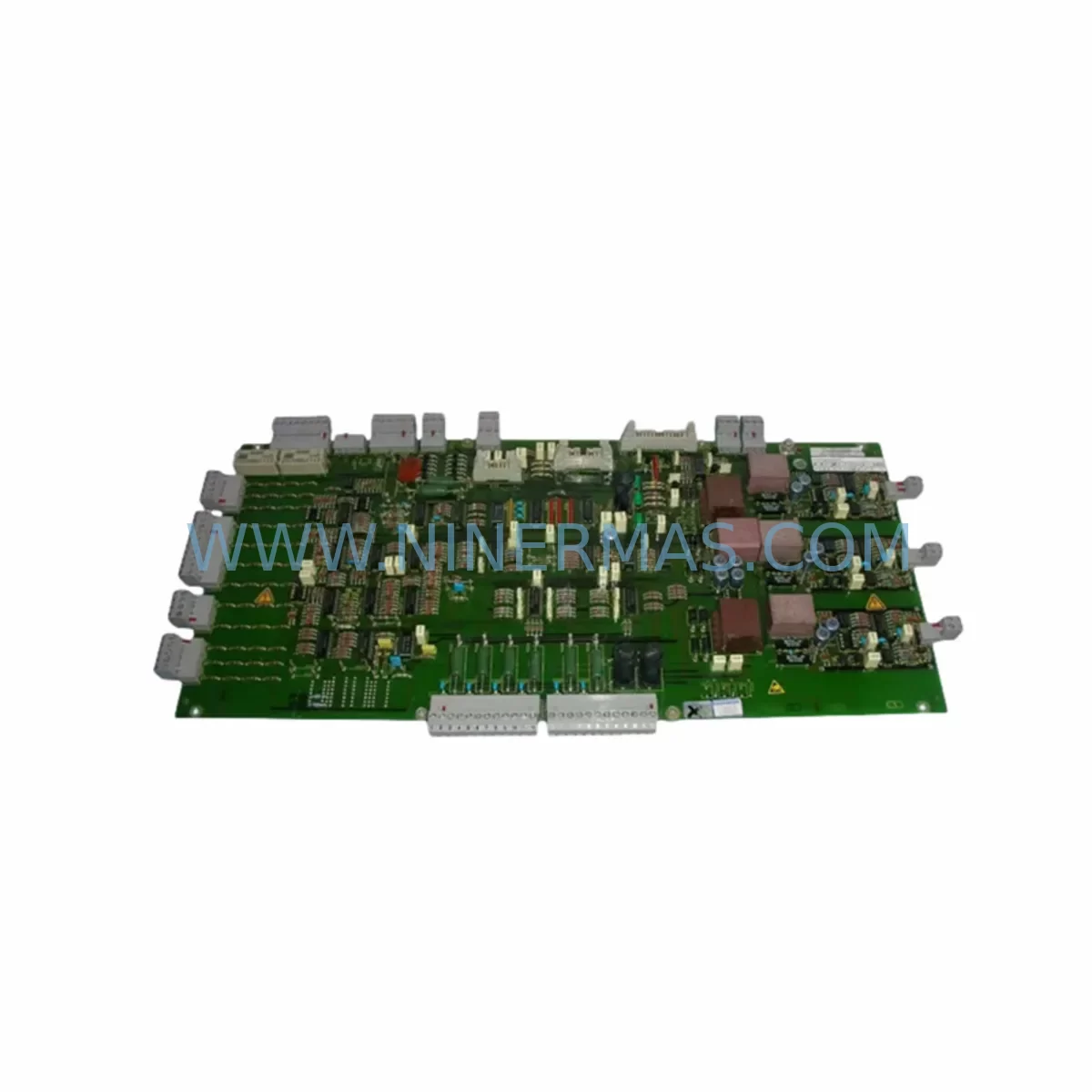
RFQ Ready
- SKU6SC9830-0HA60
- CategoryPLC & Industrial Automation Modules
- BrandSiemens
- SupportAvailability, lead time, condition, and shipping coordination
How Buyers Usually Use This Page
- Confirm the exact part number and platform family before sending the quote request.
- Use direct email when quantity, condition, and destination are already defined internally.
- Switch to the broader brand or category archive when you need alternates nearby.
Series Navigation
Move through the most common platform families behind this part.
Product RFQ
Send this part directly for quotation.
Include quantity, required condition, destination country, and target delivery timing. Current reference: Siemens 6SC9830-0HA60 Retrofit Servo Drive for Legacy Systems with SKU 6SC9830-0HA60.
Siemens 6SC9830-0HA60 Retrofit Servo Drive for Legacy Systems
The Siemens 6SC9830-0HA60 is a ruggedized servo motor module engineered for demanding industrial environments and designed to serve as a retrofit-compatible replacement within legacy SIMODRIVE 611 and related drive platforms. As original equipment manufacturers discontinue support for aging control architectures, maintenance engineers and automation specialists face increasing pressure to source reliable spare parts that preserve existing machine logic, minimize rewiring, and reduce unplanned downtime. The 6SC9830-0HA60 addresses this challenge directly — offering a verified drop-in upgrade path for plants still operating on end-of-life Siemens drive systems.
Whether you are managing a CNC retrofit, upgrading a legacy servo axis on a transfer line, or restoring a decommissioned production cell, the 6SC9830-0HA60 provides the electrical and mechanical compatibility required to maintain continuity of operation. Its ruggedized construction makes it particularly suited for harsh-environment applications including foundry floors, press shops, and outdoor enclosures where vibration, temperature cycling, and contamination are persistent concerns.
Upgrade Compatibility Table
| Parameter | Details |
|---|---|
| SKU / Part Number | 6SC9830-0HA60 |
| Brand / Series | Siemens SIMODRIVE |
| Module Function | Ruggedized Servo Motor Drive Module |
| Typical Replacement For | Legacy SIMODRIVE 611 servo axis modules; discontinued 6SC98xx-series drives |
| Backplane / Rack Interface | Compatible with standard SIMODRIVE 611 subrack; verify slot assignment and module address before installation |
| Communication Compatibility | Supports legacy PROFIBUS-DP integration; confirm master configuration in SIMATIC S5 or S7 project |
| Power Supply Requirement | Requires compatible infeed/regenerative module (e.g., 6SN1145-series); verify DC bus capacity before commissioning |
| Terminal / Wiring Adaptation | Check encoder cable pinout, motor power connector, and enable signal wiring against original machine schematic |
| Installation Space | Standard SIMODRIVE 611 module width; confirm cabinet depth and ventilation clearance |
| Commissioning Tool | SimoCom U or STARTER software recommended for parameter upload/download |
| Retrofit Recommendation | Backup original drive parameters before replacement; restore via parameter set transfer |
| Warranty | 12-Month Warranty — covers manufacturing defects and functional failure under normal operating conditions |
Retrofit Planning for Existing Automation Systems
A successful retrofit using the 6SC9830-0HA60 begins well before the module arrives on site. Engineers should start by auditing the existing drive cabinet to confirm the subrack configuration, available slot positions, and the current state of the 6SN1145 infeed module or 6SN1146 regenerative supply unit that powers the DC bus. If the infeed module is also approaching end-of-life, it is advisable to replace both units simultaneously to avoid a secondary unplanned outage.
Next, verify the encoder interface. Many legacy servo axes in SIMODRIVE 611 installations use 6FX2001-series encoder cables with TTL or sin/cos signal types. Confirm that the replacement module supports the same encoder standard as the existing motor — mismatched encoder protocols are one of the most common causes of commissioning delays during servo retrofits. If the motor itself is being retained, check the motor’s nameplate data against the drive’s rated current and voltage parameters.
For plants running SIMATIC S5 or early SIMATIC S7-300 controllers, the drive’s PROFIBUS-DP node address must be preserved or reconfigured in the PLC hardware configuration. If the original drive was addressed as a specific DP slave, the replacement 6SC9830-0HA60 must be set to the same address to avoid communication faults at startup. This is particularly important in multi-axis systems where a single CP 342-5 PROFIBUS communication processor manages several drive nodes simultaneously.
I/O mapping should also be reviewed carefully. Analog speed references, digital enable signals, fault outputs, and ready contacts are typically wired to the drive’s X121 or X122 terminal strips. Cross-reference the original wiring diagram against the replacement module’s terminal layout. In some cases, a 6SN1162-series terminal adapter or signal isolation relay may be required to bridge minor wiring differences between module generations.
If the machine includes an OP17 or OP27 HMI panel connected via MPI or PROFIBUS, verify that the drive status variables and alarm messages displayed on the HMI are still correctly mapped after the module swap. Parameter block addresses may shift between firmware versions, requiring a brief HMI screen update or variable remapping session. For machines using SINUMERIK 840D or 810D CNC controllers, the NCK drive configuration file (machine data) must be reviewed to ensure axis assignment and drive object numbering remain consistent.
Finally, confirm that the control cabinet has adequate ventilation for the replacement module. The 6SC9830-0HA60’s ruggedized design handles elevated ambient temperatures, but sustained operation above the rated thermal envelope will shorten service life. If the cabinet cooling system — whether a Rittal SK 3302 fan-and-filter unit or a dedicated heat exchanger — is undersized or partially blocked, address this before commissioning the new drive.
Downtime Control During System Migration
Minimizing production downtime during a servo drive replacement requires a structured pre-outage preparation protocol. Before the scheduled maintenance window, use SimoCom U or the STARTER commissioning tool to upload and save the complete parameter set from the existing 6SC9830-0HA60 or its predecessor. Store this backup on a dedicated engineering laptop and verify the file integrity before proceeding. If the original drive has already failed and parameter upload is not possible, reconstruct the parameter set from the machine’s commissioning documentation or contact the OEM for archived drive data.
During the outage, follow a strict sequence: isolate the DC bus, discharge the capacitor bank, remove the faulty module, install the replacement, restore wiring connections, and re-download the saved parameter set before applying power. This sequence protects both the operator and the surrounding drive modules — particularly the 6SN1123 or 6SN1124 power modules sharing the same subrack, which can be damaged by improper bus energization procedures.
After power-up, perform a controlled jog test at reduced speed before returning the axis to automatic mode. Monitor the drive’s diagnostic LEDs and fault register for any residual alarms related to encoder signal quality, overcurrent, or communication timeout. If the machine uses a SIMATIC S7 safety PLC with integrated safe torque-off (STO) functionality, verify that the safety channel handshake completes correctly before releasing the axis to production. Document the commissioning results, including measured no-load current, encoder signal levels, and any parameter deviations from the original backup, to support future maintenance cycles and warranty claims.
Retrofit Support FAQ
Q1: Is the 6SC9830-0HA60 a direct drop-in replacement for other 6SC98xx-series modules?
The 6SC9830-0HA60 is designed for compatibility within the SIMODRIVE 611 subrack architecture. While many 6SC98xx-series modules share the same backplane interface, axis current ratings, encoder interface types, and firmware versions vary between part numbers. Always verify the rated output current, encoder protocol, and module width against the original unit before ordering. NINERMAS can provide pre-shipment functional testing on request to confirm compatibility with your specific machine configuration.
Q2: What commissioning steps are required after installing the replacement module?
At minimum, restore the original parameter set via SimoCom U or STARTER, verify the PROFIBUS node address, confirm encoder signal quality using the drive’s diagnostic screen, and perform a low-speed jog test before returning to automatic operation. For CNC applications on SINUMERIK 840D or 810D platforms, also verify NCK machine data axis assignment and run a reference point approach cycle to confirm position feedback accuracy.
Q3: Can NINERMAS supply the 6SC9830-0HA60 with pre-tested parameters loaded?
Yes. If you provide your original parameter backup file or commissioning documentation, NINERMAS can pre-load and verify the parameter set before shipment, reducing on-site commissioning time. All units undergo functional testing prior to dispatch. Stock availability is confirmed at time of order, and standard lead time for in-stock units is 3–7 business days with international shipping options available.
Q4: What does the 12-month warranty cover?
The 12-month warranty covers manufacturing defects and functional failure under normal operating conditions from the date of shipment. It does not cover damage resulting from incorrect installation, overvoltage events, environmental contamination beyond the module’s rated IP class, or unauthorized modification. In the event of a warranty claim, NINERMAS will arrange replacement or repair and coordinate return logistics. All warranty claims should be initiated by contacting sale@ninermas.com with the order reference and a description of the fault.
| Product Series | SIMODRIVE |
|---|---|
| Country of Origin | DE |
Catalog Continuation
More Siemens modules in the catalog.
Use the brand lane to compare nearby part numbers, platform-adjacent modules, and other inquiry-ready listings before sending your final RFQ.
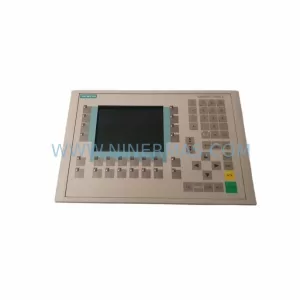
SKU: 6AV6542-0CA10-0AX0
Siemens 6AV6542-0CA10-0AX0 Safety-Reliable HMI for Critical Sites
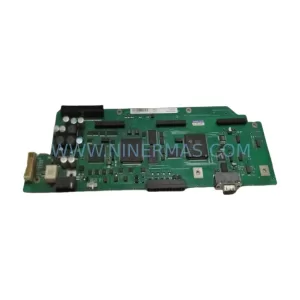
SKU: A5E00158600 6SE70 TP/EP60 CUVP-02
SIEMENS A5E00158600 6SE70 TP/EP60 CUVP-02 Safety-Reliable Power Module
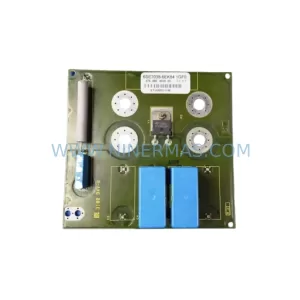
SKU: 6SE7038-6EK84-1GF0
SIEMENS 6SE7038-6EK84-1GF0 Service-Ready Spare Part
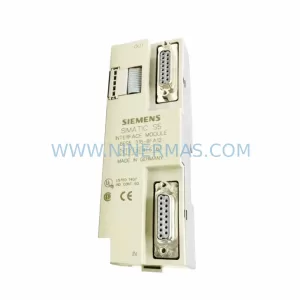
SKU: 6ES5316-8FA12
Siemens 6ES5316-8FA12 Retrofit-Compatible Interface Module
Catalog Continuation
Alternative parts within PLC & Industrial Automation Modules.
Stay inside the same system family when you need substitutes, adjacent modules, or a broader shortlist for procurement review.



SKU: HDD02.2-W040N-HS12-01-FW FWA-DIAX04-ELS-05VRS-MS
Rexroth HDD02.2-W040N-HS12-01-FW Service-Ready Spare Part

SKU: I5DAE375F10010000S
Lenze I5DAE375F10010000S Service-Ready Spare Part for Industrial Maintenance