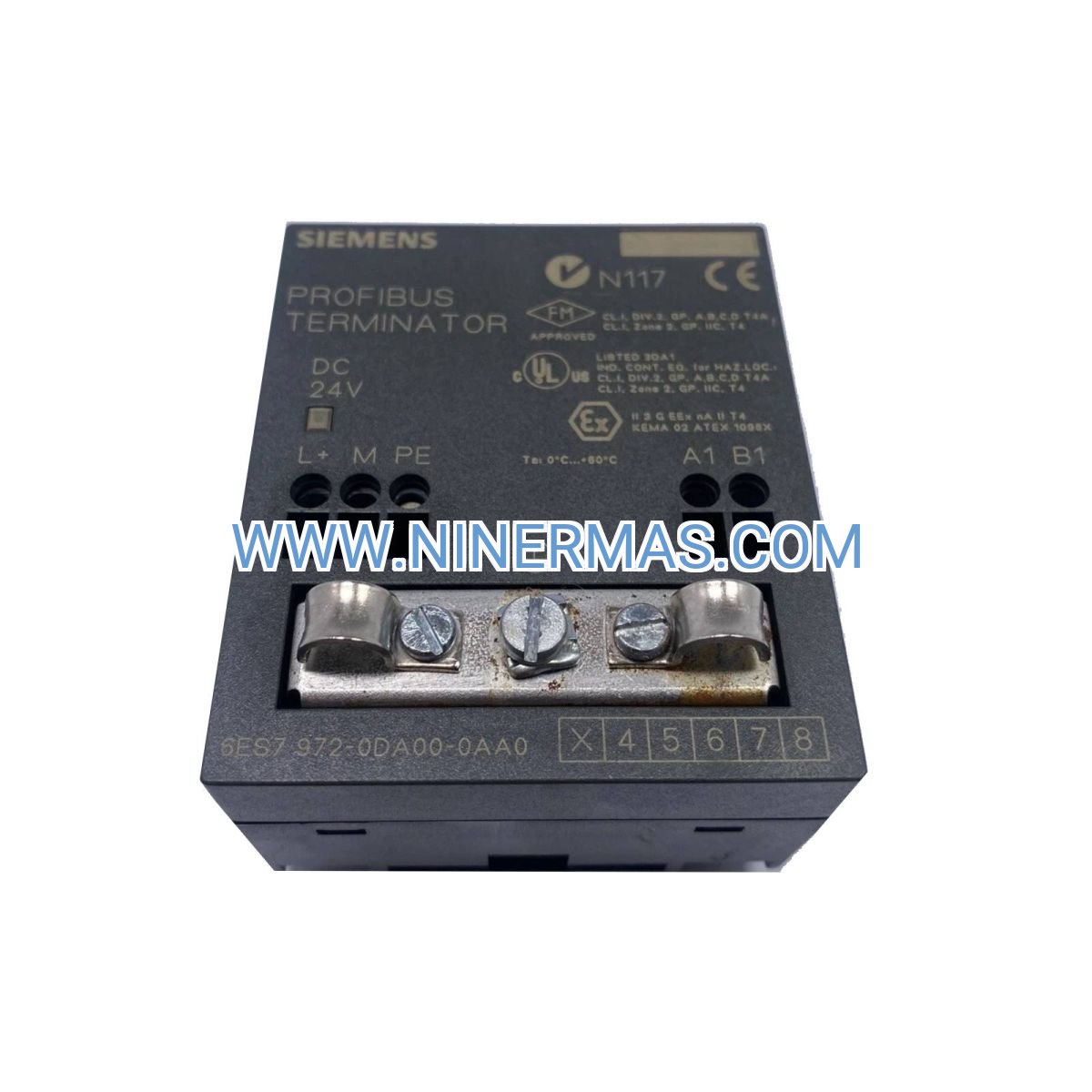
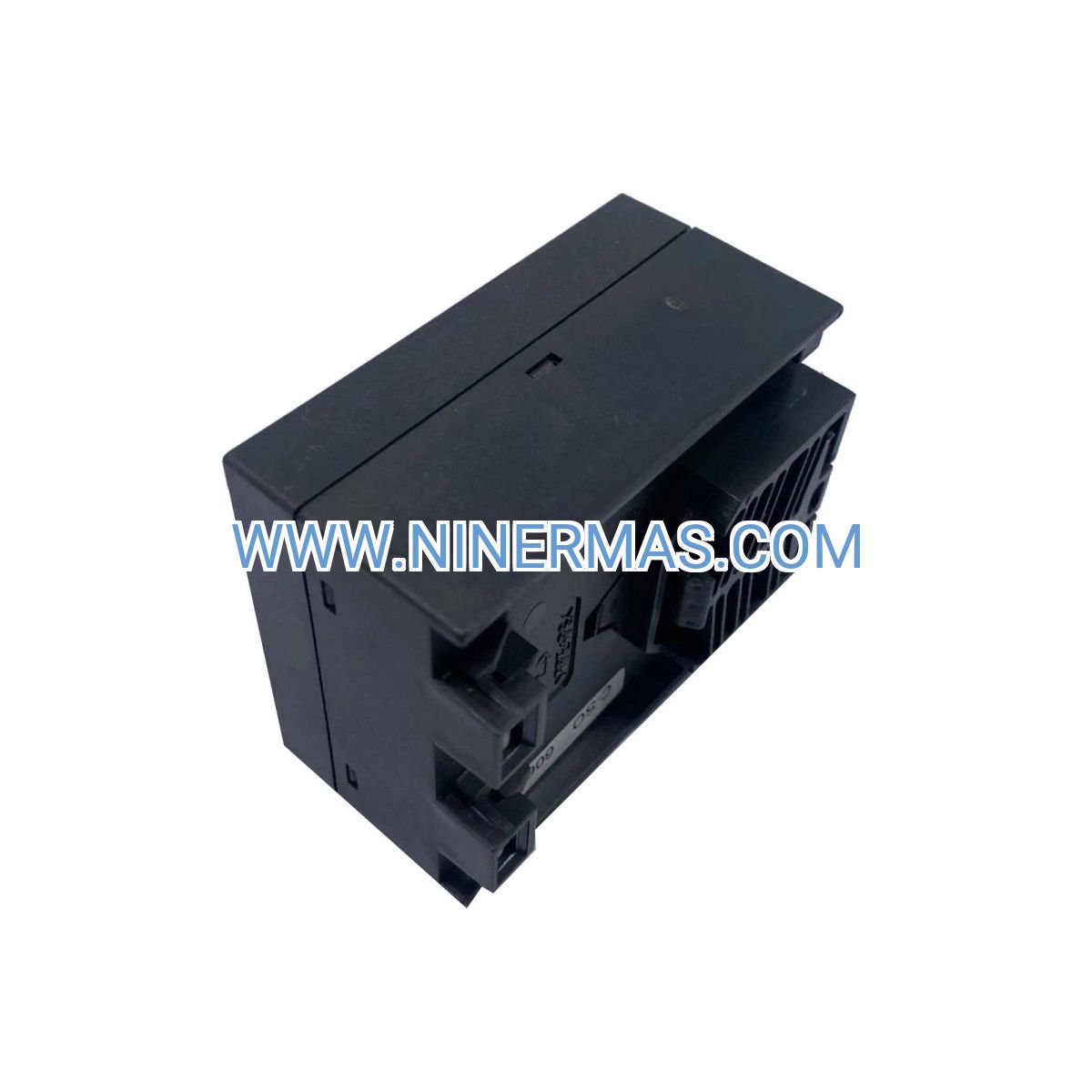
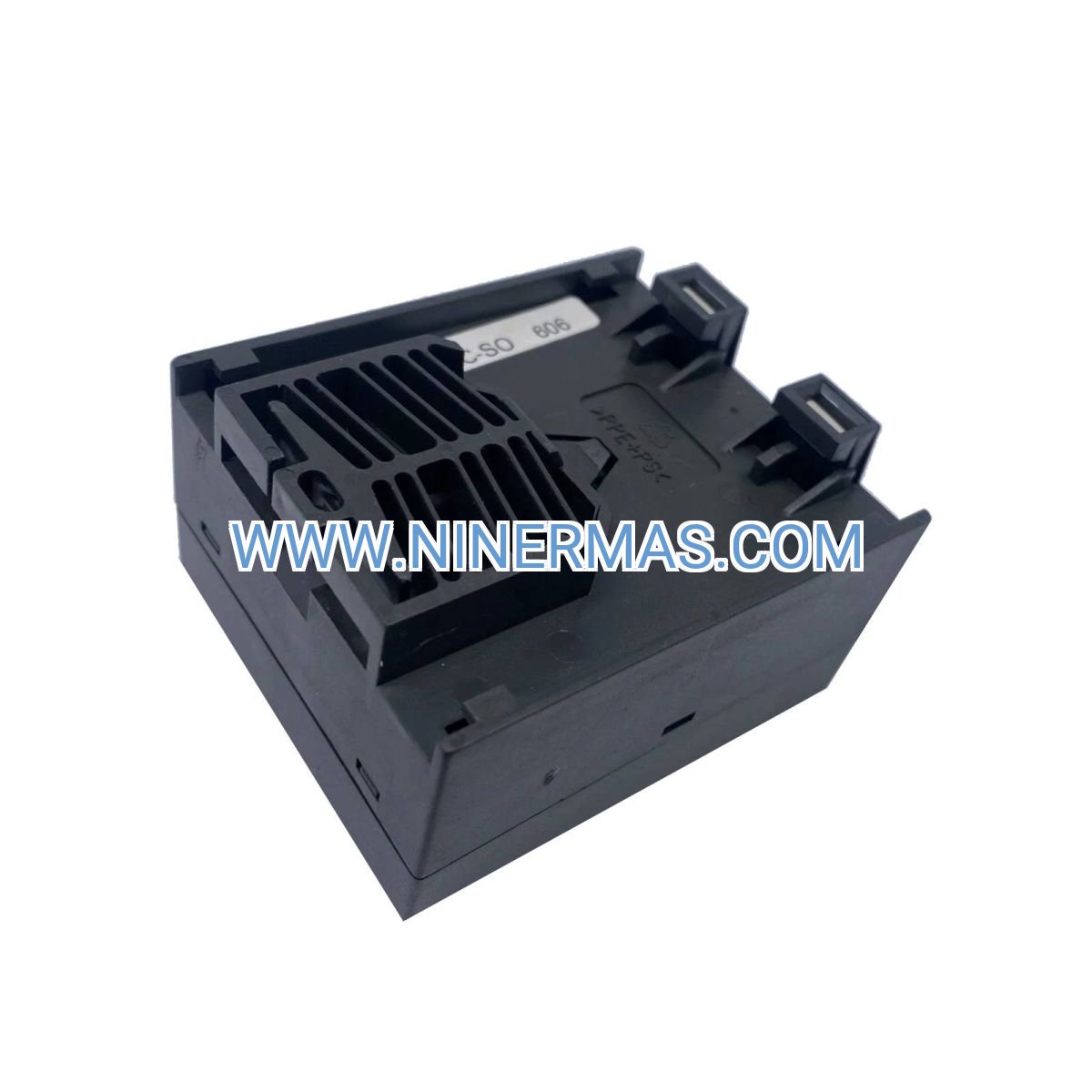
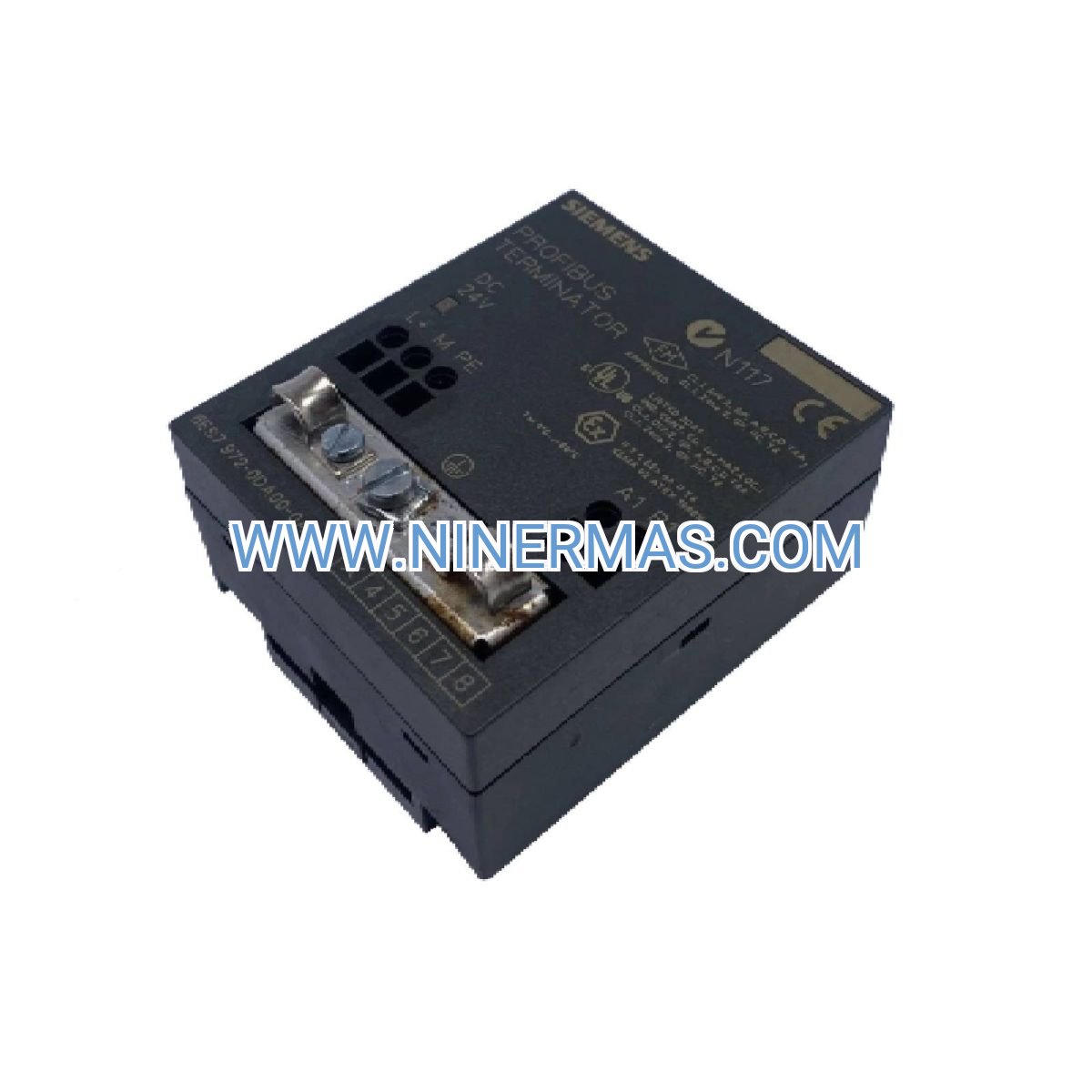
Siemens TS Adapter II 6ES7972-0CB35-0XA0 | RS232 Teleservice Module for SIMATIC S7 PLC
Description
Siemens TS Adapter II 6ES7972-0CB35-0XA0 – Industrial-Grade RS232 Teleservice Module for SIMATIC S7 PLC
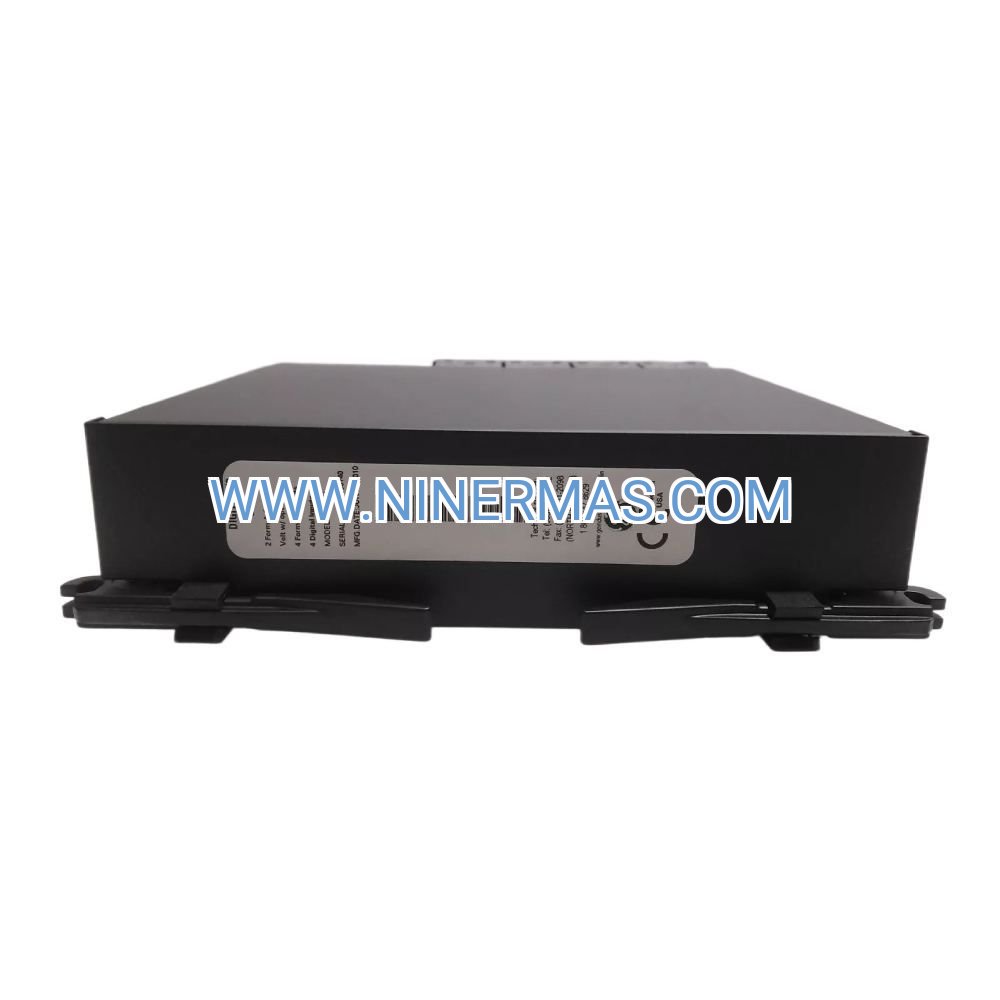
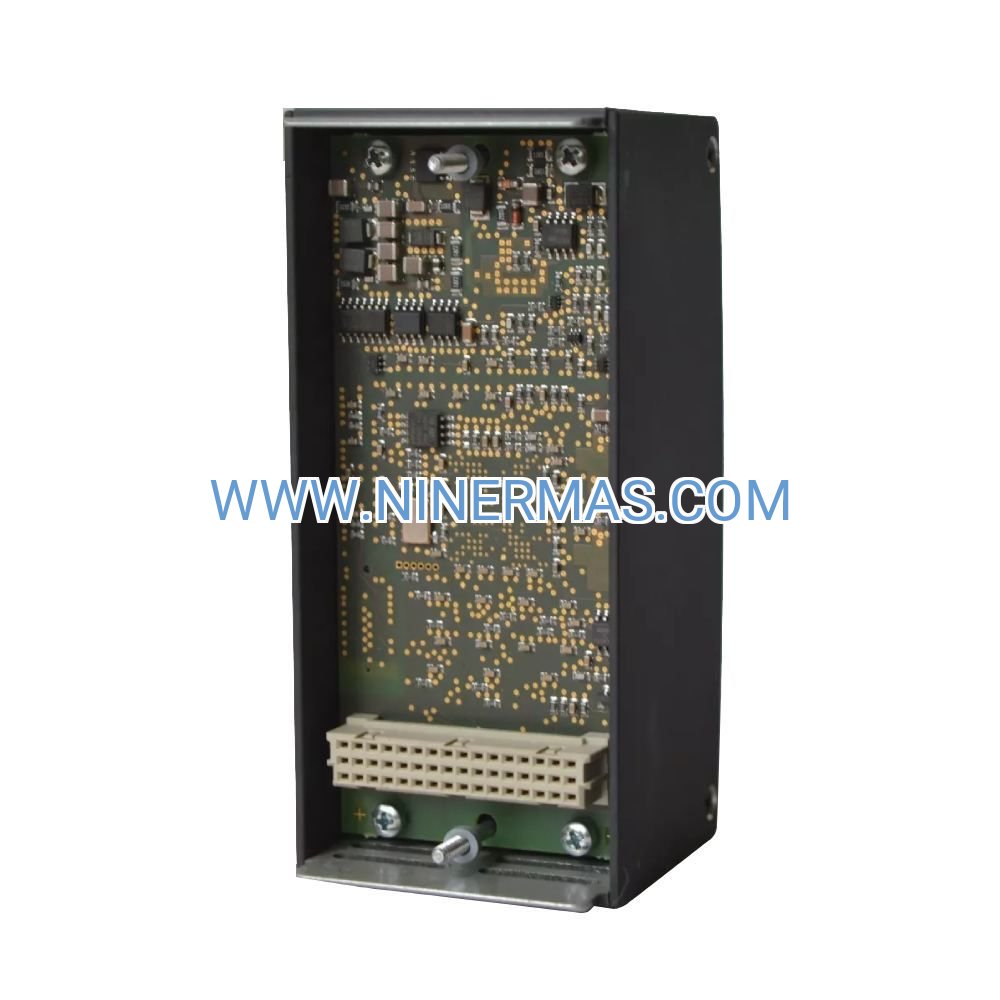
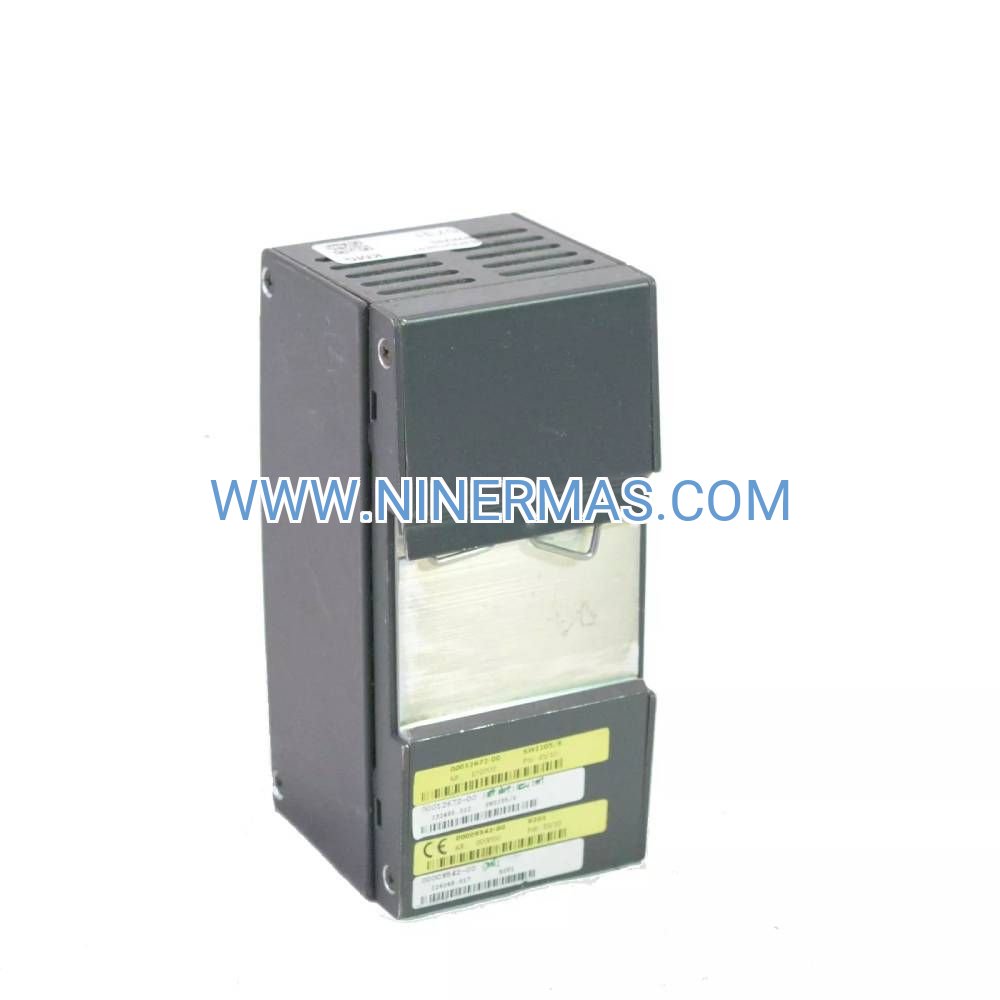
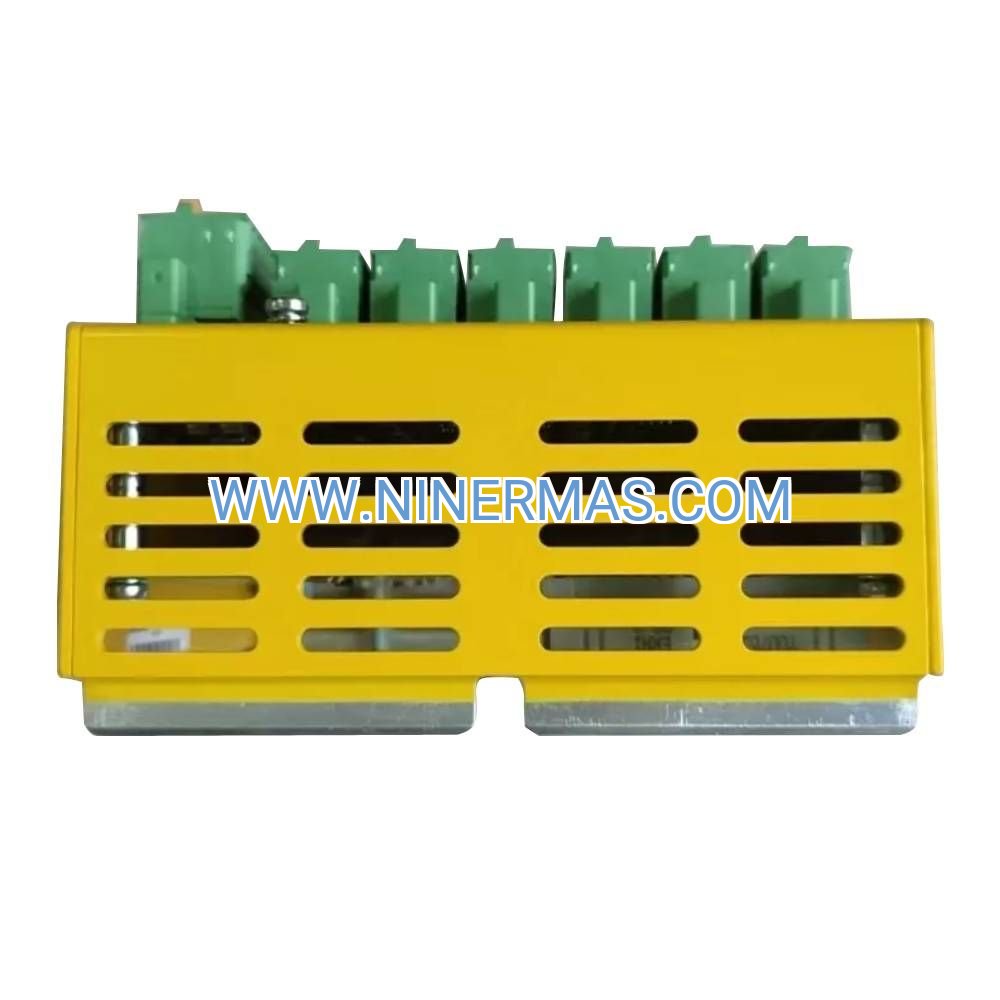
The Siemens TS Adapter II (6ES7972-0CB35-0XA0) is a professional teleservice module designed for remote diagnostics and programming of SIMATIC S7 PLCs via RS232 analog modem connection. Through integrated modem interface and serial communication protocol, it enables engineers to perform remote troubleshooting, parameter adjustment, and firmware updates without on-site visits.
Ideal for distributed industrial facilities including manufacturing plants, water treatment stations, power substations, and building automation systems, this adapter solves critical challenges such as high travel costs for remote sites, extended downtime during fault diagnosis, limited real-time monitoring capabilities, and difficulty accessing equipment in hazardous or restricted areas.
Featuring standardized Siemens design with flexible configuration options, the TS Adapter II delivers reliable connectivity, proven compatibility with S7-300/400 series, straightforward installation procedures, and robust performance in industrial environments. Suitable for system integrators, automation engineers, OEM equipment manufacturers, and facility maintenance teams. Contact our technical specialists for application guidance and quotation.
Core Features & Technical Advantages
- Remote Access & Diagnostics
Enables secure remote connection to SIMATIC S7 controllers via standard analog modem and telephone line, allowing real-time monitoring, fault diagnosis, and program modifications from central control rooms or off-site locations. - Proven Compatibility & Integration
Fully compatible with SIMATIC S7-300 and S7-400 PLC families, seamlessly integrates with STEP 7 programming software, ensuring reliable data exchange and configuration management across existing automation infrastructure. - Cost-Effective Maintenance Solution
Reduces travel expenses and minimizes downtime by enabling remote troubleshooting and parameter adjustments, particularly valuable for geographically dispersed installations or facilities with limited on-site technical personnel. - Industrial-Grade Reliability
Built to Siemens quality standards with robust RS232 interface, stable modem communication protocol, and protection against electrical interference, ensuring dependable operation in harsh industrial environments. - Straightforward Installation & Configuration
Standard DIN rail mounting, clear pin assignment documentation, and intuitive STEP 7 configuration interface simplify deployment and reduce commissioning time for system integrators and maintenance teams. - Comprehensive Technical Support
Backed by detailed technical documentation including wiring diagrams, communication parameter settings, and troubleshooting guides, plus access to experienced automation engineers for application-specific consultation.
Typical Application Scenarios
This teleservice adapter is engineered for industrial environments requiring reliable remote PLC access and diagnostic capabilities, particularly in:
- Remote Manufacturing Facilities & Production Lines
Enables centralized monitoring and rapid troubleshooting of distributed production equipment, reducing response time for process interruptions and minimizing production losses in multi-site manufacturing operations. - Water & Wastewater Treatment Plants
Provides remote access to pump control systems, filtration process controllers, and chemical dosing equipment located in unmanned or difficult-to-access treatment stations, improving operational efficiency and regulatory compliance. - Power Distribution & Substation Automation
Facilitates remote diagnostics and parameter adjustments for substation control systems, load management controllers, and protection relay interfaces, enhancing grid reliability while reducing maintenance costs. - Building Automation & HVAC Systems
Supports remote management of climate control systems, energy monitoring equipment, and facility automation controllers across commercial buildings, campuses, and industrial complexes. - Oil & Gas Pipeline Monitoring
Enables remote access to flow control systems, pressure monitoring stations, and valve actuation controllers distributed along pipeline networks, improving safety and operational oversight.
Technical Specifications & Selection Guide
To ensure optimal system integration and performance, the TS Adapter II offers the following technical characteristics:
| Model Number | 6ES7972-0CB35-0XA0 |
| Product Series | SIMATIC S7 Teleservice |
| Interface Type | RS232 Serial (DB9 connector) |
| Communication Protocol | Analog modem (V.24/V.28 standard) |
| Compatible PLCs | SIMATIC S7-300, S7-400 series |
| Baud Rate Range | 300 to 19,200 bps (configurable) |
| Power Supply | Powered via PLC interface (no external supply required) |
| Operating Temperature | 0°C to +60°C (32°F to 140°F) |
| Storage Temperature | -40°C to +70°C (-40°F to 158°F) |
| Mounting Method | DIN rail or panel mount |
| Protection Rating | IP20 (for indoor industrial environments) |
| Dimensions (W×H×D) | Approx. 40mm × 125mm × 120mm |
| Weight | Approx. 0.2 kg |
| Certifications | CE, UL, cULus (industrial automation standards) |
Selection Recommendations: When specifying this adapter, consider the following factors: existing PLC model and firmware version, available telephone line infrastructure or modem type, required communication speed based on program size and data volume, environmental conditions at installation location (temperature, humidity, vibration), and compatibility with current STEP 7 software version. For custom integration requirements or multi-site deployment planning, our automation engineers can provide detailed application analysis and configuration recommendations.
Extended Capabilities & System Integration
- Multi-Point Network Configuration
Supports integration into larger teleservice networks with multiple remote sites, enabling centralized monitoring and management through STEP 7 TeleService software. - Security & Access Control
Compatible with password protection and user authentication features in STEP 7, ensuring secure remote access and preventing unauthorized program modifications. - Data Logging & Diagnostics
Facilitates remote retrieval of diagnostic buffers, system logs, and process data for trend analysis and predictive maintenance applications. - Firmware Update Capability
Enables remote PLC firmware updates and program transfers, reducing the need for on-site service visits during system upgrades or modifications.
Delivery, Service & Quality Assurance
Standard products are typically available from stock with delivery within 3-5 business days; custom-configured solutions or bulk orders may require 7-14 days lead time. All units are backed by a 12-month manufacturer warranty covering defects in materials and workmanship, with optional extended warranty programs available.
We provide comprehensive technical support including remote configuration assistance, STEP 7 integration guidance, and troubleshooting consultation (availability varies by region). Each adapter ships with complete technical documentation including product datasheet, wiring diagrams, RS232 pin assignment guide, STEP 7 configuration instructions, and quick-start installation manual to facilitate smooth deployment and ongoing maintenance.
All products are sourced directly from authorized Siemens channels, ensuring authentic OEM quality, full traceability, and compliance with international industrial automation standards.
Frequently Asked Questions (FAQ)
Q: How does the Siemens TS Adapter II connect to existing SIMATIC S7 PLC systems?
A: The adapter connects to the PLC's MPI or PROFIBUS interface via a dedicated cable, then interfaces with an external analog modem through its RS232 port. You'll need to verify your PLC model's communication port availability and configure the appropriate communication parameters (baud rate, parity, stop bits) in STEP 7 software to match your modem specifications.
Q: What type of modem is required for remote teleservice operation?
A: The TS Adapter II is designed for standard analog modems supporting V.24/V.28 serial communication protocols. Both external standalone modems and modem cards can be used, provided they support the required baud rate range (typically 9,600 or 19,200 bps for PLC applications). Modern alternatives include GSM/GPRS modems with RS232 interfaces for cellular network connectivity.
Q: Can this adapter be used with SIMATIC S7-1200 or S7-1500 series PLCs?
A: The TS Adapter II is specifically designed for S7-300 and S7-400 series controllers. For newer S7-1200/1500 platforms, Siemens offers alternative teleservice solutions such as Ethernet-based remote access modules (e.g., CP 1243-1 or TeleService via SCALANCE routers). Contact our technical team for guidance on the appropriate solution for your specific PLC platform.
Q: What are the typical installation requirements and environmental considerations?
A: The adapter requires standard DIN rail mounting space (approximately 40mm width) in a control cabinet with IP20 or higher protection rating. Operating temperature range is 0°C to +60°C, suitable for most industrial control rooms. Ensure adequate clearance for cable connections and avoid installation near high-voltage switching equipment or sources of electromagnetic interference. The adapter draws power from the PLC interface, so no separate power supply is needed.
Q: Does the TS Adapter II support remote monitoring and data acquisition protocols?
A: The primary function is remote programming and diagnostics via STEP 7 TeleService software. While it enables access to PLC data blocks and diagnostic information, it is not designed as a dedicated SCADA or data acquisition interface. For continuous process monitoring and data logging, consider integrating dedicated communication processors (CP modules) with Ethernet or cellular connectivity alongside the teleservice adapter.
Q: What security measures are available to protect remote PLC access?
A: Security is managed through STEP 7 software features including password-protected PLC access, user authentication levels, and read/write permission controls. The modem connection itself can be secured through callback verification and dedicated phone line configurations. For enhanced security in critical applications, consider implementing VPN-based remote access solutions or industrial firewalls in addition to the teleservice adapter.
Request Technical Support & Quotation
To receive detailed application guidance, system integration recommendations, or pricing information, please provide the following details: project name and application type, current PLC model and firmware version, number of remote sites requiring teleservice access, existing communication infrastructure (phone lines, modems, network availability), environmental conditions at installation locations, and any specific security or compliance requirements. Our automation engineers will provide personalized selection advice and comprehensive technical support.
© 2026 NINERMAS COMPANY LIMITED. All rights reserved.
Original Source: https://ninermas.com
Contact: sale@ninermas.com | +0086 187 5021 5667

Contact Info
-
Address:22 / F, South Wo Hang building, 148 Wing Lok Street, Sheung Wan, Western District, Hong Kong
-
Phone:+8618750215667
-
Email: