Siemens IM 365 Interface Module 6ES7365-0BA01-0AA0 | S7-300 PLC Expansion Solution
Description
Siemens IM 365 Interface Module – Industrial-Grade S7-300 PLC Expansion Solution
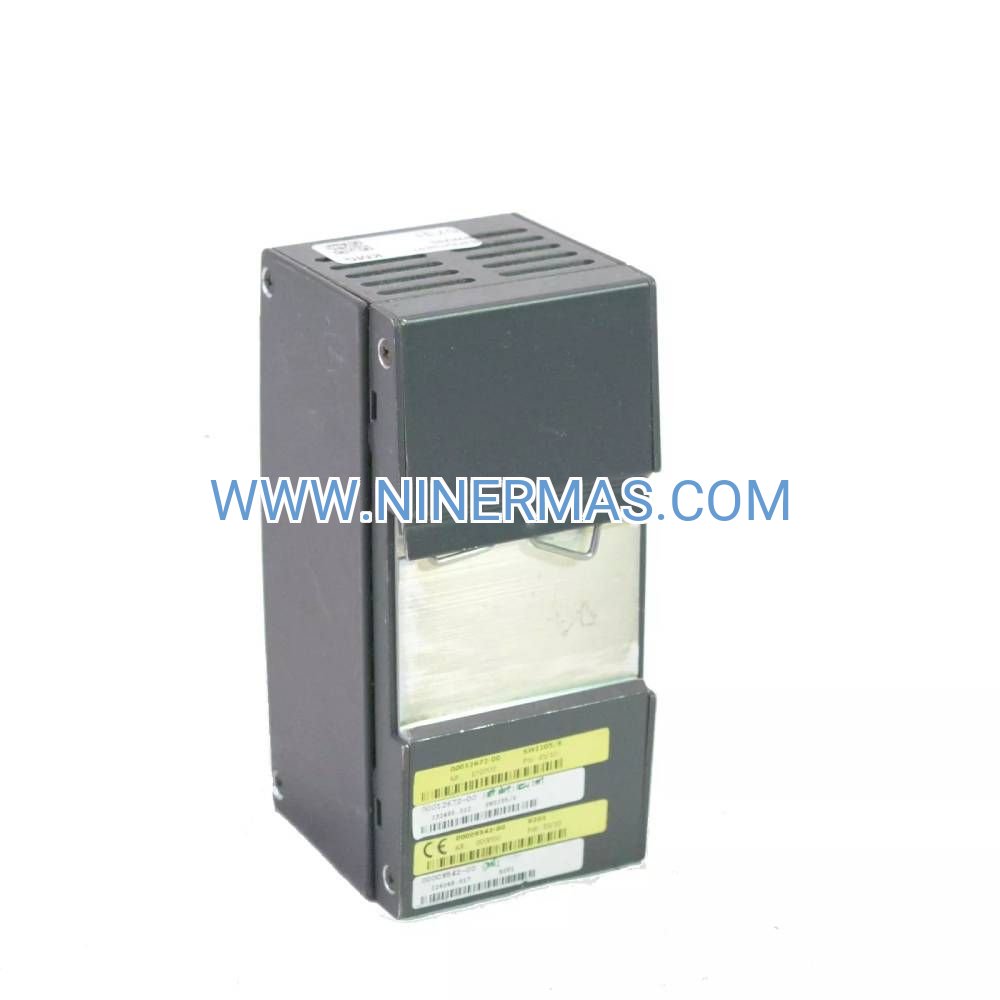
The Siemens 6ES7365-0BA01-0AA0 IM 365 Interface Module is a professional-grade component designed for S7-300 PLC system expansion. Through advanced signal transmission technology and modular architecture, it enables seamless communication between the central controller and expansion racks, supporting distances up to 10 meters. This module ensures reliable data exchange, real-time I/O control, and system scalability for complex automation projects.
Ideal for manufacturing plants, process automation, building control systems, energy management, and industrial machinery integration, the IM 365 addresses critical challenges including limited I/O capacity, cabinet space constraints, long-distance signal degradation, system downtime risks, and complex wiring requirements. It delivers stable performance in harsh industrial environments while maintaining compatibility with existing S7-300 infrastructure.
With standardized design and flexible configuration options, this interface module offers plug-and-play installation, robust EMC protection, hot-swappable capability, diagnostic LED indicators, and wide temperature tolerance. Suitable for design engineers, system integrators, OEM manufacturers, and plant maintenance teams. Contact our technical specialists for application guidance and quotation assistance.
Core Features & Technical Advantages
- High-Speed Data Transmission
Utilizes Siemens proprietary IM interface protocol with cyclic data exchange rates up to 12 Mbit/s, ensuring real-time synchronization between CPU and remote I/O modules while minimizing communication latency in time-critical applications. - Extended Rack Distance Capability
Supports expansion rack placement up to 10 meters from the central rack via standard interface cables, providing flexibility in cabinet layout design and reducing wiring complexity in distributed control architectures. - Simplified Installation & Maintenance
Features tool-free mounting on standard S7-300 DIN rails with automatic bus connector alignment. Hot-swap functionality allows module replacement during operation without system shutdown, reducing maintenance downtime by approximately 40%. - Comprehensive Diagnostic Functions
Equipped with multi-color LED status indicators for power, communication, and fault conditions. Integrated self-diagnostics detect connection errors, signal quality issues, and configuration mismatches, with detailed fault codes accessible via STEP 7 software. - Industrial-Grade Reliability
Built with conformal-coated PCBs and reinforced connectors to withstand vibration, humidity, and electromagnetic interference. Operating temperature range of -25°C to +60°C with MTBF exceeding 500,000 hours under standard industrial conditions. - Seamless System Integration
Fully compatible with all S7-300 CPU variants (313C to 319F) and supports mixed configurations with digital, analog, and specialty modules. No additional programming required – automatic recognition through hardware configuration in TIA Portal or STEP 7 Classic.
Typical Application Scenarios
This interface module is engineered for applications requiring high I/O density, distributed control architecture, or physical separation between control and field equipment:
- Automotive & Discrete Manufacturing
Connects assembly line control cabinets with remote I/O stations for robotic welding, material handling, and quality inspection systems. Enables centralized PLC placement in climate-controlled rooms while distributing I/O modules near production equipment. - Process Industries & Chemical Plants
Facilitates hazardous area separation by locating explosion-proof I/O racks in Zone 2 areas while keeping the CPU in safe zones. Supports integration with temperature transmitters, flow meters, and valve actuators across extended process units. - Building Automation & HVAC Systems
Manages distributed control points for multi-floor commercial buildings, connecting central BMS controllers with floor-level I/O modules for lighting, HVAC dampers, and energy monitoring devices across distances exceeding standard backplane limits. - Water Treatment & Municipal Infrastructure
Coordinates pump stations, filtration systems, and chemical dosing units in water/wastewater facilities where equipment is spread across large physical areas. Reduces copper cabling costs compared to individual point-to-point wiring. - Power Generation & Energy Systems
Interfaces with turbine control panels, switchgear monitoring, and auxiliary systems in power plants where safety regulations require physical isolation between high-voltage equipment and control electronics.
Technical Specifications & Selection Guide
To ensure optimal system performance, the IM 365 module must be configured according to your specific application requirements:
| Parameter | Specification |
|---|---|
| Article Number | 6ES7365-0BA01-0AA0 |
| Interface Type | IM 365 (Send/Receive Pair Required) |
| Maximum Distance | 10 meters (with standard interface cable) |
| Data Transfer Rate | Up to 12 Mbit/s |
| Power Consumption | Typical 1.5W from backplane bus |
| Mounting | S7-300 standard rail (DIN rail compatible) |
| Dimensions (W×H×D) | 40mm × 125mm × 120mm |
| Operating Temperature | -25°C to +60°C |
| Protection Rating | IP20 (for indoor cabinet installation) |
| Certifications | CE, UL, cULus, RCM |
| Configuration Software | STEP 7 V5.x / TIA Portal V13+ |
Selection Considerations: When planning your S7-300 expansion, evaluate the total number of I/O points required, maximum cable run distances, environmental conditions (temperature/humidity/vibration), available cabinet space, and future scalability needs. Each expansion rack requires one IM 365 send module (installed in central rack) and one IM 365 receive module (installed in expansion rack). For projects requiring technical validation, provide your I/O list, cabinet layout drawings, and environmental specifications – our application engineers will recommend the optimal configuration.
Advanced Configuration Options
- Multi-Tier Expansion Architecture: Supports cascading up to 4 expansion racks per CPU (depending on CPU model), enabling systems with 300+ I/O points while maintaining deterministic scan times.
- Redundant Communication Paths: Can be integrated with redundant S7-300H systems for mission-critical applications requiring fault-tolerant operation (consult factory for specific redundancy configurations).
- Mixed Module Compatibility: Works seamlessly with digital input/output modules (SM 321/322), analog I/O (SM 331/332), communication processors (CP 343), and function modules (FM 350) in the same expansion rack.
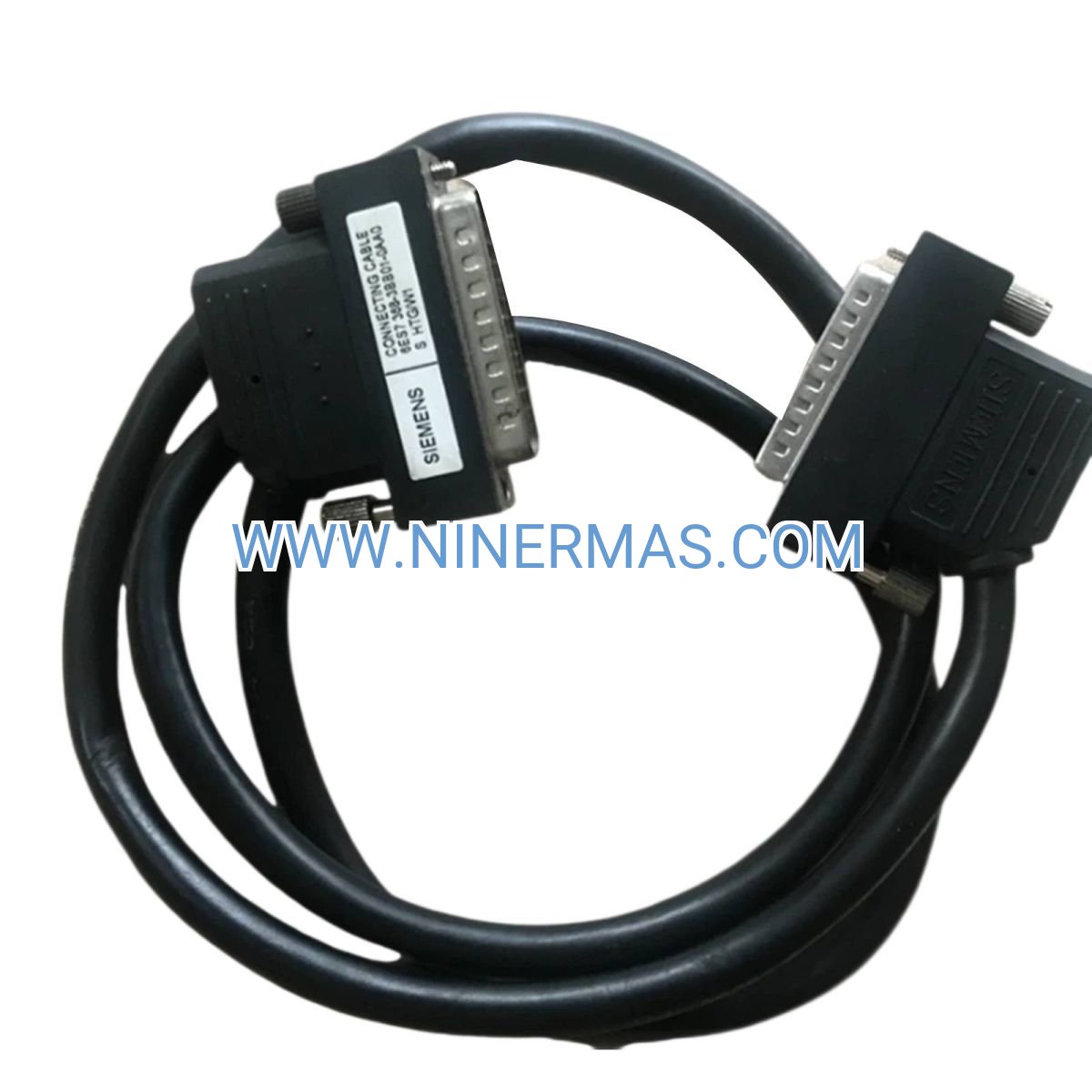
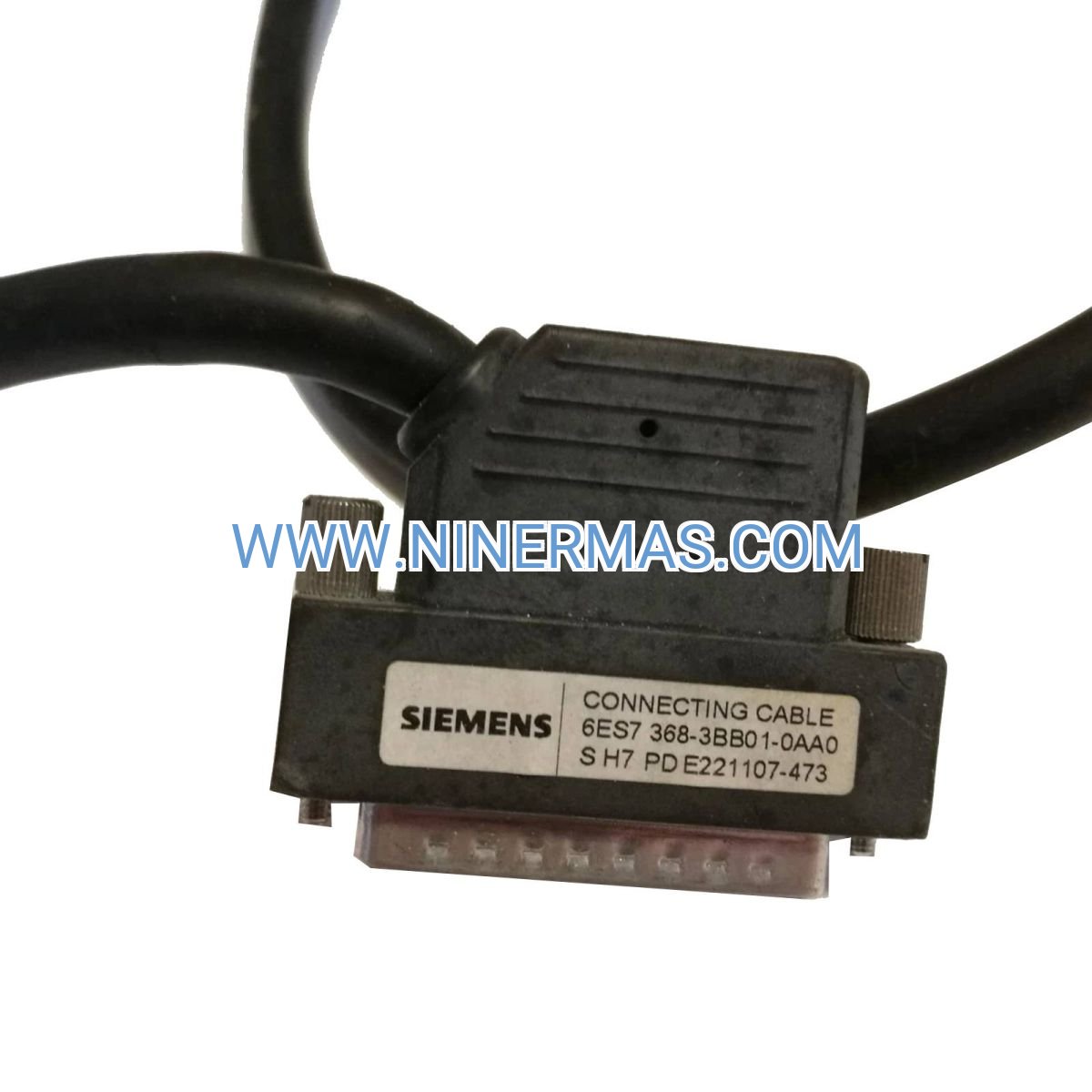
- Cable Options: Standard interface cables available in 1m, 2.5m, 5m, and 10m lengths. Custom lengths and shielded variants available for high-EMI environments.
Delivery, Service & Quality Assurance
Lead Time: Standard catalog items ship within 3-5 business days from regional warehouses. Custom cable assemblies or bulk orders may require 7-14 days. Expedited shipping available for urgent projects.
Warranty Coverage: All modules include a comprehensive 24-month manufacturer warranty covering defects in materials and workmanship. Extended warranty programs available for critical infrastructure applications.
Technical Support: Our certified Siemens specialists provide pre-sales application consulting, configuration file review, commissioning assistance, and post-installation troubleshooting. Remote diagnostic support available via TeamViewer or phone. On-site commissioning services offered in major industrial regions (subject to availability).
Documentation Package: Each module ships with complete technical documentation including dimensional drawings, wiring diagrams, pinout specifications, STEP 7 GSD files, and multilingual operation manuals (English/German/Chinese). CAD models available in STEP and EPLAN formats upon request.
Authenticity Guarantee: All products sourced directly from authorized Siemens distribution channels with full traceability. Each unit includes factory-sealed packaging, holographic security labels, and verifiable serial numbers. Counterfeit protection guaranteed.
Frequently Asked Questions (FAQ)
Q: How do I connect the IM 365 interface module to my existing S7-300 system?
A: The IM 365 operates in pairs – install one send module (6ES7365-0BA01-0AA0) in your central rack's interface slot, and one receive module in the expansion rack's interface slot. Connect them using a Siemens interface cable (order separately based on required distance). The modules are automatically recognized during hardware configuration in STEP 7 – no additional programming needed. Ensure both racks share the same power supply voltage.
Q: What is the maximum number of expansion racks I can connect with IM 365 modules?
A: This depends on your CPU model. Most S7-300 CPUs support 1-4 expansion racks. For example, CPU 314 supports up to 4 expansion racks, while CPU 312 supports 3. Check your CPU's technical specifications in the Siemens manual. Each expansion rack requires its own IM 365 send/receive pair.
Q: What energy savings or efficiency improvements can I expect?
A: While the IM 365 itself doesn't directly reduce energy consumption, it enables optimized cabinet layouts that can reduce copper wiring by 30-50% compared to point-to-point connections, lowering installation costs and improving cable management. Distributed I/O placement also reduces signal noise and improves system response times by 15-25% in large installations.
Q: What are the environmental requirements for installation? What is the IP rating?
A: The IM 365 is rated IP20, designed for installation inside industrial control cabinets. Operating temperature range is -25°C to +60°C with 5-95% relative humidity (non-condensing). For outdoor or harsh environments, install within a NEMA 4/IP65-rated enclosure with adequate ventilation. Avoid direct exposure to corrosive gases, conductive dust, or condensation.
Q: Does it support remote monitoring and data acquisition? Which protocols are compatible?
A: The IM 365 is a physical layer interface for rack expansion and doesn't directly handle network protocols. However, I/O data transmitted through the IM 365 can be accessed via S7 communication (S7-300 native protocol), PROFINET (with CP 343-1 module), Modbus TCP (via gateway), or OPC UA (through SIMATIC NET software). For SCADA integration, configure your CPU's communication processor accordingly.
Q: Can I hot-swap the IM 365 module during operation?
A: Yes, the IM 365 supports hot-swapping in systems configured for redundant operation or when using CPUs with RUN-P mode. However, replacing the module will temporarily interrupt communication with the associated expansion rack (typically 2-5 seconds). For non-redundant systems, plan replacements during scheduled maintenance windows to avoid process disruptions.
Request Technical Support & Quotation
To receive a customized solution proposal, detailed pricing, or application engineering support, please provide the following information:
- Project name and application industry
- Total I/O point count (digital inputs/outputs, analog channels)
- Required expansion rack quantity and distances from CPU
- S7-300 CPU model currently in use or planned
- Environmental conditions (temperature range, IP rating requirements)
- Delivery timeline and installation location
Our application engineers will respond within 24 hours with technical recommendations, configuration drawings, and competitive quotations. For urgent inquiries, contact us directly via phone or email.
© 2026 NINERMAS COMPANY LIMITED. All rights reserved.
Original Source: https://ninermas.com
Contact: sale@ninermas.com | +0086 187 5021 5667

Contact Info
-
Address:22 / F, South Wo Hang building, 148 Wing Lok Street, Sheung Wan, Western District, Hong Kong
-
Phone:+8618750215667
-
Email: