Original Industrial Spare Part
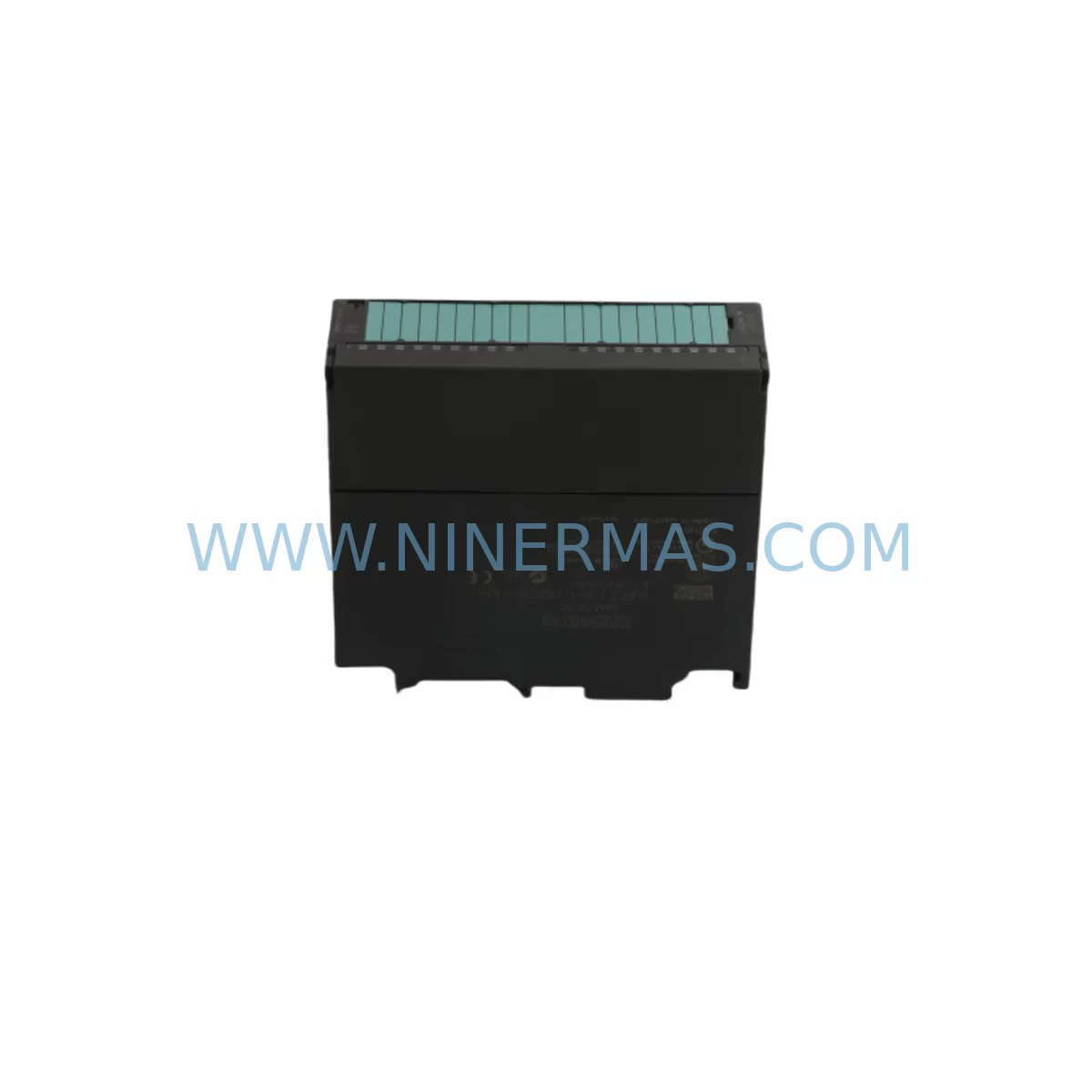
Siemens 6ES7331-7KF02-0AB0 Spare Part for Industrial Maintenance
Verify the part, confirm the platform family, and move straight into quotation with the right commercial details.
RFQ Ready
- SKU6ES7331-7KF02-0AB0
- CategoryPLC & Industrial Automation Modules
- BrandSiemens
- SupportAvailability, lead time, condition, and shipping coordination
How Buyers Usually Use This Page
- Confirm the exact part number and platform family before sending the quote request.
- Use direct email when quantity, condition, and destination are already defined internally.
- Switch to the broader brand or category archive when you need alternates nearby.
Series Navigation
Move through the most common platform families behind this part.
Product RFQ
Send this part directly for quotation.
Include quantity, required condition, destination country, and target delivery timing. Current reference: Siemens 6ES7331-7KF02-0AB0 Spare Part for Industrial Maintenance with SKU 6ES7331-7KF02-0AB0.
Siemens 6ES7331-7KF02-0AB0 Spare Part for Industrial Maintenance
The Siemens 6ES7331-7KF02-0AB0 is an original SM 331 Analog Input Module designed for the SIMATIC S7-300 programmable logic controller platform. With 8 analog input channels supporting voltage (±10V, ±5V, ±2.5V, 1–5V) and current (0–20mA, 4–20mA, ±20mA) signal types at 12-bit resolution, this module is a cornerstone component in process control, machine automation, and continuous manufacturing environments. When a production line goes down due to a failed analog input module, every minute of unplanned downtime translates directly into lost output and recovery costs. Stocking the 6ES7331-7KF02-0AB0 as a verified spare part is one of the most effective strategies a maintenance team can adopt to protect operational continuity.
From the perspective of a maintenance engineer, the SM 331 module sits at the heart of the signal acquisition chain. It receives real-world process values — temperature, pressure, flow, level, and position — from field transmitters and sensors, converting them into digital values that the S7-300 CPU processes for control decisions. A degraded or failed module can cause signal drift, erroneous readings, or complete loss of process feedback, triggering safety shutdowns or uncontrolled process deviations. Having a pre-tested, ready-to-install replacement on the shelf eliminates the risk of extended lead times from original equipment manufacturers and reduces mean time to repair (MTTR) dramatically.
Spare Maintenance Table
| Parameter | Specification |
|---|---|
| SKU / Part Number | 6ES7331-7KF02-0AB0 |
| Series | SIMATIC S7-300 SM 331 |
| Module Type | Analog Input Module (AI) |
| Number of Channels | 8 Analog Inputs |
| Input Signal Types | Voltage: ±10V, ±5V, ±2.5V, 1–5V; Current: 0–20mA, 4–20mA, ±20mA; Resistance / RTD / Thermocouple |
| Resolution | 12-bit (including sign bit) |
| Isolation | Galvanic isolation between channels and backplane bus |
| Supply Voltage | DC 24V (via S7-300 backplane) |
| Operating Temperature | 0°C to +60°C (horizontal installation) |
| Storage Temperature | -40°C to +70°C |
| Protection Rating | IP20 |
| Dimensions (W×H×D) | 40mm × 125mm × 120mm |
| Weight | Approx. 0.25 kg |
| Compatibility | SIMATIC S7-300 series; all standard S7-300 racks and CPUs |
| Origin | Germany (Original Siemens manufacture) |
| Warranty | 12 Months from date of shipment |
| Condition | Original, tested before shipment |
Maintenance Planning for Continuous Operation
Effective maintenance planning for an S7-300-based control system requires a holistic view of the entire signal and power chain. When replacing the 6ES7331-7KF02-0AB0, experienced maintenance engineers know that the module does not operate in isolation — its performance depends on the integrity of every upstream and downstream component in the control cabinet.
Starting at the power supply level, the Siemens 6EP1333-3BA00 SITOP PSU100S 24V DC power supply module is the most common companion unit in S7-300 cabinets. A degraded power supply delivering voltage outside the 24V ±5% tolerance will cause erratic analog readings even from a perfectly functional SM 331 module. Always verify power supply output stability with a calibrated multimeter before concluding that the analog input module is at fault.
At the backplane level, the Siemens 6ES7390-1AE80-0AA0 S7-300 rail (mounting rail) and the associated 6ES7368-3BB01-0AA0 connecting cable between racks should be inspected for corrosion, mechanical damage, and secure seating. A loose backplane connection is a frequent cause of intermittent analog signal faults that are misdiagnosed as module failures.
For the CPU side, the Siemens 6ES7315-2EH14-0AB0 CPU 315-2 PN/DP is a widely deployed processor in the same S7-300 family. When the analog input module is replaced, it is good practice to verify that the CPU firmware and hardware configuration in STEP 7 or TIA Portal correctly reflects the new module’s slot assignment and parameter settings, including measurement type, integration time, and diagnostic interrupt enable.
On the field wiring side, the Siemens 6ES7392-1AJ00-0AA0 front connector (40-pin) must be inspected for bent pins, loose screw terminals, and moisture ingress. Field signal cables connecting to 4–20mA transmitters — such as pressure transmitters, temperature transmitters, and flow meters — should be checked for insulation integrity and correct shielding grounding. Ungrounded cable shields in high-EMI environments are a leading cause of signal noise and drift on analog input channels.
For signal conditioning and isolation, installations in environments with long cable runs or high ground potential differences often benefit from adding signal isolators such as the Phoenix Contact MINI MCR series or equivalent DIN-rail-mounted isolators between field transmitters and the SM 331 input terminals. These devices protect the module from transient overvoltages and eliminate ground loops that corrupt analog readings.
In systems where the S7-300 communicates with SCADA or DCS platforms via PROFIBUS, the Siemens 6GK1500-0FC10 PROFIBUS bus connector and the associated DP cable should be verified for correct termination resistance at both ends of the bus segment. A PROFIBUS communication fault during an analog module replacement can cause the CPU to go into STOP mode, extending the downtime window unnecessarily.
Finally, for HMI-integrated systems, the Siemens 6AV2124-0GC01-0AX0 KTP700 Basic Panel or similar operator panels connected to the S7-300 should be checked to confirm that analog process values are displaying correctly after the module swap, serving as a functional verification step before returning the system to automatic operation.
Site Replacement Workflow
Replacing the Siemens 6ES7331-7KF02-0AB0 on-site is a straightforward procedure when the correct spare is available and the replacement workflow is followed systematically. The following steps reflect best practice for minimizing downtime and ensuring a safe, verified return to service:
Step 1 — Preparation: Before entering the control cabinet, confirm the replacement module’s part number matches the installed unit exactly. The 6ES7331-7KF02-0AB0 has several similar variants (e.g., 6ES7331-7KF01-0AB0, 6ES7331-1KF02-0AB0) that differ in channel count, resolution, or signal type support. Using an incorrect variant will result in configuration mismatches and potential CPU faults.
Step 2 — Safe Isolation: Place the S7-300 CPU in STOP mode via the mode selector switch or through the programming interface. Isolate the 24V DC supply to the affected rack if possible. Do not remove the module under live backplane power unless the system design explicitly supports hot-swapping (standard S7-300 racks do not support hot-swap without additional hardware).
Step 3 — Front Connector Removal: Disconnect the 40-pin front connector from the failed module. Label or photograph the wiring before disconnection if the terminal assignments are not documented. Transfer the front connector to the replacement module — the connector retains its wiring, eliminating the need to re-terminate individual field cables.
Step 4 — Module Swap: Remove the failed 6ES7331-7KF02-0AB0 from its slot by releasing the top and bottom locking clips. Insert the replacement module into the same slot, ensuring the backplane bus connector engages fully. Reattach the front connector.
Step 5 — Functional Verification: Restore power and switch the CPU to RUN mode. Monitor the analog input values in the STEP 7 or TIA Portal variable table, or via the connected HMI, to confirm that all 8 channels are reading correctly within expected engineering unit ranges. Compare readings against known reference values from field instruments to validate calibration.
Step 6 — Documentation: Record the replacement date, the serial number of the removed module, and the serial number of the installed spare in the maintenance log. Update the spare parts inventory to trigger a replenishment order for the consumed spare, maintaining the minimum stock level for future incidents.
Spare Parts Support FAQ
Q1: Is the 6ES7331-7KF02-0AB0 supplied as an original Siemens component?
Yes. NINERMAS supplies only original, genuine Siemens components sourced through verified industrial channels. Each unit undergoes functional testing and visual inspection before shipment. A 12-month warranty is provided from the date of shipment, covering manufacturing defects and functional failures under normal operating conditions.
Q2: How do I confirm compatibility with my existing S7-300 system before ordering?
The 6ES7331-7KF02-0AB0 is compatible with all standard SIMATIC S7-300 racks and CPUs. Compatibility is determined by the slot assignment in your STEP 7 or TIA Portal hardware configuration. Verify that your existing hardware configuration file specifies the SM 331 module with order number 6ES7331-7KF02-0AB0 in the target slot. If you are replacing an older revision (e.g., 6ES7331-7KF01-0AB0), confirm that the firmware revision of your CPU supports the updated module revision. Contact our technical team at sale@ninermas.com with your CPU order number and STEP 7 project details for pre-order compatibility confirmation.
Q3: What is the typical lead time and how is the module tested before shipment?
In-stock units are dispatched within 1–3 business days. Each module is powered up and subjected to functional verification testing prior to packaging. Test records are available upon request. For urgent maintenance situations requiring same-day or next-day dispatch, please contact us directly at +0086 187 5021 5667 to confirm stock availability and expedited shipping options.
Q4: Can NINERMAS support long-term supply for this module as part of an annual maintenance contract?
Yes. NINERMAS maintains standing inventory of high-demand S7-300 spare parts including the 6ES7331-7KF02-0AB0 to support customers with annual maintenance contracts, planned shutdown schedules, and emergency call-off requirements. We can provide framework pricing agreements for multi-unit annual supply commitments, ensuring your maintenance team has guaranteed access to verified spares without exposure to spot-market price volatility or counterfeit risk.
| Product Series | SIMATIC S7-300 |
|---|---|
| Country of Origin | DE |
Catalog Continuation
More Siemens modules in the catalog.
Use the brand lane to compare nearby part numbers, platform-adjacent modules, and other inquiry-ready listings before sending your final RFQ.
Catalog Continuation
Alternative parts within PLC & Industrial Automation Modules.
Stay inside the same system family when you need substitutes, adjacent modules, or a broader shortlist for procurement review.
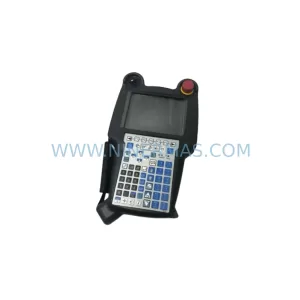
SKU: A05B-2518-C200
FANUC A05B-2518-C200 Retrofit Teach Pendant for Legacy Systems
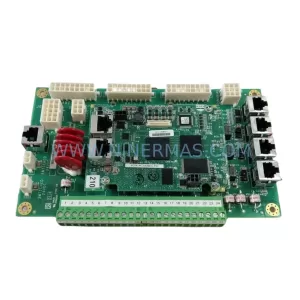
SKU: 2711PC-T10C4D8
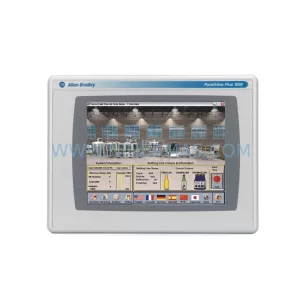
Allen-Bradley 2711PC-T10C4D8 Retrofit-Compatible HMI Terminal