Original Industrial Spare Part
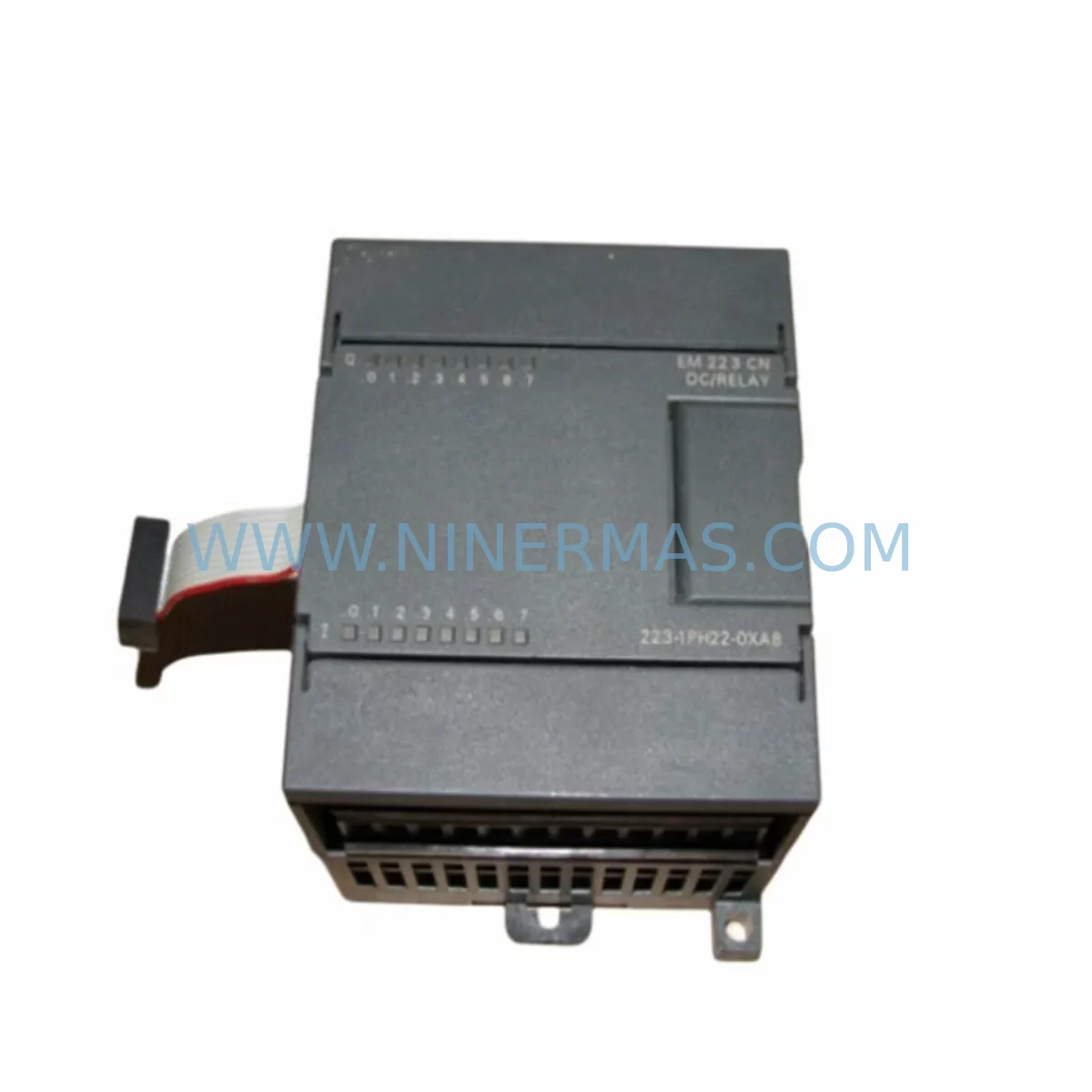
Siemens 6ES7223-1PH22-0XA8 Retrofit Digital I/O Legacy
Verify the part, confirm the platform family, and move straight into quotation with the right commercial details.
RFQ Ready
- SKU6ES7223-1PH22-0XA8
- CategoryPLC & Industrial Automation Modules
- BrandSiemens
- SupportAvailability, lead time, condition, and shipping coordination
How Buyers Usually Use This Page
- Confirm the exact part number and platform family before sending the quote request.
- Use direct email when quantity, condition, and destination are already defined internally.
- Switch to the broader brand or category archive when you need alternates nearby.
Series Navigation
Move through the most common platform families behind this part.
Product RFQ
Send this part directly for quotation.
Include quantity, required condition, destination country, and target delivery timing. Current reference: Siemens 6ES7223-1PH22-0XA8 Retrofit Digital I/O Legacy with SKU 6ES7223-1PH22-0XA8.
Siemens 6ES7223-1PH22-0XA8 Retrofit-Compatible Digital I/O for Legacy Systems
The Siemens 6ES7223-1PH22-0XA8 is a digital combination I/O expansion module (EM 223) designed for the SIMATIC S7-200 series PLC platform. With 16 digital inputs and 16 digital relay outputs, this module serves as a critical component in legacy automation systems that continue to operate across manufacturing, process control, and building automation environments. As the S7-200 platform has reached end-of-life status, sourcing verified replacement units like the 6ES7223-1PH22-0XA8 has become a priority for maintenance engineers and system integrators tasked with keeping existing lines operational without full platform migration.
NINERMAS maintains in-stock inventory of the 6ES7223-1PH22-0XA8 to support planned and emergency retrofit scenarios. Each unit is function-tested prior to shipment and covered by a 12-month warranty, giving procurement and engineering teams confidence in both availability and reliability.
Upgrade Compatibility Table
| Parameter | Details |
|---|---|
| SKU / Part Number | 6ES7223-1PH22-0XA8 |
| Series | SIMATIC S7-200 EM 223 |
| Module Type | Digital Combination I/O (16 DI / 16 DO Relay) |
| Supply Voltage | 24 V DC |
| Output Type | Relay, max. 2 A per output |
| Backplane Interface | S7-200 expansion bus connector |
| Installation | DIN rail or panel mount, right-side expansion of CPU 22x |
| Communication Compatibility | PPI, MPI (via CPU); compatible with CP 243-1 Ethernet module and EM 277 PROFIBUS-DP |
| Replacement Recommendation | Direct drop-in for existing EM 223 units; verify terminal wiring map before swap |
| Commissioning Notes | Confirm I/O address assignment in STEP 7 Micro/WIN; re-download program if address map changed |
| Warranty | 12 Months — NINERMAS |
Retrofit Planning for Existing Automation Systems
When planning a retrofit around the 6ES7223-1PH22-0XA8, engineers must account for the full expansion chain attached to the host CPU. A typical S7-200 control cabinet may include a CPU 224XP or CPU 226 as the central controller, with multiple expansion modules occupying the right-side bus. Common companions to the EM 223 in these cabinets include the EM 221 (8-point digital input), EM 222 (8-point digital output), and EM 231 (analog input) modules — all of which share the same expansion bus architecture and must be accounted for when calculating total current draw from the 24 V DC system power supply.
Power budget verification is a non-negotiable first step. The S7-200 CPU’s internal 5 V DC bus supplies logic power to all expansion modules, and the 6ES7223-1PH22-0XA8 draws a defined load from this bus. If the existing cabinet already runs near the CPU’s maximum expansion current, adding or replacing modules requires recalculating the total bus load. In some cases, an additional 24 V DC power supply module must be introduced to maintain stable operation across all I/O points.
Terminal wiring is the next critical checkpoint. The EM 223’s relay outputs are wired to field devices — motors, solenoids, contactors, and indicator lamps — through screw-terminal blocks. Before removing the old module, engineers should photograph or document the existing wiring layout, noting wire colors, terminal numbers, and load types. Relay output modules like the 6ES7223-1PH22-0XA8 can switch both AC and DC loads, so confirming the load voltage and current at each output terminal prevents miswiring during reinstallation.
For systems that also use communication modules such as the CP 243-1 Ethernet module or the EM 277 PROFIBUS-DP adapter, the retrofit plan must confirm that the I/O address map remains consistent after the module swap. STEP 7 Micro/WIN assigns I/O addresses based on module position in the expansion chain. If the 6ES7223-1PH22-0XA8 is being installed in the same physical slot as the unit it replaces, the address map is preserved. If the slot position changes — for example, due to a cabinet reorganization — the program logic must be updated to reflect the new address assignments before the system is restarted.
HMI panels connected to the S7-200 CPU via PPI — such as a TD 400C text display or a TP 177 touch panel — reference specific memory bits and output coils that map directly to the EM 223’s relay outputs. Any address change in the I/O module chain will require corresponding updates to the HMI screen tags and alarm configurations. Coordinating this update during a planned maintenance window, rather than during an emergency swap, significantly reduces commissioning time and the risk of process disruption.
For sites where the S7-200 platform is being partially migrated toward a newer architecture — such as the SIMATIC S7-1200 with SM 1223 digital I/O signal modules — the 6ES7223-1PH22-0XA8 can serve as a bridge solution, keeping the legacy section of the line operational while the new platform is commissioned in parallel. This phased approach allows production to continue without a full cutover, reducing both downtime risk and capital expenditure in a single budget cycle.
Downtime Control During System Migration
Minimizing unplanned downtime during an EM 223 module replacement begins with pre-staging. Before the maintenance window opens, the replacement 6ES7223-1PH22-0XA8 should be bench-tested using a spare CPU 224 or CPU 226 unit with a known-good program loaded. This confirms the module’s I/O functionality before it enters the production environment, eliminating the risk of discovering a fault during a live swap.
The existing PLC program should be backed up from the CPU using STEP 7 Micro/WIN before any hardware is disturbed. This backup preserves the data block values, retentive memory settings, and program logic that define the machine’s current operating state. If the CPU battery or supercapacitor has degraded — a common issue in aging S7-200 systems — retentive data may be lost during a power cycle, making the program backup the only reliable recovery path.
During the physical swap, the field wiring should be disconnected terminal by terminal and reconnected to the new module in the same sequence. Using a wiring diagram or the pre-swap photograph as a reference, each output circuit should be verified with a continuity check before power is restored. Once the new 6ES7223-1PH22-0XA8 is installed and wired, the program is re-downloaded to the CPU, the system is powered up in STOP mode, and each I/O point is forced and verified individually before returning the machine to RUN mode.
For critical production lines where even a brief interruption is costly, a hot-standby approach using a second CPU with a mirrored program can be pre-configured to take over control within seconds of a module failure. While the S7-200 platform does not natively support redundancy, this architecture can be implemented at the application level using cross-communication between two CPUs via the PPI network, with the switchover logic programmed into both controllers.
Retrofit Support FAQ
Q: Is the 6ES7223-1PH22-0XA8 a direct replacement for earlier EM 223 variants?
A: Yes. The 6ES7223-1PH22-0XA8 is compatible with the S7-200 expansion bus and can replace earlier EM 223 relay output variants in the same physical slot. Confirm the terminal wiring map and I/O address assignment in STEP 7 Micro/WIN before restarting the system.
Q: Does NINERMAS test units before shipment?
A: Yes. Every 6ES7223-1PH22-0XA8 unit is function-tested prior to dispatch. Each shipment includes a test report, and all units are covered by a 12-month warranty from the date of delivery.
Q: What should I check if the module is not recognized by the CPU after installation?
A: First, confirm the expansion bus connector is fully seated and the module is powered. Then verify in STEP 7 Micro/WIN that the system block configuration matches the installed hardware. If the CPU was previously configured for a different module type in that slot, update the system block and re-download to the CPU.
Q: Can this module be used in a system that also includes EM 277 PROFIBUS-DP or CP 243-1 Ethernet modules?
A: Yes. The 6ES7223-1PH22-0XA8 coexists with communication modules on the S7-200 expansion bus. Ensure the total bus current draw remains within the CPU’s rated expansion capacity, and confirm that the I/O address map is consistent with the program logic after any module position changes.
| Product Series | SIMATIC |
|---|---|
| Country of Origin | DE |
Catalog Continuation
More Siemens modules in the catalog.
Use the brand lane to compare nearby part numbers, platform-adjacent modules, and other inquiry-ready listings before sending your final RFQ.
SKU: CP50M0 6DD1661-0AD0
SIEMENS CP50M0 6DD1661-0AD0 Safety-Reliable TDC Communication Module
SKU: 6SL3130-7TE21-6AA4
Siemens 6SL3130-7TE21-6AA4 Service-Ready Spare Part
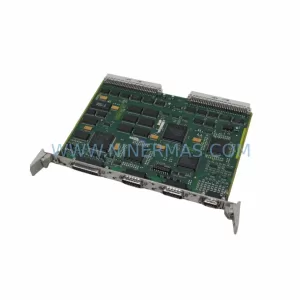
SKU: 6FC5110-0CB01-0AA0
Siemens 6FC5110-0CB01-0AA0 Safety-Reliable CNC Control Module
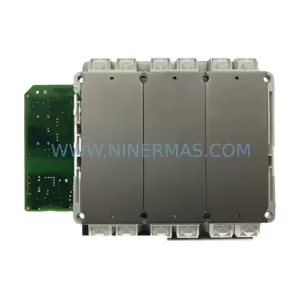
Catalog Continuation
Alternative parts within PLC & Industrial Automation Modules.
Stay inside the same system family when you need substitutes, adjacent modules, or a broader shortlist for procurement review.
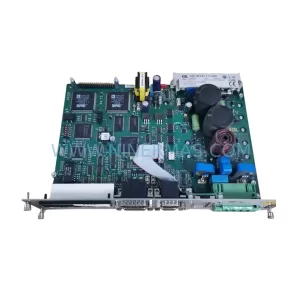
SKU: DSC2P142-111-000
Etel DSC2P142-111-000 Retrofit-Compatible Digital Servo Amplifier
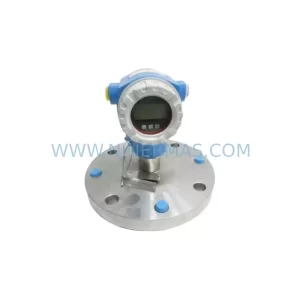
SKU: FMB51-AA21RA1FGC80GGJB3A+AA
E+H FMB51-AA21RA1FGC80GGJB3A+AA Retrofit Magnetic Flowmeter
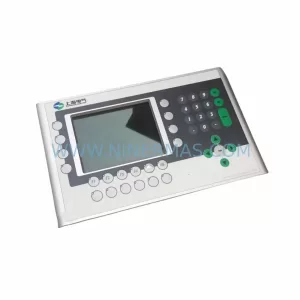
SKU: 4PP350.0571-K01
B&R 4PP350.0571-K01 Retrofit-Compatible HMI Panel for Legacy Systems