Original Industrial Spare Part
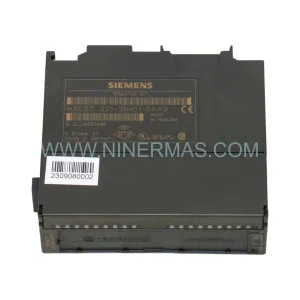
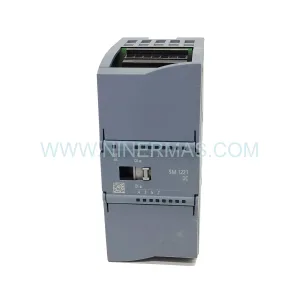
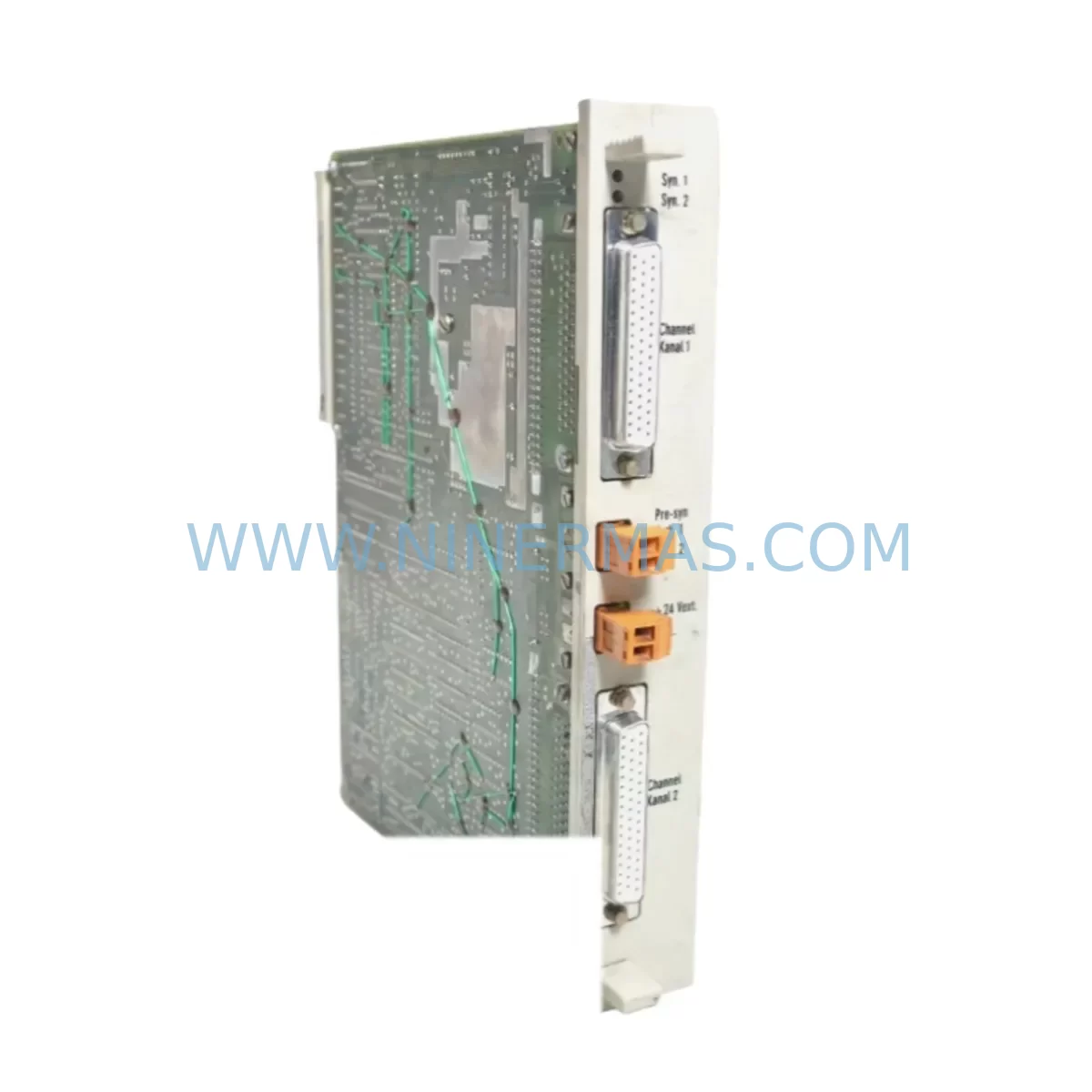
Siemens 6ES5453-40A12 Service-Ready Spare Part for Industrial Maintenance
Verify the part, confirm the platform family, and move straight into quotation with the right commercial details.
RFQ Ready
- SKU6ES5453-40A12
- CategoryPLC & Industrial Automation Modules
- BrandSiemens
- SupportAvailability, lead time, condition, and shipping coordination
How Buyers Usually Use This Page
- Confirm the exact part number and platform family before sending the quote request.
- Use direct email when quantity, condition, and destination are already defined internally.
- Switch to the broader brand or category archive when you need alternates nearby.
Series Navigation
Move through the most common platform families behind this part.
Product RFQ
Send this part directly for quotation.
Include quantity, required condition, destination country, and target delivery timing. Current reference: Siemens 6ES5453-40A12 Service-Ready Spare Part for Industrial Maintenance with SKU 6ES5453-40A12.
Siemens 6ES5453-40A12 Service-Ready Spare Part for Industrial Maintenance
The Siemens 6ES5453-40A12 is a digital input module from the SIMATIC S5 series, engineered for reliable signal acquisition in demanding industrial control environments. As a service-ready spare part, it is stocked and tested to support rapid replacement, minimize unplanned downtime, and sustain the operational continuity of legacy S5-based automation systems. Whether you are managing a scheduled annual overhaul, responding to an emergency fault, or building a strategic spare parts inventory for a long-running production line, the 6ES5453-40A12 delivers the compatibility and reliability that maintenance and procurement engineers depend on.
NINERMAS maintains verified stock of the 6ES5453-40A12 with pre-shipment functional testing, original-grade quality assurance, and a 12-month warranty — providing the procurement confidence required for critical infrastructure and long-lifecycle automation programs.
Spare Maintenance Table
| Parameter | Specification / Detail |
|---|---|
| Part Number / SKU | 6ES5453-40A12 |
| Brand | Siemens |
| Series | SIMATIC S5 |
| Module Type | Digital Input Module (DI) |
| Input Channels | 32 digital inputs (24 V DC nominal) |
| Input Voltage Range | 15–30 V DC (signal “1”); 0–5 V DC (signal “0”) |
| Backplane Bus | SIMATIC S5 expansion rack / central controller bus |
| Compatible Controllers | S5-115U, S5-135U, S5-155U and compatible S5 CPUs |
| Installation | Plug-in module; slot-compatible with S5 expansion racks |
| Operating Temperature | 0 °C to +60 °C |
| Storage Temperature | -40 °C to +70 °C |
| Relative Humidity | Up to 95% non-condensing |
| Protection Class | IP20 (installed in control cabinet) |
| Origin | Germany |
| Condition | Original spare / service-grade |
| Pre-Shipment Testing | Functional verification performed before dispatch |
| Warranty | 12 months from date of shipment |
| Maintenance Recommendation | Inspect connector pins, backplane contacts, and LED indicators at each scheduled PM cycle; replace if input response latency or signal errors are detected |
Maintenance Planning for Continuous Operation
When a 6ES5453-40A12 digital input module is flagged during a control cabinet inspection or fault diagnostic, experienced maintenance engineers know that the module itself is rarely the only component requiring attention. A thorough site assessment should extend to the full signal chain and power distribution architecture within the S5 rack.
Begin by verifying the 24 V DC field power supply feeding the input channels — a degraded or undersized power supply unit such as the Siemens 6ES5955-3LC41 or equivalent S5-series PSU can cause intermittent input faults that mimic module failure. Check output voltage stability under load and inspect for capacitor aging or thermal stress marks on the PSU board.
Next, inspect the S5 backplane bus connector and rack slot contacts. Oxidized or mechanically worn backplane pins are a common root cause of communication errors between the CPU and peripheral modules. If the rack houses a 6ES5470-8MA12 analog input module or a 6ES5482-8MA11 digital output module in adjacent slots, verify their status simultaneously — a shared bus fault can cascade across multiple modules.
For systems using SIMATIC S5 CP communication processors (such as the 6ES5523 or 6ES5524 series) to interface with PROFIBUS or industrial Ethernet networks, confirm that the communication module’s firmware and address settings remain intact after any rack disturbance. Signal integrity on the fieldbus should be re-verified with a bus analyzer after module replacement.
Field wiring connected to the 6ES5453-40A12 input terminals should be inspected for insulation degradation, loose ferrules, and correct terminal torque. In high-vibration environments, Phoenix Contact or Weidmüller terminal blocks and shielded signal cables are recommended to maintain signal quality. Where inductive field devices such as proximity sensors or limit switches are connected, check that appropriate signal isolators or surge protection modules are installed to protect the input channels from transient overvoltage.
If the S5 system interfaces with an HMI panel — such as a legacy Siemens OP7, OP17, or a third-party operator panel — verify that the MPI or serial communication link remains stable after the module swap. HMI communication faults are frequently misdiagnosed as PLC hardware failures when the actual cause is a loose RS-485 connector or a corrupted baud rate setting.
For facilities running extended S5 lifecycles, it is advisable to maintain a minimum buffer stock of the 6ES5453-40A12 alongside complementary modules such as the 6ES5482-8MA11 digital output module, 6ES5095-8MA01 sub-module carrier, and relevant 6ES5700-series memory modules or EPROMs. Coordinating these as a consolidated spare parts kit reduces emergency procurement lead times and supports faster mean-time-to-repair (MTTR) targets across multi-line facilities.
Site Replacement Workflow
Step 1 — Isolation & Safety: De-energize the S5 rack following your site LOTO (Lockout/Tagout) procedure. Confirm zero-energy state on the 24 V DC bus and backplane supply before handling any module.
Step 2 — Documentation: Photograph the existing wiring harness and terminal assignments on the 6ES5453-40A12 before disconnection. Record the slot position within the rack and note any address switch settings visible on the module face.
Step 3 — Module Removal: Release the module locking lever, disconnect the front connector (if fitted), and extract the module from the rack slot. Inspect the backplane connector pins for damage or contamination before inserting the replacement unit.
Step 4 — Replacement Installation: Insert the service-ready 6ES5453-40A12 into the correct slot, ensuring full backplane engagement. Reconnect the field wiring front connector and verify terminal torque to specification. Confirm address switch settings match the original module configuration.
Step 5 — Power-Up & Verification: Re-energize the rack and observe the module’s LED status indicators. A steady green RUN indicator confirms normal operation. Use the S5 programming device (PG) or STEP 5 software to perform a forced I/O test on all 32 input channels, verifying correct signal mapping to the CPU process image.
Step 6 — System Handover: Document the replacement in your maintenance log, update the spare parts inventory record, and initiate a replenishment order to restore buffer stock. Retain the removed module for failure analysis if required by your quality management system.
This structured workflow reduces average replacement time to under 45 minutes for trained technicians and eliminates the most common re-work causes: incorrect wiring reconnection and missed address switch settings.
Spare Parts Support FAQ
Q1: Is the 6ES5453-40A12 still available as a new or service-grade spare part?
Yes. Although the SIMATIC S5 series has been officially discontinued by Siemens, NINERMAS maintains verified stock of the 6ES5453-40A12 as a service-grade original spare part. Each unit undergoes pre-shipment functional testing and is covered by a 12-month warranty from the date of shipment, supporting long-lifecycle maintenance programs without requiring immediate system migration.
Q2: How do I confirm compatibility with my existing S5 rack and CPU before ordering?
The 6ES5453-40A12 is slot-compatible with SIMATIC S5 expansion racks used with S5-115U, S5-135U, and S5-155U central controllers. To confirm compatibility, provide your CPU order number, rack configuration, and existing module slot assignments when contacting our technical team. We will verify address range availability and bus load before confirming the order.
Q3: What is your lead time and can you support long-term supply agreements for critical S5 spare parts?
In-stock units are dispatched within 1–3 business days following order confirmation and payment. For facilities with ongoing S5 maintenance programs, NINERMAS offers long-term supply agreements with reserved stock allocation, priority dispatch, and consolidated invoicing — reducing procurement risk for critical spare parts across multi-year maintenance cycles.
Q4: What does the 12-month warranty cover and what is the claims process?
The 12-month warranty covers functional defects under normal operating conditions as specified in the original Siemens product documentation. It does not cover damage resulting from incorrect installation, overvoltage events, or unauthorized modification. To initiate a warranty claim, contact our support team at sale@ninermas.com with your order reference, a description of the fault, and photographic evidence. Replacement or repair will be arranged within the agreed service timeline.
| Product Series | SIMATIC S5 |
|---|---|
| Country of Origin | DE |
Catalog Continuation
More Siemens modules in the catalog.
Use the brand lane to compare nearby part numbers, platform-adjacent modules, and other inquiry-ready listings before sending your final RFQ.
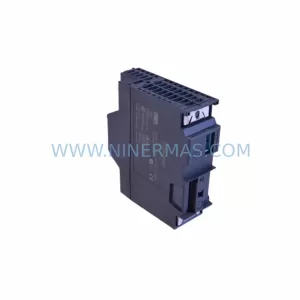
SKU: 6ES7341-1AH01-0AE0
Siemens 6ES7341-1AH01-0AE0 Retrofit-Compatible CP341 for Legacy Systems
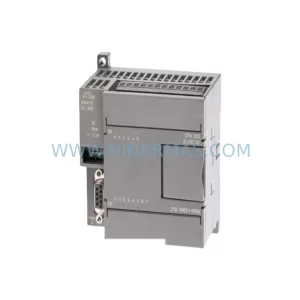
SKU: 6SL3352-3AG35-8AA0
Siemens 6SL3352-3AG35-8AA0 Service-Ready Spare Part for Industrial Maintenance
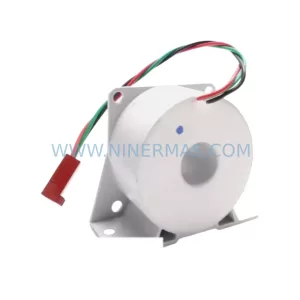
SKU: 6SY7000-0AA31
SIEMENS 6SY7000-0AA31 Retrofit-Compatible Rectifier Unit
Catalog Continuation
Alternative parts within PLC & Industrial Automation Modules.
Stay inside the same system family when you need substitutes, adjacent modules, or a broader shortlist for procurement review.
SKU: GIGA-F 0090-36221 0190-04562 H SK.CTD.200-0DEG F.D. 0040-95291
AMAT 0090-36221 Retrofit-Compatible TC Amp for Legacy Systems