Description
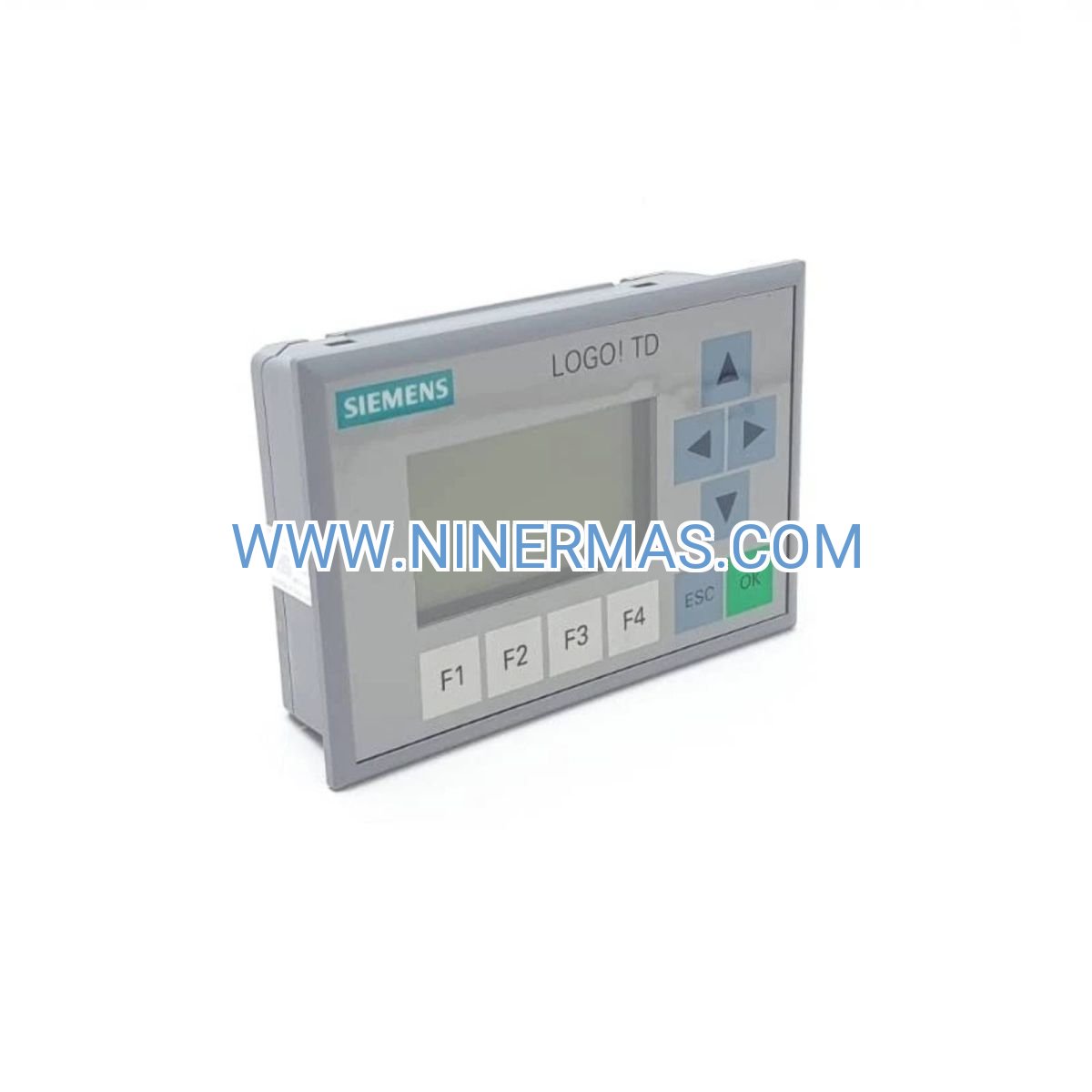
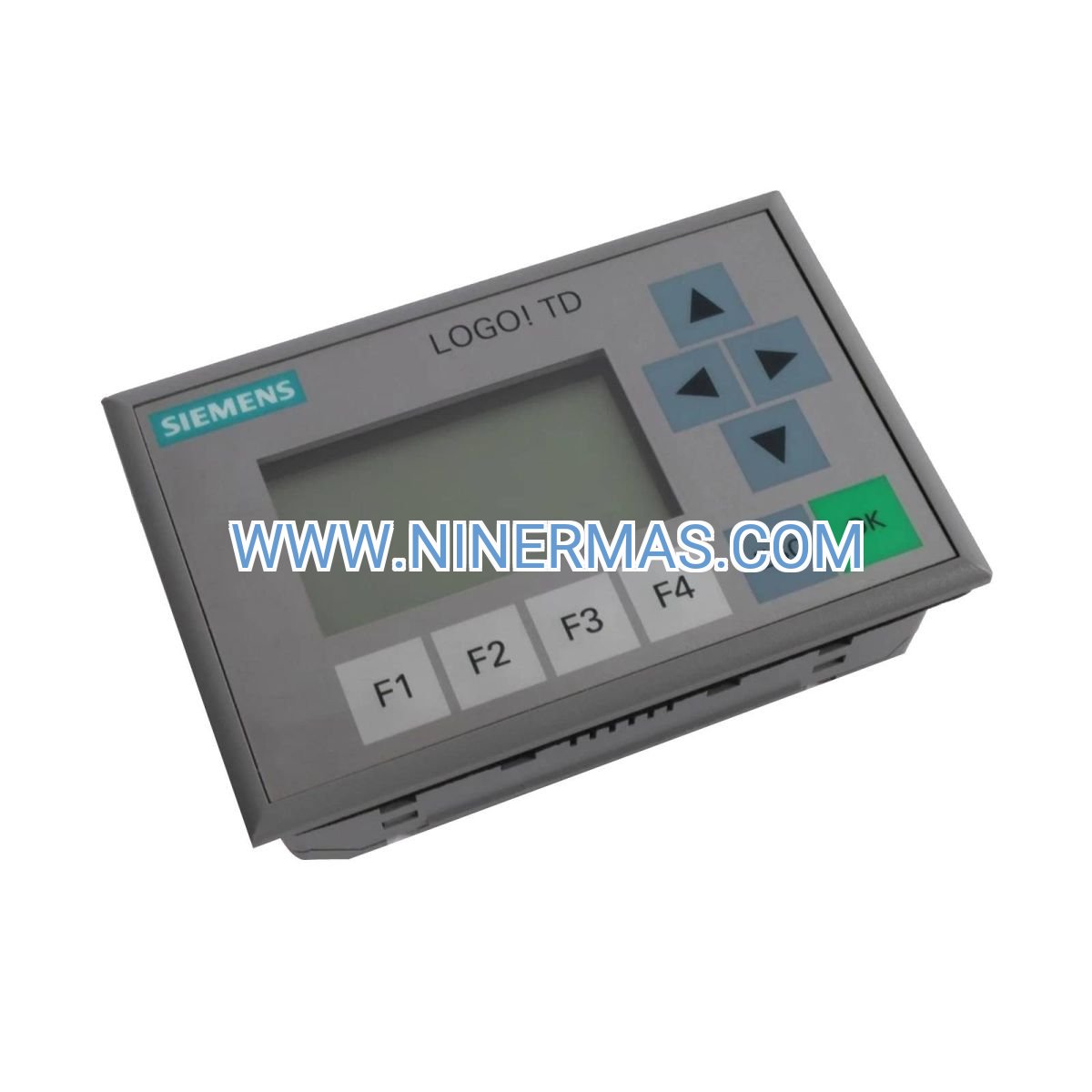
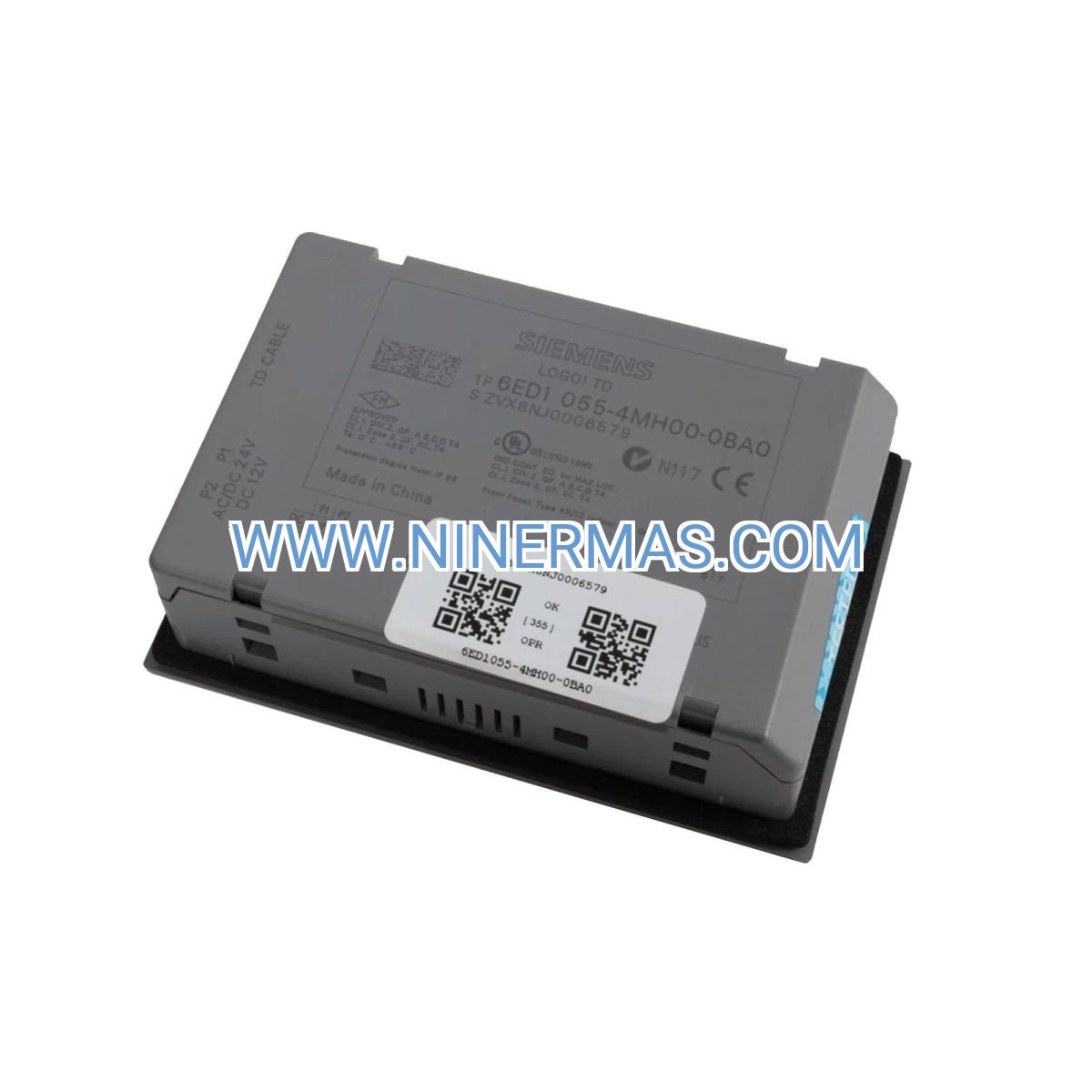
LOGO! TD Text Display 6ED1055-4MH00-0BA0 (Industrial-Grade HMI Module)
The Siemens 6ED1055-4MH00-0BA0 represents a purpose-built human-machine interface solution engineered for LOGO! 0BA6 and 0BA7 programmable logic controllers. This industrial text display module transforms complex automation systems into operator-friendly control stations through its 4-line LCD interface and integrated navigation controls.
Designed for engineers and facility managers seeking cost-effective visualization without the complexity of full-scale SCADA systems, this TD module bridges the gap between basic indicator lights and expensive touchscreen panels. Whether you're commissioning a new installation or retrofitting legacy equipment, the plug-and-play architecture reduces setup time while maintaining professional-grade reliability.
With proven performance across building automation, water treatment, and light manufacturing environments, the 6ED1055-4MH00-0BA0 delivers essential monitoring and control capabilities where they matter most—directly at the machine level. The 2.5-meter integrated cable provides installation flexibility, while the backlit display ensures visibility in challenging lighting conditions.
Core Features & Benefits
✓ Real-Time Process Visibility
Four-line LCD display presents live data streams including temperature readings, flow rates, cycle counts, and alarm status without requiring external monitoring devices. Operators gain instant situational awareness, reducing response time to process deviations by up to 60%.
✓ Local Parameter Adjustment
Integrated navigation keys enable on-site setpoint modifications and menu navigation without laptop connectivity. Maintenance teams can fine-tune operational parameters during commissioning or troubleshooting, eliminating delays associated with remote programming access.
✓ Dedicated LOGO! Integration
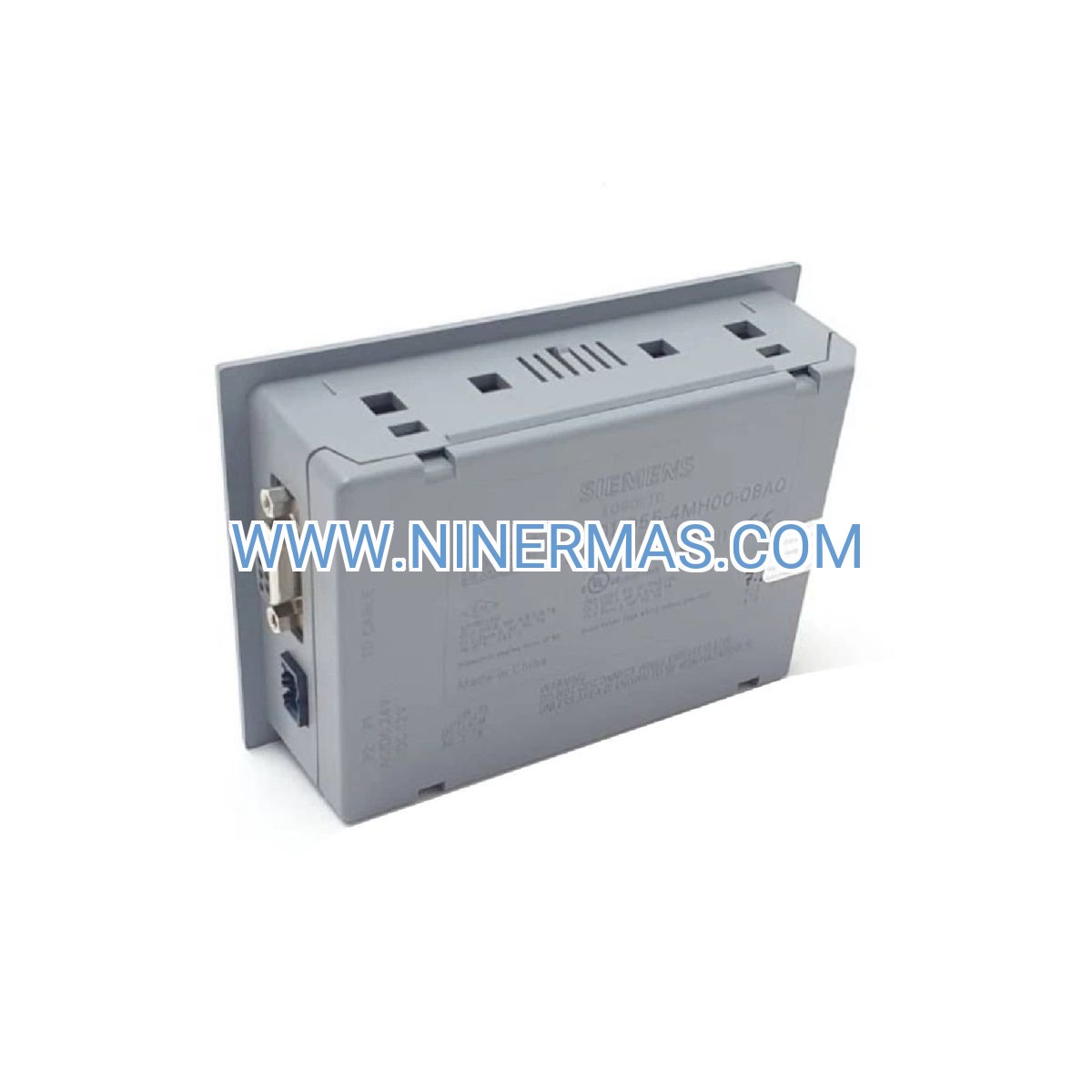
Engineered specifically for 0BA6 and 0BA7 controller generations with native communication protocol support. The dedicated TD port connection ensures reliable data exchange and eliminates compatibility concerns common with third-party display solutions.
→ Extended Cable Reach
Factory-installed 2.5-meter cable accommodates panel-mounted controllers with remote operator stations. This extended reach supports ergonomic control panel layouts and reduces the need for controller relocation during installation.
→ Industrial Environmental Rating
IP20 front panel protection and 0°C to +55°C operating range withstand typical workshop conditions. The robust housing resists vibration, dust accumulation, and temperature fluctuations common in industrial settings.
→ Energy-Efficient Backlight
LED backlight technology ensures character legibility in low-light environments while drawing minimal power from the LOGO! controller. Automatic brightness optimization extends component lifespan and reduces eye strain during extended monitoring sessions.
Application Scenarios
Building HVAC Control Systems
Facility managers deploy TD displays in rooftop air handling units and mechanical rooms to monitor zone temperatures, fan speeds, and filter status. Operators can adjust scheduling parameters and acknowledge maintenance alerts without accessing the central BMS, reducing service call frequency by 40%.
Water & Wastewater Treatment
Municipal operators utilize these displays at pump stations and filtration skids to track flow rates, pressure levels, and chemical dosing cycles. The local interface enables rapid response to alarm conditions and manual override during emergency scenarios, protecting critical infrastructure.
Packaging & Light Manufacturing
Production supervisors monitor machine cycle counts, reject rates, and downtime events directly at workstations. The text display provides shift-level performance metrics and enables quick changeover parameter adjustments, improving OEE by 15-25%.
Access Control & Security Systems
Security personnel use TD modules to display door status, occupancy counts, and system health indicators at guard stations. The simple interface reduces training requirements while providing essential operational data for compliance documentation.
Agricultural Irrigation Control
Farm operators monitor soil moisture levels, valve positions, and pump runtime hours at remote field stations. The weather-resistant installation supports outdoor control cabinets, enabling precision irrigation management without cellular connectivity.
Technical Parameters & Selection Guide
| Parameter | Specification |
|---|---|
| Display Technology | 4-line × 16-character LCD with LED backlight |
| Controller Compatibility | LOGO! 0BA6, 0BA7 series (not compatible with 0BA5 or earlier) |
| Connection Method | Dedicated TD port via 2.5m fixed cable |
| Power Supply | Powered through LOGO! controller (no external supply required) |
| Mounting Options | Panel cutout or DIN rail adapter (sold separately) |
| Operating Temperature | 0°C to +55°C (32°F to 131°F) |
| Storage Temperature | -40°C to +70°C (-40°F to 158°F) |
| Protection Class | IP20 (front panel) |
| Dimensions (W×H×D) | Approximately 72mm × 72mm × 58mm |
| Weight | Approximately 200g (including cable) |
Selection Criteria:
Choose the 6ED1055-4MH00-0BA0 when your application requires basic text-based monitoring and parameter entry without graphical visualization needs. This model suits installations where the 2.5-meter cable length accommodates your panel layout and where IP20 protection meets environmental requirements. For outdoor or harsh environments, consider additional enclosure protection.
Verify your LOGO! controller generation before ordering—this TD module exclusively supports 0BA6 and 0BA7 models. If you're working with 0BA5 or earlier controllers, alternative display variants are required. For applications demanding touchscreen interaction or graphical displays, evaluate Siemens HMI panel offerings instead.
Extended Functions
Multi-Language Display Support
Configure display messages in multiple languages through LOGO! Soft Comfort programming software, enabling international deployment or multilingual operator environments without hardware changes.
Custom Menu Structures
Design hierarchical menu systems with up to 80 display pages, allowing complex parameter trees and guided troubleshooting workflows. Operators navigate through structured menus using arrow keys for intuitive interaction.
Alarm Message Prioritization
Implement priority-based alarm display logic that automatically presents critical alerts while queuing lower-priority notifications. This ensures operators address the most urgent conditions first during multi-fault scenarios.
Password-Protected Access Levels
Restrict parameter modification capabilities through software-defined password protection, preventing unauthorized setpoint changes while maintaining read-only access for general operators.
Delivery & Service Assurance
Standard Delivery Timeline: In-stock units ship within 2-3 business days via express courier services. Typical delivery to major industrial centers occurs within 5-7 business days from order confirmation.
Custom Configuration Services: Pre-programmed units with customer-specific display layouts available with 7-10 business day lead time. Contact our technical team for configuration requirements and pricing.
Warranty Coverage: Comprehensive 12-month manufacturer warranty protects against defects in materials and workmanship. Warranty includes replacement unit shipment and return logistics for confirmed defects.
Technical Support: Access to application engineers for integration assistance, programming guidance, and troubleshooting support via email and phone. Response time: 4-8 business hours for technical inquiries.
Documentation Package: Each unit includes installation quick-start guide, dimensional drawings, and wiring diagrams. Complete programming manual and LOGO! Soft Comfort software available via free download from manufacturer portal.
Frequently Asked Questions
How do I connect the TD display to my existing LOGO! controller setup?
Locate the dedicated TD port on your LOGO! 0BA6 or 0BA7 controller (typically marked with a display icon). Insert the TD module's connector into this port until it clicks securely. Power on the controller—the display will automatically initialize and show the default screen programmed in your LOGO! application. No additional wiring or configuration is required for basic connectivity.
What is the maximum cable length supported for remote mounting?
The 6ED1055-4MH00-0BA0 features a fixed 2.5-meter cable that cannot be extended. This length is designed to balance installation flexibility with signal integrity. For installations requiring greater separation between controller and display, plan your panel layout to position the LOGO! controller within 2.5 meters of the operator interface location.
Can this display reduce energy consumption in my control system?
The TD module draws minimal power (typically under 1W) from the LOGO! controller's internal supply, making it significantly more energy-efficient than standalone HMI panels requiring separate power supplies. The LED backlight technology consumes 60-70% less energy compared to older CCFL-backlit displays while providing superior visibility.
What installation clearances are required for proper ventilation?
Maintain a minimum 25mm clearance above and below the display module for adequate air circulation. The unit generates minimal heat during operation, but proper ventilation prevents condensation buildup in high-humidity environments and extends component lifespan. Avoid mounting directly above heat-generating devices like power supplies or motor starters.
Does the display support remote monitoring via Ethernet or cloud connectivity?
The TD display itself does not include network connectivity—it functions as a local operator interface only. However, when paired with LOGO! controllers featuring Ethernet modules (such as 0BA7 models with integrated Ethernet), you can access process data remotely through the controller's web server while maintaining local display functionality for on-site operators.
How do I program custom display messages and navigation menus?
Use Siemens LOGO! Soft Comfort software (version 8.0 or newer) to design display pages and menu structures. The software provides a graphical programming environment where you drag function blocks to create display logic, assign text messages to each line, and link navigation keys to menu actions. Programs transfer to the LOGO! controller via USB or Ethernet, and the TD display automatically reflects the programmed interface.
Ready to Enhance Your Control System?
Transform your LOGO! automation platform with professional-grade operator interface capabilities. Our technical team is available to discuss your specific application requirements, recommend compatible system components, and provide integration support.
Contact our automation specialists today:
→ Request a detailed quotation with volume pricing
→ Schedule a technical consultation for custom configurations
→ Inquire about compatible LOGO! controller and expansion modules
© 2026 NINERMAS COMPANY LIMITED. All rights reserved.
Original Source: https://ninermas.com
Contact: sale@ninermas.com | +0086 187 5021 5667

Contact Info
-
Address:22 / F, South Wo Hang building, 148 Wing Lok Street, Sheung Wan, Western District, Hong Kong
-
Phone:+8618750215667
-
Email: