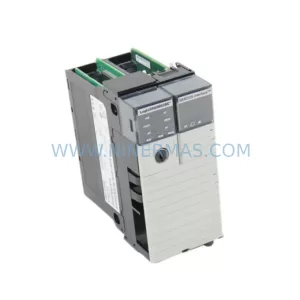
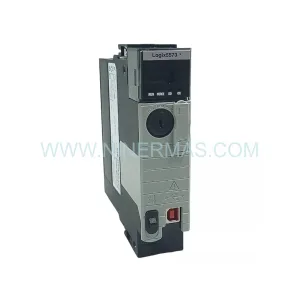
Original Industrial Spare Part
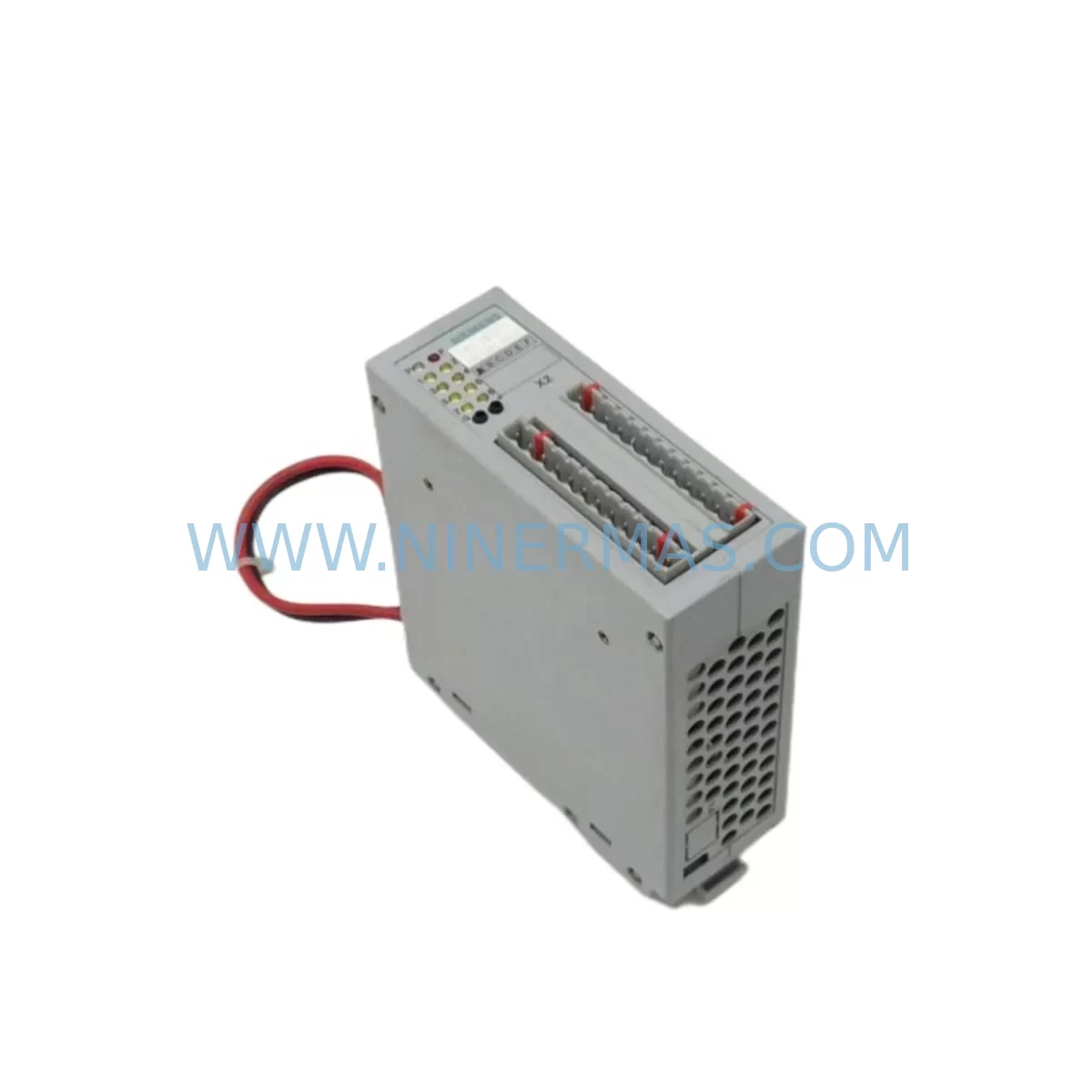
Siemens 6DD1681-0AG2 Service-Ready Spare Part
Verify the part, confirm the platform family, and move straight into quotation with the right commercial details.
RFQ Ready
- SKU6DD1681-0AG2
- CategoryPLC & Industrial Automation Modules
- BrandSiemens
- SupportAvailability, lead time, condition, and shipping coordination
How Buyers Usually Use This Page
- Confirm the exact part number and platform family before sending the quote request.
- Use direct email when quantity, condition, and destination are already defined internally.
- Switch to the broader brand or category archive when you need alternates nearby.
Series Navigation
Move through the most common platform families behind this part.
Product RFQ
Send this part directly for quotation.
Include quantity, required condition, destination country, and target delivery timing. Current reference: Siemens 6DD1681-0AG2 Service-Ready Spare Part with SKU 6DD1681-0AG2.
Siemens 6DD1681-0AG2 Service-Ready Spare Part: Spare Parts Replacement & Downtime Risk Control
The Siemens 6DD1681-0AG2 is a ruggedized binary output module designed for demanding industrial environments within the SIMADYN D real-time automation system platform. As a critical digital output interface, this module drives actuators, contactors, solenoid valves, and relay coils directly from the controller backplane, making it an indispensable component in drive control panels, turbine automation cabinets, and high-availability process control systems. When this module fails or degrades, the consequences extend far beyond a single I/O channel — entire control loops, safety interlocks, and production sequences can be disrupted, leading to unplanned downtime that costs far more than the spare part itself.
At NINERMAS, we stock the 6DD1681-0AG2 as a verified, service-ready spare part, pre-tested before shipment and backed by a 12-month warranty. Whether you are a maintenance engineer executing a planned annual overhaul, a procurement engineer building a strategic spare parts inventory, or a site technician responding to an emergency fault, this listing provides the original-specification replacement you need to restore system operation with confidence.
Spare Maintenance Table
| Parameter | Specification / Details |
|---|---|
| Part Number / SKU | 6DD1681-0AG2 |
| Manufacturer | Siemens AG |
| Series / Platform | SIMADYN D |
| Module Type | Ruggedized Binary Output Module |
| Output Channels | Digital (Binary) Output — multiple channels |
| Design Standard | Ruggedized for harsh industrial environments (vibration, temperature, EMI) |
| Backplane Interface | SIMADYN D system backplane (compatible rack mounting) |
| Typical Applications | Drive control panels, turbine automation, process control, power generation |
| Installation | Rack-mount, hot-swap capable within SIMADYN D chassis |
| Operating Temperature | 0°C to +55°C (standard industrial range) |
| Origin | Germany (OEM Siemens production) |
| Condition | Original spare — new or fully refurbished to OEM specification |
| Pre-shipment Testing | Function-verified before dispatch |
| Warranty | 12 Months |
| Lead Time | In stock — ships within 1–3 business days |
| Long-term Supply | Available for ongoing procurement and blanket orders |
Maintenance Planning for Continuous Operation
Replacing the 6DD1681-0AG2 binary output module is rarely an isolated task. In a SIMADYN D control cabinet, this module operates as part of a tightly integrated system where the health of adjacent components directly affects the reliability of the replacement. Experienced maintenance engineers know that a module failure is often a symptom of broader electrical stress — and a thorough inspection during the replacement window is the most cost-effective way to prevent the next unplanned shutdown.
When servicing the 6DD1681-0AG2, begin by inspecting the SIMADYN D system backplane for connector wear, oxidation, or mechanical damage — a degraded backplane slot can cause intermittent faults even with a new module installed. Check the power supply module (such as the 6DD1600-0AE0 or equivalent SIMADYN D PSU) for output voltage stability; binary output modules are sensitive to supply ripple and undervoltage conditions that accelerate component aging. Verify that all 24 VDC field supply rails feeding the output channels are within tolerance using a calibrated multimeter.
Inspect the signal wiring and terminal blocks connected to the output channels — loose terminations and corroded contacts are a leading cause of output module failures in high-vibration environments. If the cabinet includes relay output expansion boards or interposing relay modules driven by this binary output module, check coil resistance and contact condition on each relay. Relay coil inrush current can cause voltage spikes that stress output driver circuits over time.
For systems using PROFIBUS DP communication modules (such as the 6DD1607-0AA0 or similar SIMADYN D communication cards), verify that the network termination resistors are correctly installed and that the bus cable shielding is intact — communication faults can mask I/O module errors and complicate fault diagnosis. If the system includes a SIMATIC S7 or SIMATIC TDC supervisory controller interfacing with the SIMADYN D rack, confirm that the I/O mapping and module addressing remain consistent after the replacement.
Review the HMI or operator panel (such as a SIMATIC OP or TP series panel) for any latched alarms or diagnostic messages that may indicate upstream causes of the output module failure. Check signal isolators and surge protection devices on field wiring connected to the output channels — these components absorb electrical transients and should be replaced on a scheduled basis in harsh environments. Finally, inspect the cabinet ventilation system, including fans and filter mats, to ensure the thermal environment remains within the module’s rated operating range. Overtemperature is a silent killer of output driver ICs and should be addressed proactively during every maintenance window.
Site Replacement Workflow
The 6DD1681-0AG2 is designed for straightforward field replacement within the SIMADYN D platform, but a structured workflow minimizes risk and ensures a clean return to service. Before beginning, download and review the current system configuration backup from the engineering workstation — this ensures that module parameters and I/O assignments can be verified after the swap.
Step 1 — Isolation: Follow your site’s lockout/tagout (LOTO) procedure. De-energize the field supply to the output channels before removing the module. Do not rely solely on software inhibit commands for safety isolation.
Step 2 — Module Removal: Note the slot position and any DIP switch or jumper settings on the existing module before extraction. Photograph the module and its wiring connections for reference. Carefully extract the module from the backplane using the ejector levers to avoid connector damage.
Step 3 — Inspection & Comparison: Compare the replacement 6DD1681-0AG2 against the removed unit. Verify the firmware version label and hardware revision match your system’s requirements. Configure any DIP switches or jumpers on the new module to match the original settings.
Step 4 — Installation: Insert the new module firmly into the correct backplane slot until the ejector levers click into place. Reconnect all field wiring to the terminal blocks, verifying each connection against the wiring diagram. Restore field supply power.
Step 5 — Commissioning Verification: Power up the system and observe the module’s status LEDs. From the engineering workstation or HMI, perform a channel-by-channel output test to confirm all binary outputs are functioning correctly. Clear any latched fault messages and document the replacement in the site maintenance log.
This workflow applies equally to planned maintenance replacements and emergency fault recovery scenarios. Keeping a pre-tested 6DD1681-0AG2 in your on-site spare parts inventory reduces mean time to repair (MTTR) from days to hours — a critical advantage in continuous-process industries where every hour of downtime carries significant financial and operational cost.
Spare Parts Support FAQ
Q1: Is the 6DD1681-0AG2 still available as a new original spare part, or is it only available as a refurbished unit?
A: NINERMAS supplies the 6DD1681-0AG2 in both new original and fully refurbished-to-OEM-specification conditions. All units — regardless of condition — undergo function verification testing before shipment. The product condition is clearly stated in your order confirmation. Both options carry the same 12-month warranty, giving you full confidence in the replacement regardless of which condition tier you select.
Q2: How do I confirm compatibility between the 6DD1681-0AG2 and my existing SIMADYN D system configuration?
A: Compatibility is determined by the SIMADYN D rack type, backplane revision, and system firmware version. Provide your existing module’s hardware revision label and your system’s configuration documentation to our technical team at sale@ninermas.com, and we will confirm compatibility before shipment. We recommend cross-referencing the Siemens SIMADYN D system manual and the module’s order data sheet for slot assignment and firmware compatibility requirements.
Q3: Can NINERMAS support long-term or blanket purchase orders for the 6DD1681-0AG2 to support our annual maintenance program?
A: Yes. NINERMAS supports long-term supply agreements and blanket purchase orders for the 6DD1681-0AG2 and related SIMADYN D spare parts. This is particularly valuable for facilities managing aging SIMADYN D installations where OEM availability is limited. Contact our procurement team to discuss volume pricing, reserved stock arrangements, and scheduled delivery programs tailored to your annual maintenance calendar.
Q4: What testing is performed on the 6DD1681-0AG2 before shipment, and what documentation is provided?
A: Every 6DD1681-0AG2 unit is function-tested on a compatible SIMADYN D test bench prior to dispatch. Testing covers digital output channel activation, backplane communication integrity, and power supply input tolerance. A test report and packing list are included with each shipment. Units are packed in anti-static ESD-safe packaging with foam cushioning to prevent transit damage. The 12-month warranty period begins from the date of shipment.
| Product Series | SIMADYN D |
|---|---|
| Country of Origin | DE |
Catalog Continuation
More Siemens modules in the catalog.
Use the brand lane to compare nearby part numbers, platform-adjacent modules, and other inquiry-ready listings before sending your final RFQ.
SKU: 6ES7223-1PH22-0XA8
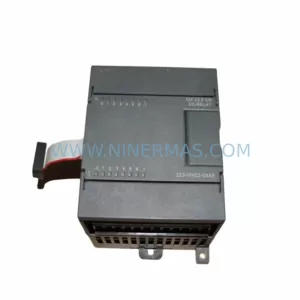
Siemens 6ES7223-1PH22-0XA8 Retrofit Digital I/O Legacy
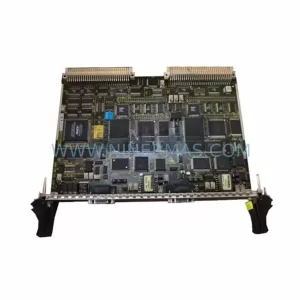
SKU: CP50M0 6DD1661-0AD0
SIEMENS CP50M0 6DD1661-0AD0 Safety-Reliable TDC Communication Module
Catalog Continuation
Alternative parts within PLC & Industrial Automation Modules.
Stay inside the same system family when you need substitutes, adjacent modules, or a broader shortlist for procurement review.
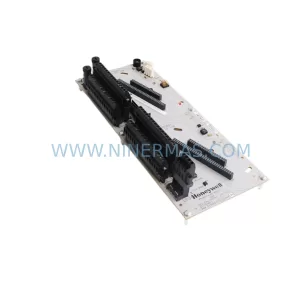
SKU: CC-TDOB11 51308373-175
HOLLEYWELL CC-TDOB11 51308373-175 Retrofit Digital Output
SKU: DIA 27CM 0020-21422 ARIES ACR CP*AR-13CE-15122 LAM 796-901039-002 100018066
AMAT 796-901039-002 Retrofit-Compatible Clamp for Legacy Systems