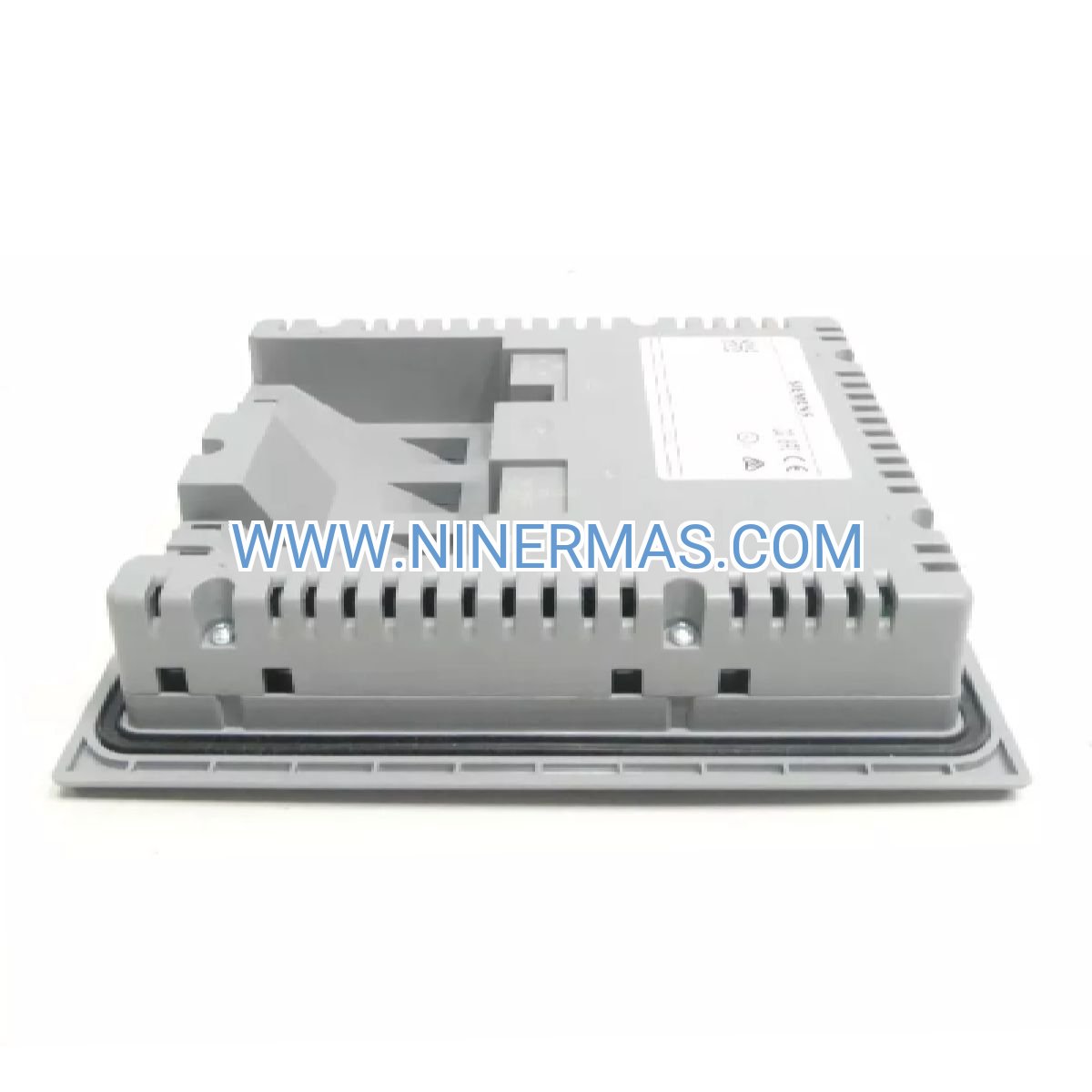
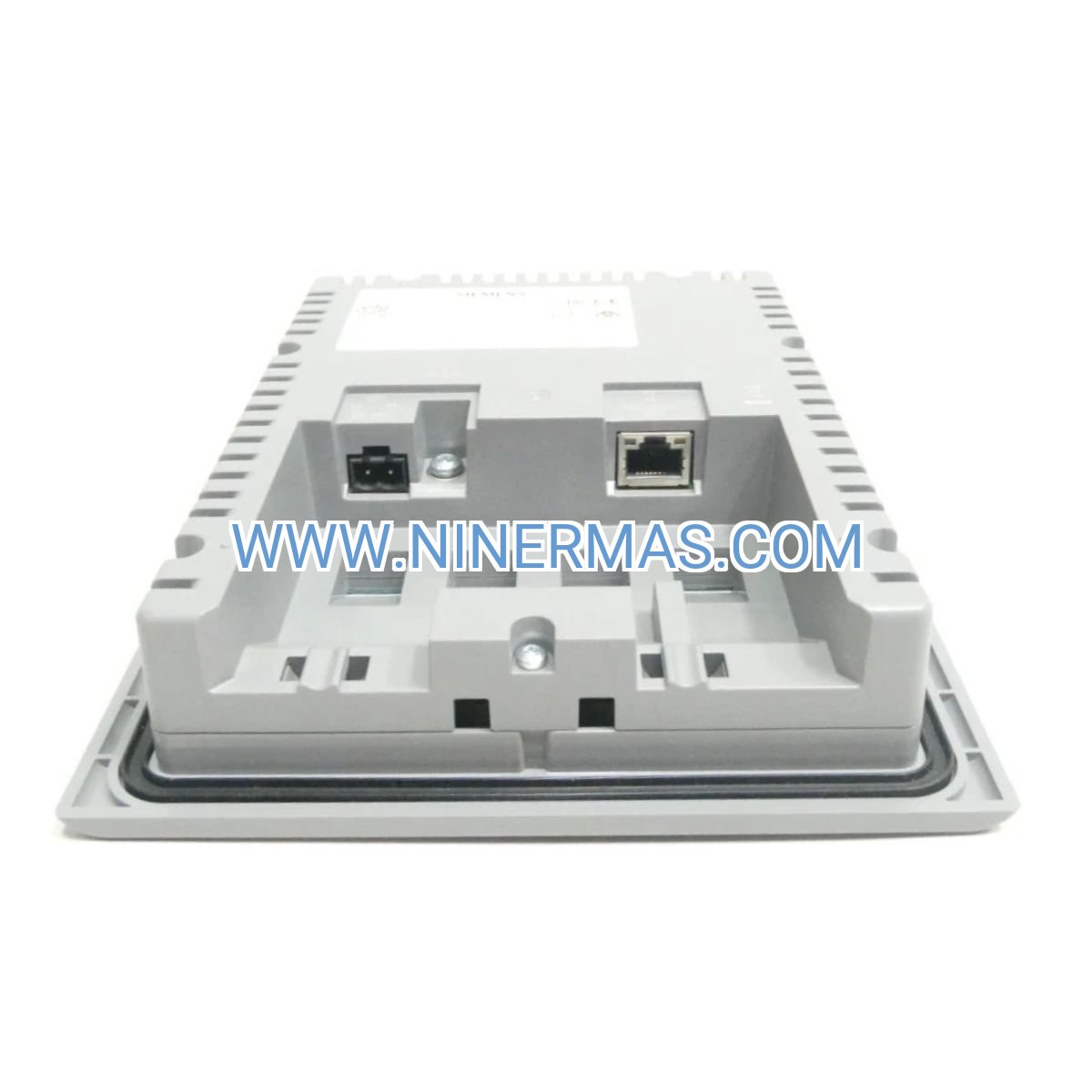
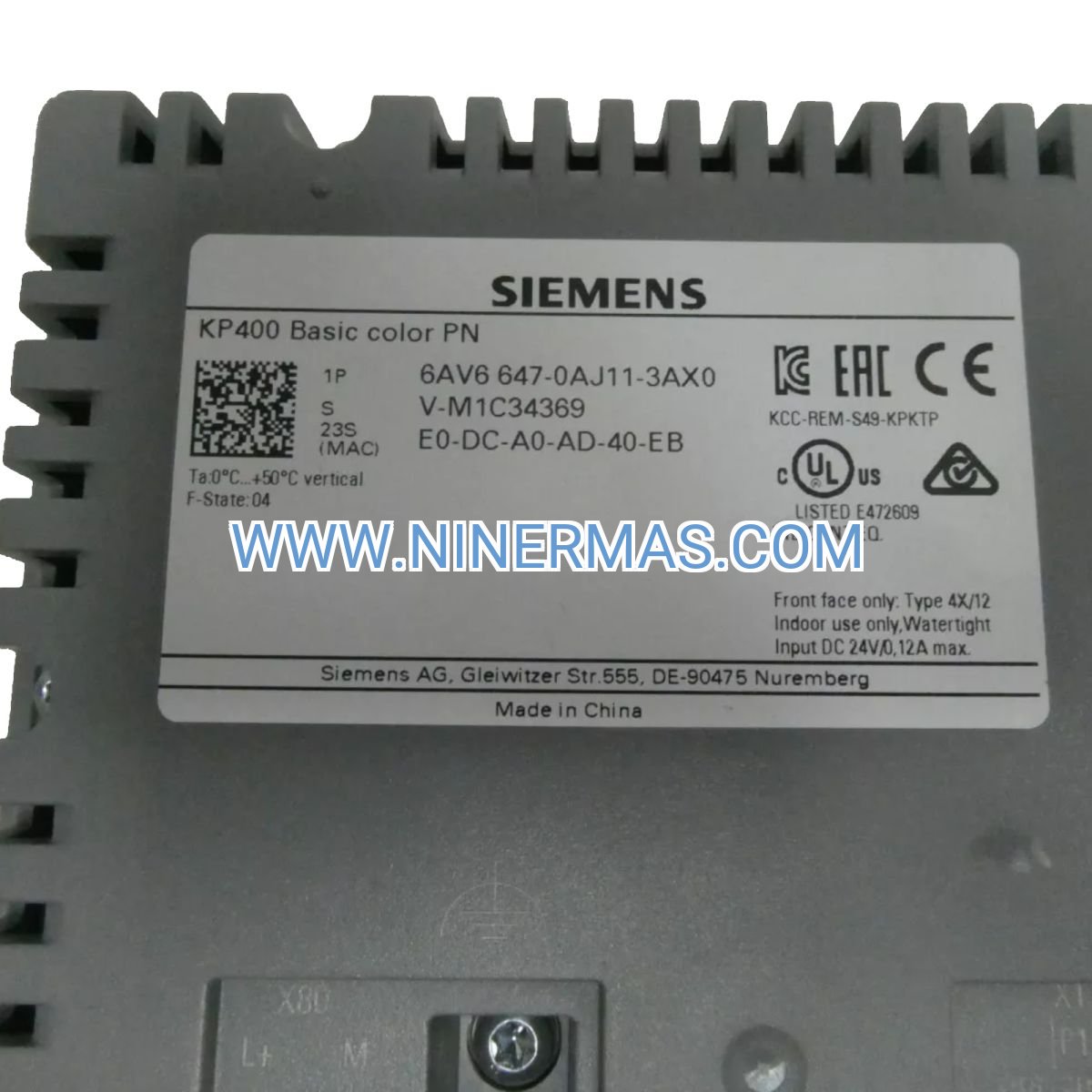
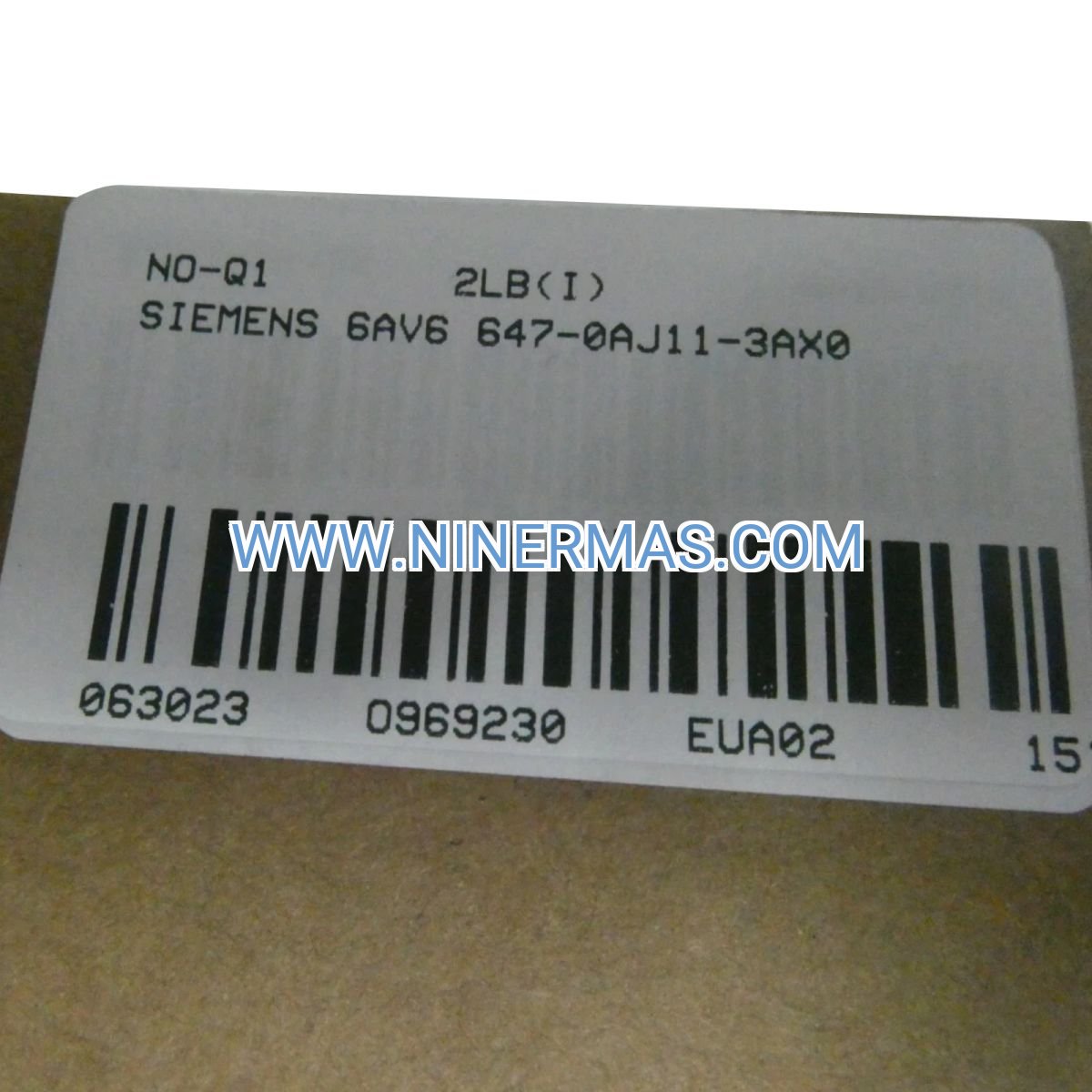
Description
KP400 Basic PN – Compact Key-Operated HMI for Industrial Control Systems
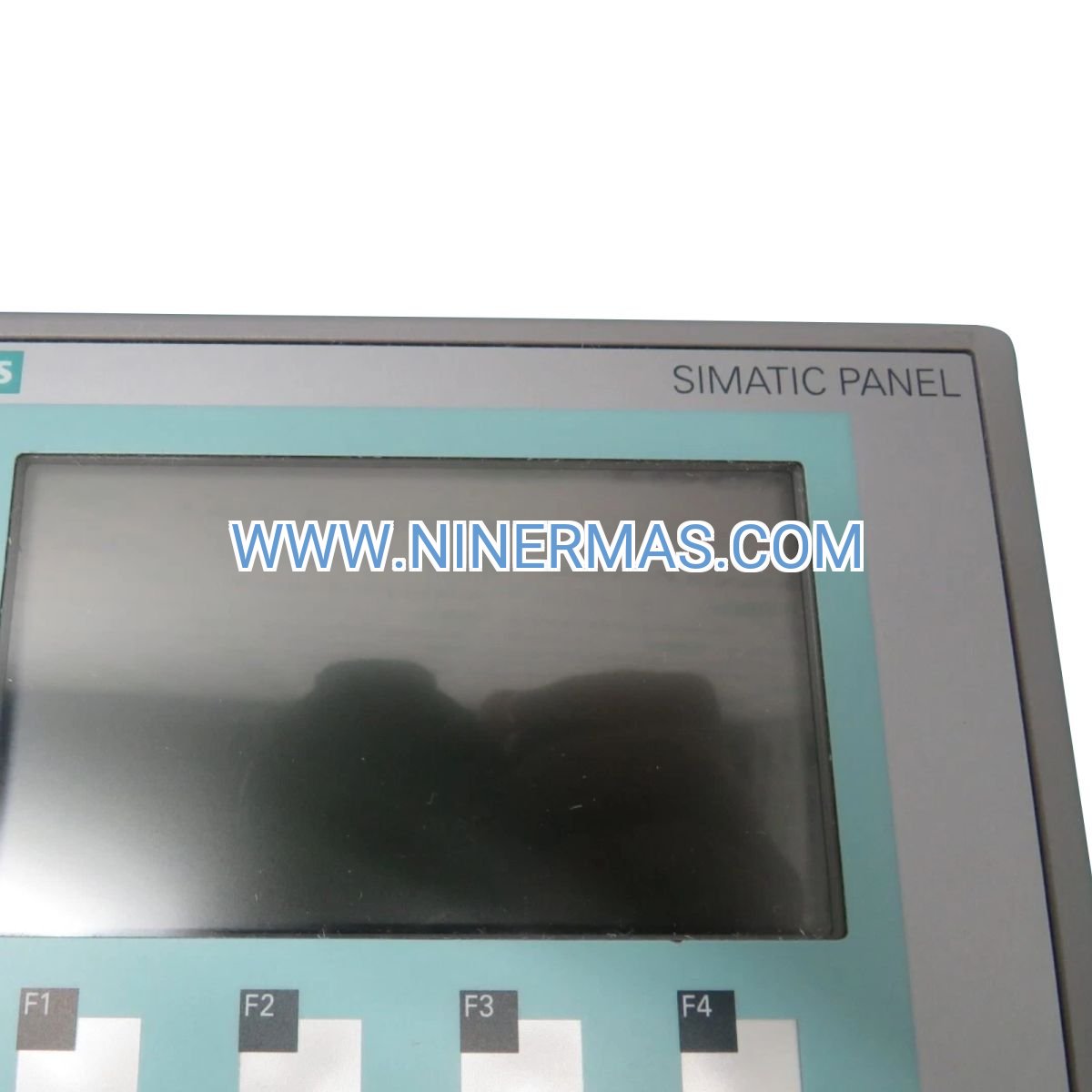
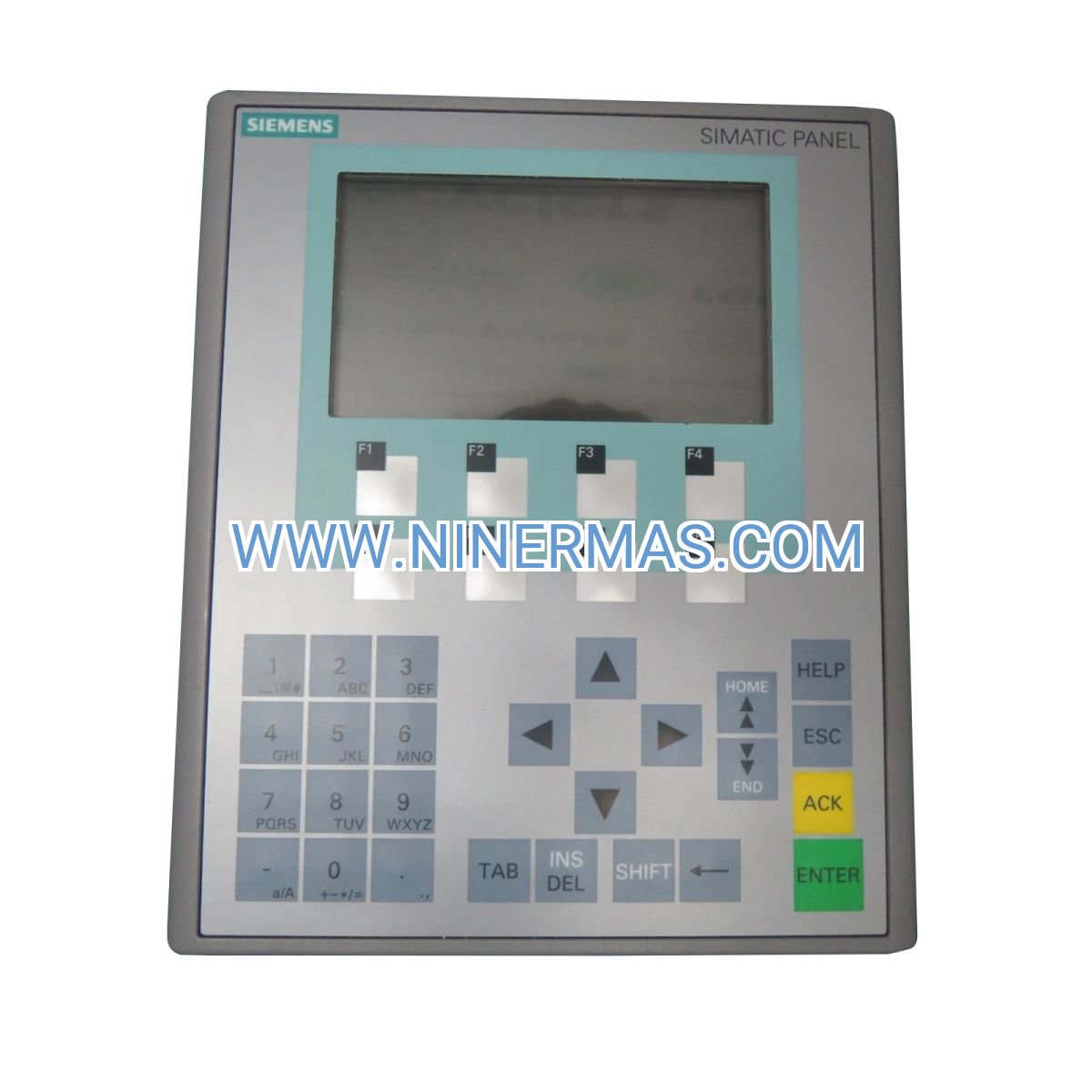
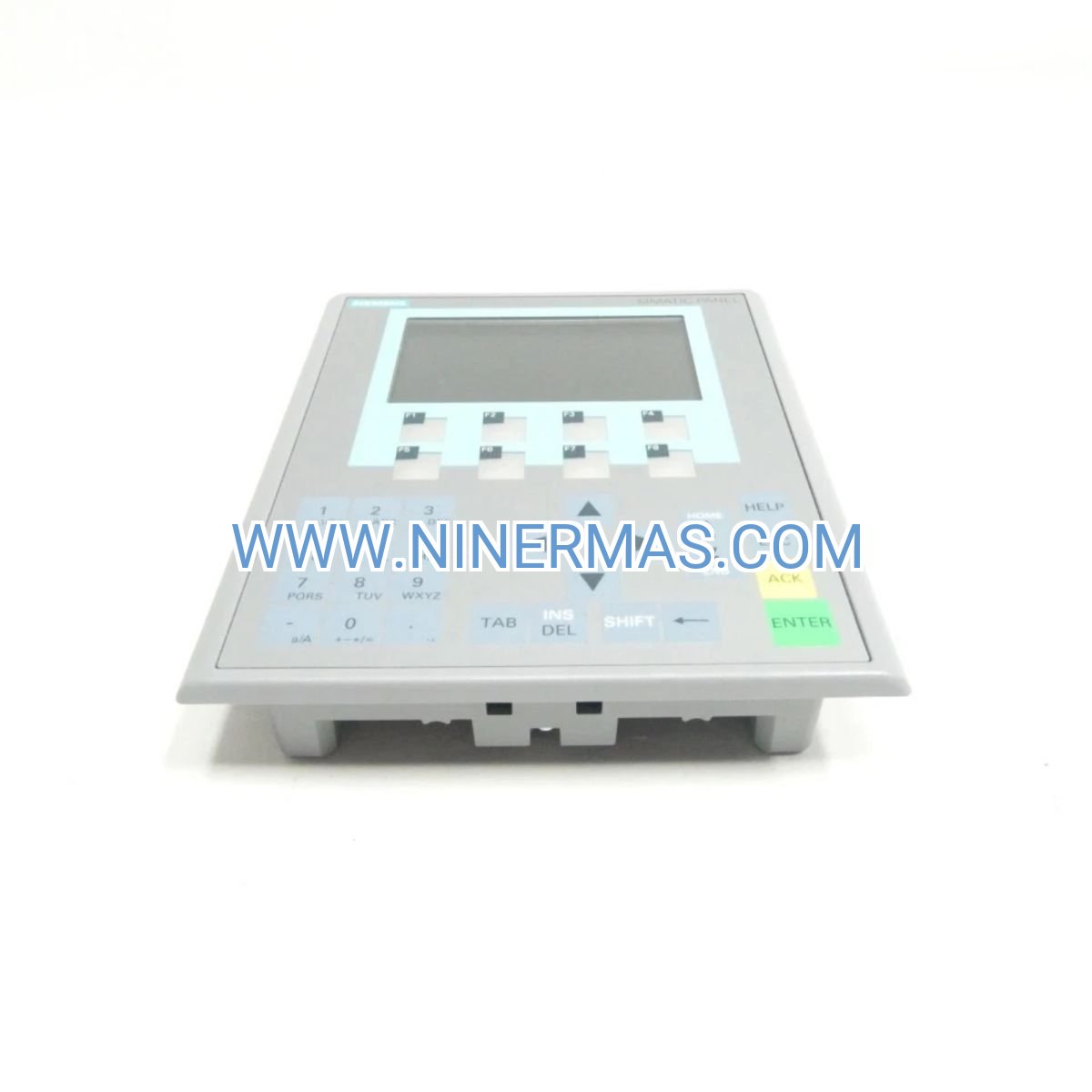
The Siemens 6AV6647-0AJ11-3AX0 represents a purpose-built operator interface solution designed for space-critical industrial applications. This 4-inch widescreen panel delivers essential visualization and control capabilities through a key-operated mechanism, ensuring secure parameter access while maintaining operational efficiency in manufacturing and process environments.
Engineered for system integrators and plant operators who require reliable human-machine communication without touchscreen complexity, the KP400 Basic PN bridges the gap between basic indicator lights and full-featured touchpanels. Its PROFINET interface enables direct integration with SIMATIC S7 controllers and third-party automation devices, while the compact form factor addresses mounting constraints in crowded control cabinets.
Whether you're retrofitting legacy equipment with modern visualization or designing new machine control panels, this Basic Panel combines proven Siemens engineering with cost-effective functionality. The key-operated design prevents accidental parameter changes while allowing authorized technicians to adjust setpoints, acknowledge alarms, and monitor process variables in real time.
Core Capabilities & Technical Advantages
→ 4" Widescreen TFT Display
High-contrast color graphics with optimized viewing angles for cabinet-mounted applications. Delivers clear visualization of process data, trend curves, and alarm messages even in challenging lighting conditions.
→ PROFINET Industrial Ethernet
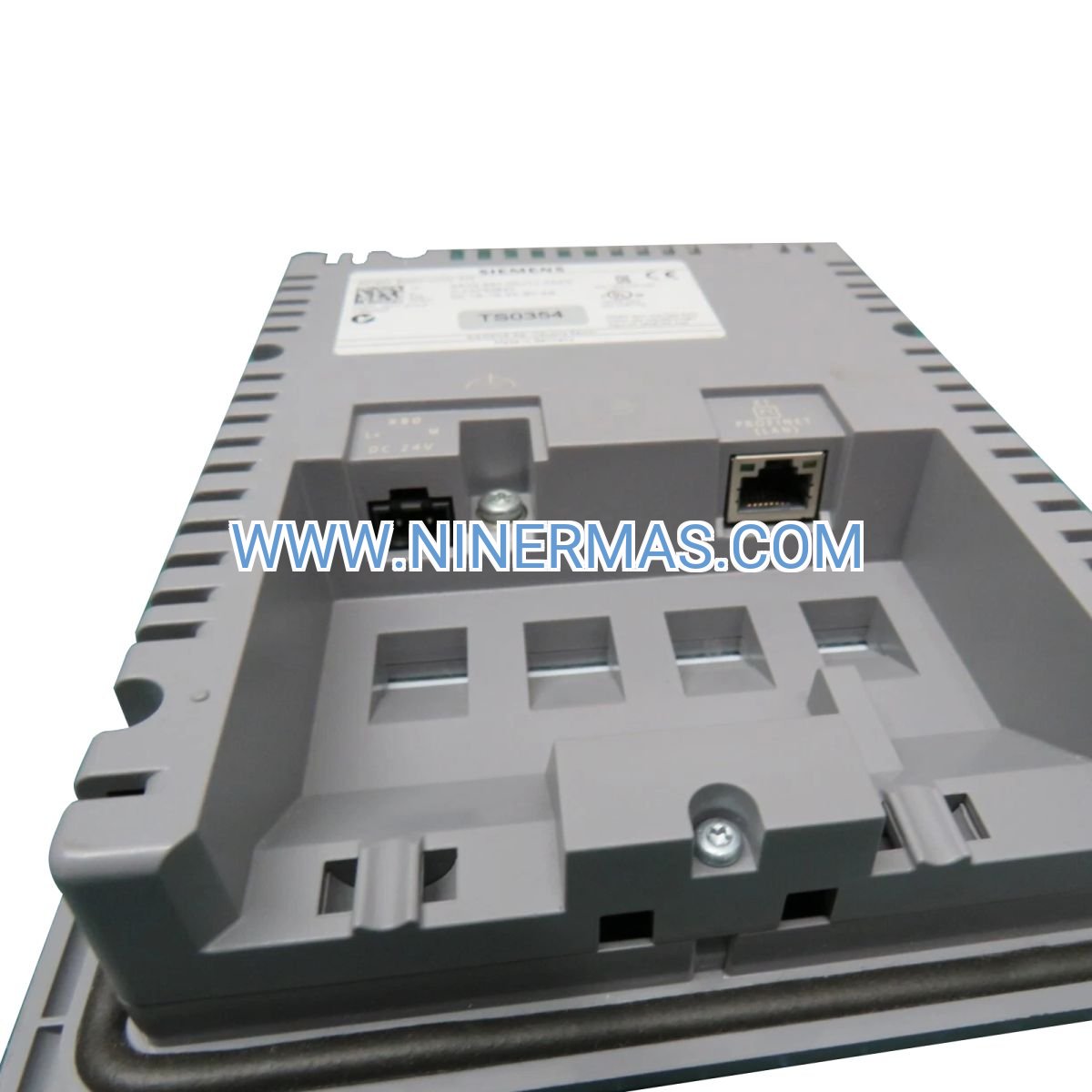
Native PROFINET connectivity eliminates protocol converters and reduces wiring complexity. Supports real-time data exchange with SIMATIC controllers, distributed I/O modules, and frequency drives on the same network backbone.
→ Key-Operated Security
Physical key switch prevents unauthorized access to critical parameters while maintaining quick response for qualified personnel. Ideal for environments where touchscreen lockouts create operational delays or safety concerns.
→ TIA Portal Engineering
Configure visualization screens using Siemens' unified TIA Portal platform. Leverage pre-built faceplates, alarm management templates, and recipe handling functions to accelerate project deployment and reduce commissioning time.
→ Industrial-Grade Construction
Meets IP65 front panel protection when properly installed. Operates reliably in 0°C to +50°C ambient temperatures with resistance to vibration, electromagnetic interference, and chemical exposure common in factory floors.
✓ 24V DC Power Supply
Standard industrial voltage eliminates need for separate power conversion. Low power consumption reduces heat generation in enclosed cabinets and supports energy-efficient machine designs.
Industrial Application Scenarios
Packaging Line Control Stations
Operators monitor fill levels, conveyor speeds, and reject counts while adjusting recipe parameters between product changeovers. The key-operated interface prevents accidental mode switches during high-speed production runs, reducing downtime from operator errors.
Water Treatment Facility Monitoring
Plant technicians track flow rates, chemical dosing levels, and pump status across distributed treatment stages. PROFINET connectivity consolidates data from multiple PLCs into a single visualization point, enabling faster response to process deviations and regulatory compliance documentation.
Material Handling Equipment Interfaces
Conveyor systems, automated storage retrieval systems, and sortation equipment utilize the KP400 for local diagnostics and manual override functions. The compact footprint fits into existing control panel layouts without requiring cabinet redesigns.
HVAC and Building Automation
Facility managers adjust temperature setpoints, monitor energy consumption, and acknowledge maintenance alerts for rooftop units and air handling systems. The panel's durability withstands temperature fluctuations and humidity variations in mechanical rooms.
Food & Beverage Processing
Batch control applications benefit from recipe management capabilities, allowing operators to store and recall ingredient ratios, mixing times, and temperature profiles. The sealed front panel design supports washdown environments and sanitation protocols.
Technical Specifications & Selection Criteria
| Parameter | Specification |
|---|---|
| Display Type | 4" TFT widescreen, 65,536 colors |
| Resolution | 480 × 272 pixels |
| Network Interface | PROFINET IO (1x RJ45 Ethernet port) |
| Operating System | Windows CE-based runtime |
| Configuration Software | TIA Portal with WinCC Basic |
| Memory | Flash memory for project storage |
| Input Voltage | 24V DC ±20% |
| Power Consumption | Typical 8W, maximum 12W |
| Mounting | Panel cutout installation with snap-in clips |
| Protection Rating | IP65 front, IP20 rear (when installed) |
| Operating Temperature | 0°C to +50°C |
| Certifications | CE, UL, cULus, ATEX Zone 2 |
| Dimensions (W×H×D) | Approximately 140 × 115 × 50 mm |
| Weight | 0.633 kg |
Selection Guidelines: Choose the KP400 Basic PN when your application requires secure parameter access without touchscreen functionality, when cabinet space limits larger panel options, or when budget constraints favor basic visualization over advanced comfort panel features. For applications requiring touchscreen operation, recipe management beyond basic storage, or displays larger than 4 inches, consider the KTP600 Basic or TP700 Comfort Panel alternatives.
Extended Integration & Customization Options
Multi-PLC Connectivity: The PROFINET interface supports connections to multiple SIMATIC S7-1200, S7-1500, or S7-300/400 controllers simultaneously, enabling centralized visualization of distributed control systems without additional gateways.
Alarm Management: Configure up to 200 discrete and analog alarms with time-stamping, acknowledgment tracking, and alarm buffer storage. Export alarm logs to USB drives or network shares for compliance documentation and troubleshooting analysis.
Recipe Handling: Store up to 50 recipes with 100 parameters each, allowing operators to switch between product configurations without manual data entry. Recipe data can be backed up to external storage or synchronized across multiple HMI panels.
Trend Visualization: Display real-time and historical trend curves for up to 8 process variables simultaneously. Analyze temperature ramps, pressure fluctuations, or flow rate variations to optimize process parameters and identify equipment degradation.
Remote Access Integration: When combined with SIMATIC IPC or third-party VPN routers, enable secure remote monitoring and diagnostics through TIA Portal or web-based SCADA platforms, reducing on-site service calls and accelerating troubleshooting.
Delivery Timeline & Service Commitments
Standard Lead Time: In-stock units ship within 2-5 business days via express courier services. Custom-configured panels with pre-loaded projects require 7-10 business days for programming and testing before shipment.
Warranty Coverage: 12-month manufacturer warranty covers defects in materials and workmanship. Warranty includes replacement of faulty display modules, communication interfaces, and power supply components. Extended warranty options available for critical infrastructure applications.
Technical Support: Access to application engineers for integration assistance, TIA Portal configuration guidance, and PROFINET network troubleshooting. Support available via email, phone, and remote desktop sessions during business hours (GMT+8 timezone).
Documentation Package: Each unit includes installation manual, quick start guide, dimensional drawings for panel cutout preparation, and wiring diagrams for PROFINET and power connections. TIA Portal sample projects available for download to accelerate commissioning.
Frequently Asked Questions
What programming environment is required for the KP400 Basic PN configuration?
The panel requires Siemens TIA Portal V13 or later with the WinCC Basic software package. TIA Portal provides a unified engineering environment for PLC programming, HMI screen design, and network configuration. A free trial version is available from Siemens for evaluation purposes.
Can this HMI panel interface with Allen-Bradley or Mitsubishi PLCs?
Direct communication is limited to PROFINET-compatible devices. For integration with non-Siemens controllers, you'll need a protocol gateway such as HMS Anybus or Moxa MGate to convert between PROFINET and protocols like EtherNet/IP, Modbus TCP, or CC-Link IE.
What is the maximum cable distance for PROFINET connections?
Standard copper Ethernet cables support up to 100 meters between the HMI and the nearest PROFINET switch or controller. For longer distances, use fiber optic media converters or industrial Ethernet switches with fiber uplink ports to extend network reach up to 2 kilometers.
Does the panel support data logging to external storage devices?
The KP400 Basic does not include a USB port for external storage. Data logging requires network-based solutions such as writing to a SIMATIC S7 controller's data blocks, which can then be exported via TIA Portal or third-party SCADA software.
How do I update the firmware on the KP400 Basic PN?
Firmware updates are performed through TIA Portal's device configuration interface. Download the latest firmware from Siemens Industry Online Support portal, load it into your TIA Portal project, and transfer it to the panel via PROFINET connection during a scheduled maintenance window.
What energy efficiency benefits does the 24V DC power supply provide?
The low-voltage DC design eliminates AC-DC conversion losses at the panel level, reducing overall cabinet heat load by approximately 15-20% compared to AC-powered displays. This allows for smaller cooling fans or passive ventilation in many installations, lowering long-term energy costs.
Take the Next Step
Ready to integrate the KP400 Basic PN into your automation project? Contact our technical sales team for application-specific recommendations, volume pricing, and integration support. We provide pre-sales engineering consultation to ensure proper panel selection and network architecture design.
Request a Quote: Email your project requirements including PLC model, number of I/O points, and visualization needs to receive a detailed proposal within 24 hours.
Technical Consultation: Schedule a call with our automation specialists to discuss PROFINET network topology, TIA Portal licensing requirements, and panel mounting options for your specific application.
© 2026 NINERMAS COMPANY LIMITED. All rights reserved.
Original Source: https://ninermas.com
Contact: sale@ninermas.com | +0086 187 5021 5667
PDF Specification
Download PDF file here:
Click to Download PDF

Contact Info
-
Address:22 / F, South Wo Hang building, 148 Wing Lok Street, Sheung Wan, Western District, Hong Kong
-
Phone:+8618750215667
-
Email: