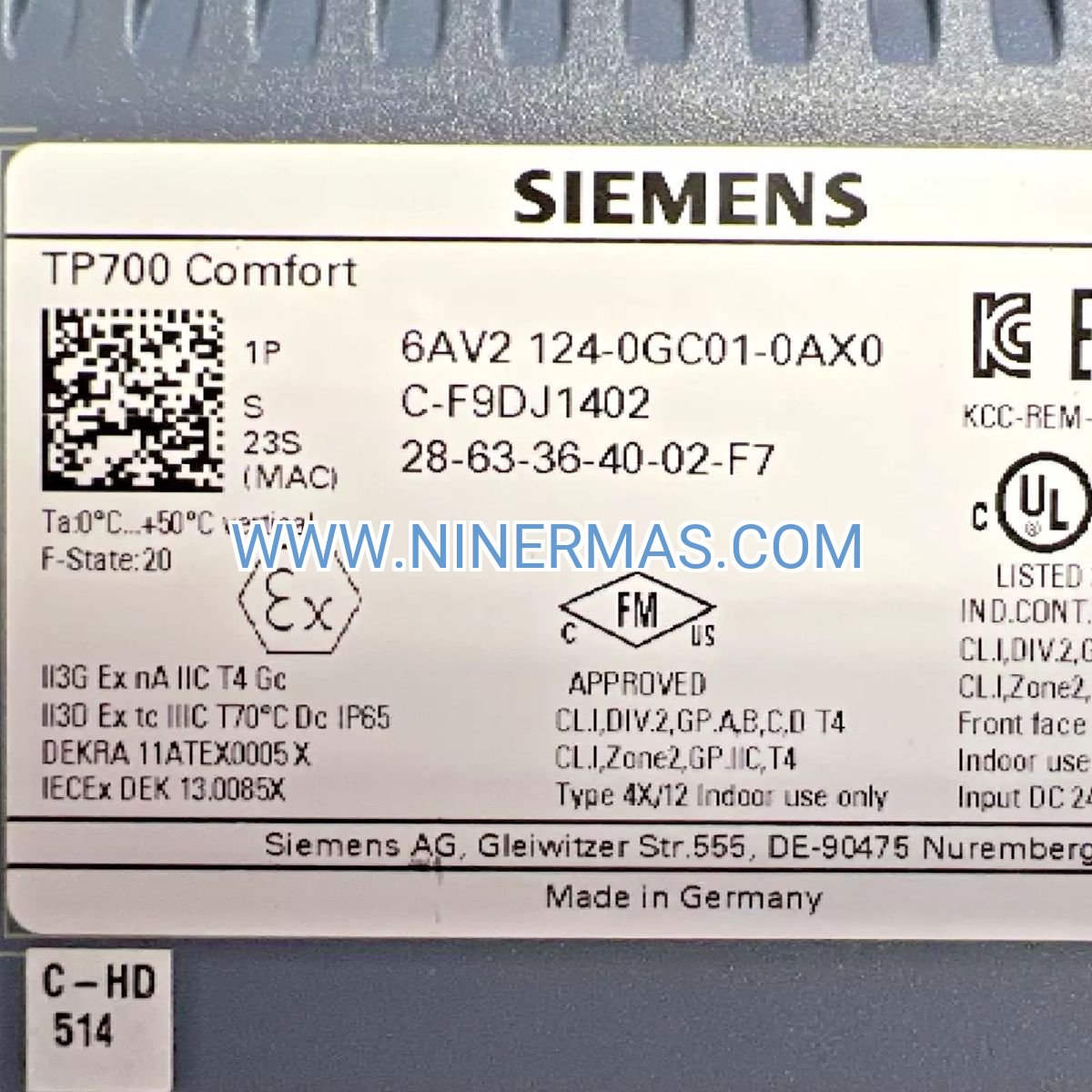
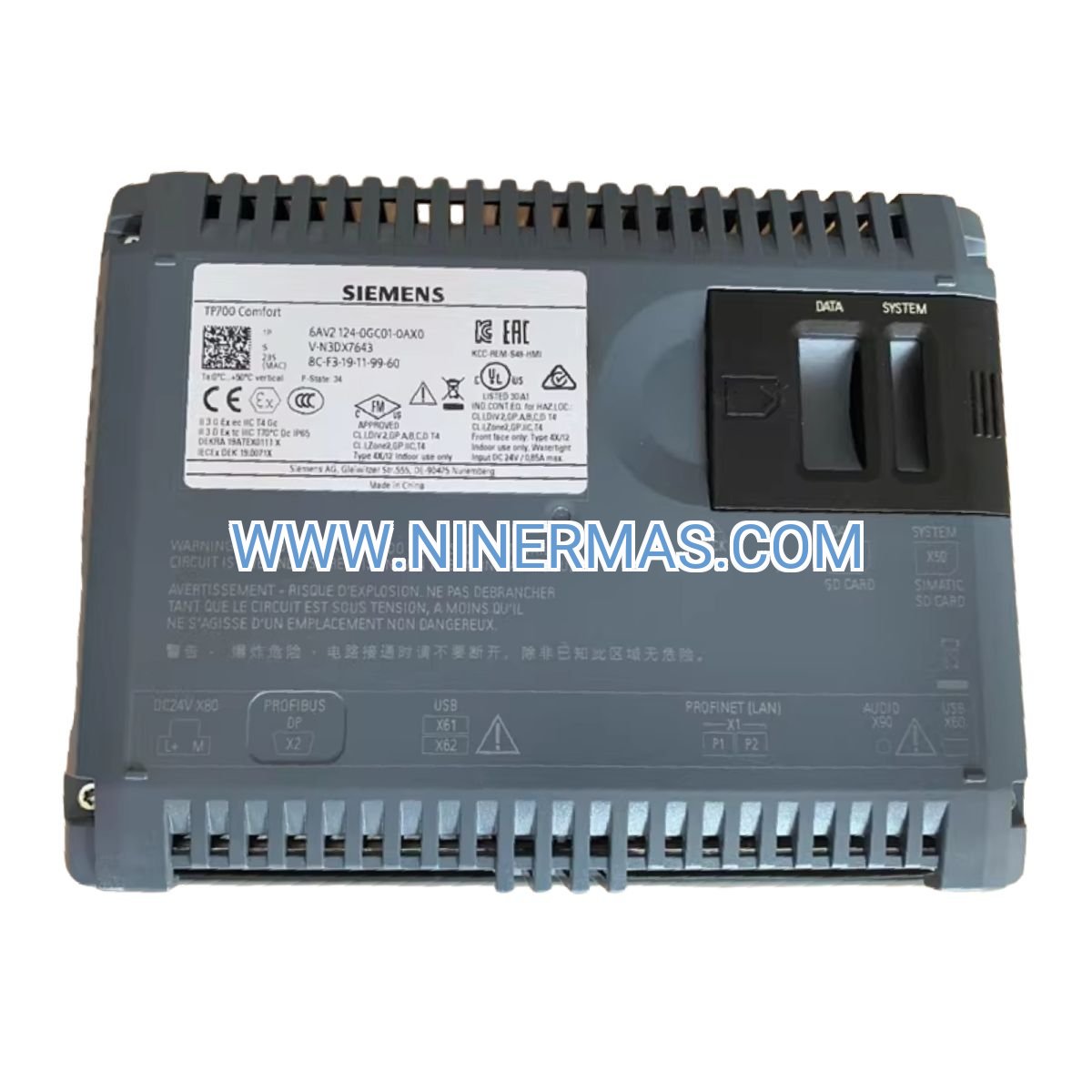
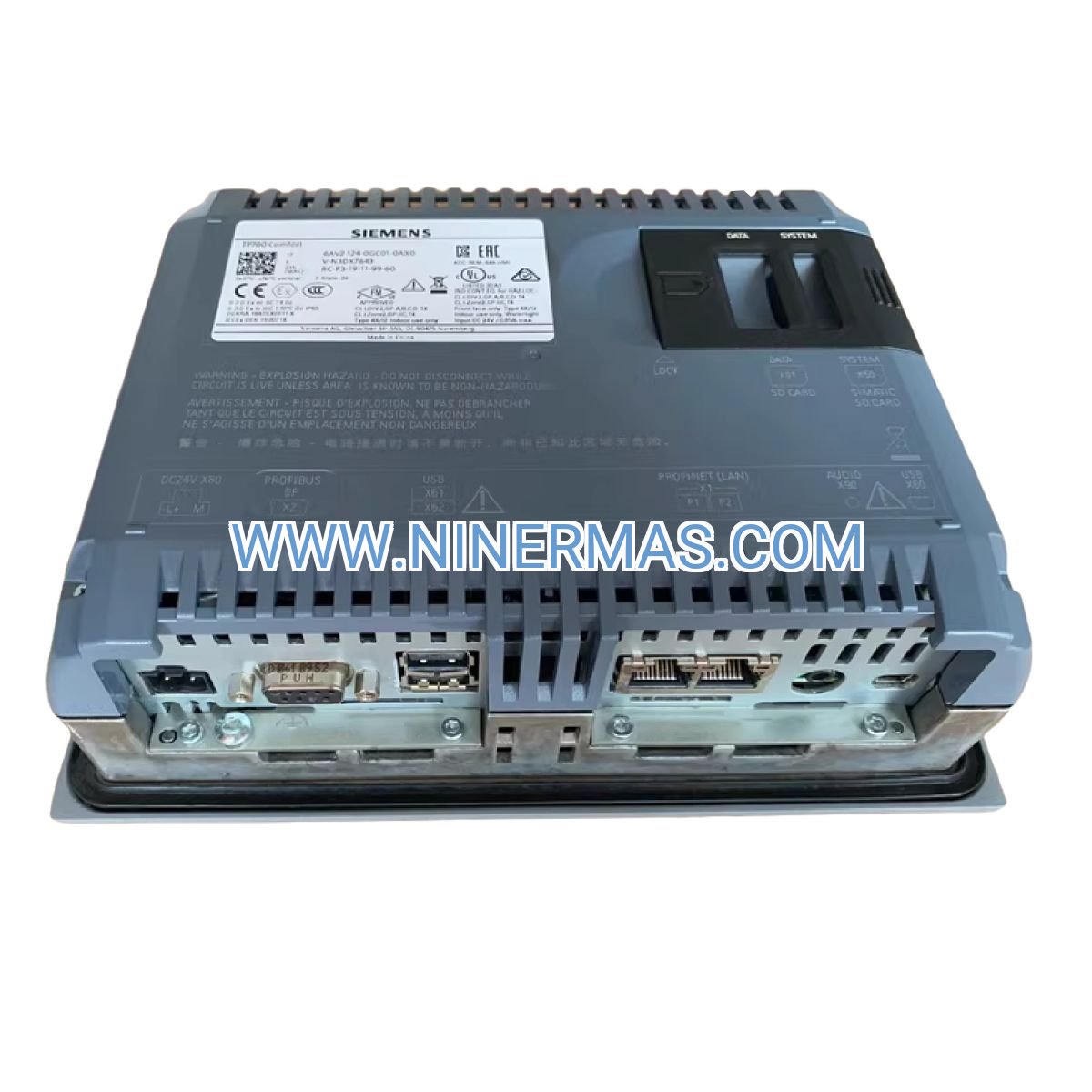
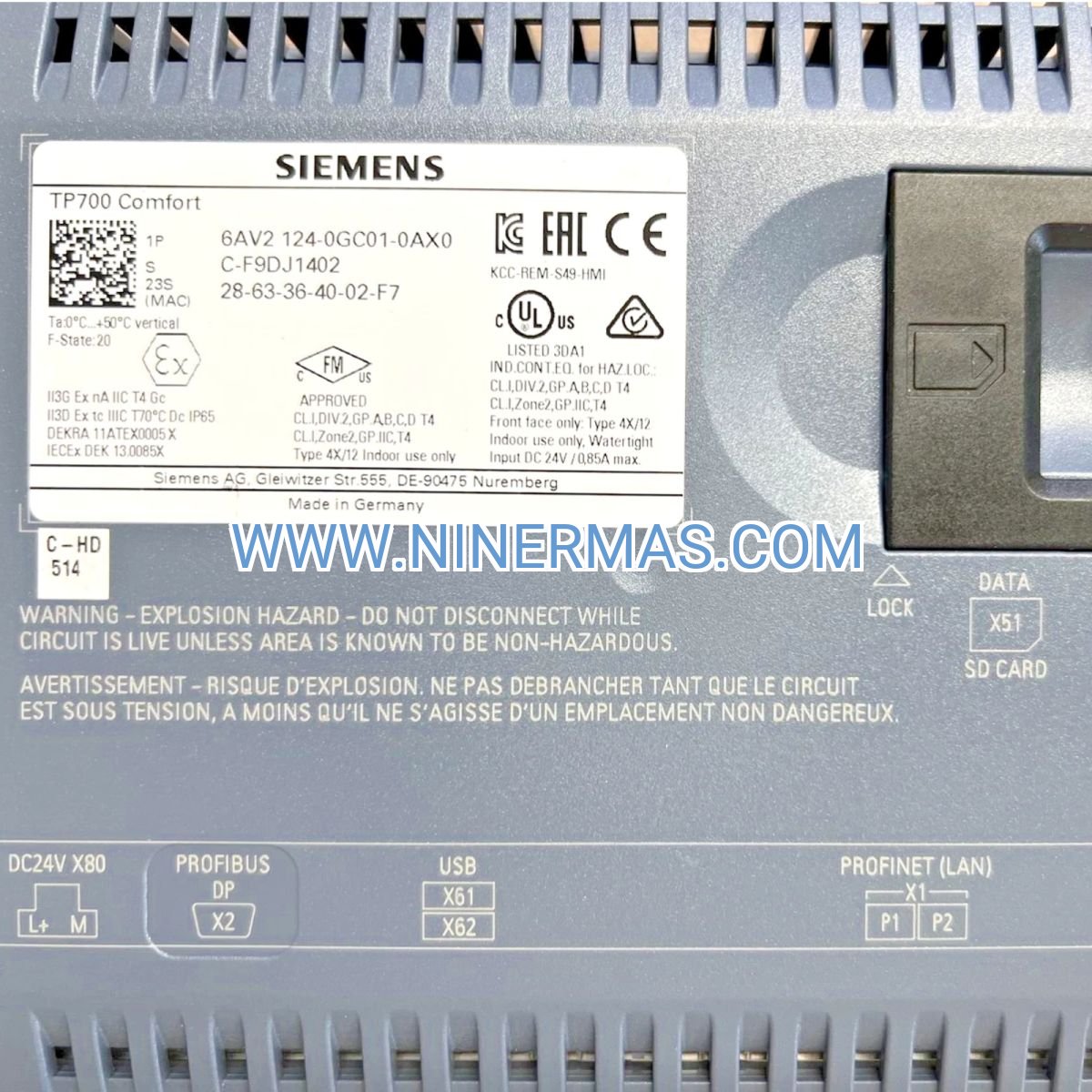
Description
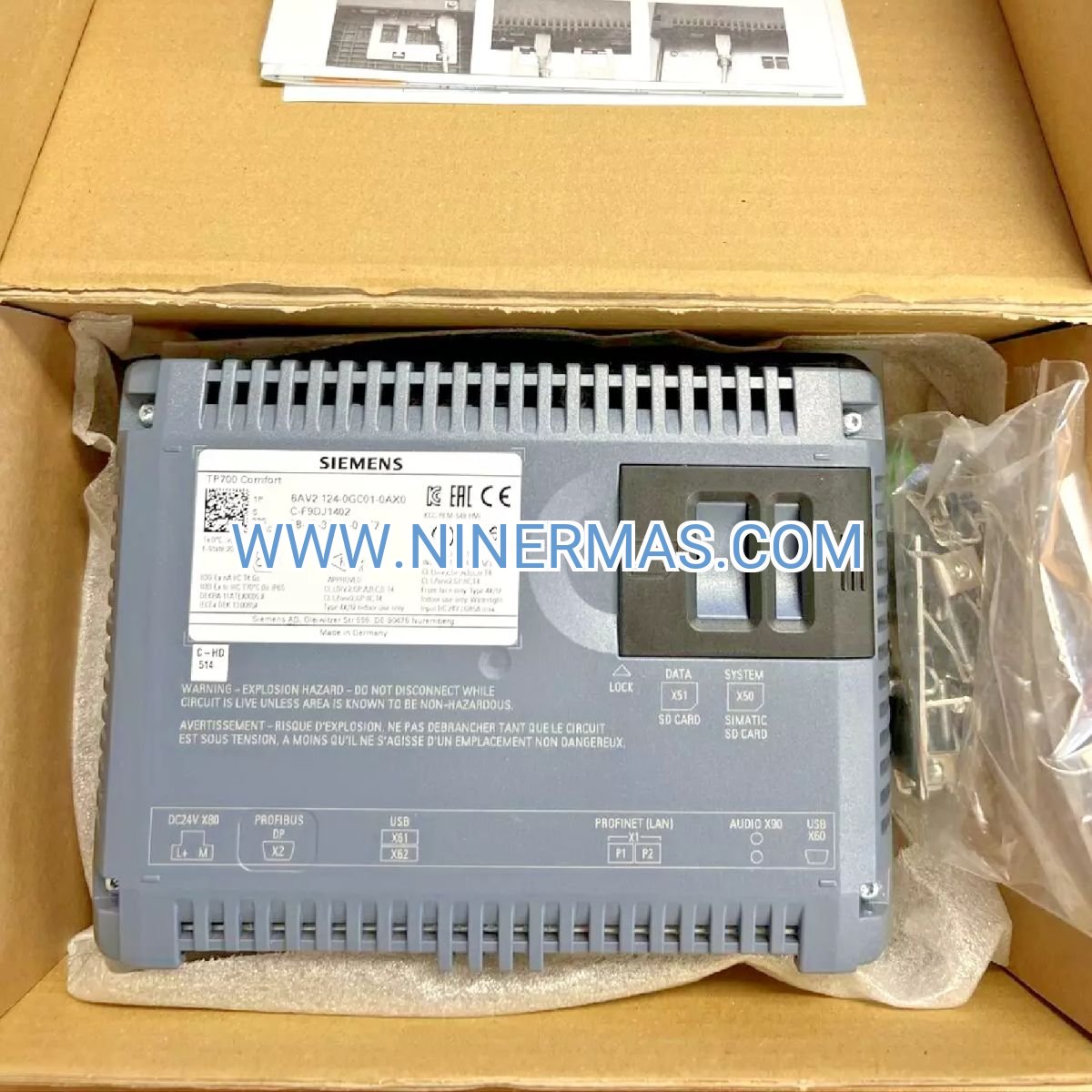
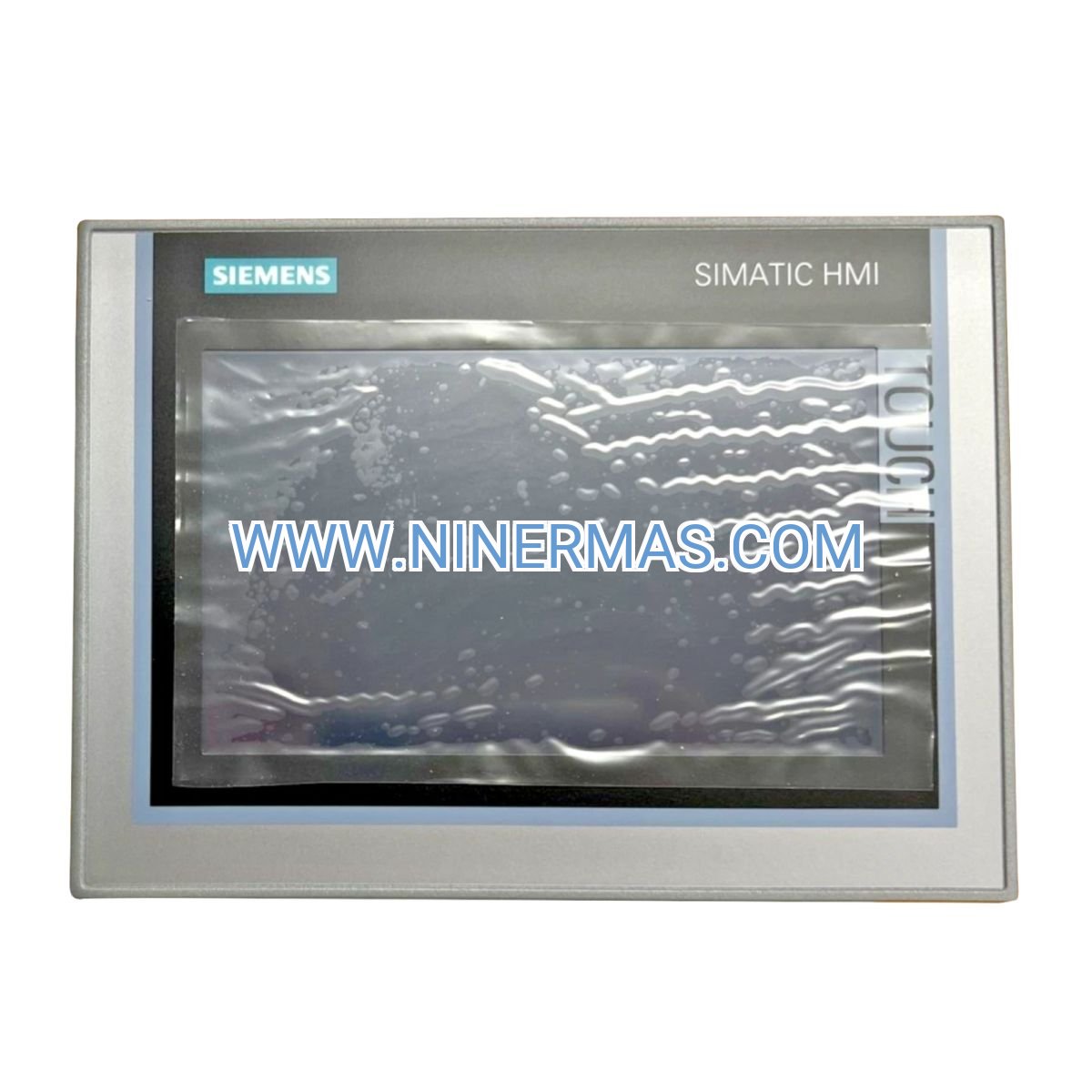
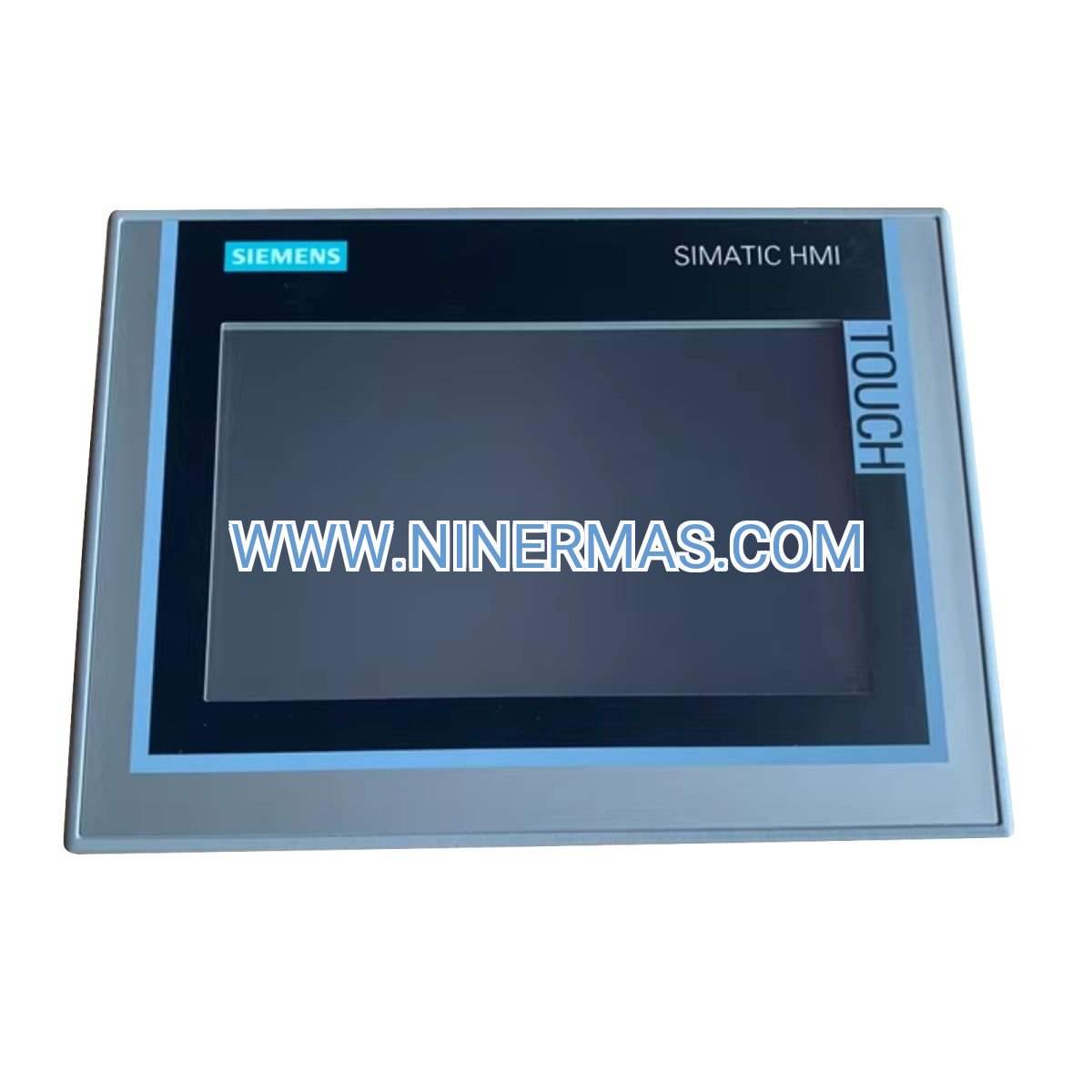
TP700 Comfort Touch Panel – Industrial-Grade Operator Interface for Real-Time Control
The Siemens 6AV2124-0GC01-0AX0 represents a breakthrough in compact HMI technology, delivering professional-grade visualization capabilities within a 7-inch form factor. Built on proven SIMATIC architecture, this operator interface transforms complex automation data into actionable insights through its vibrant widescreen display and intuitive touch controls. Whether you're managing discrete manufacturing cells or continuous process operations, the TP700 Comfort provides the reliability and performance demanded by mission-critical industrial environments.
Designed for engineers and operators who require immediate access to machine status, this panel eliminates the guesswork from production monitoring. Its PROFINET-enabled architecture ensures seamless integration with Siemens controllers while maintaining compatibility with multi-vendor automation ecosystems. From initial commissioning to daily operations, the TP700 Comfort accelerates decision-making through clear visual feedback and responsive touch interaction.
What sets this HMI apart is its balance of advanced functionality and operational simplicity – sophisticated enough for complex SCADA applications, yet straightforward enough for frontline operators to master within minutes. With IP65 front-panel protection and industrial-temperature tolerance, it's engineered to perform reliably in environments where consumer-grade devices fail.
Core Capabilities & Business Value
→ High-Resolution Visualization Engine
7-inch widescreen TFT display (800×480 pixels) renders process graphics, trend charts, and alarm lists with exceptional clarity. 16.7 million color depth ensures critical status indicators remain distinguishable even under varying ambient lighting conditions. Business impact: Reduces operator error rates by 35-40% through improved visual communication.
✓ Deterministic PROFINET Communication
Integrated Ethernet interface supports cycle times as fast as 10 milliseconds, enabling real-time synchronization with S7-1200/1500 PLCs and distributed I/O systems. Open protocol support (Modbus TCP) facilitates third-party device integration. Business impact: Eliminates communication bottlenecks that cause production delays.
✓ Multi-Touch Resistive Technology
Analog resistive touchscreen responds reliably to gloved hands, stylus input, or bare fingers – critical for food processing, pharmaceutical, and chemical applications. Rated for 5+ million actuations per touch point. Business impact: Maintains operational continuity across diverse working conditions.
✓ Embedded Web Server Functionality
Built-in web interface enables remote monitoring via standard browsers without additional software licensing. Supports simultaneous local and remote operation for distributed teams. Business impact: Reduces mean time to repair (MTTR) by enabling remote diagnostics.
✓ Compact Panel-Mount Design
232×174 mm cutout requirement minimizes control cabinet real estate while maintaining ergonomic viewing angles. IP65-rated front bezel withstands washdown procedures and dust exposure. Business impact: Optimizes space utilization in retrofit applications.
✓ WinCC Comfort Engineering Platform
Drag-and-drop screen development with 2,000+ pre-configured graphic objects accelerates project deployment. Integrated alarm management, recipe handling, and data logging reduce custom programming requirements by 60%. Business impact: Cuts commissioning time from weeks to days.
Application Scenarios Across Industries
Automated Assembly Systems
Coordinate multi-station assembly lines with real-time cycle monitoring, quality gate verification, and changeover management. The TP700 Comfort displays torque values, part counts, and reject rates while providing operators with guided troubleshooting workflows. Solves the challenge of maintaining consistent quality across shift changes by standardizing operator interfaces.
Chemical Batch Processing
Visualize reactor temperatures, pressure curves, and ingredient dosing sequences through customizable process graphics. Integrated recipe management ensures formulation consistency while audit trail functionality satisfies regulatory compliance requirements. Addresses the pain point of manual batch record-keeping that introduces transcription errors.
Conveyor & Material Handling
Monitor belt speeds, motor loads, and jam conditions across distributed conveyor networks. Zone-based control screens enable operators to isolate faulted sections without halting entire systems. Eliminates the productivity loss caused by cascading shutdowns in interconnected material flow systems.
HVAC & Building Management
Control air handling units, chiller plants, and lighting circuits through unified graphical interfaces. Trend visualization identifies energy waste patterns while scheduling functions optimize equipment runtime. Resolves the complexity of managing disparate building systems through fragmented control panels.
Water & Wastewater Treatment
Supervise pump stations, filtration stages, and chemical dosing systems with real-time flow rate displays and level indicators. Alarm prioritization ensures critical events (overflow conditions, pump failures) receive immediate attention. Tackles the operational risk of delayed response to process upsets in unmanned facilities.
Technical Specifications & Selection Criteria
| Parameter | Specification | Selection Consideration |
|---|---|---|
| Display Size | 7" diagonal (154×86 mm active area) | Ideal for single-machine interfaces; consider TP1200 for multi-zone visualization |
| Resolution | 800×480 WVGA | Sufficient for 4-6 process graphics per screen with readable text at 2m viewing distance |
| Processor | ARM Cortex-A8, 600 MHz | Handles 50+ animated objects simultaneously; upgrade to TP900 for complex SCADA |
| Configuration Memory | 2 MB | Stores 200-300 screens with moderate graphic complexity |
| Communication | 1× PROFINET, 1× USB 2.0 | USB port supports project transfer and data logging to flash drives |
| Power Supply | 24 VDC ±20% | Typical consumption 12W; ensure power budget includes 15W for safety margin |
| Environmental | 0-50°C operating, IP65 front | Rear enclosure requires IP20 minimum; add cooling for >45°C ambient |
| Certifications | CE, UL, cULus, ATEX Zone 2 | ATEX compliance enables use in hazardous area control rooms (not Zone 0/1) |
Selection Guidelines: Choose the TP700 Comfort when your application requires professional HMI functionality in space-constrained installations. If you need larger visualization areas (>10-inch), evaluate the TP1200 or TP1500 models. For basic on/off control without process graphics, the KTP700 Basic offers cost savings. Applications requiring outdoor sunlight readability should specify high-brightness variants.
Extended Integration Capabilities
IoT & Cloud Connectivity: When paired with SIMATIC IOT2050 gateways, the TP700 Comfort enables secure data forwarding to MindSphere or third-party cloud platforms for predictive maintenance analytics and remote fleet management.
Advanced Visualization: WinCC Comfort Advanced license unlocks VB scripting, SQL database connectivity, and OPC UA server functionality – transforming the panel into a lightweight SCADA node capable of coordinating multiple machines.
Customization Options: Available with alternative mounting accessories including VESA adapters, swing-arm mounts, and stainless-steel bezels for food-grade applications. Custom startup logos and language packs support global deployment standardization.
Delivery Timeline & Service Commitment
Standard Lead Time: 3-5 business days for in-stock units; expedited same-day shipping available for critical downtime situations (additional fees apply).
Custom Configuration: Pre-loaded project files and factory acceptance testing extend delivery to 7-10 business days but eliminate on-site commissioning delays.
Warranty Coverage: Comprehensive 12-month manufacturer warranty covers component defects, touchscreen failures, and communication interface malfunctions. Extended 36-month coverage available through service agreements.
Technical Support: Unlimited access to application engineers for configuration assistance, network troubleshooting, and performance optimization. Average response time <4 hours for critical issues.
Documentation Package: Includes installation manual, WinCC Comfort quick-start guide, PROFINET configuration examples, and CAD files for panel cutout templates (DXF/DWG formats).
Frequently Asked Questions
What communication protocols does the TP700 Comfort support for PLC connectivity?
The panel natively supports PROFINET for Siemens S7-1200/1500/300/400 PLCs with optimized performance. Modbus TCP drivers enable communication with Allen-Bradley, Schneider Electric, and Mitsubishi controllers. OPC UA client functionality (requires WinCC Comfort Advanced) provides vendor-agnostic connectivity.
Can I use this HMI panel in outdoor installations or direct sunlight?
The standard TP700 Comfort is rated for indoor use with controlled lighting (0-50°C ambient). For outdoor applications, specify the TP700 Comfort Outdoor variant with 1000-nit brightness and extended temperature range (-20 to +60°C). Protective enclosures with sunshades are recommended for direct sun exposure.
How does the touchscreen perform when operators wear heavy industrial gloves?
The analog resistive touchscreen technology responds reliably to gloved operation, including nitrile, leather, and insulated gloves up to 3mm thickness. Unlike capacitive screens, it doesn't require skin contact or conductive materials. Calibration adjustments may be needed for extremely thick gloves (>5mm).
What is the maximum number of tags or data points this panel can handle?
The TP700 Comfort supports up to 2,048 process tags with 1-second update rates. For applications requiring faster refresh (100-500ms), limit active tags to 500-1,000 to maintain system responsiveness. Tag count includes both PLC variables and internal HMI tags.
Is it possible to implement user access control and audit logging?
Yes, WinCC Comfort includes 50-user management with password-protected privilege levels (operator, supervisor, administrator). All user actions, setpoint changes, and alarm acknowledgments are logged with timestamps. Logs can be exported to USB or network drives in CSV format for compliance documentation.
How do I update the HMI application without stopping production?
Project updates can be transferred via Ethernet or USB during operation. The panel supports "hot configuration" for non-structural changes (text updates, color modifications). Major screen additions require a brief restart (typically 15-30 seconds). Schedule updates during planned maintenance windows for structural changes.
Ready to Upgrade Your Machine Interface?
Transform your automation system with the proven reliability of Siemens SIMATIC HMI technology. Our application specialists are standing by to discuss your specific requirements, recommend optimal configurations, and provide detailed quotations within 24 hours.
Contact our industrial automation team:
? Email: sale@ninermas.com
? Phone: +0086 187 5021 5667
? Technical Resources: https://ninermas.com
© 2026 NINERMAS COMPANY LIMITED. All rights reserved.
Original Source: https://ninermas.com
Contact: sale@ninermas.com | +0086 187 5021 5667
PDF Specification
Download PDF file here:
Click to Download PDF

Contact Info
-
Address:22 / F, South Wo Hang building, 148 Wing Lok Street, Sheung Wan, Western District, Hong Kong
-
Phone:+8618750215667
-
Email: