
Original Industrial Spare Part
SICK ICR620S-T11503 Retrofit-Compatible Barcode Reader for Legacy Systems
Verify the part, confirm the platform family, and move straight into quotation with the right commercial details.
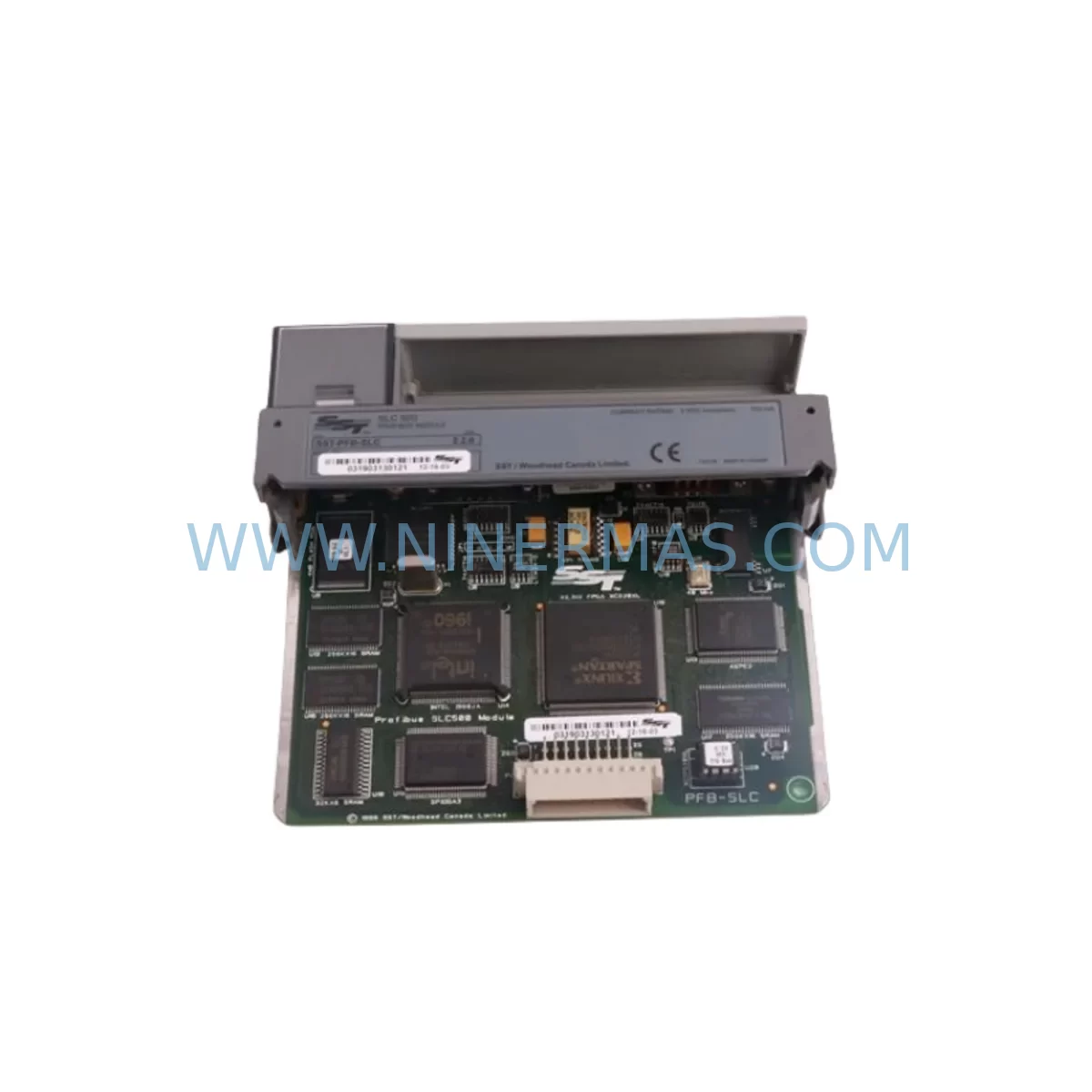
RFQ Ready
- SKUICR620S-T11503
- CategoryPLC & Industrial Automation Modules
- BrandSICK
- SupportAvailability, lead time, condition, and shipping coordination
How Buyers Usually Use This Page
- Confirm the exact part number and platform family before sending the quote request.
- Use direct email when quantity, condition, and destination are already defined internally.
- Switch to the broader brand or category archive when you need alternates nearby.
Series Navigation
Move through the most common platform families behind this part.
Product RFQ
Send this part directly for quotation.
Include quantity, required condition, destination country, and target delivery timing. Current reference: SICK ICR620S-T11503 Retrofit-Compatible Barcode Reader for Legacy Systems with SKU ICR620S-T11503.
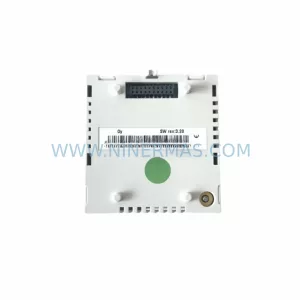
SICK ICR620S-T11503 Retrofit-Compatible Barcode Reader for Legacy Systems
The SICK ICR620S-T11503 is a ruggedized industrial barcode reader engineered for demanding factory-floor environments where legacy identification systems are reaching end-of-life or have been discontinued. As automation lines age and original OEM spare parts become scarce, the ICR620S-T11503 provides a reliable, retrofit-ready replacement that integrates into existing conveyor, sorting, and track-and-trace architectures without requiring a full system overhaul. Whether you are replacing a failed SICK CLV series reader, migrating from an older ICR6xx platform, or upgrading a barcode identification node within a broader PLC-controlled line, this module is pre-shipment tested and supplied with a 12-month warranty to minimize your procurement risk.
Designed for continuous operation in harsh environments — including exposure to dust, vibration, temperature extremes, and high-cycle scanning demands — the ICR620S-T11503 maintains read reliability across 1D and stacked code formats. Its compact form factor and standard mounting footprint make it compatible with most existing bracket and housing assemblies used in legacy SICK ICR and CLV installations, reducing mechanical rework during changeover.
Upgrade Compatibility Table
| Parameter | ICR620S-T11503 (This Unit) | Typical Legacy Predecessor | Retrofit Notes |
|---|---|---|---|
| Code Types | 1D, PDF417, stacked codes | 1D only (CLV series) | Expanded decode capability; no firmware change required on host PLC |
| Communication Interface | RS-232, RS-422, Ethernet (model-dependent) | RS-232 / RS-422 | Verify host interface; Ethernet variants may require switch port allocation |
| Power Supply | 10–30 V DC | 18–30 V DC | Confirm existing PSU output; 24 V DC standard installations are directly compatible |
| Mounting Footprint | Standard ICR6xx bracket pattern | ICR6xx / CLV bracket | Direct mechanical swap in most installations; verify standoff distance |
| Configuration Tool | SOPAS Engineering Tool | SOPAS / CLV-Setup | Import existing parameter file or reconfigure via SOPAS; backup original config before swap |
| Installation Environment | IP65, -10°C to +50°C | IP65 (varies) | Confirm ambient temperature range for outdoor or cold-chain applications |
| Trigger Input | Digital input (NPN/PNP selectable) | Digital input | Verify PLC output type; NPN/PNP mismatch requires wiring adapter or PLC output reconfiguration |
| 12-Month Warranty | All units supplied by NINERMAS include a 12-month warranty covering manufacturing defects and pre-shipment functional testing. | ||
Retrofit Planning for Existing Automation Systems
Replacing a barcode reader in a live production line involves more than a physical swap. Engineers undertaking a retrofit with the ICR620S-T11503 should begin by auditing the existing wiring harness and terminal block layout. Most legacy SICK ICR and CLV installations use M12 connectors for power and I/O, and the ICR620S-T11503 maintains this connector standard, simplifying the transition. However, if the line was originally wired for a SICK CLV480 or CLV490, the pin assignment for the result output and trigger lines should be cross-referenced against the ICR620S-T11503 datasheet before reconnection.
On the control side, the host PLC — commonly a Siemens S7-300, S7-400, or an Allen-Bradley ControlLogix — communicates with the reader via a serial or Ethernet gateway. If the existing installation uses a SICK CDB650 connection module or a CDM420 data management module as an intermediary, these remain compatible with the ICR620S-T11503 and do not need to be replaced. This is a significant cost saving in multi-reader installations where the CDB650 serves as a hub for several scan points on the same conveyor segment.
For lines that have already migrated to Ethernet-based communication, the ICR620S-T11503 can be integrated into the existing PROFINET or EtherNet/IP segment alongside other SICK devices such as the S3000 safety laser scanner or the WT series photoelectric sensors used for object detection and trigger generation. The reader’s IP address assignment and subnet configuration are handled through SOPAS Engineering Tool, which also allows parameter cloning from a previously configured unit — a critical time-saver when replacing multiple readers across a large sortation system.
I/O expansion requirements should also be assessed during planning. If the legacy installation relied on a SICK MSC800 multi-code decoder or a Lector620 camera-based reader for complex label presentations, the ICR620S-T11503 may require supplementary lighting or a read-distance adjustment to match the original read window. In installations where a SICK FX3-XTIO safety I/O module or a Pilz PNOZ safety relay governs the line stop logic, the reader’s good-read and no-read outputs must be mapped correctly to avoid nuisance stops during commissioning.
Signal isolation is recommended when the ICR620S-T11503 is installed in cabinets shared with variable frequency drives (VFDs) or servo amplifiers. A DIN-rail mounted signal isolator on the RS-232 or RS-422 line will protect the reader’s communication port from ground loop interference — a common cause of intermittent read failures in legacy installations that were not originally designed with EMC segregation in mind.
Downtime Control During System Migration
Minimizing production downtime during a barcode reader replacement requires a structured changeover plan. The recommended approach is to pre-configure the ICR620S-T11503 on a bench using SOPAS Engineering Tool before the maintenance window begins. Load the parameter file exported from the outgoing unit, adjust any model-specific settings, and verify decode performance against a sample of the label types used on the line. This bench validation step typically takes 30–60 minutes and eliminates the most common cause of extended downtime: on-site parameter troubleshooting.
During the physical swap, label the existing wiring before disconnection. Photograph the terminal block and M12 connector orientation. If the installation uses a SICK CDM420 or CDB650 as a junction point, the reader-side cable can often be disconnected and reconnected without disturbing the host-side wiring, further reducing reconnection time. Once the ICR620S-T11503 is mounted and connected, perform a trigger test using the PLC’s manual output function before releasing the line to automatic mode.
For critical lines where even a brief unplanned stop carries significant cost, consider staging the ICR620S-T11503 as a hot-standby unit in a parallel bracket position during the preceding production shift. This allows a final read-rate comparison between the outgoing and incoming units under live label conditions, confirming that the replacement will perform to specification before the legacy unit is decommissioned. All units supplied by NINERMAS are pre-shipment tested and include documentation of functional verification, supporting your internal change-control and maintenance records.
Retrofit Support FAQ
Q: Is the ICR620S-T11503 a direct drop-in replacement for the SICK CLV480 or CLV490?
A: The ICR620S-T11503 shares the same M12 connector standard and 24 V DC power input as the CLV480/490 series, making it mechanically and electrically compatible in most installations. However, the parameter structure differs between the CLV and ICR platforms, so a fresh SOPAS configuration is required rather than a direct parameter file import. Wiring pin assignments should be verified against both datasheets before reconnection.
Q: What commissioning steps are required after installation?
A: After physical installation and wiring, connect to the ICR620S-T11503 via SOPAS Engineering Tool to set the communication parameters (baud rate, IP address, or device name as applicable), configure the trigger source and output logic, and run a teach-in or manual focus adjustment if the read distance differs from the factory default. Confirm good-read and no-read output signals at the PLC before switching to automatic mode.
Q: Can this unit be used in an installation with mixed SICK devices on the same Ethernet segment?
A: Yes. The ICR620S-T11503 is compatible with SICK’s standard Ethernet device ecosystem and can coexist on the same network segment as other SICK sensors and controllers managed through SOPAS. Assign a unique IP address and ensure the subnet mask matches the existing network configuration. No special VLAN or firewall rules are required for standard SOPAS communication.
Q: What does the 12-month warranty cover, and is inventory available for immediate shipment?
A: The 12-month warranty covers manufacturing defects and functional failures under normal operating conditions, supported by pre-shipment testing documentation provided with each unit. NINERMAS maintains stock of the ICR620S-T11503 to support urgent retrofit and breakdown replacement requirements. Contact our team for current lead times and availability confirmation before raising a purchase order.
| Product Series | Legacy |
|---|---|
| Country of Origin | DE |
Catalog Continuation
More SICK modules in the catalog.
Use the brand lane to compare nearby part numbers, platform-adjacent modules, and other inquiry-ready listings before sending your final RFQ.
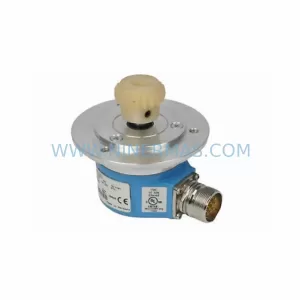
Catalog Continuation
Alternative parts within PLC & Industrial Automation Modules.
Stay inside the same system family when you need substitutes, adjacent modules, or a broader shortlist for procurement review.
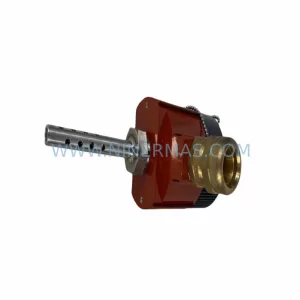
SKU: TRY/PRG/4-20MA/10-30DC
MOORE TRY/PRG/4-20MA/10-30DC Service-Ready Spare Part
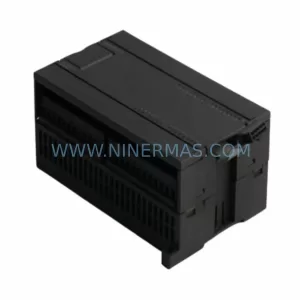
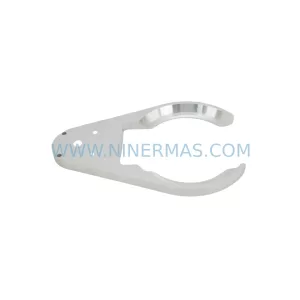
SKU: 5085-404901-11 12INCH 2910-202413-12 404200XRMPD2H14 7-249717
TEL 5085-404901-11 Service-Ready Spare Part for Industrial Maintenance
SKU: DIP011 05-058-011
SIGMATEK DIP011 05-058-011 Service-Ready Spare Part



