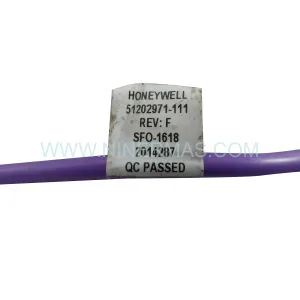
Original Industrial Spare Part
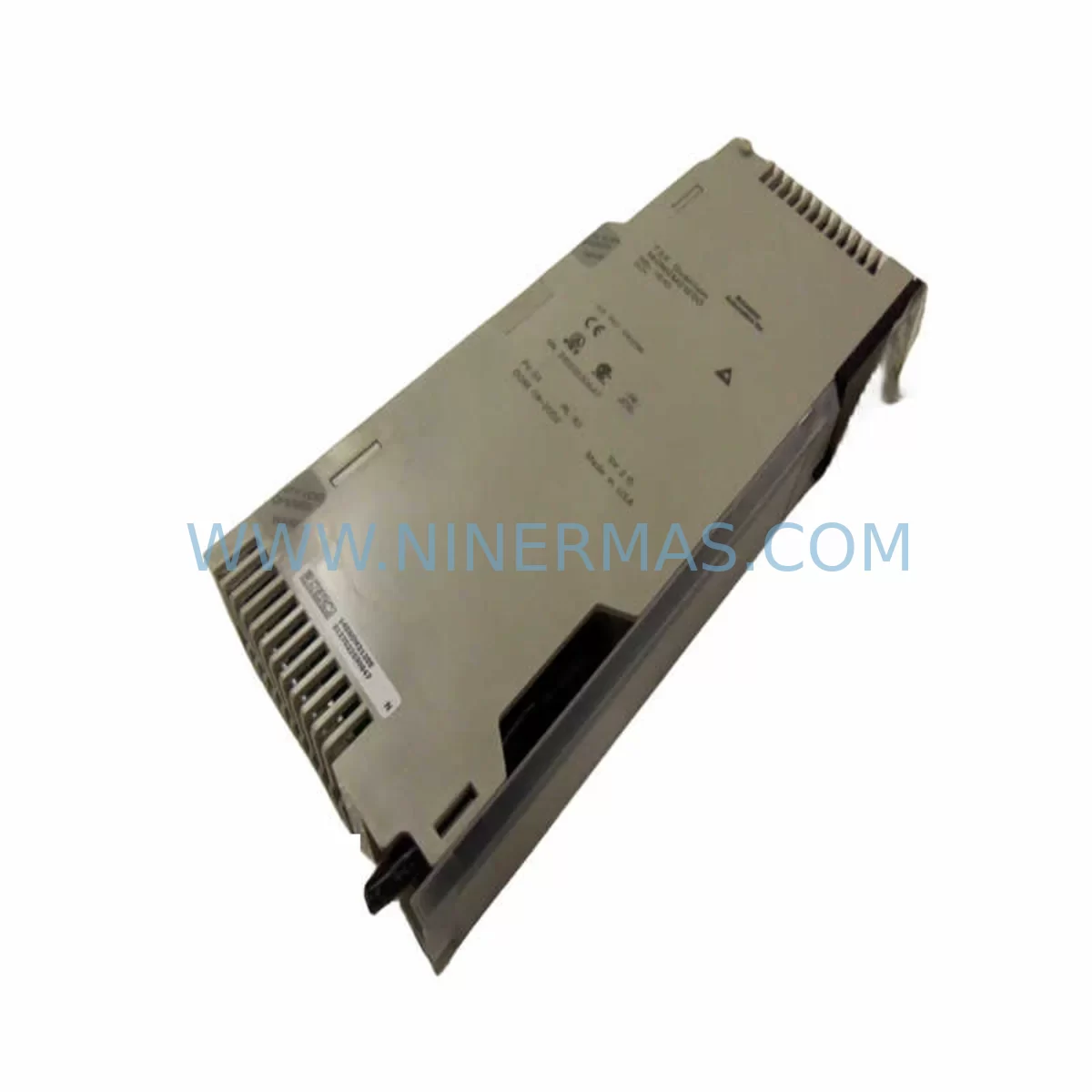
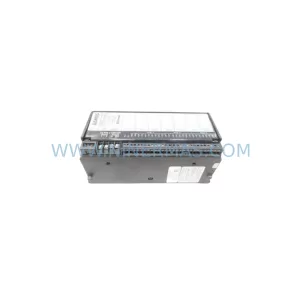
Schneider 140NOM21200 Retrofit-Compatible NOM Module for Legacy Systems
Verify the part, confirm the platform family, and move straight into quotation with the right commercial details.
RFQ Ready
- SKU140NOM21200
- CategoryPLC & Industrial Automation Modules
- BrandSchneider Electric
- SupportAvailability, lead time, condition, and shipping coordination
How Buyers Usually Use This Page
- Confirm the exact part number and platform family before sending the quote request.
- Use direct email when quantity, condition, and destination are already defined internally.
- Switch to the broader brand or category archive when you need alternates nearby.
Series Navigation
Move through the most common platform families behind this part.
Product RFQ
Send this part directly for quotation.
Include quantity, required condition, destination country, and target delivery timing. Current reference: Schneider 140NOM21200 Retrofit-Compatible NOM Module for Legacy Systems with SKU 140NOM21200.
Schneider 140NOM21200 Retrofit-Compatible NOM Module for Legacy Modicon Quantum Systems
The Schneider Electric 140NOM21200 is a Network Option Module (NOM) designed for the Modicon Quantum PLC platform — one of the most widely deployed industrial control architectures in process automation, utilities, oil & gas, and discrete manufacturing. As legacy Quantum systems approach end-of-life and original spare parts become increasingly scarce, the 140NOM21200 remains a critical component for engineers managing retrofit projects, control cabinet upgrades, and long-term spare parts programs.
NINERMAS maintains verified stock of the 140NOM21200 to support customers who need immediate replacement units, planned lifecycle extensions, or phased migration strategies. Every unit ships with a 12-month warranty and undergoes pre-shipment functional testing to ensure compatibility with existing Quantum backplane configurations.
Upgrade Compatibility Table
| Parameter | 140NOM21200 Specification | Retrofit / Replacement Notes |
|---|---|---|
| Module Type | Network Option Module (NOM) | Direct slot-compatible with Modicon Quantum backplane |
| Platform Compatibility | Modicon Quantum (140-series) | Compatible with 140CPU65x, 140CPU67x controller families |
| Communication Protocol | Modbus Plus (MB+) | Verify MB+ network address settings before hot-swap; address conflicts cause bus faults |
| Backplane Interface | Quantum I/O backplane slot | Confirm slot assignment in Unity Pro / ProWORX project file before installation |
| Installation Space | Single-slot Quantum module form factor | No additional DIN rail or panel space required; fits existing cabinet layout |
| Power Consumption | Supplied via backplane (140CPS series power supply) | Verify 140CPS11420 or 140CPS21400 power budget before adding modules to rack |
| Programming Environment | Unity Pro / ProWORX Nxt | Module address and network variables must be re-declared if replacing a failed unit |
| HMI Compatibility | Magelis / SCADA via MB+ or Ethernet gateway | Update HMI communication driver settings if node address changes |
| Warranty | 12 months from shipment date — covers manufacturing defects and functional failure under normal operating conditions | |
| Pre-Shipment Test | Full functional verification performed on every unit before dispatch | |
Retrofit Planning for Existing Automation Systems
Replacing or upgrading the 140NOM21200 within a live Modicon Quantum installation requires careful pre-planning across multiple system layers. The NOM module sits at the intersection of the PLC backplane, the Modbus Plus network, and the broader control architecture — meaning a poorly planned swap can cascade into communication faults across multiple nodes.
Before initiating a retrofit, engineers should audit the full rack configuration. A typical Quantum rack running the 140NOM21200 will also house components such as the 140CPU65150 or 140CPU67160 processor module, one or more 140ACI04000 analog input modules, 140DDI35300 discrete input modules, and 140DDO35300 discrete output modules. Each of these modules has a defined slot address in the Unity Pro hardware configuration, and any change to the NOM slot assignment must be reflected in the project file before download.
Power budget verification is non-negotiable. The 140CPS11420 or 140CPS21400 power supply modules feeding the Quantum rack must have sufficient headroom to support the 140NOM21200 alongside existing I/O loads. Overloaded power supplies are a common root cause of intermittent NOM faults that are frequently misdiagnosed as module failures.
On the network side, the 140NOM21200 operates on the Modbus Plus peer-to-peer network. Each node on the MB+ ring must have a unique address (1–64). Before installing a replacement unit, document the existing node address using the rotary switches on the module faceplate or from the ProWORX Nxt network map. If the replacement unit arrives with a factory-default address, it must be reconfigured before connection to avoid address conflicts that will disrupt the entire MB+ ring — including any connected 140NOE77100 Ethernet NOM modules, SA85 PC interface cards, or BP85 bridge/repeater units sharing the same network segment.
For installations that are migrating from Modbus Plus toward Ethernet-based architectures, the 140NOM21200 retrofit can serve as an interim step. Engineers often run the MB+ network in parallel with a new 140NOE77101 Ethernet module during the transition period, allowing SCADA systems and Magelis HMI panels to be migrated node-by-node without a full system shutdown. Signal isolators such as the PXISY series may also be required when integrating legacy analog I/O signals into new control platforms during phased upgrades.
Programming cable access is another practical consideration. Technicians performing on-site commissioning of the replacement 140NOM21200 will need a TSXPCX3030 or USB-to-serial programming cable to connect a laptop running Unity Pro or ProWORX Nxt to the CPU’s terminal port for program verification and online diagnostics after the module swap.
Downtime Control During System Migration
Minimizing unplanned downtime is the primary concern for any engineer managing a 140NOM21200 replacement in a production environment. The following approach has been validated across multiple Quantum retrofit projects:
1. Pre-stage the replacement unit. Before scheduling the maintenance window, confirm that the replacement 140NOM21200 is on-hand, tested, and configured with the correct MB+ node address. NINERMAS ships pre-tested units with documentation, reducing on-site configuration time to minutes rather than hours.
2. Back up the PLC program. Use Unity Pro or ProWORX Nxt to create a full project backup — including hardware configuration, network variable tables, and I/O mapping — before touching any hardware. Store the backup on a local drive and a network share. This protects the original program logic in the event of an unexpected CPU fault during the swap.
3. Document the MB+ network map. Record all node addresses on the Modbus Plus ring before disconnecting the faulty module. A missing or duplicate address after reinstallation is the most common cause of extended downtime during NOM replacements.
4. Coordinate with SCADA and HMI operators. Notify control room operators before taking the NOM offline. In many Quantum installations, the 140NOM21200 carries peer-to-peer data exchanges between PLCs — a brief interruption will generate alarms on Magelis panels and SCADA workstations. Pre-agreed alarm suppression windows prevent unnecessary operator intervention during the swap.
5. Perform post-installation verification. After installing the replacement module, use the MB+ network diagnostic LEDs on the 140NOM21200 faceplate to confirm token passing is active. Verify all peer-to-peer data exchanges are functioning correctly in Unity Pro’s online mode before releasing the system back to production.
With proper preparation, a 140NOM21200 hot-swap in a Quantum rack can be completed within a 30–60 minute planned maintenance window, preserving production continuity and protecting the integrity of the original control program.
Retrofit Support FAQ
Q1: Is the 140NOM21200 a direct drop-in replacement for a failed NOM module in my existing Quantum rack?
Yes. The 140NOM21200 is slot-compatible with the Modicon Quantum backplane and requires no mechanical modifications. The primary configuration step is setting the correct Modbus Plus node address using the rotary switches on the module faceplate, matching the address of the unit being replaced. No changes to the Unity Pro hardware configuration are required if the slot position remains the same.
Q2: What commissioning steps are required after installing a replacement 140NOM21200?
After physical installation, verify the MB+ node address, power cycle the rack, and confirm token-passing activity via the NOM’s diagnostic LEDs. Connect to the CPU using a TSXPCX3030 programming cable and Unity Pro to run an online comparison between the live program and your backup. Check all peer-to-peer READ/WRITE data exchange blocks for correct execution. If the HMI or SCADA system shows communication alarms, verify the node address and MB+ cable termination at both ends of the network segment.
Q3: Does NINERMAS provide pre-shipment testing and a warranty for the 140NOM21200?
Yes. Every 140NOM21200 unit shipped by NINERMAS undergoes functional verification before dispatch. All units are covered by a 12-month warranty from the shipment date, covering manufacturing defects and functional failure under normal operating conditions. Warranty claims are processed directly through NINERMAS with a target response time of 1 business day.
Q4: Can the 140NOM21200 be used during a phased migration from Modbus Plus to Ethernet?
Yes. The 140NOM21200 can operate in parallel with a 140NOE77101 Ethernet NOM module installed in an adjacent Quantum rack slot, allowing a staged migration where MB+ and Ethernet networks run simultaneously. This approach lets engineers migrate SCADA nodes, HMI panels, and peer PLC connections to Ethernet incrementally, without requiring a full system cutover. NINERMAS can advise on compatible module combinations and rack power budgets for parallel NOM configurations upon request.
| Product Series | Modicon Quantum |
|---|---|
| Country of Origin | FR |
Catalog Continuation
More Schneider Electric modules in the catalog.
Use the brand lane to compare nearby part numbers, platform-adjacent modules, and other inquiry-ready listings before sending your final RFQ.
Catalog Continuation
Alternative parts within PLC & Industrial Automation Modules.
Stay inside the same system family when you need substitutes, adjacent modules, or a broader shortlist for procurement review.
SKU: SGDS-01A32A LS2TR30-300Q8 6SL3120-1TE15-0AA4
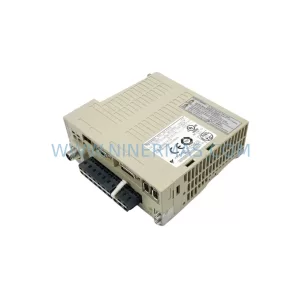
Yaskawa SGDS-01A32A Retrofit Servo Drive for Legacy Systems
SKU: 6SE7041-8EK85-0HA0
Siemens 6SE7041-8EK85-0HA0 Service-Ready Spare Part