Original Industrial Spare Part
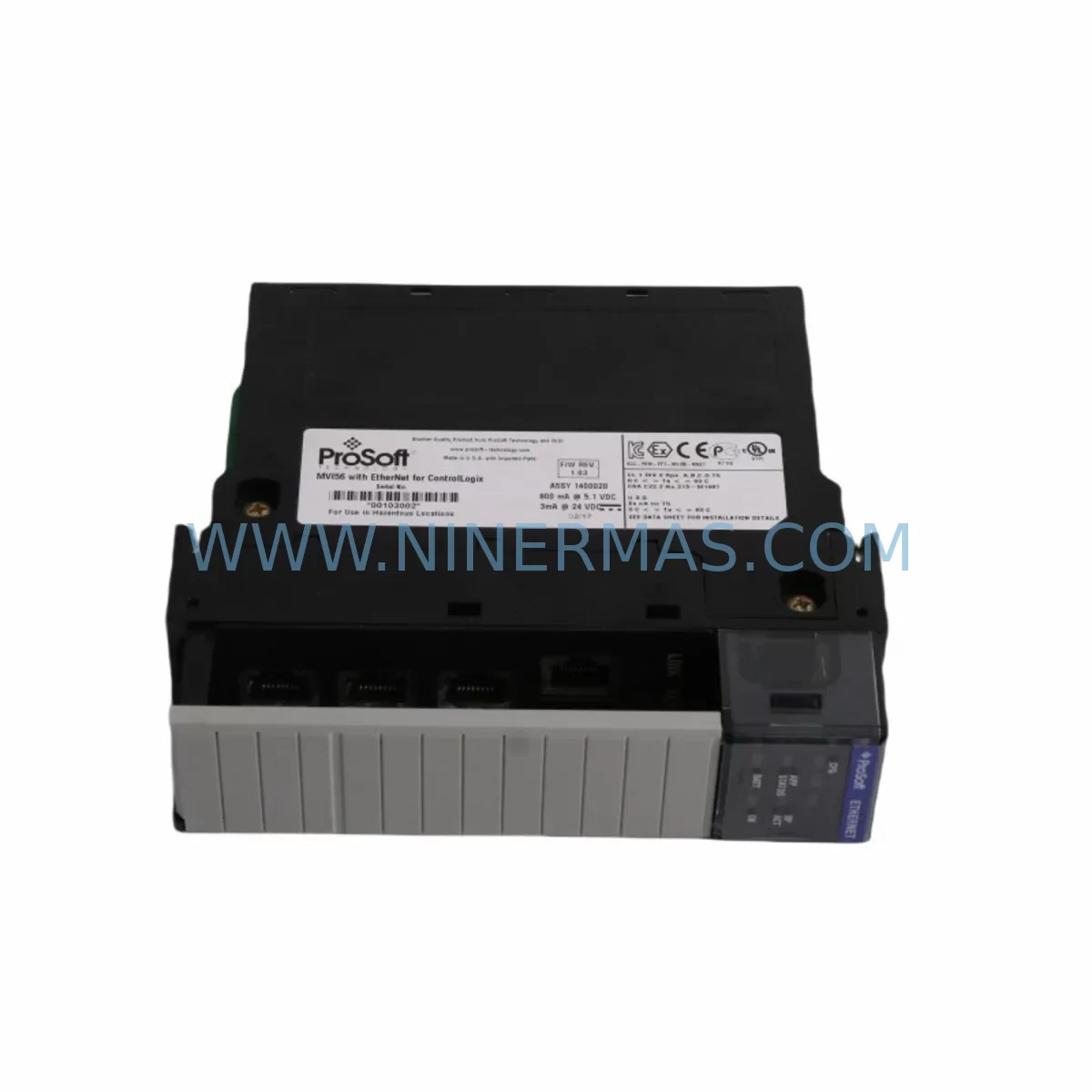
ProSoft MVI56-CSC Service-Ready Spare Part for Industrial Maintenance
Verify the part, confirm the platform family, and move straight into quotation with the right commercial details.
RFQ Ready
- SKUMVI56-CSC
- CategoryPLC & Industrial Automation Modules
- BrandProSoft Technology
- SupportAvailability, lead time, condition, and shipping coordination
How Buyers Usually Use This Page
- Confirm the exact part number and platform family before sending the quote request.
- Use direct email when quantity, condition, and destination are already defined internally.
- Switch to the broader brand or category archive when you need alternates nearby.
Series Navigation
Move through the most common platform families behind this part.
Product RFQ
Send this part directly for quotation.
Include quantity, required condition, destination country, and target delivery timing. Current reference: ProSoft MVI56-CSC Service-Ready Spare Part for Industrial Maintenance with SKU MVI56-CSC.
ProSoft MVI56-CSC Service-Ready Spare Part for Industrial Maintenance
The ProSoft MVI56-CSC is a ruggedized serial communication module engineered for Allen-Bradley ControlLogix backplane environments. As a service-ready spare part, it is stocked and tested to support rapid field replacement, minimizing unplanned downtime in manufacturing, oil & gas, water treatment, utilities, and process automation facilities. Whether you are managing a planned annual shutdown, responding to an emergency fault, or building a strategic spare parts inventory, the MVI56-CSC delivers the compatibility, reliability, and long-term supply assurance that maintenance and procurement engineers demand.
The MVI56-CSC supports multiple serial protocols including Modbus RTU, Modbus ASCII, and generic RS-232/RS-485/RS-422 communication, making it a versatile replacement component across legacy and modern control architectures. Its ruggedized design tolerates the electrical noise, vibration, and temperature variation common in industrial panel environments, ensuring stable signal integrity even in demanding plant-floor conditions.
Spare Maintenance Table
| Parameter | Specification |
|---|---|
| Part Number / SKU | MVI56-CSC |
| Brand | ProSoft Technology |
| Series | MVI56 (ControlLogix Communication Modules) |
| Product Type | Serial Communication Module |
| Supported Protocols | Modbus RTU, Modbus ASCII, RS-232, RS-485, RS-422, Generic Serial |
| Backplane Compatibility | Allen-Bradley ControlLogix 1756 Series |
| Communication Ports | 2 x Configurable Serial Ports |
| Operating Temperature | 0°C to 60°C (32°F to 140°F) |
| Power Consumption | Supplied via ControlLogix backplane (1756 series) |
| Mounting | ControlLogix chassis slot (any slot) |
| Firmware | Field-upgradeable via ProSoft Configuration Builder (PCB) |
| Origin | United States |
| Application Environment | Industrial automation, process control, SCADA, legacy serial integration |
| Maintenance Recommendation | Inspect annually; replace on communication fault or CRC error escalation |
| Warranty | 12 Months from date of shipment |
| Condition | New, original, factory-tested |
Maintenance Planning for Continuous Operation
When a serial communication fault is traced to the MVI56-CSC, experienced maintenance engineers know that the module rarely fails in isolation. A thorough site inspection should accompany any module replacement to prevent repeat failures and ensure the restored system operates reliably through the next maintenance cycle.
Begin by auditing the 1756-PA72 or 1756-PB72 ControlLogix power supply feeding the chassis. Voltage sag or ripple on the backplane rail is a leading cause of premature module failure and intermittent communication errors. Verify output voltage under load and check capacitor health if the power supply has been in service for more than five years.
Inspect all serial field wiring connected to the MVI56-CSC’s DB9 or terminal block ports. Shielded cable integrity, proper grounding at one end only, and correct RS-485 termination resistors (typically 120Ω at each end of the bus) are critical for noise immunity. Corroded connectors or improperly landed shields are frequent root causes of Modbus CRC errors that are misdiagnosed as module failures.
Review the 1756-EN2T or 1756-EN3TR EtherNet/IP communication module in the same chassis. If the ControlLogix processor is also managing Ethernet-based SCADA polling, high network traffic can indirectly affect backplane scan time and serial port response windows. Confirm that the RPI (Requested Packet Interval) settings in the ladder logic are appropriate for the serial device polling rate.
Check the 1756-L7x or 1756-L8x ControlLogix processor firmware version for compatibility with the MVI56-CSC Add-On Instruction (AOI) and ProSoft Configuration Builder project file. Mismatched firmware between the processor and the module’s embedded configuration can cause initialization failures after replacement.
Examine any 24VDC field power supplies (such as Phoenix Contact QUINT or Siemens SITOP series) powering the serial field devices connected to the MVI56-CSC. A failing field power supply can cause the connected RTUs, drives, or meters to drop off the Modbus network, generating faults that appear to originate from the communication module itself.
Inspect DIN rail terminal blocks and signal isolators in the serial circuit. Products such as the Phoenix Contact MCR-SL-S-I-I signal isolator or equivalent galvanic isolation barriers protect the MVI56-CSC ports from ground loops and transient voltages common in motor control centers and variable frequency drive (VFD) environments. Damaged or aged isolators should be replaced as part of the same maintenance event.
If the MVI56-CSC is interfacing with HART-enabled field instruments or legacy Modbus RTU energy meters, flow computers, or RTUs, verify that the baud rate, parity, stop bits, and station address configuration in the ProSoft ladder logic match the field device settings exactly. A configuration audit using ProSoft Configuration Builder should be performed before commissioning the replacement module.
For control cabinets housing the ControlLogix chassis, inspect the 1756-A7 or 1756-A13 chassis backplane for physical damage, bent connector pins, or contamination. A damaged backplane slot can cause the replacement MVI56-CSC to exhibit the same fault symptoms as the original module, leading to unnecessary repeat replacements.
Finally, review the PanelView Plus HMI (if present) for any alarm history related to serial communication loss. HMI alarm logs often contain timestamps and fault codes that help narrow the root cause to a specific field device, wiring segment, or module port — information that is invaluable for post-incident reporting and future preventive maintenance scheduling.
Maintaining a minimum of one MVI56-CSC as a cold spare in your parts room, alongside a pre-configured ProSoft Configuration Builder project file saved to a USB drive, reduces mean time to repair (MTTR) from hours to under 30 minutes for most sites.
Site Replacement Workflow
Step 1 — Safety Isolation: Follow your site’s lockout/tagout (LOTO) procedure. Place the ControlLogix processor in Program mode via the keyswitch or RSLogix 5000 / Studio 5000 software before removing the MVI56-CSC to prevent uncontrolled outputs during the swap.
Step 2 — Document Current Configuration: Before removal, use ProSoft Configuration Builder (PCB) to upload and save the existing module configuration. Store the .PPF project file with the date and asset tag. If the original module is non-responsive, retrieve the configuration from the backup copy stored in the ControlLogix processor’s non-volatile memory or your site’s document management system.
Step 3 — Physical Replacement: Remove the faulty MVI56-CSC by pressing the top and bottom ejector tabs simultaneously. Slide the new module into the same chassis slot. The MVI56-CSC is hot-swappable in most ControlLogix configurations, but confirm this against your site’s safety procedures before attempting a live swap.
Step 4 — Configuration Download: Connect a laptop running ProSoft Configuration Builder to the module’s CONFIG port (Port 0, RS-232). Download the saved .PPF configuration file to the replacement module. Verify that all port settings, protocol parameters, and ladder logic AOI tags are correctly mapped.
Step 5 — Communication Verification: Return the processor to Run mode. Monitor the MVI56-CSC status LEDs (APP, BP ACT, SER1, SER2) and verify that all serial field devices resume communication within the expected polling cycle. Check RSLogix 5000 / Studio 5000 tag values for correct data updates from each Modbus slave device.
Step 6 — Documentation and Spare Replenishment: Record the replacement in your CMMS (Computerized Maintenance Management System) with the module serial number, date, and technician name. Immediately initiate a purchase order to replenish the consumed spare, maintaining your minimum stock level.
This workflow is compatible with all MVI56 series modules and can be adapted for related ProSoft products including the MVI56-MCM (Modbus master/slave), MVI56-PDPMV1 (PROFIBUS DP), and MVI56-DFCM (DF1 communication module), ensuring a consistent maintenance methodology across your ControlLogix spare parts program.
Spare Parts Support FAQ
Q1: Is the MVI56-CSC compatible with all ControlLogix chassis and processor revisions?
The MVI56-CSC is designed for the Allen-Bradley 1756 ControlLogix platform and is compatible with all standard 1756-series chassis (1756-A4, A7, A10, A13, A17) and ControlLogix processors from the 1756-L55 through the current 1756-L8x generation. Compatibility with specific processor firmware revisions should be verified against the ProSoft Technology MVI56-CSC User Manual (latest revision). For legacy L5x processors, confirm that the Add-On Instruction (AOI) version matches the processor’s RSLogix 5000 project revision.
Q2: What pre-shipment testing is performed on each MVI56-CSC unit?
Every MVI56-CSC unit supplied by NINERMAS undergoes functional verification prior to shipment, including backplane communication simulation, serial port loopback testing on both ports, and firmware version confirmation. Units are shipped in anti-static packaging with a test record. A 12-month warranty from the date of shipment covers manufacturing defects and functional failures under normal operating conditions.
Q3: How should the MVI56-CSC be stored as a long-term cold spare?
Store the MVI56-CSC in its original anti-static bag inside a sealed ESD-safe container, in a climate-controlled environment between 0°C and 40°C with relative humidity below 85% non-condensing. Avoid storage near strong magnetic fields or high-vibration areas. Inspect the spare annually, verify firmware currency against the production unit, and update the ProSoft Configuration Builder project file whenever the production system configuration changes. Recommended maximum cold-spare storage period before functional re-verification is 36 months.
Q4: Can NINERMAS guarantee long-term supply of the MVI56-CSC for aging ControlLogix systems?
Yes. NINERMAS maintains strategic inventory of the MVI56-CSC and related MVI56-series modules to support customers operating legacy ControlLogix systems beyond the original product’s standard availability window. We provide long-term supply agreements, multi-unit procurement pricing, and dedicated account support for maintenance and procurement engineers managing end-of-life PLC infrastructure. Contact our team to discuss annual blanket orders or consignment stock arrangements tailored to your plant’s maintenance schedule.
| Product Series | Other series |
|---|---|
| Country of Origin | US |
Catalog Continuation
More ProSoft Technology modules in the catalog.
Use the brand lane to compare nearby part numbers, platform-adjacent modules, and other inquiry-ready listings before sending your final RFQ.
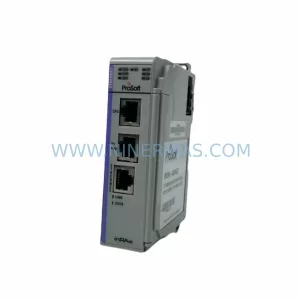
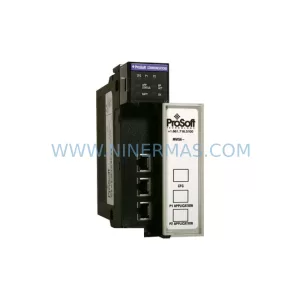
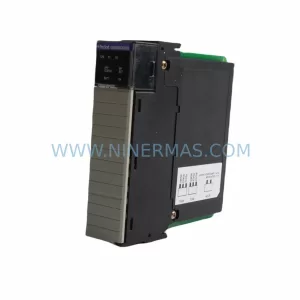
Catalog Continuation
Alternative parts within PLC & Industrial Automation Modules.
Stay inside the same system family when you need substitutes, adjacent modules, or a broader shortlist for procurement review.
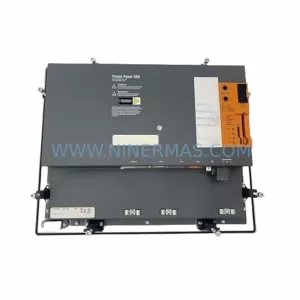
SKU: 5PP520.1043-00
B&R 5PP520.1043-00 Retrofit Power Panel for Legacy Systems
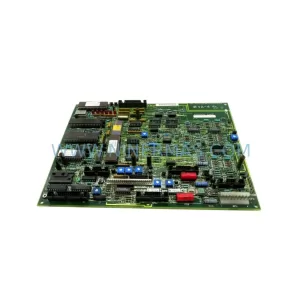
SKU: 531X133PRUALG1
GE 531X133PRUALG1 Retrofit-Compatible Process Interface Board
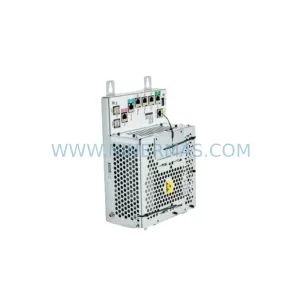
SKU: IRB7600 3HAC17484-1 3HAC062339-006 IRB6620 3HAC025007-001 DSQC1018 3HAC050363-001 DSQC1000 3HAC042766-001
ABB 3HAC17484-1 Service-Ready Spare for Industrial Maintenance
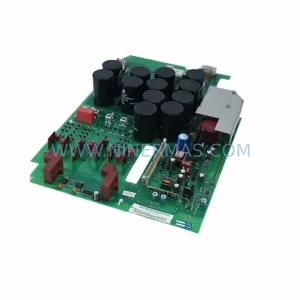
SKU: 6SE7023-4TC84-1HF3
Siemens 6SE7023-4TC84-1HF3 Service-Ready Industrial Spare